Your Browsing History
Meet Your Seller
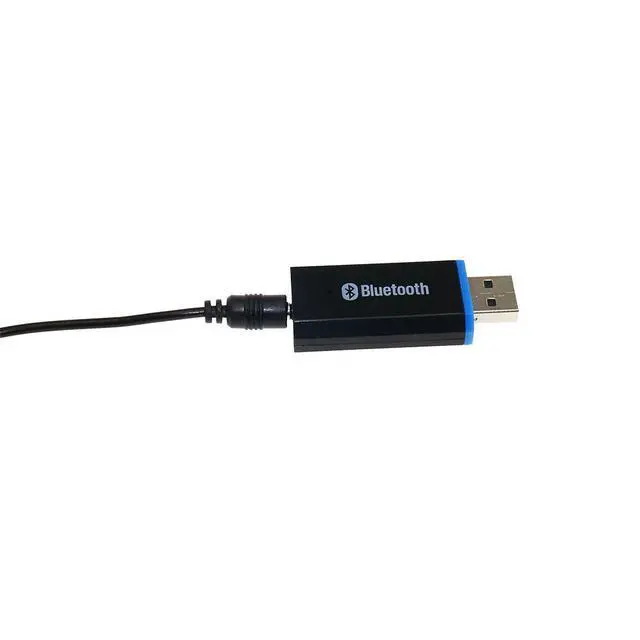
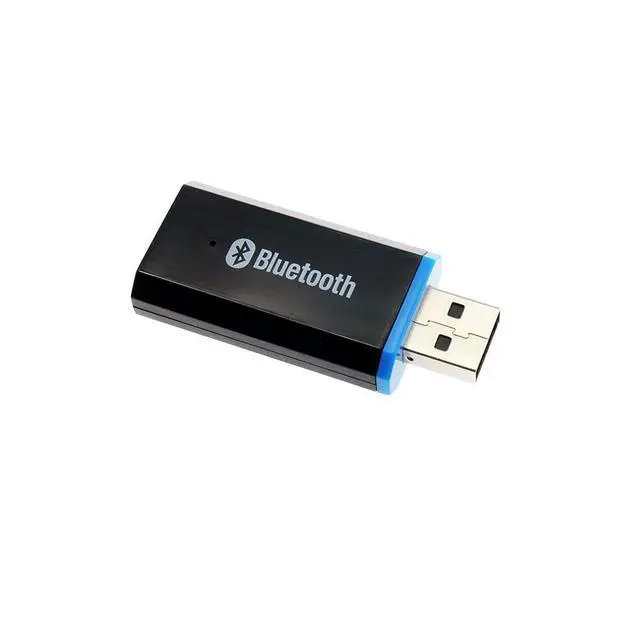
USB Bluetooth Music Receiver Wireless Car Adapter, Home Audio Dongle, A2DP Stereo, Hands-Free Calling, for Phone/Tablet/PC
- I. Product Description
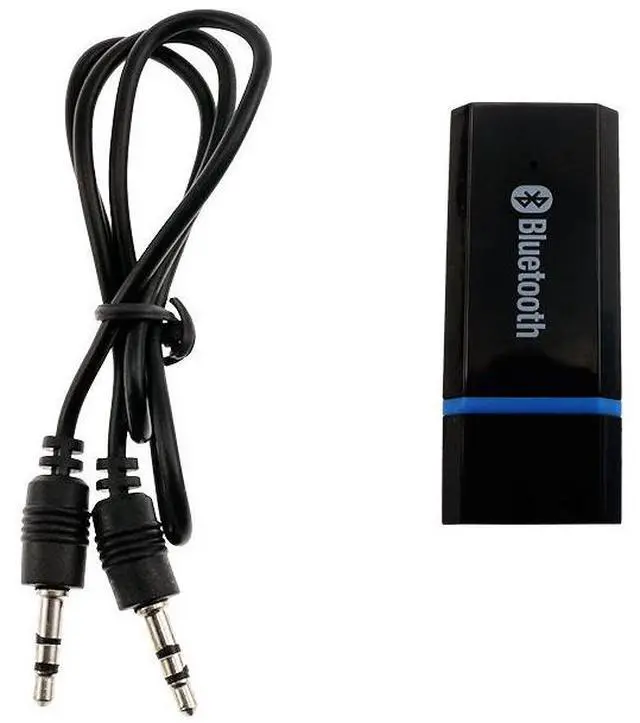
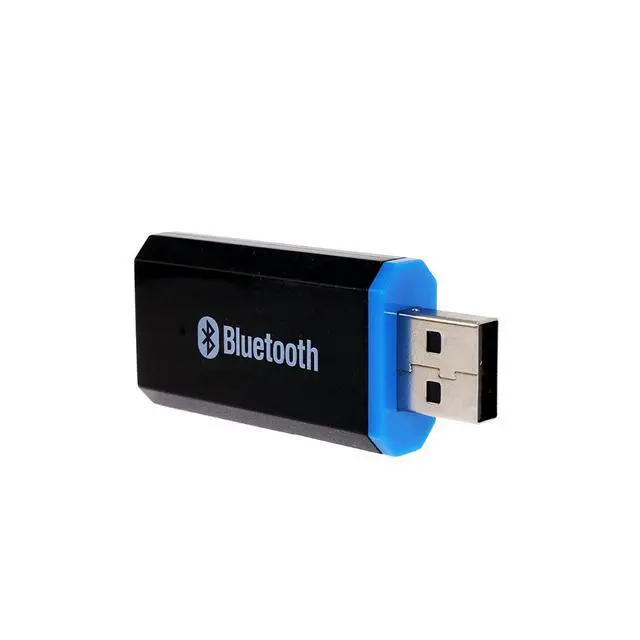
- The Speaker Bluetooth Receiver is a cost-effective Bluetooth stereo receiver that supports iPhones, iPads, Android phones, computers, and other Bluetooth-enabled digital devices, enabling wireless stereo audio transmission.
- Key Features:
- Converts wired speakers to wireless pairs with Bluetooth phones, iPads, and Bluetooth computers for cable-free audio streaming.
- II. User Guide
- 1. Connecting to Speakers
- Method 1 For speakers without a USB port:
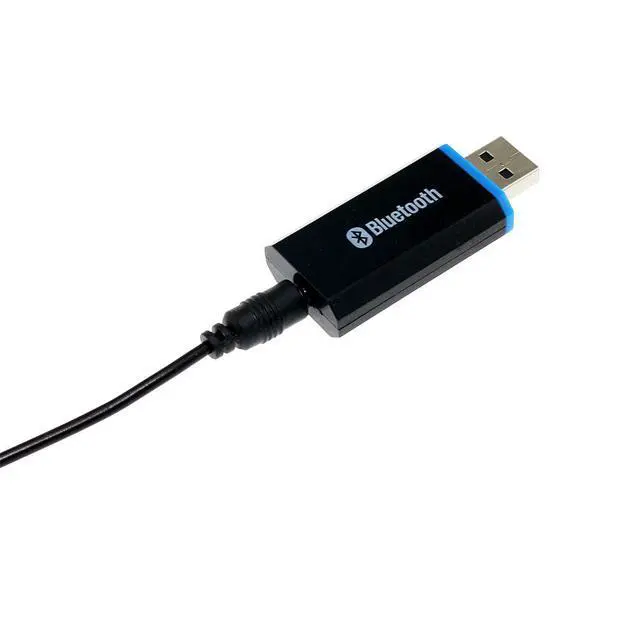
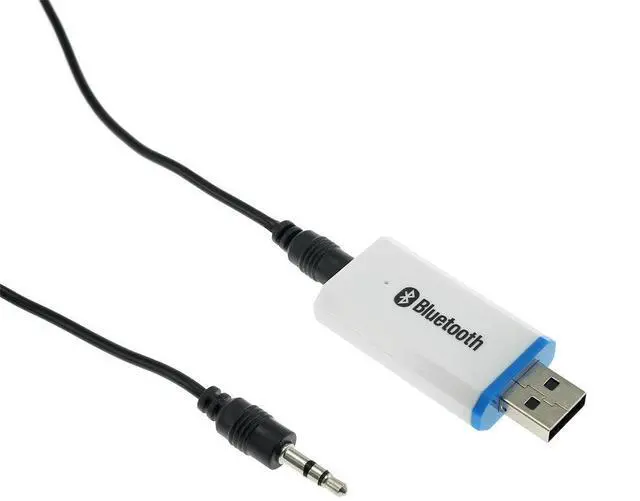
- Plug the Bluetooth USB receiver into a 5V USB charger, then connect the audio cable to the AUX input port on the speaker.
- Method 2 For speakers with a USB port:
- Plug the Bluetooth USB receiver directly into the speakers USB port, then connect the audio cable to the AUX input port.
- 2. Pairing
- Turn on Bluetooth on your phone (or computer) and search for nearby Bluetooth devices. Find a device named "YET-M1" in the search results. Select it and pair. Once paired successfully, the indicator light on the receiver will flash slowly.
- After pairing, play music on your phone, then select the Bluetooth output option in the playback menu. The music will stream wirelessly through your speakers.
+
+
Overview
Specs
Reviews
Any questions? Our AI mode will help you find out quickly.
Try me now
I. Product Description
The Speaker Bluetooth Receiver is a cost-effective Bluetooth stereo receiver that supports iPhones, iPads, Android phones, computers, and other Bluetooth-enabled digital devices, enabling wireless stereo audio transmission.
Key Features:
- Converts wired speakers to wireless pairs with Bluetooth phones, iPads, and Bluetooth computers for cable-free audio streaming.
II. User Guide
1. Connecting to Speakers
Method 1 For speakers without a USB port:
- Plug the Bluetooth USB receiver into a 5V USB charger, then connect the audio cable to the AUX input port on the speaker.
Method 2 For speakers with a USB port:
- Plug the Bluetooth USB receiver directly into the speakers USB port, then connect the audio cable to the AUX input port.
2. Pairing
- Turn on Bluetooth on your phone (or computer) and search for nearby Bluetooth devices. Find a device named "YET-M1" in the search results. Select it and pair. Once paired successfully, the indicator light on the receiver will flash slowly.
- After pairing, play music on your phone, then select the Bluetooth output option in the playback menu. The music will stream wirelessly through your speakers.
Warranty & Returns
Warranty, Returns, And Additional Information
Warranty
- Please contact the Seller directly for warranty information. Warranty information may also be found on the Manufacturer's website.
- CONTACT
Return Policies
- Return for refund within: 30 days
- Return for replacement within: 30 days
- This item is covered by SlotNeat Return Policy
Manufacturer Contact Info
- For a directory of all our manufacturers, please click below.
- Manufacturers Directory
LOADING...