




 here!
here!
I’m your shopping assistant for PC builds, upgrades, and everything tech.
Got questions? Ask away!
Start a conversation
here!
I’m your shopping assistant for PC builds, upgrades, and everything tech.
Got questions? Ask away!
Start a conversation



Any questions? Ask CelesteSM will help you find out quickly.


What kind of vehicles is this adapter compatible with?
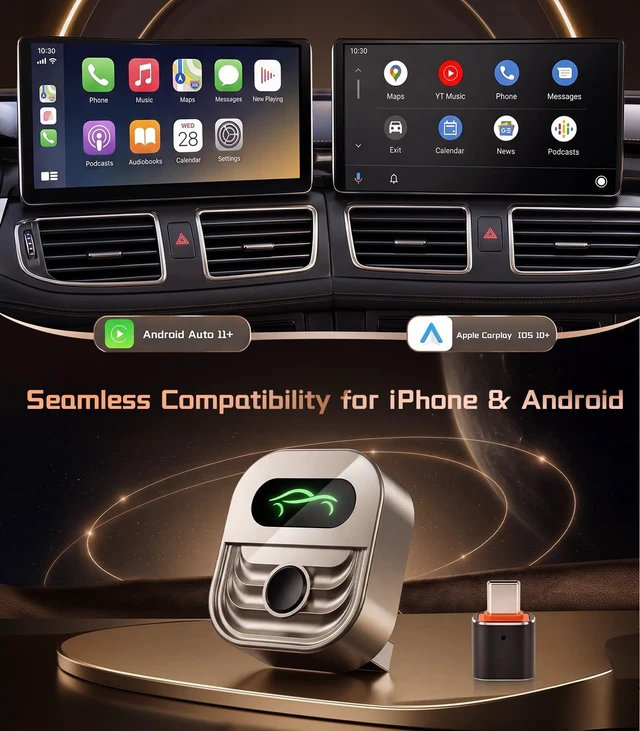
Compatible with vehicles that already support wired CarPlay or wired Android Auto. It upgrades your factory wired system to wireless, but does not add CarPlay/Android Auto to cars without built-in wired support.
What phones is this adapter compatible with?
Works with iPhone running iOS 10+ for wireless CarPlay and Android phones running Android Auto 11+. Your vehicle must also support wired CarPlay or wired Android Auto.
Can two people use it with the same car?
Yes. Multiple phones can be paired, ideal for couples, families, or shared cars. It reconnects to the last used phone, and you can switch phones when needed. Keep only the intended phone active nearby.
Do I need to plug in my phone every time I drive?
No. After first pairing, the adapter is designed to reconnect automatically when you start your car, so you can use CarPlay or Android Auto without plugging in your phone every drive.
How can I get the most stable wireless connection?
For best performance, plug the adapter directly into your car’s USB port, keep WiFi and Bluetooth on, avoid USB hubs or long extension cables, and remove old pairing records before reconnecting.


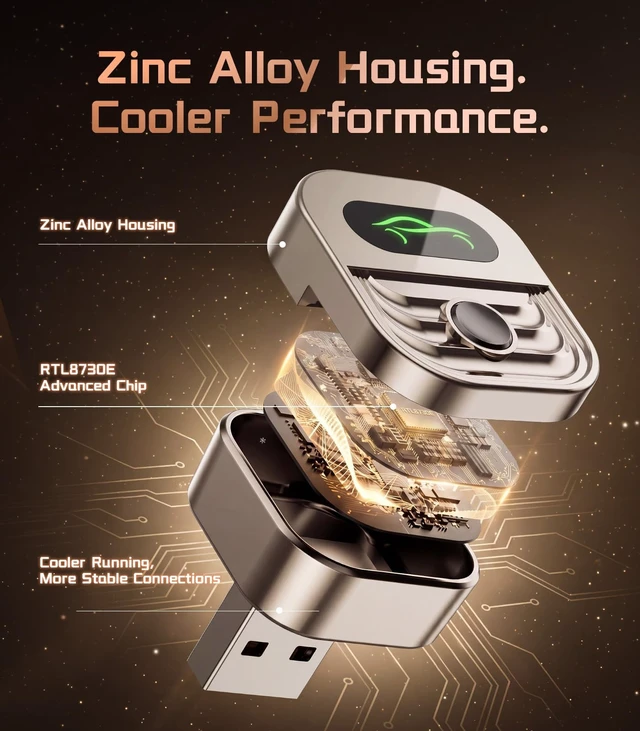
Durable, Elegant, Better Heat dissipation

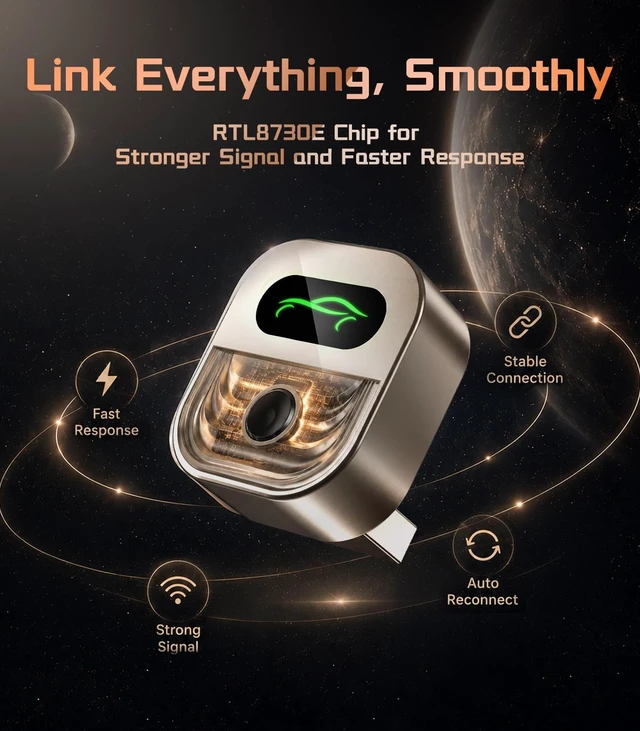
The most advantaged chip for an ultimate performance

4 steps heat dissipation path

Reduced heat build up, supports reliable long-term use


What kind of vehicles is this adapter compatible with?
Compatible with vehicles that already support wired CarPlay or wired Android Auto. It upgrades your factory wired system to wireless, but does not add CarPlay/Android Auto to cars without built-in wired support.
What phones is this adapter compatible with?
Works with iPhone running iOS 10+ for wireless CarPlay and Android phones running Android Auto 11+. Your vehicle must also support wired CarPlay or wired Android Auto.
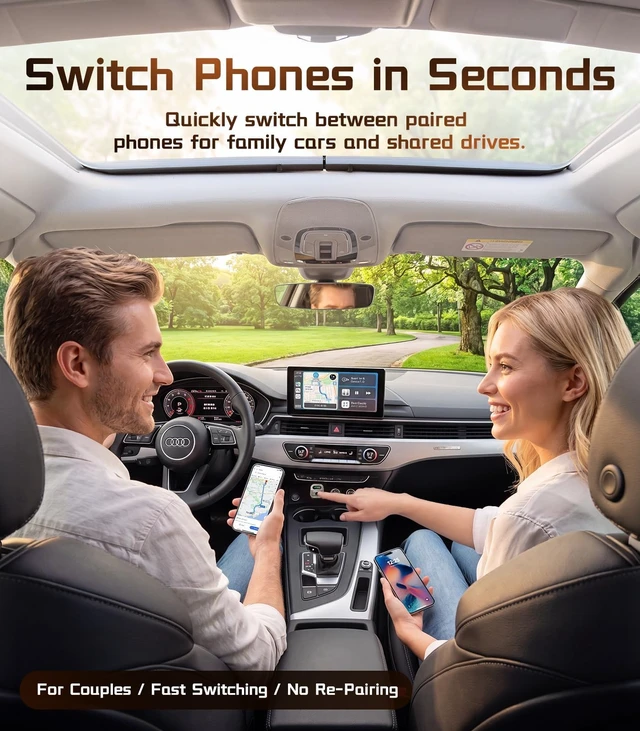
Can two people use it with the same car?
Yes. Multiple phones can be paired, ideal for couples, families, or shared cars. It reconnects to the last used phone, and you can switch phones when needed. Keep only the intended phone active nearby.
Do I need to plug in my phone every time I drive?
No. After first pairing, the adapter is designed to reconnect automatically when you start your car, so you can use CarPlay or Android Auto without plugging in your phone every drive.
How can I get the most stable wireless connection?
For best performance, plug the adapter directly into your car’s USB port, keep WiFi and Bluetooth on, avoid USB hubs or long extension cables, and remove old pairing records before reconnecting.
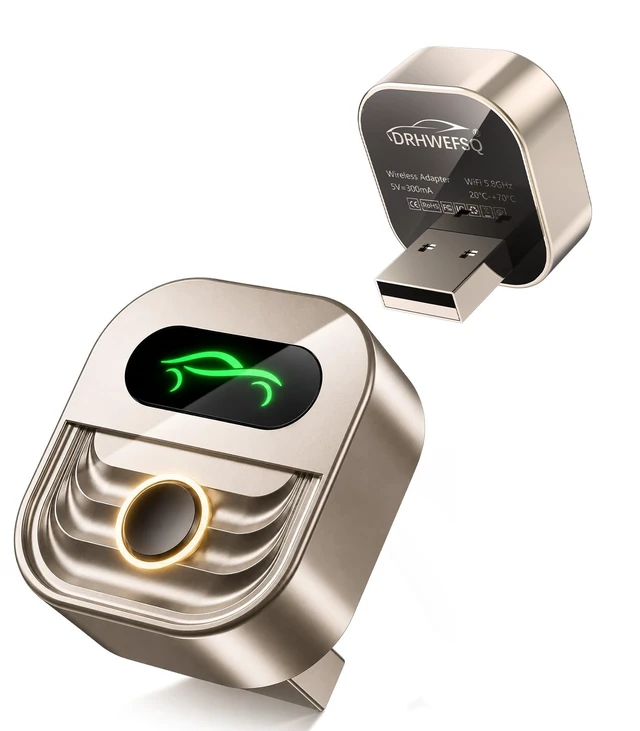
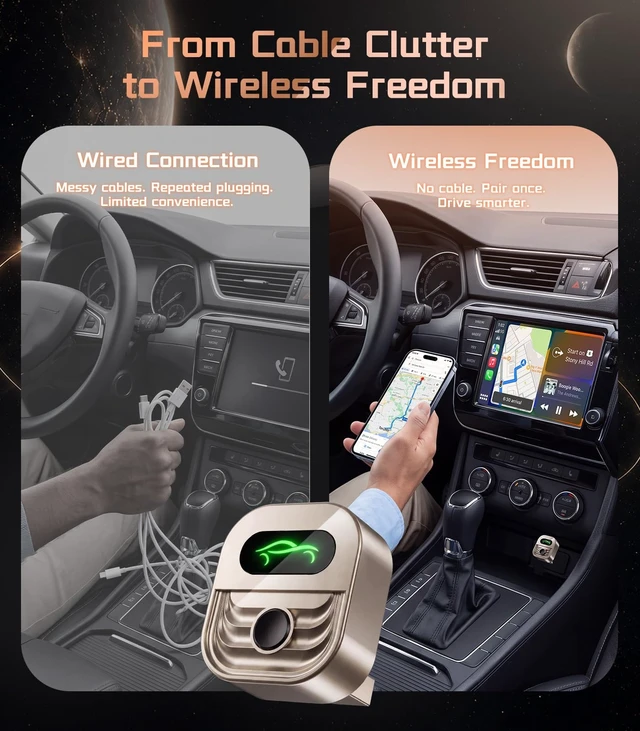
The DRHWEFSQ 2026 Upgraded Wireless CarPlay Adapter brings a seamless, cable-free experience to your vehicle's existing wired CarPlay system. Simply plug it in and enjoy the freedom of connecting your iPhone wirelessly, eliminating the hassle of tangled cords every time you get in the car. Designed with the latest upgrades for 2026, this adapter delivers a stable and responsive connection so you can access navigation, music, calls, and messages with minimal lag. The compact design means it stays out of the way once installed, fitting discreetly into your car's USB port. Setup is straightforward, making it a great choice for everyday drivers who want a smarter, more convenient in-car experience without replacing their existing head unit. Compatible with a wide range of vehicles that support wired CarPlay, this adapter is a practical upgrade for anyone looking to modernize their daily commute.


