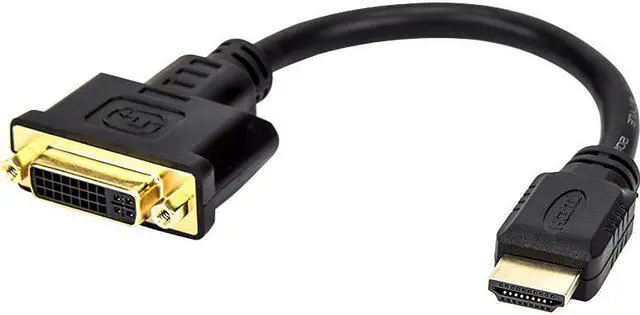
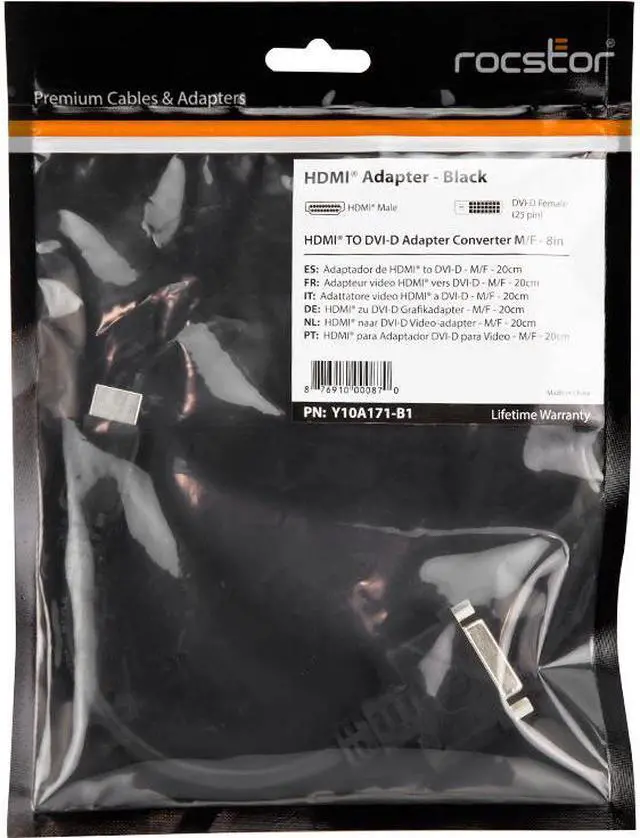
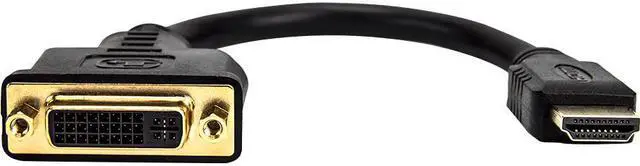
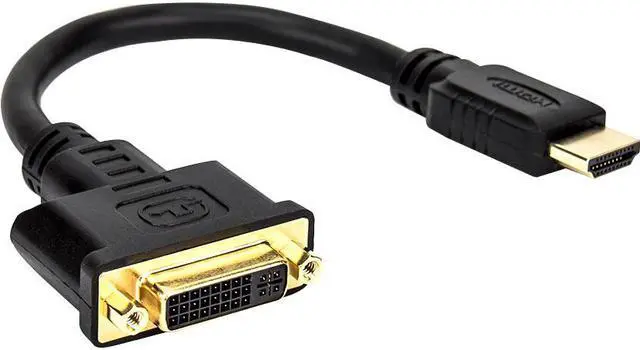
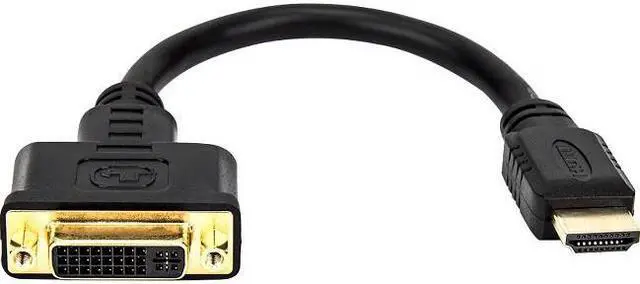
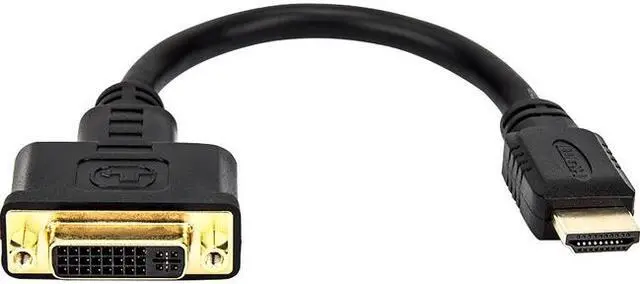
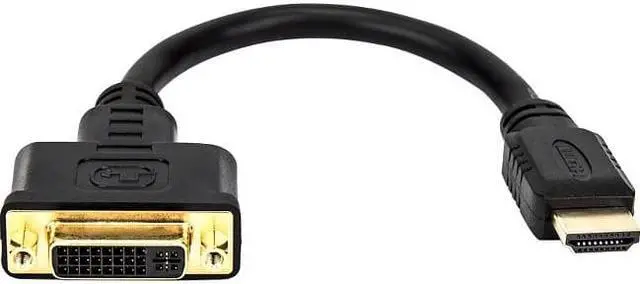
The Rocstor Y10A171-B1 is an 8-inch HDMI-to-DVI-D adapter with a 19-pin HDMI male plug and a DVI-D female socket, suited to users who need to connect equipment or cables with those matching connector types.
Recommended For
- People connecting an HDMI-output laptop or desktop to a DVI-D monitor for a fixed desk setup, when the adapter’s connector ends match their cable and devices.
- Users reusing a DVI-D monitor as a secondary screen for computer work, provided their devices support a compatible digital video mode.
- People connecting an HDMI video source to a DVI display who plan to use separate speakers or another audio connection.
- Technicians or home-office users who need a short adapter for occasional HDMI-to-DVI-D display connections rather than replacing their existing cable.
Real-World Use Scenarios
- Connect an HDMI-equipped desktop or laptop to an older DVI-D monitor: use the adapter with a compatible DVI cable, and the monitor can serve as a computer display if the devices support a compatible video mode.
- Reuse a spare DVI monitor as a second screen for an HDMI-output computer: the adapter can help bridge the display connection, provided the computer supports an additional monitor and the cable ends match.
- Connect an HDMI source to a DVI-equipped projector for a presentation: the adapter can carry the picture, but plan a separate audio connection if the presentation includes sound.
- Use a DVI display with an HDMI-equipped media device when you need a picture on the screen: DVI does not carry audio, so use the device’s speakers or a separate audio connection for sound.
Spec Summary
| Attribute | Value |
|---|
| Best For | Connecting computers, laptops, monitors, or televisions over HDMI-to-DVI-D for personal, gaming, or business use |
|---|
| Connector Configuration | 8-inch adapter with an HDMI 19-pin male connector and a DVI-D female connector |
|---|
| Physical Details | Black adapter with gold-finished connectors; listed dimensions are 8 × 1.61 × 0.6 inches and weight is 0.06 kg |
|---|
| Model Identifiers | Rocstor Y10A171-B1, also identified as Premium Y10A171-B1 |
|---|





 here!
here!
 Top Rated