CORE TECH USB-C to HDMI Cable 6 ft, 4K UHD, Thunderbolt 3 and 4 Compatible, Male-to-Male for Monitors, TVs and Projectors, Black
  •  
  • $19.99 –
  • Save: 16%
Login to Make an Offer
Sold by Newegg

Shipped by Newegg

Price alert

Best Sellers

Top Rated
4 (3,724 total ratings)
  • $14.61
Hot Seller
4.5 (9,026 total ratings)
  • $16.20
Top Rated
4.4 (8,591 total ratings)
  • $18.35
Shop it at NeweggBusiness.

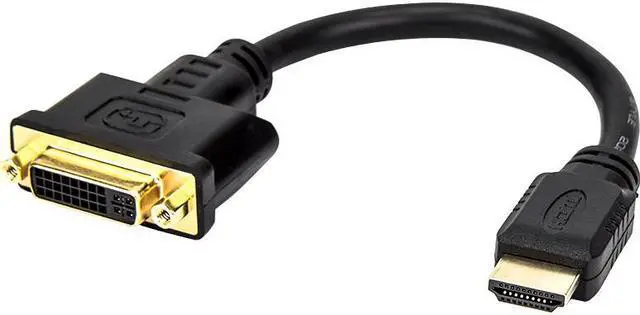
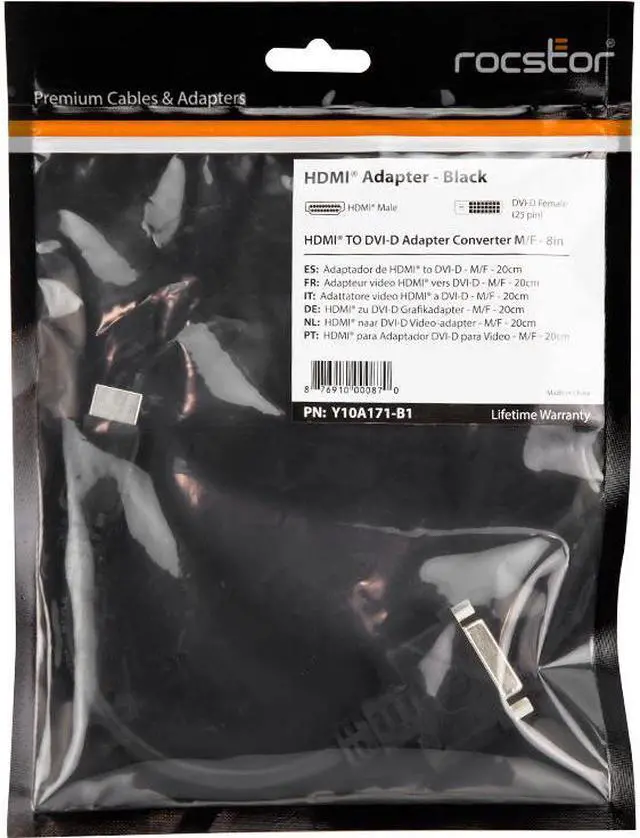
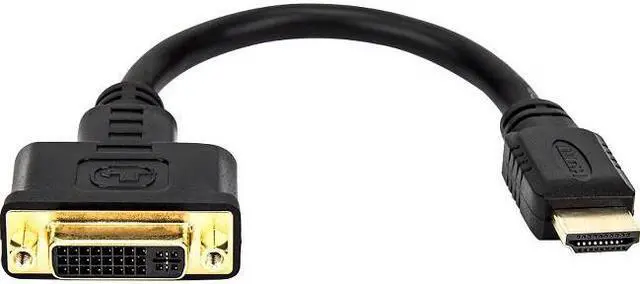
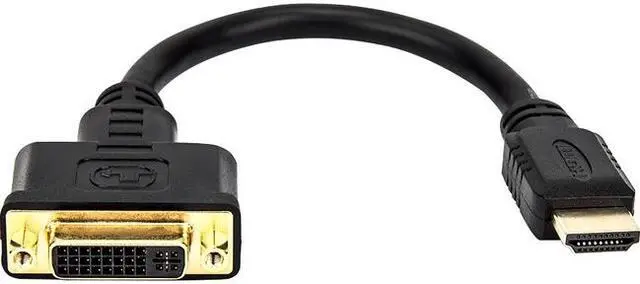
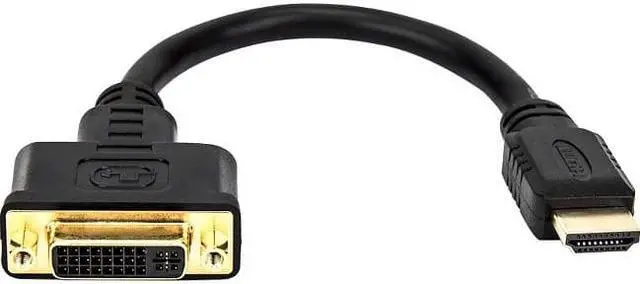
Rocstor 8In Hdmi To Dvi-D Video Cable Adapter -

  • HDMI to DVI
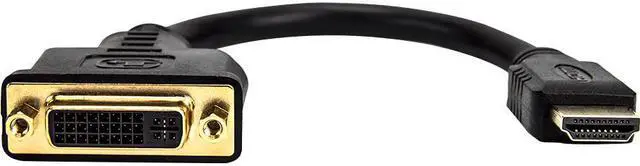
  • 1x HDMI 19pin male
  • 1x DVI-D female
+
+
Overview
Specs
Reviews
See all Q & A

Any questions? Ask CelesteSM will help you find out quickly.

8in hdmi to dvi-d video cable adapter-

Warranty & Returns

Warranty, Returns, And Additional Information

Return Policies

    We want to ensure your holiday shopping this year is hassle-free. That’s why we’re automatically extending our return policies on almost every product! For purchases placed between November 1st, 2025 and December 31, 2025 you will have until January 31, 2026 to return your product.

  • Return for refund until: January 31, 2026
  • Return for replacement until: January 31, 2026
  • This item is covered by Newegg.com's Extended Holiday Return Policy.
  • Read full return policy for details.

Manufacturer Contact Info

LOADING...
LOADING...

The Rocstor Y10A171-B1 is an 8-inch HDMI-to-DVI-D adapter with a 19-pin HDMI male plug and a DVI-D female socket, suited to users who need to connect equipment or cables with those matching connector types.

Recommended For

  • People connecting an HDMI-output laptop or desktop to a DVI-D monitor for a fixed desk setup, when the adapter’s connector ends match their cable and devices.
  • Users reusing a DVI-D monitor as a secondary screen for computer work, provided their devices support a compatible digital video mode.
  • People connecting an HDMI video source to a DVI display who plan to use separate speakers or another audio connection.
  • Technicians or home-office users who need a short adapter for occasional HDMI-to-DVI-D display connections rather than replacing their existing cable.

Real-World Use Scenarios

  • Connect an HDMI-equipped desktop or laptop to an older DVI-D monitor: use the adapter with a compatible DVI cable, and the monitor can serve as a computer display if the devices support a compatible video mode.
  • Reuse a spare DVI monitor as a second screen for an HDMI-output computer: the adapter can help bridge the display connection, provided the computer supports an additional monitor and the cable ends match.
  • Connect an HDMI source to a DVI-equipped projector for a presentation: the adapter can carry the picture, but plan a separate audio connection if the presentation includes sound.
  • Use a DVI display with an HDMI-equipped media device when you need a picture on the screen: DVI does not carry audio, so use the device’s speakers or a separate audio connection for sound.

Spec Summary

AttributeValue
Best ForConnecting computers, laptops, monitors, or televisions over HDMI-to-DVI-D for personal, gaming, or business use
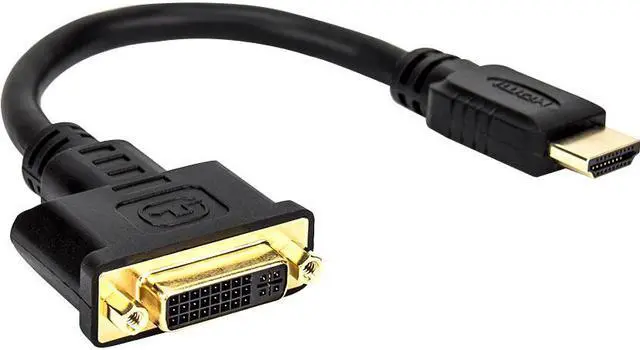
Connector Configuration8-inch adapter with an HDMI 19-pin male connector and a DVI-D female connector
Physical DetailsBlack adapter with gold-finished connectors; listed dimensions are 8 × 1.61 × 0.6 inches and weight is 0.06 kg
Model IdentifiersRocstor Y10A171-B1, also identified as Premium Y10A171-B1