here!
here!
I’m your shopping assistant for PC builds, upgrades, and everything tech.
Got questions? Ask away!
Start a conversation
here!
I’m your shopping assistant for PC builds, upgrades, and everything tech.
Got questions? Ask away!
Start a conversation



Any questions? Ask CelesteSM will help you find out quickly.
 Alwtniet HY300 Pro+ | 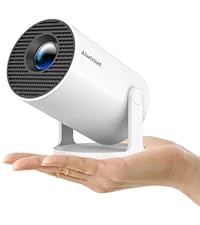 Alwtniet HY300 Pro | 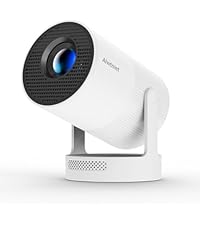 Alwtniet HY300 Utral | 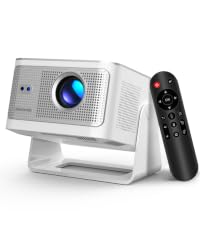 Alwtniet HY350Max | 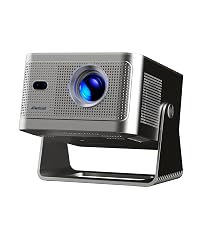 Alwtniet HY350GT | |
|---|---|---|---|---|---|
Customer Reviews | — | — | — | — | — |
Price | — | — | — | — | — |
Display Resolution | Native 720P | Native 720P | Native 720P | Native 1080P | Native 1080P |
Brightness | 200ANSI | 200ANSI | 260ANSI | 600ANSI | 650ANSI |
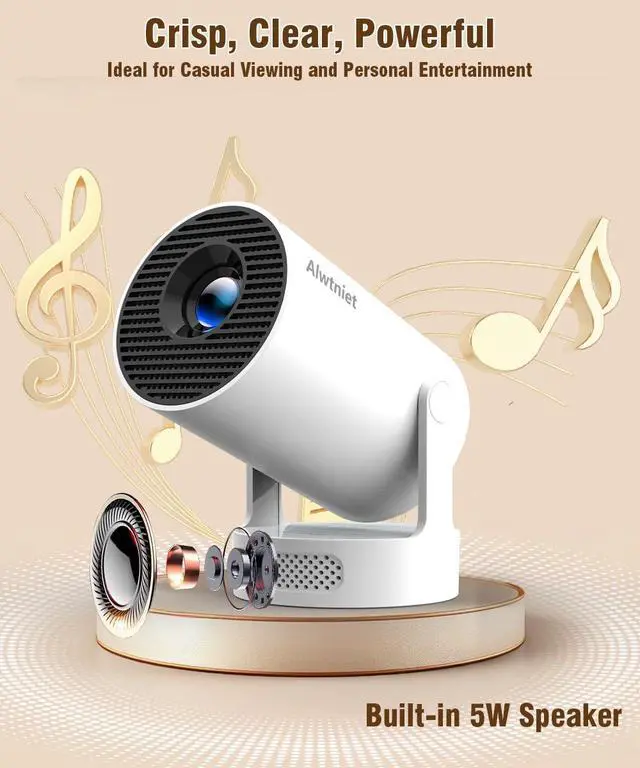
Speaker | 5W Soundbase Speaker | 3W Soundbase Speaker | 5W Soundbase Speaker | 15W Soundbase Speaker | 15W Soundbase Speaker |
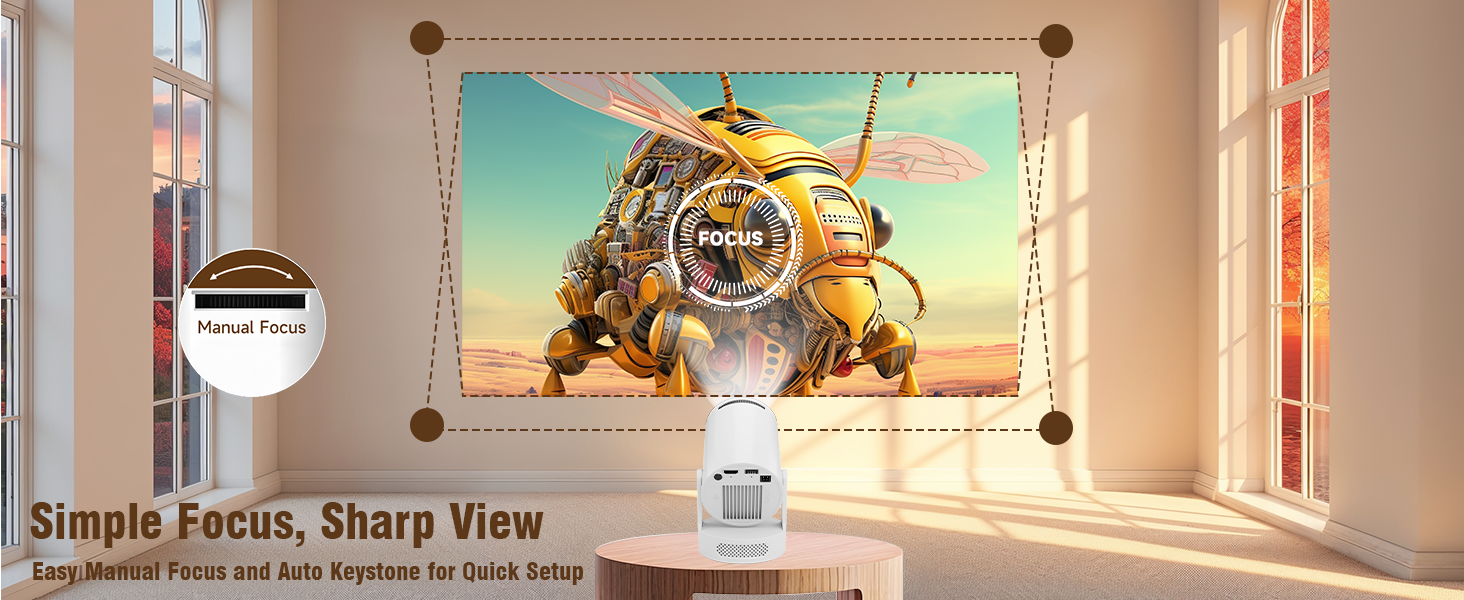
Focus Mode | Manual Focus | Manual Focus | Electric Focus | Auto Focus | Auto Focus |
Auto Keystone Correction | Vertical | Vertical | Vertical | 6D keystone | 6D keystone |
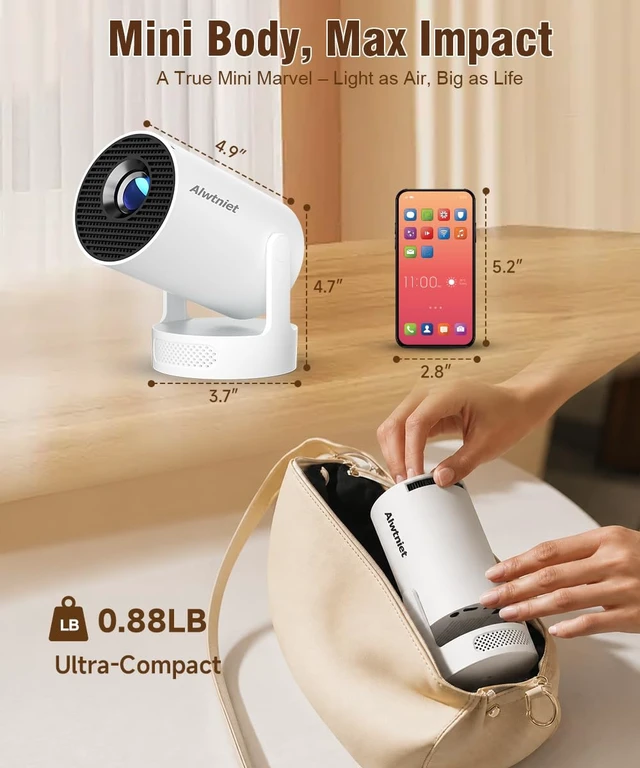
Weight | 400g/0.88lb | 350g/0.77lb | 560g/1.23lb | 1.4kg/3.08BL | 1.4kg/3.08BL |




Alwtniet HY300 Pro+ | Alwtniet HY300 Pro | Alwtniet HY300 Utral | Alwtniet HY350Max | Alwtniet HY350GT |
|---|---|---|---|---|
| Customer Reviews | ||||
| — | — | — | — | — |
| Price | ||||
| — | — | — | — | — |
| Display Resolution | ||||
| Native 720P | Native 720P | Native 720P | Native 1080P | Native 1080P |
| Brightness | ||||
| 200ANSI | 200ANSI | 260ANSI | 600ANSI | 650ANSI |
| Speaker | ||||
| 5W Soundbase Speaker | 3W Soundbase Speaker | 5W Soundbase Speaker | 15W Soundbase Speaker | 15W Soundbase Speaker |
| Focus Mode | ||||
| Manual Focus | Manual Focus | Electric Focus | Auto Focus | Auto Focus |
| Auto Keystone Correction | ||||
| Vertical | Vertical | Vertical | 6D keystone | 6D keystone |
| Weight | ||||
| 400g/0.88lb | 350g/0.77lb | 560g/1.23lb | 1.4kg/3.08BL | 1.4kg/3.08BL |
| Why OTA Update Before Use? | To ensure optimal performance and take advantage of our latest features and updates, please upgrade to the most recent software version before first use. You can do this by navigating to Settings > About device > Online upgrade. |
|---|---|
| Is It Good for Daytime Use? | Due to its brightness limitations, the projector is ideal for dark environments, such as a backyard at night, a campsite after sunset, a living room with closed curtains, or a bedroom with the lights turned off. |
| Info on Streaming Services | Due to the HDCP (High-bandwidth Digital Content Protection) agreement, screen mirroring may not function properly (no image or sound) when attempting to mirror content from certain apps, such as Prime Video, Hulu, and others. We recommend that you use a streaming device such as a Fire Stick or Roku. |
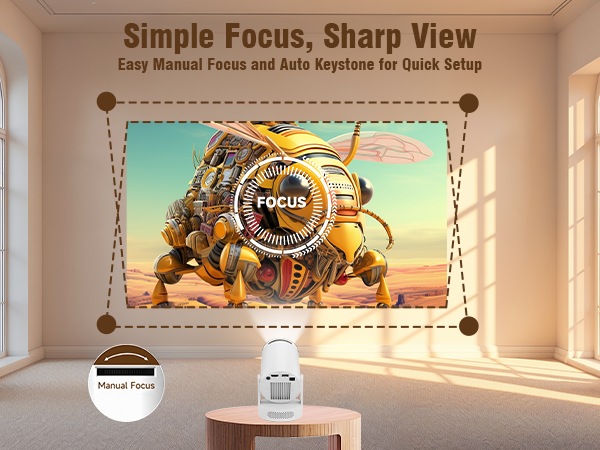
| Activate Manual Focus? | To help you fine-tune the sharpness of your projection, the projector features an internal gear mechanism. Simply rotate the gear to adjust the focus and achieve your desired level of clarity. |
| How to Get a Square Image? | "Automatic vertical keystone correction works best when the projector lens is directly facing the wall. If the results are unsatisfactory, follow these steps: 1. Place the projector on a flat surface and ensure the lens is perpendicular to the wall. 2. Navigate to Settings > Projection Settings > Keystone Correction > Initial Angle Correction. 3. If needed, disable the automatic keystone correction and make manual adjustments for optimal alignment." |
| Adjust Picture Settings? | If the initial image quality is not to your liking, you can fine-tune the display parameters in user mode. Simply navigate to Settings > Projection Settings > Display Settings to customize and optimize your picture settings. |
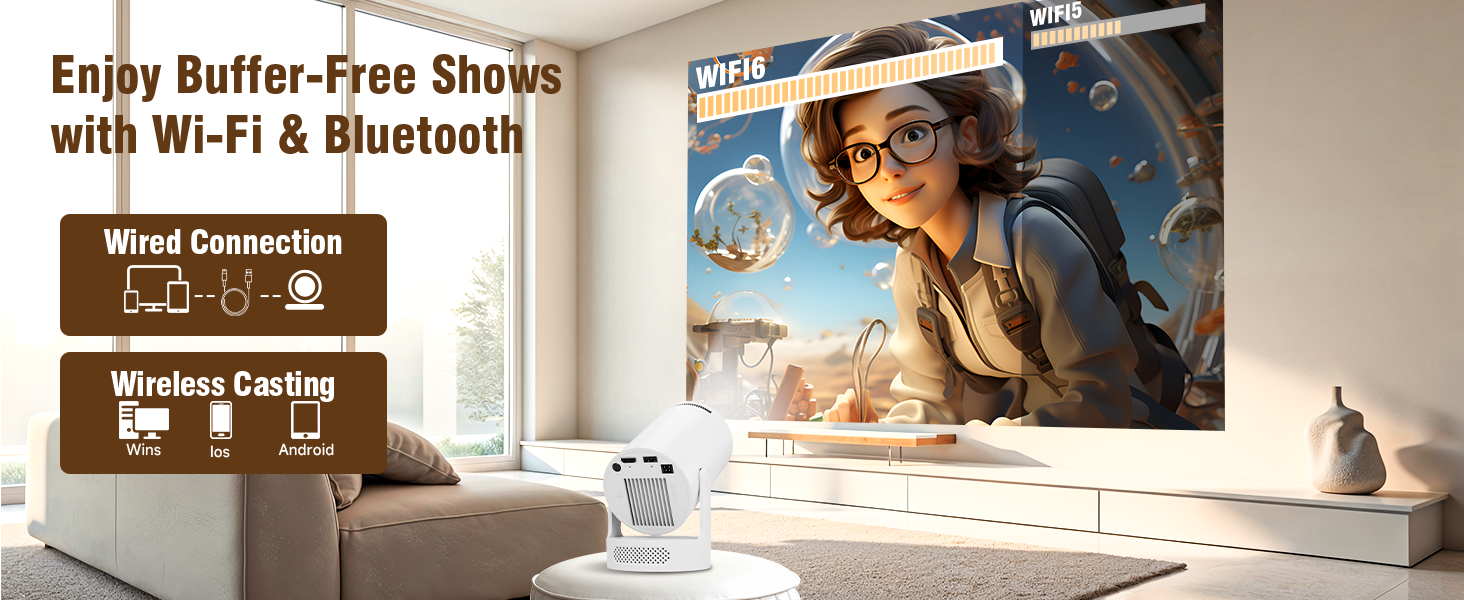
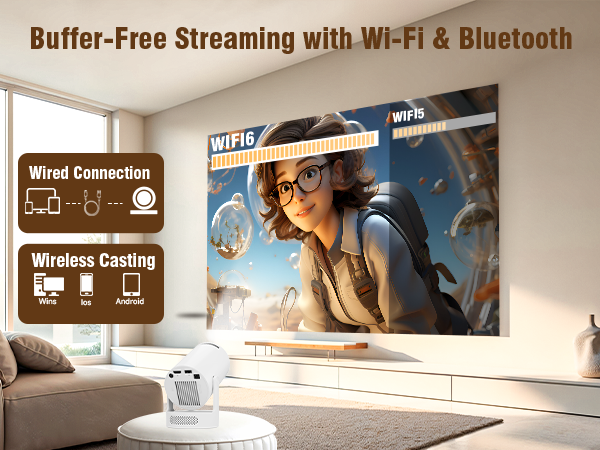
| Can’t Connect to Wi-Fi? | "1. Ensure the projector and your router are within 16 feet (5 meters) of each other. Check if other devices connect to Wi-Fi. 2. Check the time zone settings by navigating to Settings > Time and Date > Time Zone and ensure it is accurate. 3. Attempt to connect to a different Wi-Fi network or use your phone's hotspot as an alternative. 4. Test both the 2.4GHz and 5GHz frequency bands on your router. 5. Reset the projector by going to Settings > Other Settings > Restore Factory Settings. " |
| Screen-Mirror iOS? | "1.Ensure your device is updated to the latest version. You can do this by navigating to Settings > About device > Online upgrade. 2.Open the ScreenCast app. 3.Use AirPlay on your iOS device, making sure both devices are connected to the same Wi-Fi network." |
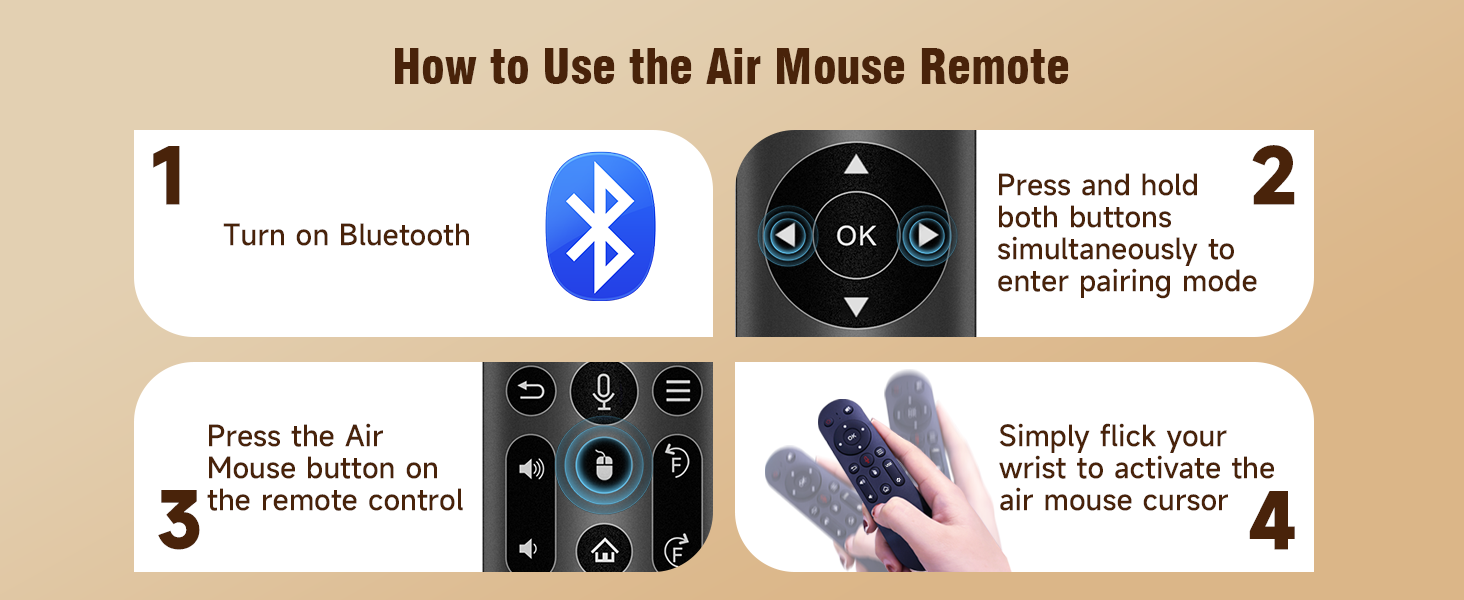
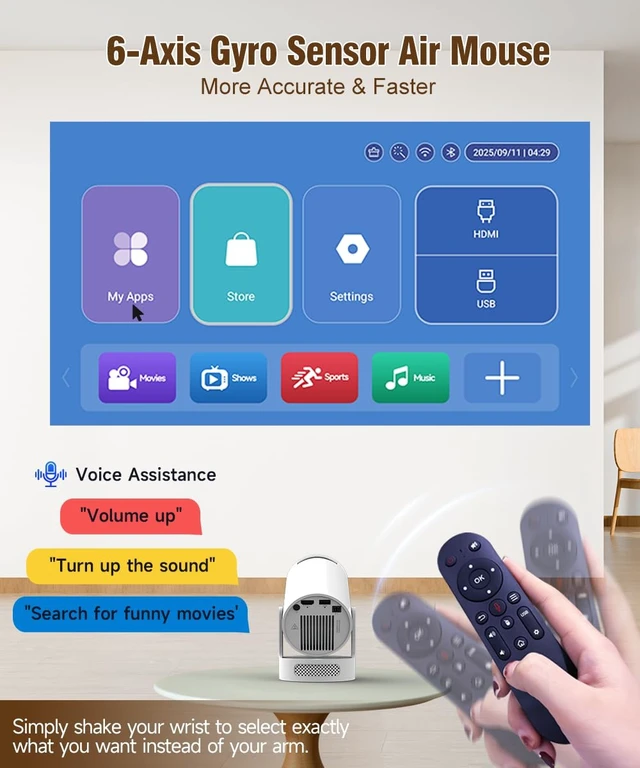
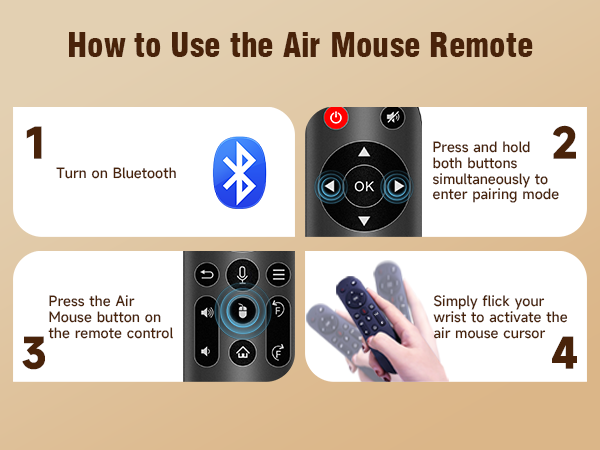
| How to Use Air Mouse Remote? | "Some apps are designed for mobile devices and require the mouse mode to be activated for navigation. Follow these steps to enable the air mouse function: 1. Open the Bluetooth settings on your device. 2. Press and hold both the “Left” and “Right” buttons simultaneously to enter pairing mode. 3. Press the “Mouse” icon on the remote to activate the air mouse function. 4. Move your wrist to control the cursor using the air mouse feature." |
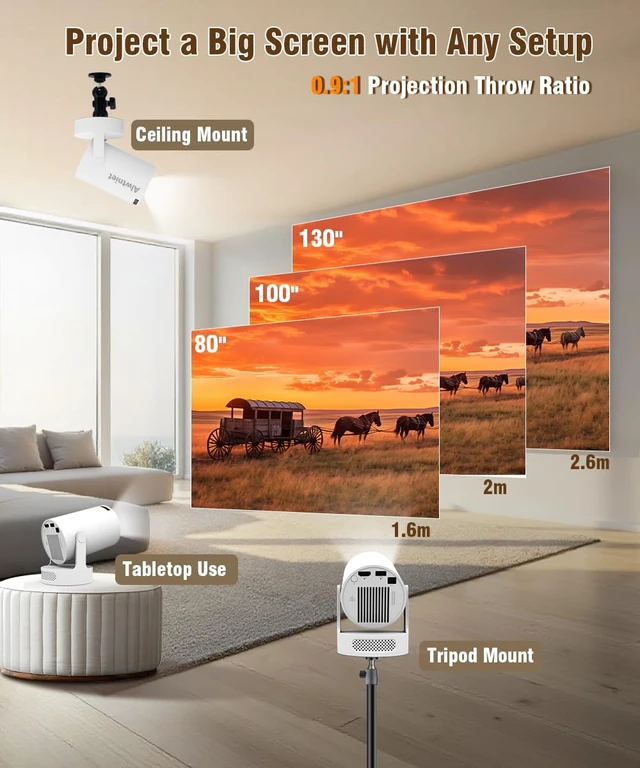
| Projection Distance? | The distance between the projector and the projection surface must be a minimum of 0.6 m and a maximum of 2.5m. This ensures a projection image between 40" and 110". |


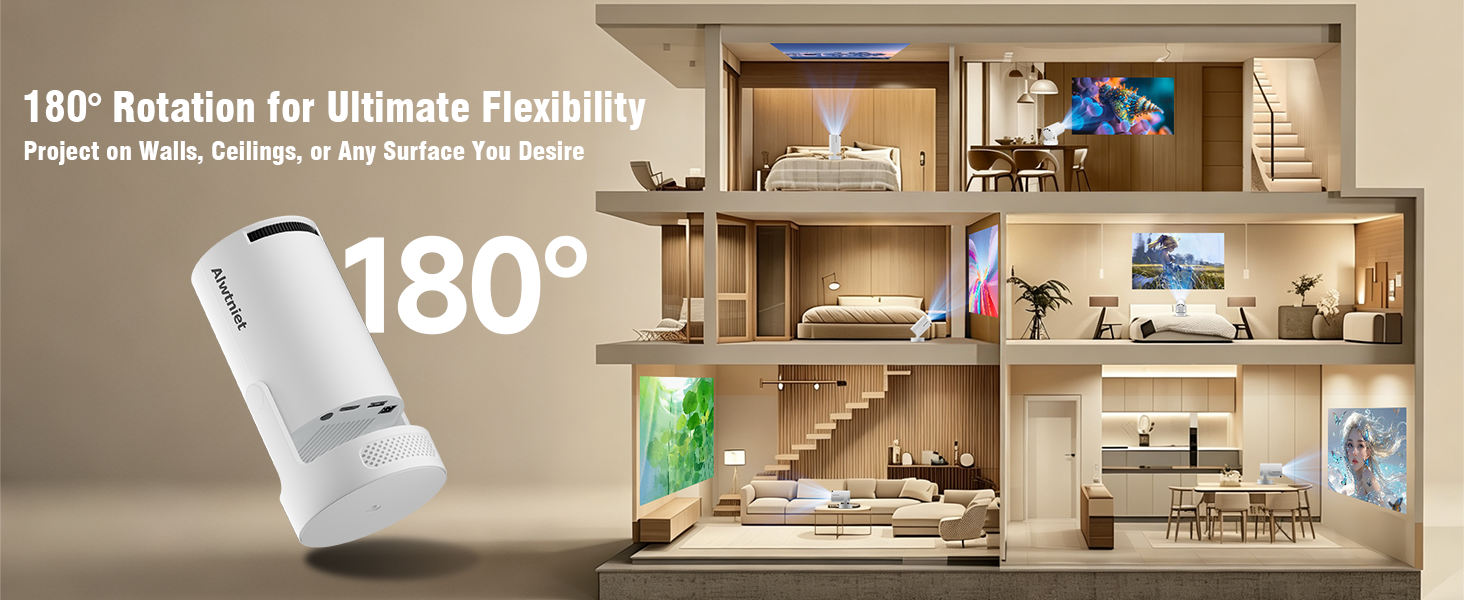
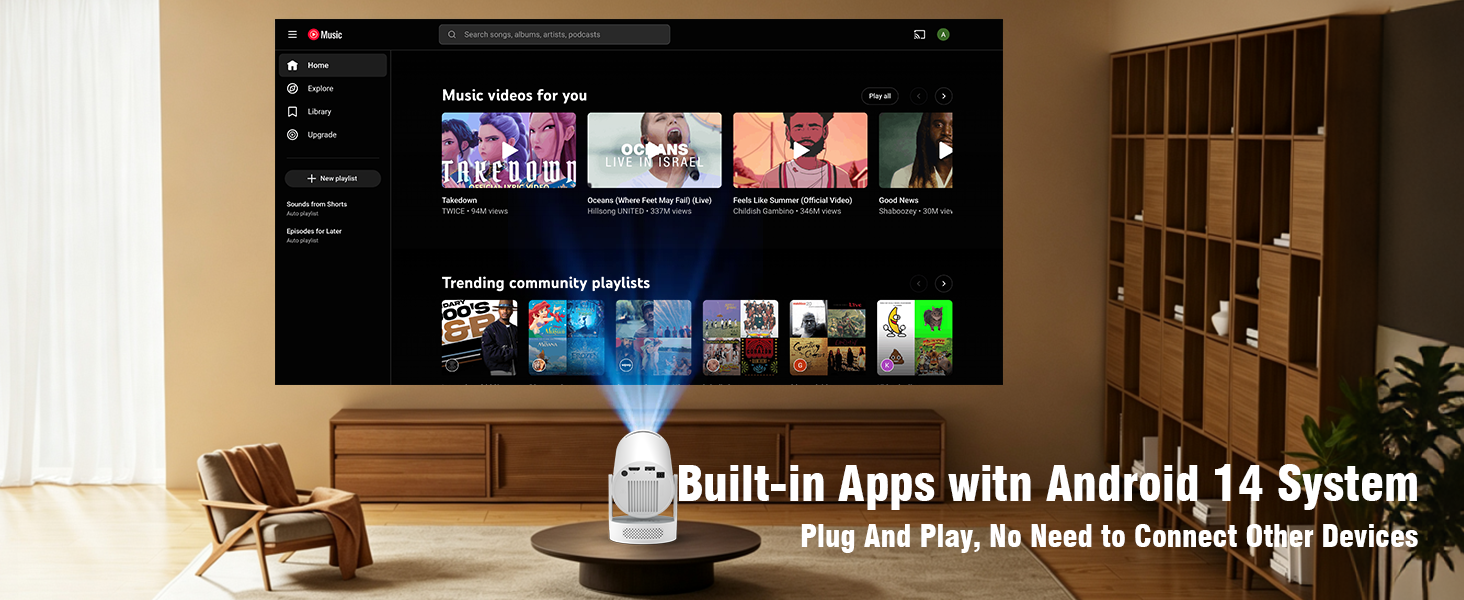
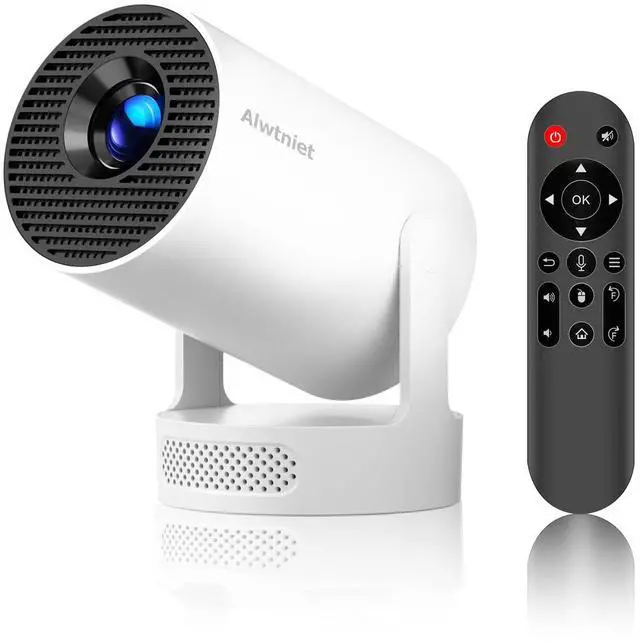
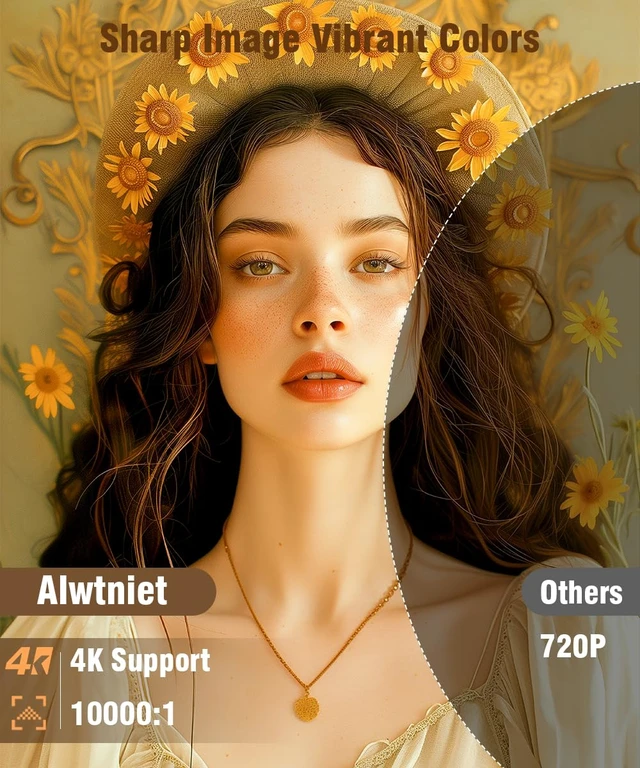
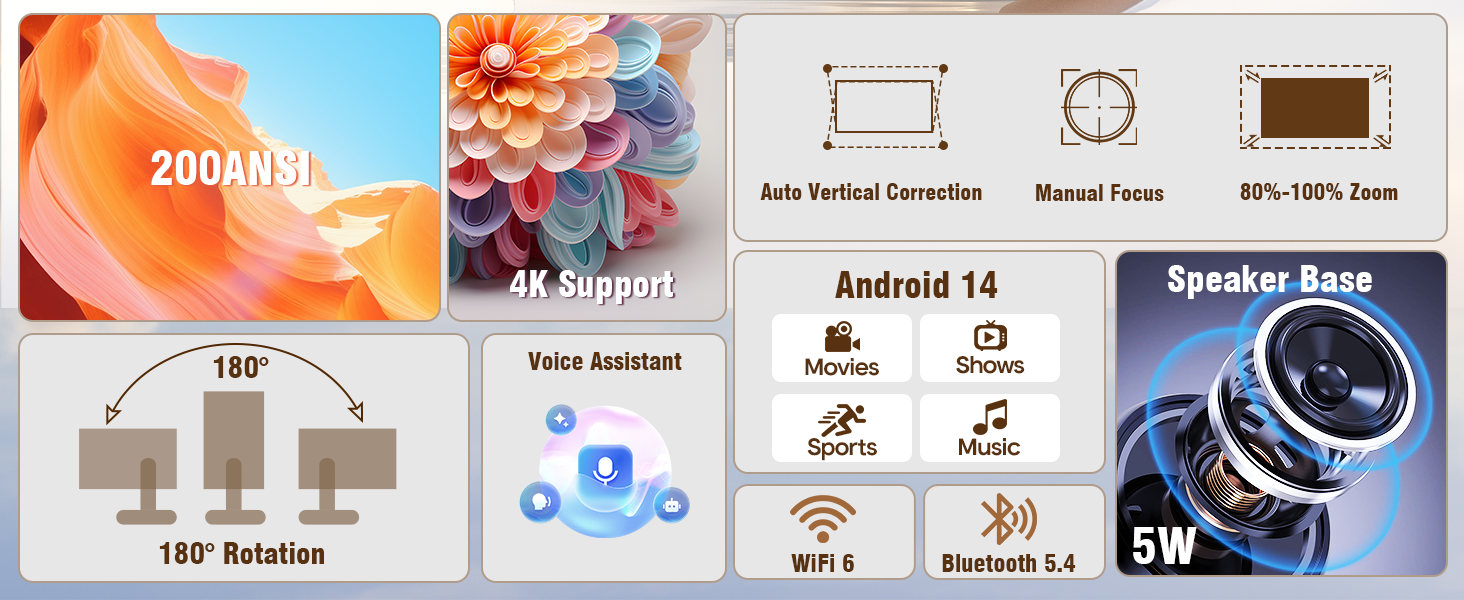
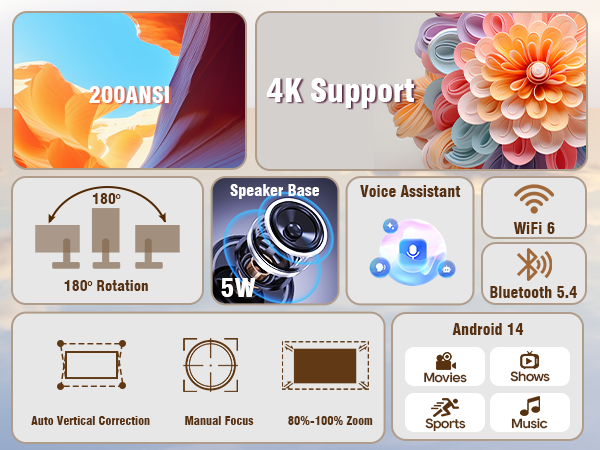
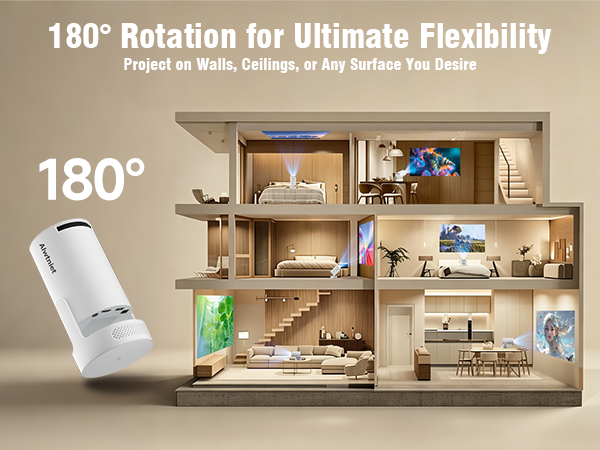
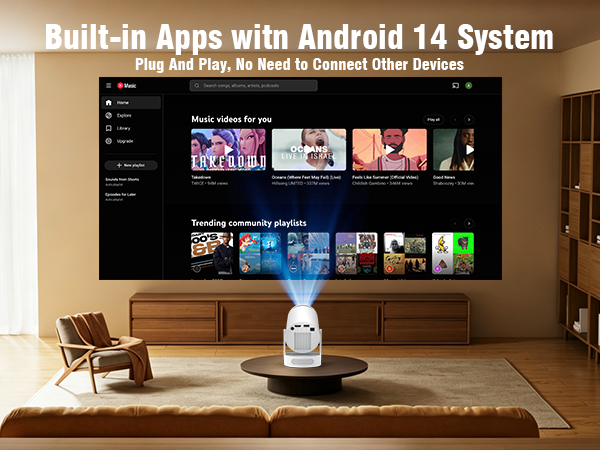
Alwtniet Mini Projector With Wifi 6 And Bluetooth 5.4 All-in-One Entertainment Package: Native 720P with 200 ANSI Lumens for razor-sharp images Smart Projector with 4K Support for Ultra-HD content 1GB RAM + 8GB Storage for all apps and content WiFi 6 & Bluetooth 5.4 for the most stable connections Ultra Short Throw Projector with 0.9:1 Throw Ratio - ideal for small bedrooms Highlights: 4K Mini Projector - compact and powerful 50,000 hours LED lifespan 180° Flexible Projection for versatile setup 5W Speaker with rich sound Outdoor Projector Suitable - perfect for camping and garden use Perfect For: Home Cinema - Enjoy movies in 4K quality Gaming - Perfect connection with PS5 and more Mini Projector for Mobile - Easy connection with mobile devices Package Includes: Mini Projector Remote Control Power Adapter User Manual Ready to use immediately - This smart projector is ready for your 4K home cinema right out of the box! Specifications: Projection Size: 35-135 inches Recommended Distance: 0.75-2.65 m Dimensions:95*95*117 mm