




 here!
here!
I’m your shopping assistant for PC builds, upgrades, and everything tech.
Got questions? Ask away!
Start a conversation
here!
I’m your shopping assistant for PC builds, upgrades, and everything tech.
Got questions? Ask away!
Start a conversation




Any questions? Ask CelesteSM will help you find out quickly.


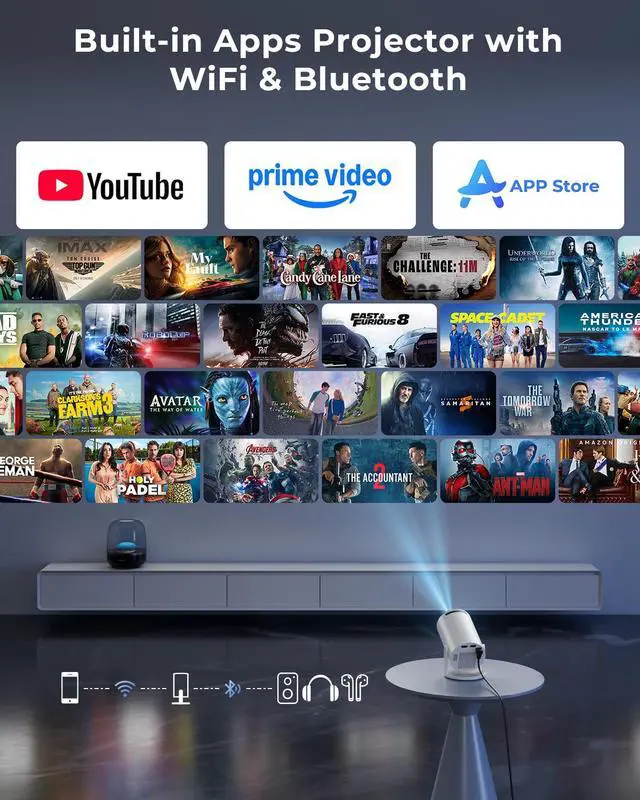
Two quick connection methods:
Wireless: Same Wi-Fi ? Open ScreenCast on projector ? Tum on screen mirroring on phone.
Wired: Use HDMI adapter (not included) ? Select HDMI input ? Enable phone mirroring.
1. Connect your laptop to the projector using the included HDMI cable. (For laptops without an HDMI port, use a USB-C/Thunderbolt adapter or dock.)
2. Press Input and select HDMI.
3. Wait 3–5 seconds for the connection.
4. Press Win + P (Windows) or Cmd + F1 (Mac) to choose Duplicate or Extend mode.





