Meet Your Seller
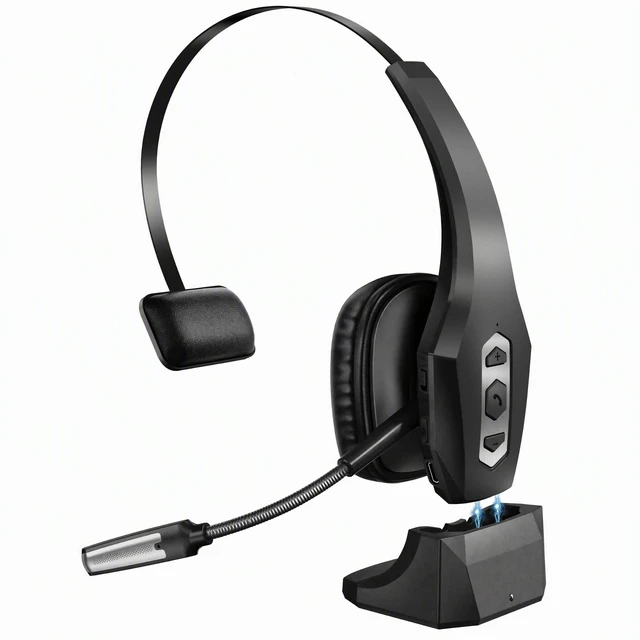
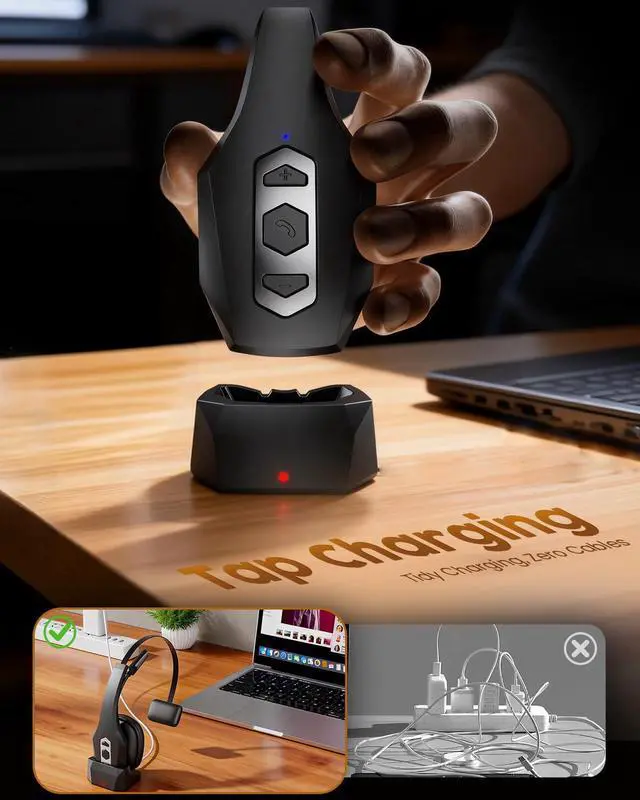
Trucker Bluetooth Headset with MFB Wireless Headset with Mic for Work | Noise Cancelling Mic Charging Base Mute Button for Computer Office Phone Work from Home Trucker
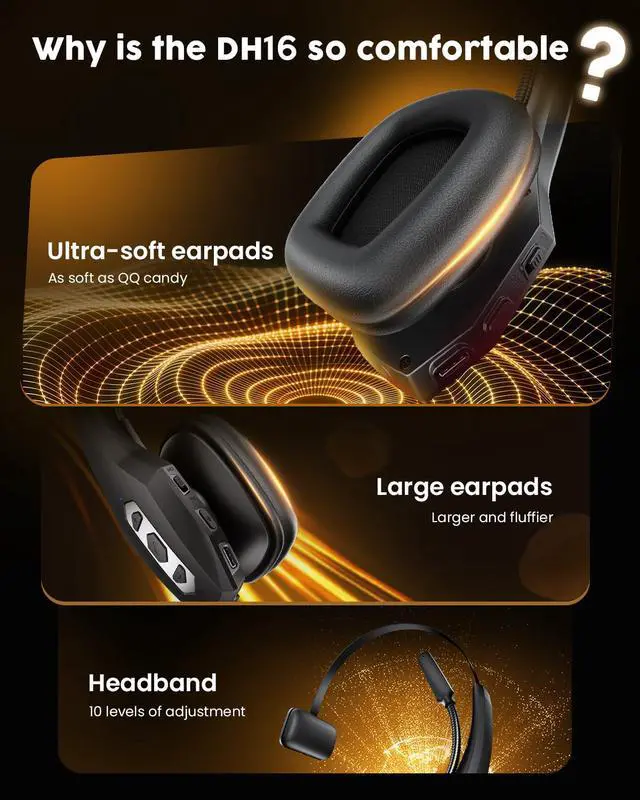
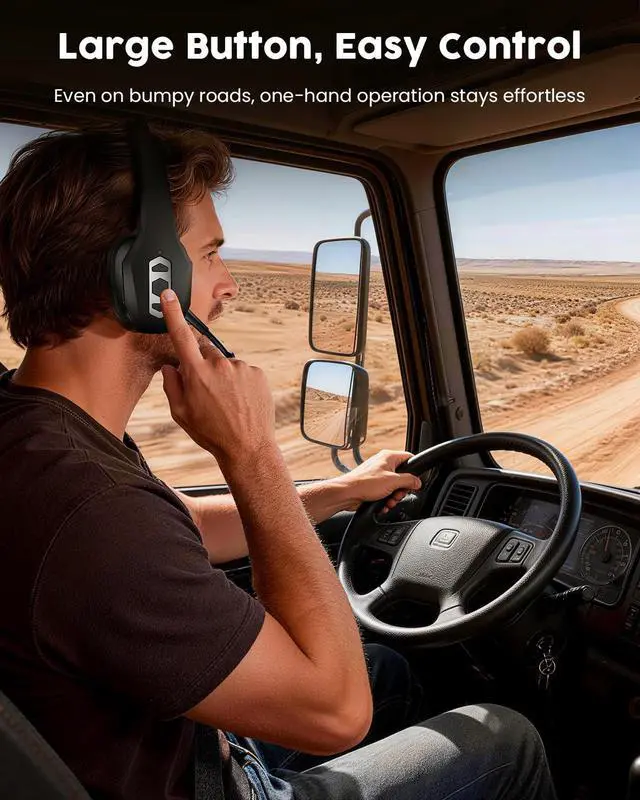
- Single-ear Design & Flexible Fit: This bluetooth headset with 270° rotating microphone lets you position for natural voice pickupcan be worn on either the left or right side. A smooth adjustable headband completes the personalized comfort, suitable for various head sizes
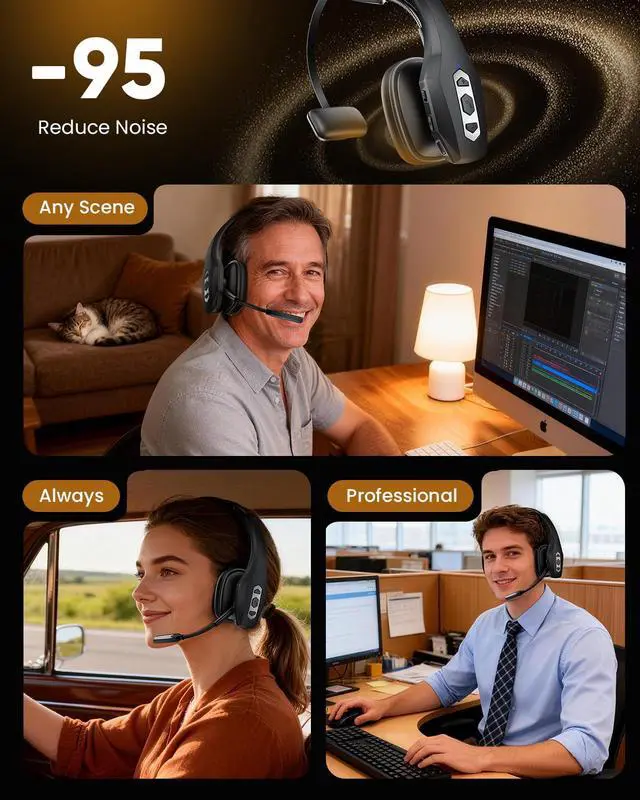
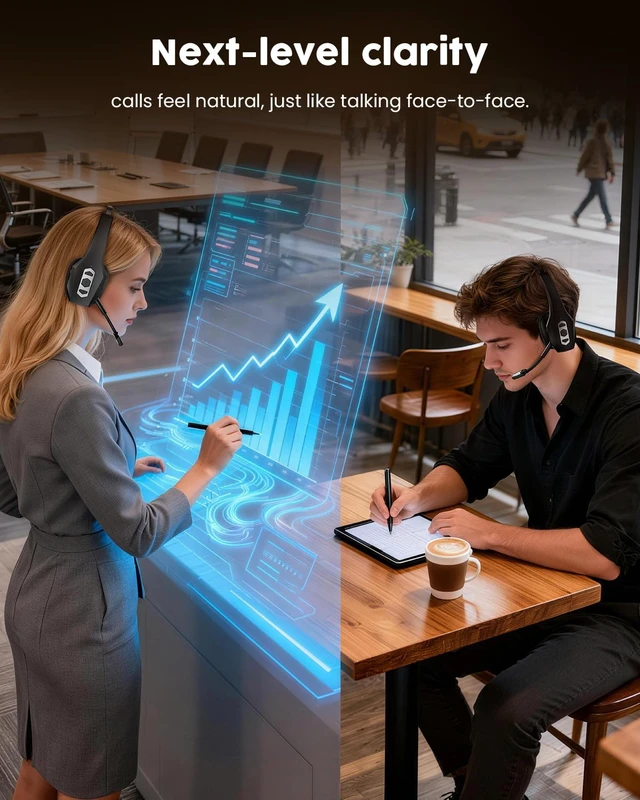
- Clear Calls & Less Noise: This wireless headset with microphone advanced ENC microphone helps reduce distracting background noise during work calls for a clearer voice pickup. PS: The mute button works only during active calls or meetings tap to mute anytime you need privacy
- Extended Range: This bluetooth headset with microphone offers Bluetooth 5.3, giving you flexible pairing options. With an extended wireless range of up to 49 feet (15 meters) and low-latency transmission, you can move freely during callswhether stepping away briefly or grabbing a waterwithout dropping the connection
- Ultra-long standby time: The trucker bluetooth headset with microphone owns 350mAh battery capacity . Enjoy 32 hours of clear talk time and 2100 hours standby enough for long office shifts, back-to-back Zoom meetings, and business trips
Any questions? Ask CelesteSM will help you find out quickly.
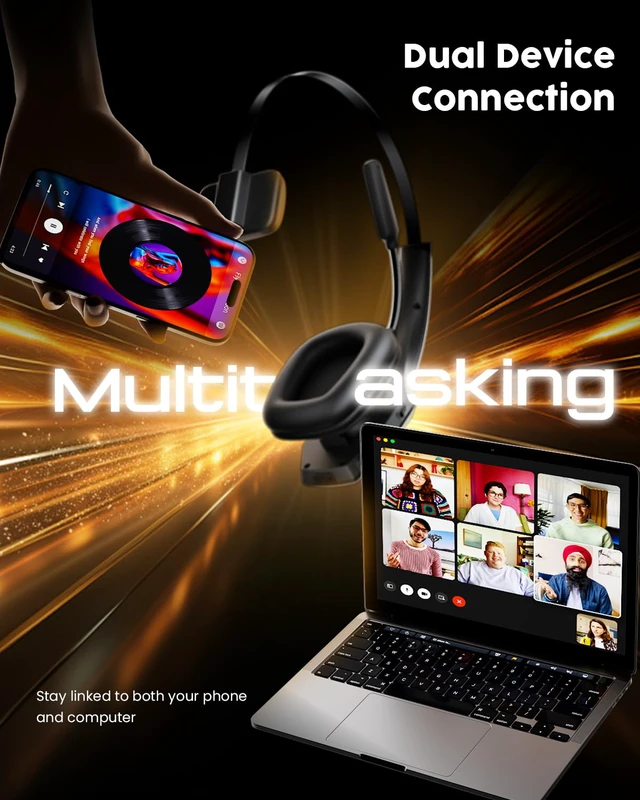
How to Connect One or Two Devices
1. In the off status.
Toggle the switch to the ON position to power on.
Pairing mode:
3. Connect the second device
Turn off Bluetooth on the first device.
Active Bluetooth on the second device.
Search the model name "DH16" and tap on ''DH16'' to connect.
Active Bluetooth on the first device and tap on ''DH16'' to connect.
Turn off the headset and turn it on again. The headset will automatically connect to the 2 devices.
Notes:
The headset can be paired with multiple devices, but it can only play audio from one device at a time. To play music from these coned device, pause or stop play back on the first device. The same rule applies to calls.
2.Connect the first device
Activate Bluetooth on the first device.
Search for the model name ''DH16''.
Tap on ''DH16'' to connect.
Warranty & Returns
Warranty, Returns, And Additional Information
Warranty
- Please contact the Seller directly for warranty information. Warranty information may also be found on the Manufacturer's website.
- CONTACT
Return Policies
- Return for refund within: 30 days
- Return for replacement within: 30 days
- This item is covered by Gaming on Home Return Policy
Manufacturer Contact Info
- For a directory of all our manufacturers, please click below.
- Manufacturers Directory