Features:
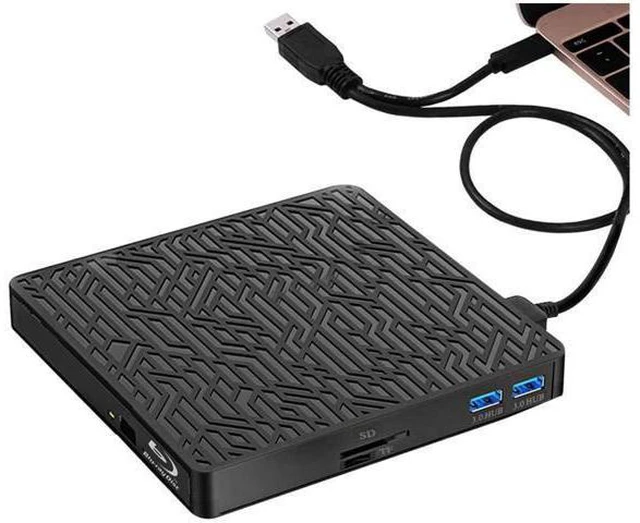
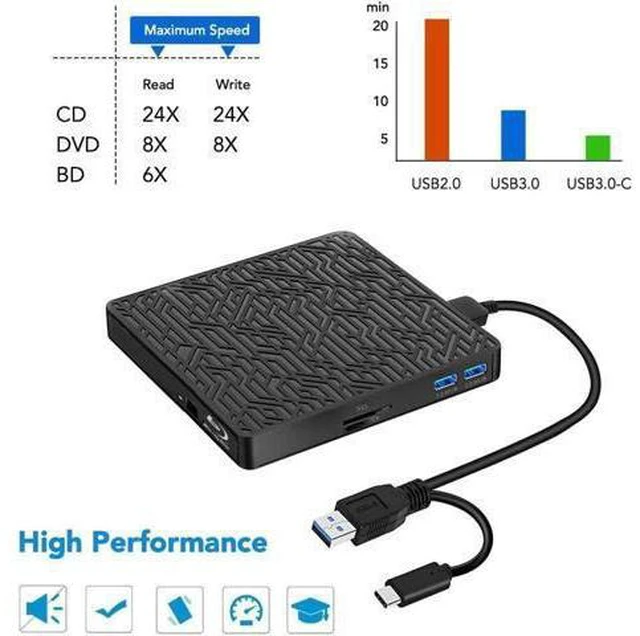
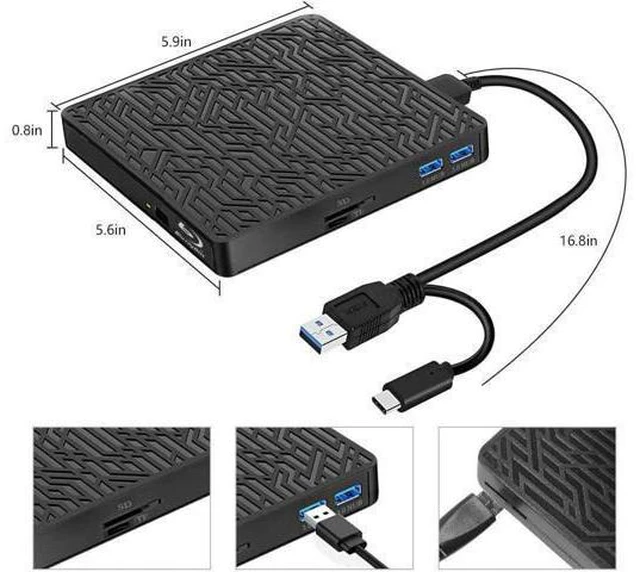
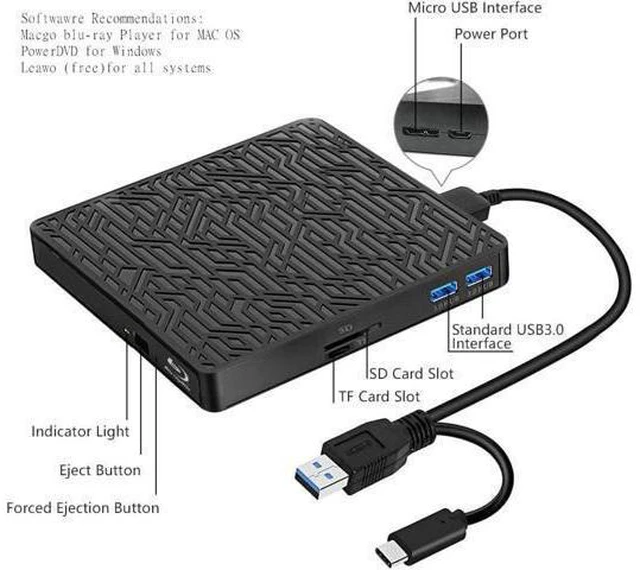
Multifunction: This 5-in-1 external blu ray drive supports 1 SD, 1 TF card, 2 USB 3.0 ports transfer or charging, also supports BD/DVD/CD disc read and DVD/CD write, can't burn BD disc. You can copy music/movies/data files from SD/TF card or through 2 USB ports to computer, also from bluray player to SD/TF Card, USB hard drive/USB flash drive.
NOTE: SD card and TF card can't work at the same time, only choose one each time. Each of them can work well with the 2 USB 3.0 ports at the same time. New Double Interface Design(Type-C&USB 3.0 ): New Double Interface Design makes two different USB cables are combined in one, you can easily connect to a computer that requires Type-C or USB 3.0 interfaces. you won't be annoyed by losing this little cable. And the two USB 3.0 ports compatibled with USB C/USB 3.0 /USB 2.0 /USB 1.0, just like a USB Hub(using for USB flash drive/Mouse/Keyboard/Hard drive/Phone etc) Plug and Play, No
Need External Driver: No need to install external driver and it is powered by one USB cable. The body has an eject button. Simply press the eject button and place the disc into, and plug the Blu-ray DVD drive into your computer USB interface. Then you can enjoy the wonderful time.
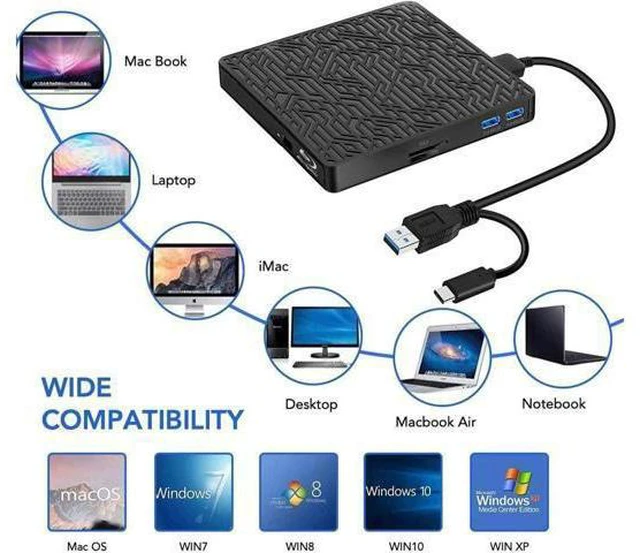
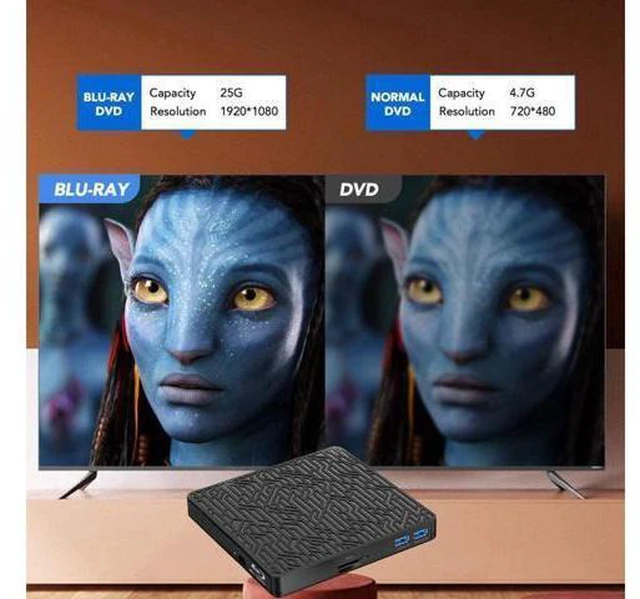
Wide Compatibility: This blu ray drive works well for Laptop/MacBook Pro/MacBook Air/PC/Windows10/8/7/Mac OS, support 3D Player and enjoy clarity to Nearly 4K quality.
(Note: does not play 4K Ultra HD Discs). Make sure the playback software on your computer must support




 here!