• $89.98
  • Ships from China.
    Price alert
    Shop it at NeweggBusiness.

    Meet Your Seller

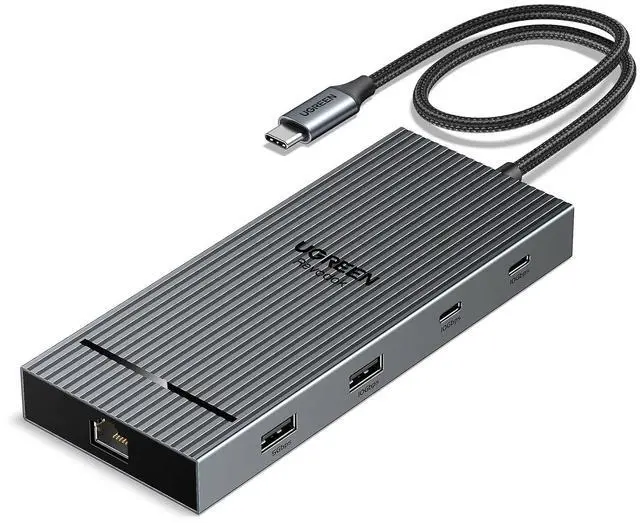
    USB C Docking Station Dual Monitor 4K@60Hz, 10-in-1 Dock with 2xHDMI

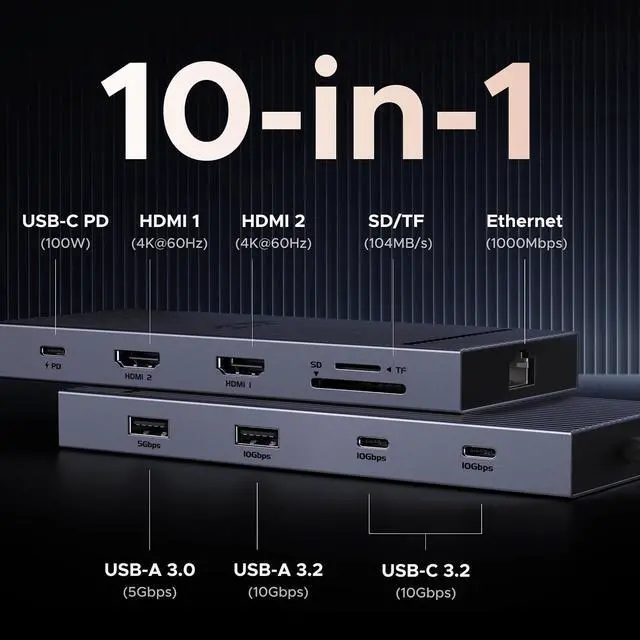
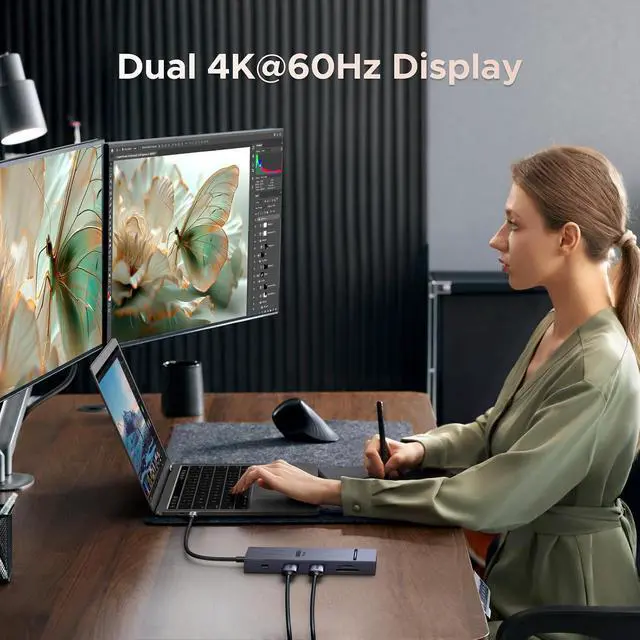
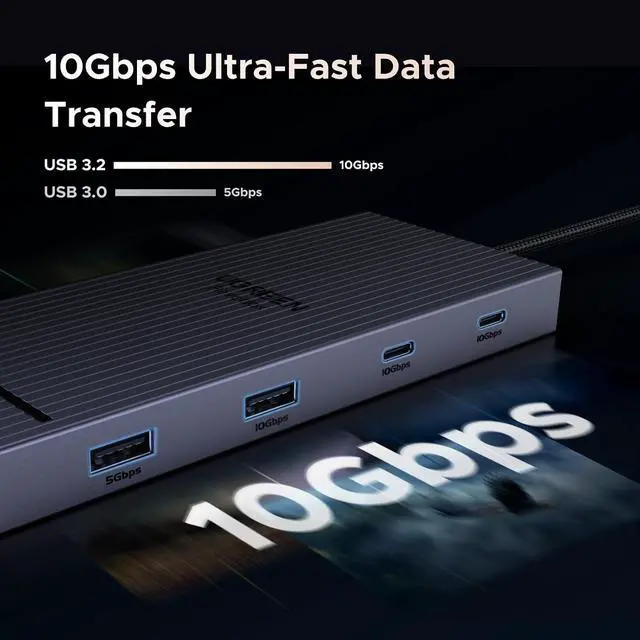
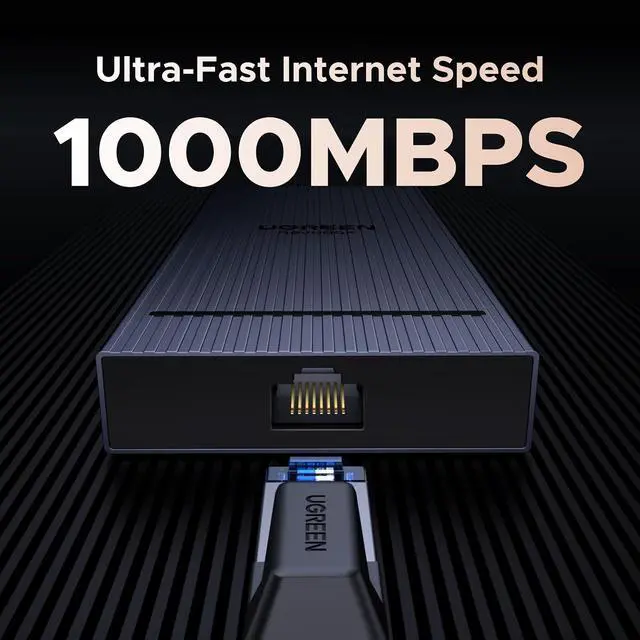
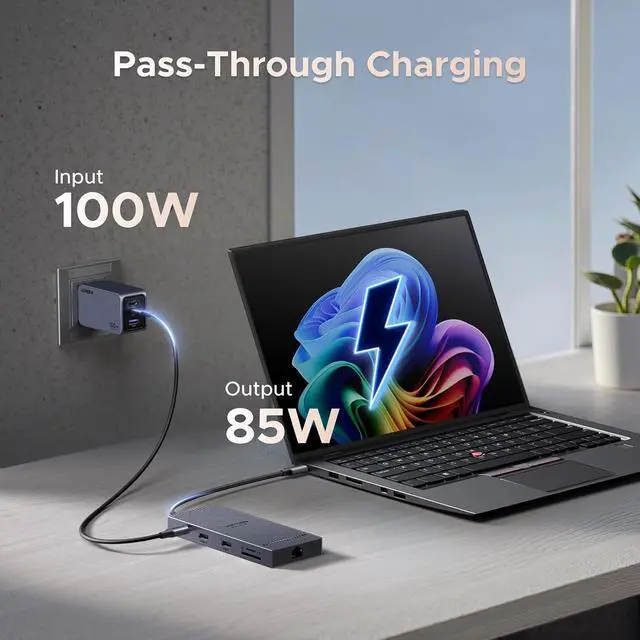
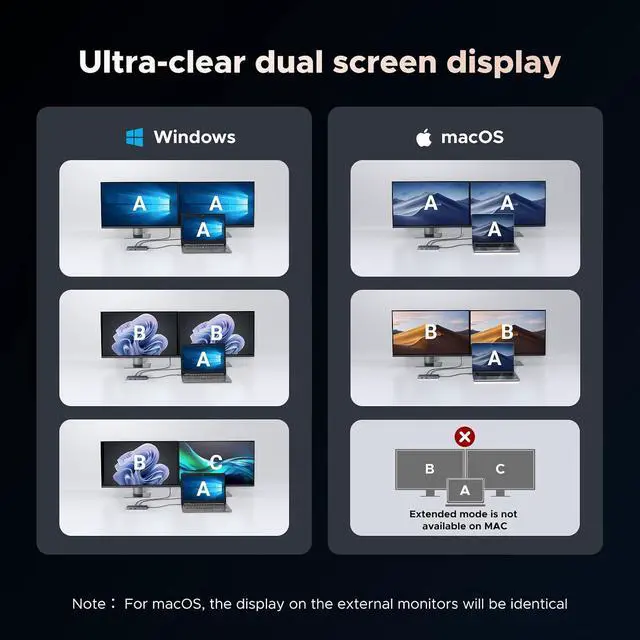
    • 10 in 1 USB C Docking Station: Inspire more potential of your laptop's USB-C port with two HDMI ports, a 100W USB-C PD port, 2x10Gbps USB-C port, a USB A 3.0, a USB A 3.2, RJ45 1000Mbps Ethernet and SD/Micro SD 3.0 card reader; Dual 4K HDMI Docking Station: The Docking Station will hook up two displays to both HDMI ports in 4K@60Hz max. Please note that due to macOS limitations, all extended monitors will display the same content when connecting MacBooks; Multi 10Gbps USB Data Ports: Connecting keyboards, transfer files, movies, and photos at speeds up to 10Gbps via the USB-C data port and USB-A ports. Note: The USB A and C ports do not provide charging capabilities or support video output; 100W Power Delivery: The Laptop docking station Supports up to 85W USB C pass-through charging via USB-C PD port, reserves 15W for other interface operation. Additionally, the port only supports charging; it does not facilitate data transfer or video output; Docking Station Card Reader and Ethernet Combo: The USB-C Hub Docking Station Combo has a 1000Mbps Ethernet port that gives you the advantage of ultra-high-speed internet connections.Equipped with SD/TF card reader to solve your card reading needs
    +
    +
    Overview
    Specs
    Reviews

    Any questions? Ask CelesteSM will help you find out quickly.

    Product description Click to play video Display Mode Display Resolution Dual 4K@60Hz 1. Why is there an exception when I connect to the screen? a. Make sure your laptop's USB-C port supports video output; b. Lower your monitor's resolution or refresh rate; c. Replace another high standard HDMI cable. 2. Why am I charging my docking station so slowly, it doesn't reach 100w a. Please confirm whether the USB-C interface of the laptop supports the charging function. If your computer uses a DC interface, please connect the original adapter.

    b. When your computer is charging slowly, please use the original adapter of the computer or a charger above 65W. 3. Why cant both monitors support 4K@60Hz resolutions simultaneously after connecting two monitors a. Ensure that your laptops supports DP 1.4 first b. Replace another high standard HDMI cable. c. Make sure your monitor supports 4K@60Hz, if it still displays abnormallylower your monitor's resolution or refresh rate. 4. Why does my computer's Ethernet connection not work a. If the ethernet port cannot work, please install the driver first.

    b. If it is the Mac device, you need to add this adapter in the Network setting page. Go to "System Preferences"-"Network"-Click on the "+" sign-Select the network card with the corresponding name (USB 10/100/1000 LAN)-Click on "Create" 5. Why can't dual HDMI display at the same time? a) Check the graphics card performance of the laptop or ask the computer manufacturer whether it supports

    Warranty & Returns

    Warranty, Returns, And Additional Information

    Warranty

    • Please contact the Seller directly for warranty information. Warranty information may also be found on the Manufacturer's website.
    • CONTACT

    Return Policies

    Manufacturer Contact Info

    LOADING...