Meet Your Seller
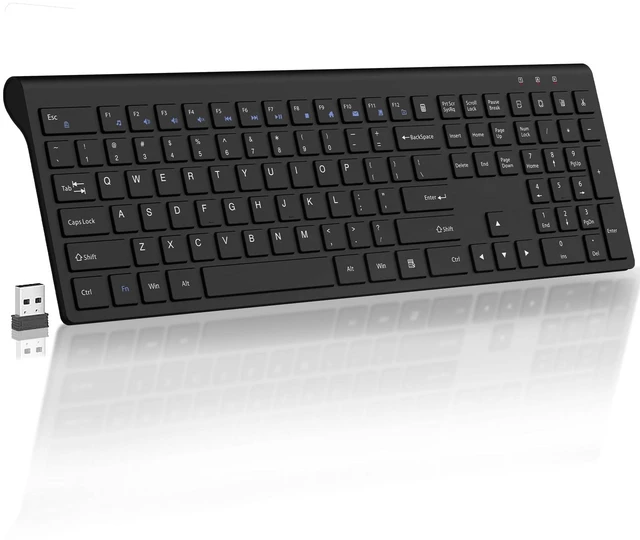
Wireless Keyboard Slim Silent 2.4G USB Computer Keyboard - Black(No Mouse) | for Laptop PC Desktop Notebook Chromebook Windows Mac, 12 Multimedia Keys, Fn Lock, 110 Keys Full Size with Number Pad
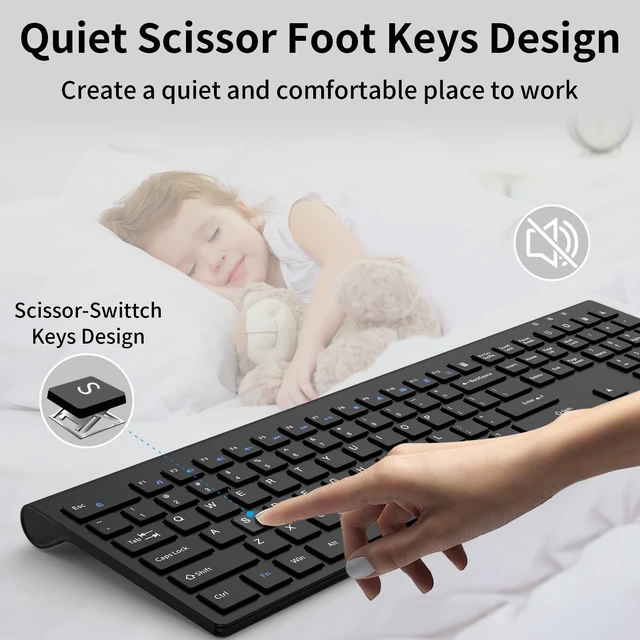
- Scissorfoot button, lightweight designadopts the same scissor foot structure as high-end laptops, with a key travel as short as 1.5mm, making typing faster and quieter, suitable for quiet scenes such as offices and libraries
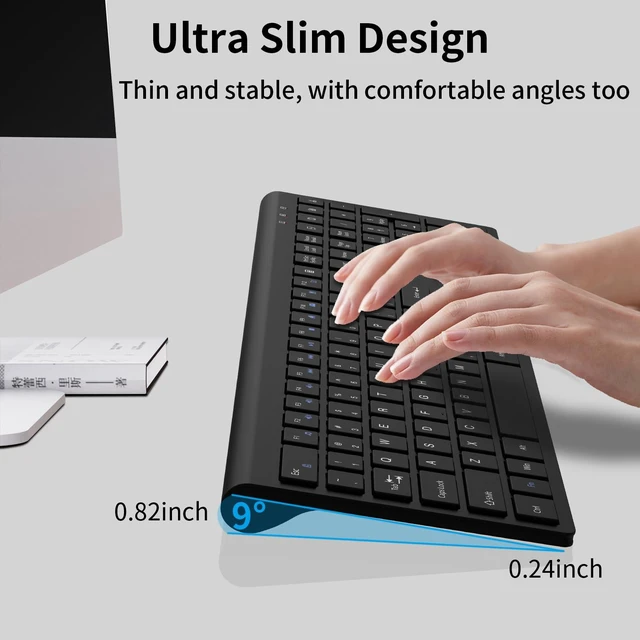
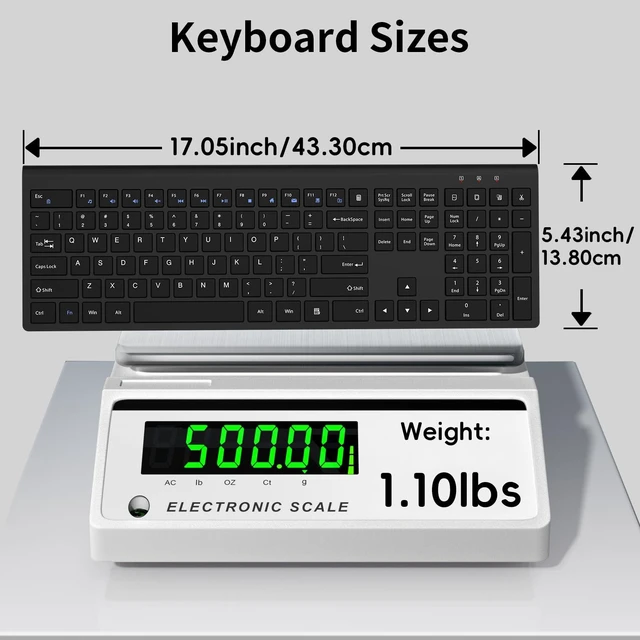
- Ultra Thin & Ergonomic Design- The thin wireless keyboard has 110 keys and accommodates most typing habits while taking up less space than traditional full-sized keyboards. Its ultra-slim and streamlined shape adds a classy and minimalist touch to your small desktop. The ergonomic full size keyboard has a tilt angle for more comfortable typing and improved work efficiency
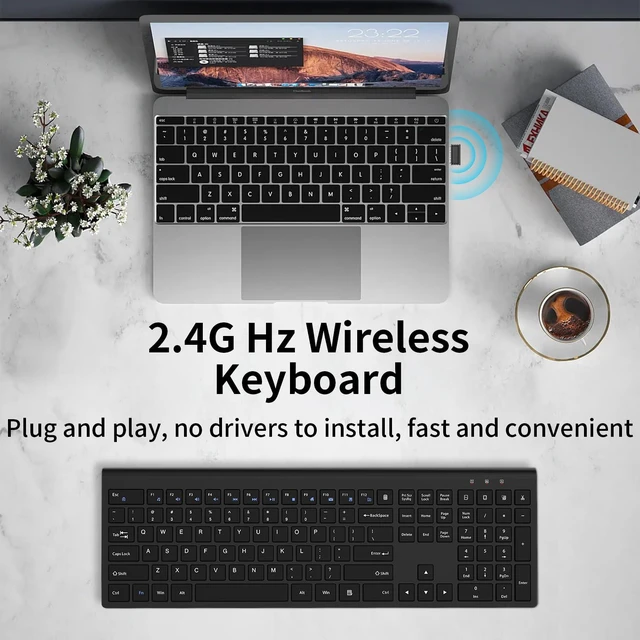
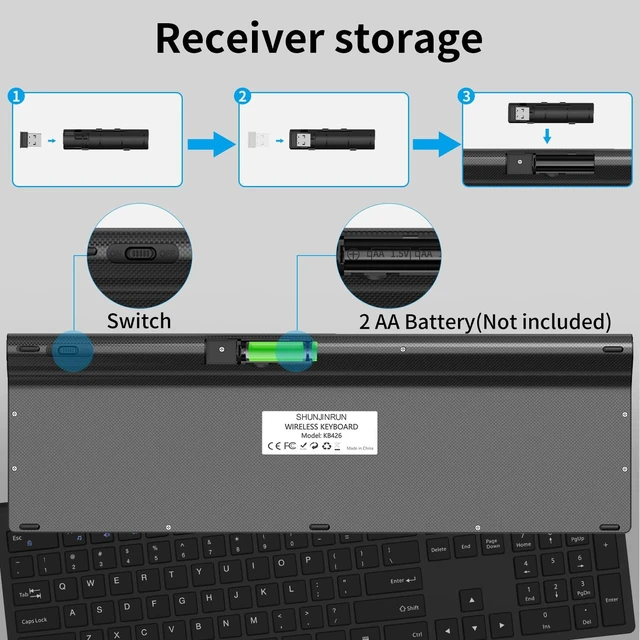
- 2.4G Wireless Stable Transmission, Plug & Play- The keyboard uses a USB dongle, which can be easily installed by simply plugging the receiver into a computer port without any drivers. Advanced 2.4G technology increases the range to 33 feet, making it convenient for wireless typing
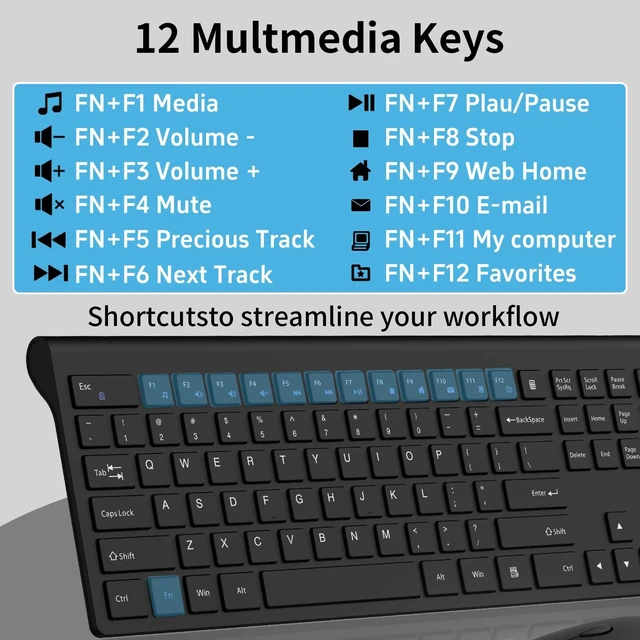
- Calculator Button, Hotkeys and Fn Lock- The keyboard features 12 multimedia hotkeys and 6 commonly used office key combinations to enhance convenience and efficiency for both work and leisure activities. Meanwhile, the Fn lock provides an additional level of convenience. The calculator buttons allow you to quickly open the computers calculator program, saving you valuable time
Any questions? Ask CelesteSM will help you find out quickly.
What's in the box: 1 * Wireless Keyboard, 1 * Wireless Mouse, 1 * USB Receiver, (NOTE: The USB receiver is stored at the bottom of the mouse). 1 * User Manual. Trouble Shooting: 1. Trying moving the keyboard and mouse more closer to USB nano receiver 2. Pull out the USB receiver and plug it firmly to USB port 3. Please Replace the battery if mouse and keyboard become lag or inconsistant connection. The RED power LED will blink every 5s if low battery 4. Plug your nano receiver to some other USB port of your PC or laptop 5. Try to pair the keyboard and mouse with nano receiver again if power led indicatesin RED but no response. Press and hold "Esc" & "+/=" for 3 seconds, the keyboard enters pairing mode. Press and hold the "left button, middle button and right button" of the mouse for 5 seconds, the mouse enters pairing mode.
Warranty & Returns
Warranty, Returns, And Additional Information
Warranty
- Please contact the Seller directly for warranty information. Warranty information may also be found on the Manufacturer's website.
- CONTACT
Return Policies
- Return for refund within: 30 days
- Return for replacement within: 30 days
- This item is covered by Gaming on Home Return Policy
Manufacturer Contact Info
- For a directory of all our manufacturers, please click below.
- Manufacturers Directory