






Hi, here is LIZRROT
We are a company born out of that idea of Just for you to enjoy the OFFICE. We aim to bring you the most comfortable office keyboard.
Our factory has a wealth of keyboard production experience, we will continue to work hard to create "high-performance, high-level, the most cost-effective keyboard"
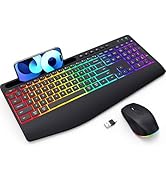
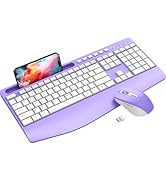
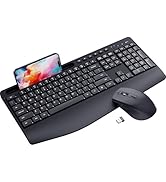
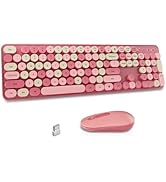
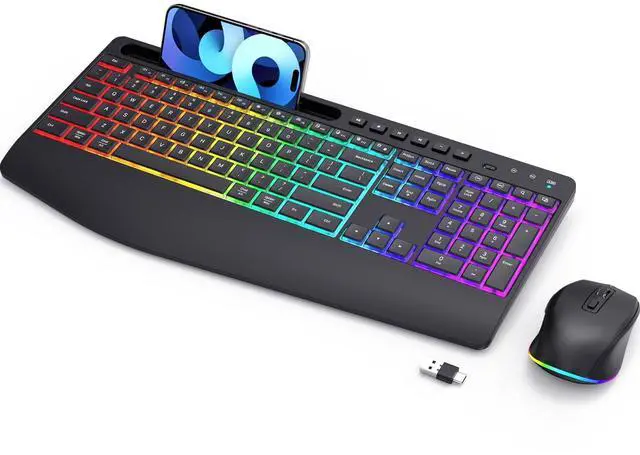
LIZRROT Keyboard and Mouse
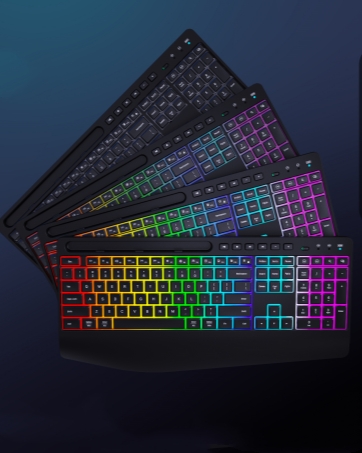
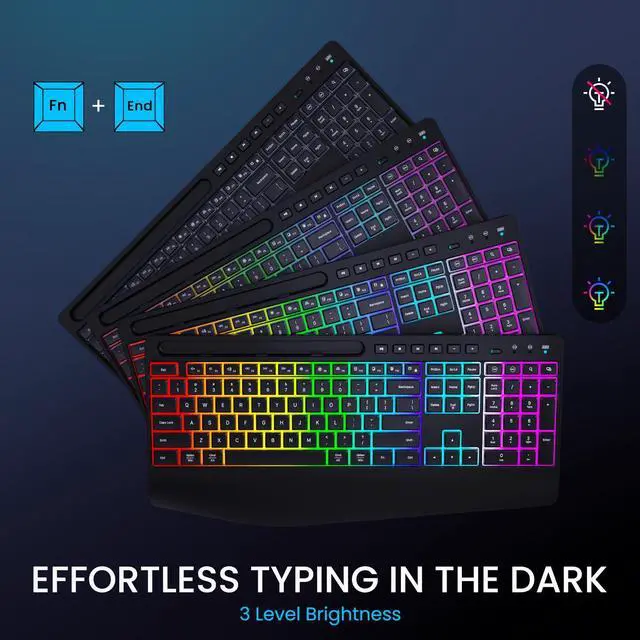
3 Level Brightness
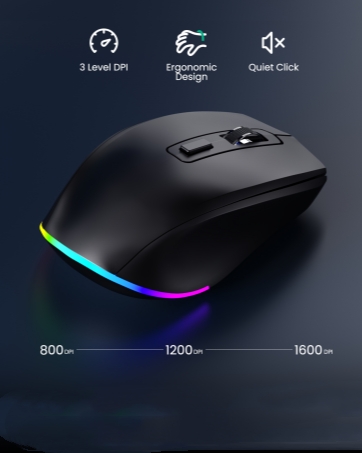
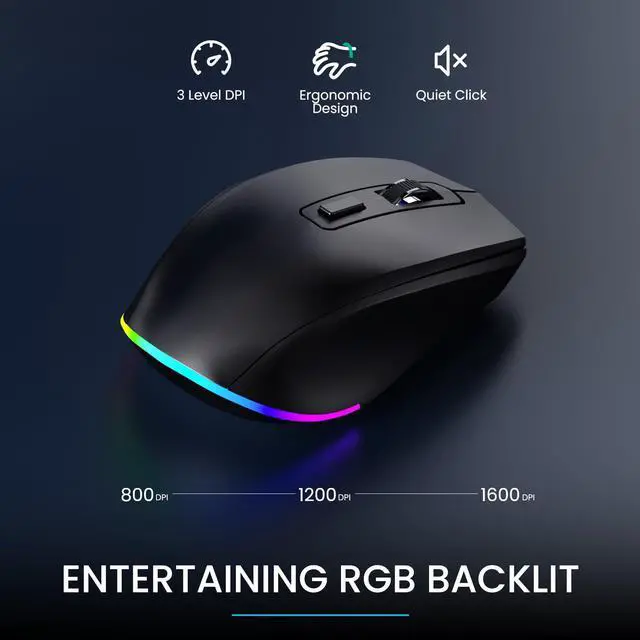
3 Level DPI
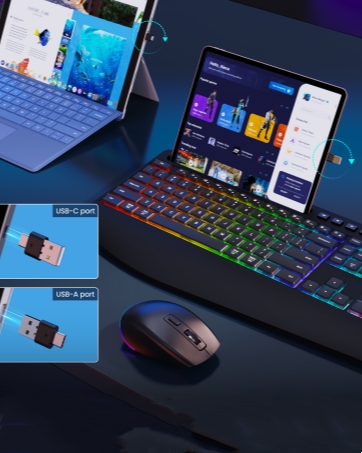
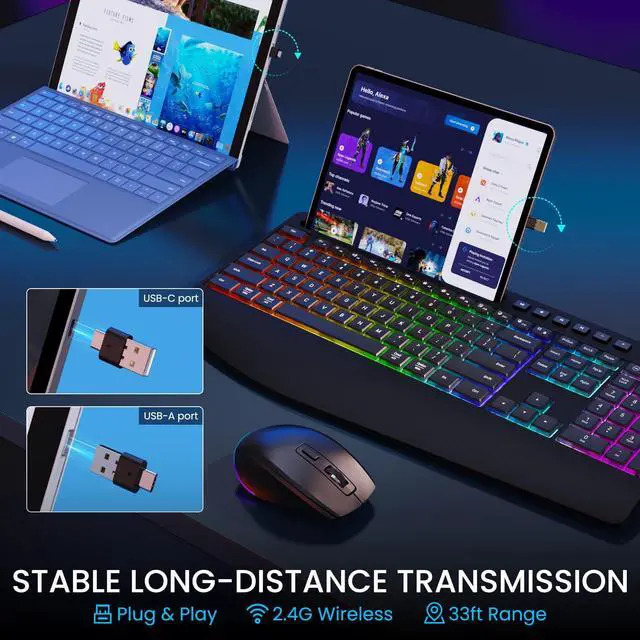
USB A/C Port
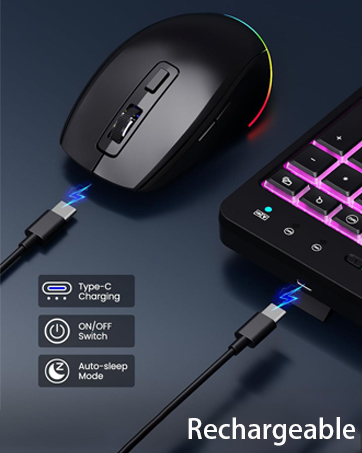
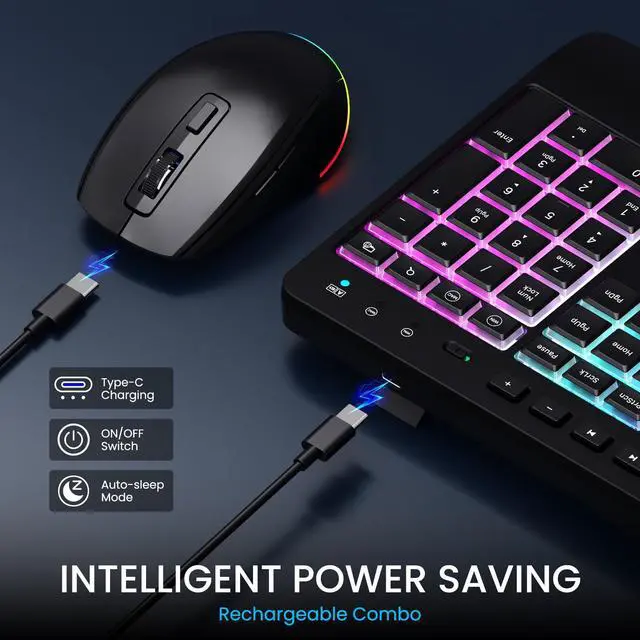
Rechargeable
RGB Backlit Mouse and Keyboard
Merchant Video


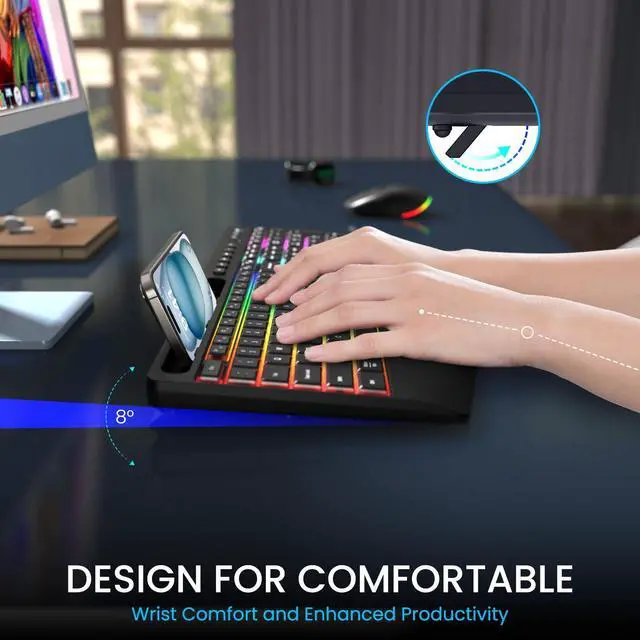
All-day Comfort
- Foldable tilt leg allowing anyone to adjust the angle and height of the keyboard to their preferences.
- 54%+ soft wrist support is designed to reduce strain and discomfort on the hands, wrists, and arms.

Windows and MAC
Easily switch between two different devices or operating systems, compatible with Windows and MAC.

Auto Sleep (Rechargeable)
Keyboard and mouse can stand by for half a year on one charge. Auto sleep mode and on/off switch can help extend battery life.

Wrist Rest
Adjustable tilt and wrist rest help to promote a more natural hand and wrist position, allowing users to work more comfortably.

2-IN-1 Receiver
Wireless keyboard and mouse is designed for both Windows and Mac layouts. No Delays, effective up to 33ft of range.


Can the keyboard lighting be adjusted, Is there any way to turn off the lights?
The keyboard has 3 brightness settings that can be adjusted by pressing the Fn+End key combination to adjust/turn off the keyboard backlight mode. Press and hold the RGB button on the back of the mouse to turn off the mouse backlight.
How to know when keyboard mouse combo needs charging?
The keyboard can be observed in the upper right corner of the power button, and it needs to be charged when it starts blinking. The mouse can also be judged by the flashing lights. The package includes a charging cable.
Do we just have a usb receiver?
The usb receiver is a 2-in-1 receiver, there is only one. You can find it on the back of the keyboard at the yellow indicator label.
What should I do if my keyboard and mouse are in sleep mode?
You can wake up the device by pressing any key, then return to normal mode. This feature helps you save power and extend battery life.
What if it suddenly stops working?
First, you need to check the battery level; second, you can check whether the USB button is loose; finally, you can press Esc+K on the keyboard and the middle button+right button of the mouse to re-pair and connect.
RGB Backlit Mouse and Keyboard
Merchant Video


All-day Comfort
- Foldable tilt leg allowing anyone to adjust the angle and height of the keyboard to their preferences.
- 54%+ soft wrist support is designed to reduce strain and discomfort on the hands, wrists, and arms.
Windows and MAC
Easily switch between two different devices or operating systems, compatible with Windows and MAC.
Auto Sleep (Rechargeable)
Keyboard and mouse can stand by for half a year on one charge. Auto sleep mode and on/off switch can help extend battery life.
Wrist Rest
Adjustable tilt and wrist rest help to promote a more natural hand and wrist position, allowing users to work more comfortably.
2-IN-1 Receiver
Wireless keyboard and mouse is designed for both Windows and Mac layouts. No Delays, effective up to 33ft of range.
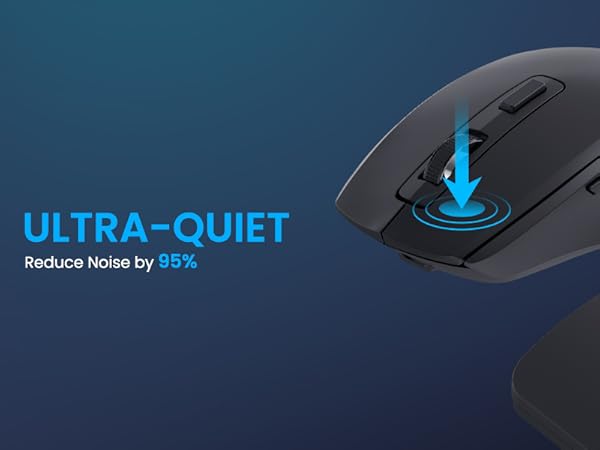
800/1200/1600 DPI
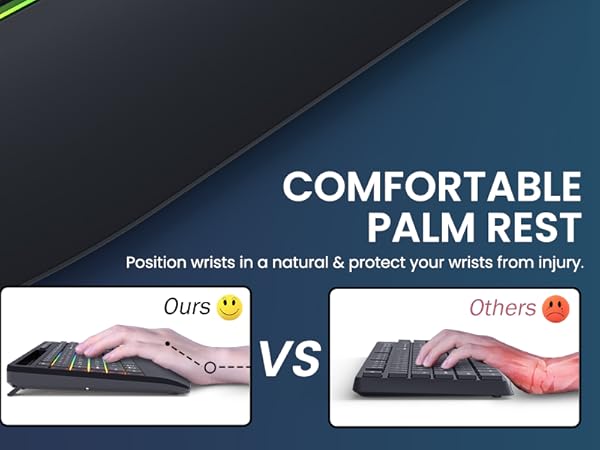
Ergonomic Wrist Rest
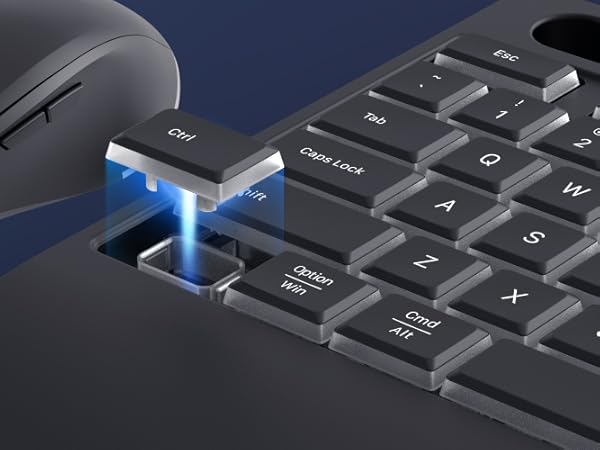
Ultra Quiet

Can the keyboard lighting be adjusted, Is there any way to turn off the lights?
The keyboard has 3 brightness settings that can be adjusted by pressing the Fn+End key combination to adjust/turn off the keyboard backlight mode. Press and hold the RGB button on the back of the mouse to turn off the mouse backlight.
How to know when keyboard mouse combo needs charging?
The keyboard can be observed in the upper right corner of the power button, and it needs to be charged when it starts blinking. The mouse can also be judged by the flashing lights. The package includes a charging cable.
Do we just have a usb receiver?
The usb receiver is a 2-in-1 receiver, there is only one. You can find it on the back of the keyboard at the yellow indicator label.
What should I do if my keyboard and mouse are in sleep mode?
You can wake up the device by pressing any key, then return to normal mode. This feature helps you save power and extend battery life.
What if it suddenly stops working?
First, you need to check the battery level; second, you can check whether the USB button is loose; finally, you can press Esc+K on the keyboard and the middle button+right button of the mouse to re-pair and connect.
Hi, here is LIZRROT
We are a company born out of that idea of Just for you to enjoy the OFFICE. We aim to bring you the most comfortable office keyboard.
Our factory has a wealth of keyboard production experience, we will continue to work hard to create "high-performance, high-level, the most cost-effective keyboard"
LIZRROT Keyboard and Mouse
3 Level Brightness
3 Level DPI
USB A/C Port
Rechargeable