


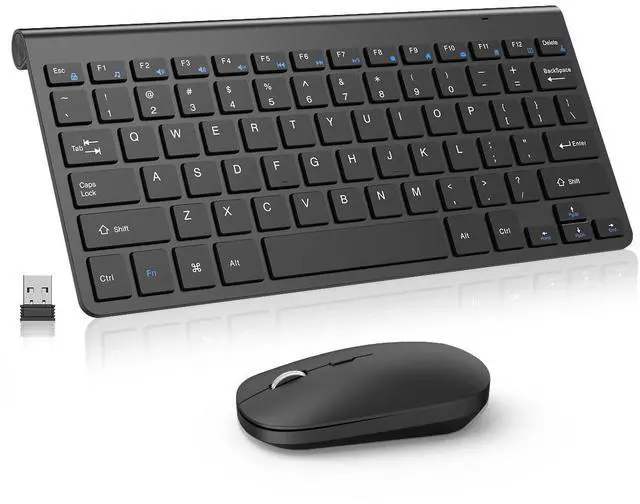
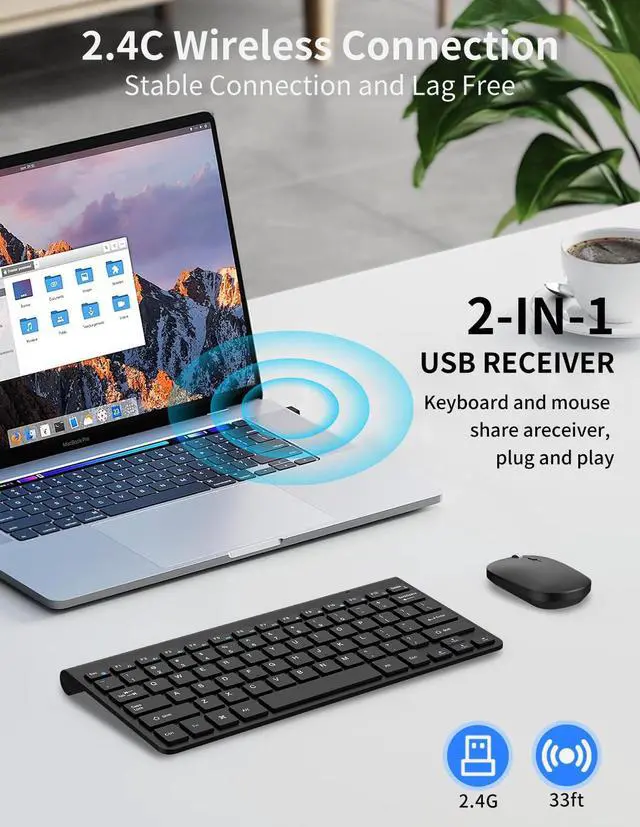


Scissor Switch Keys
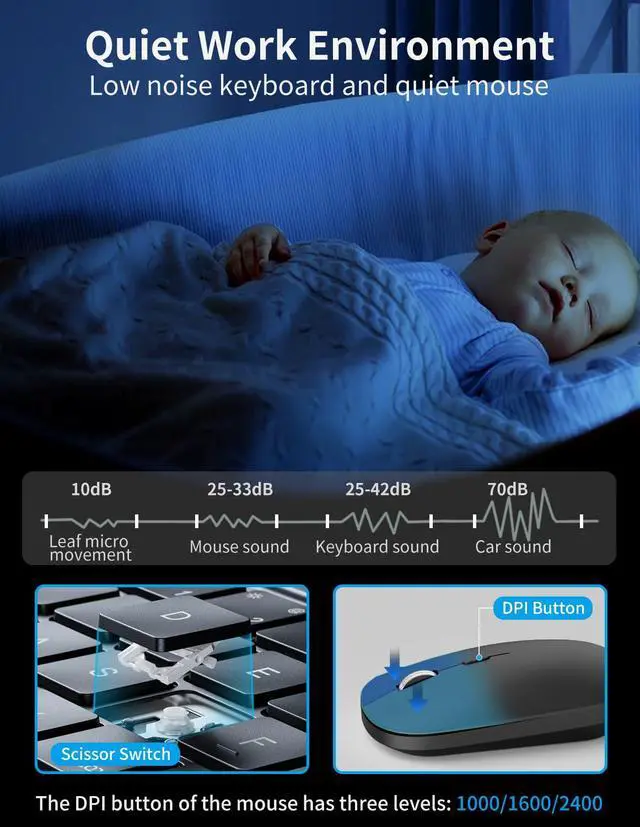
Unique keys design effectively reducesnoise by up to 90%
The button stroke of the scissor type footswitch is 2.5 millimeters, which is 30%shorter than the traditional 5 millimeterbutton stroke.lt can even increase yourtyping speed by 20%.

Wireless Quiet Mouse
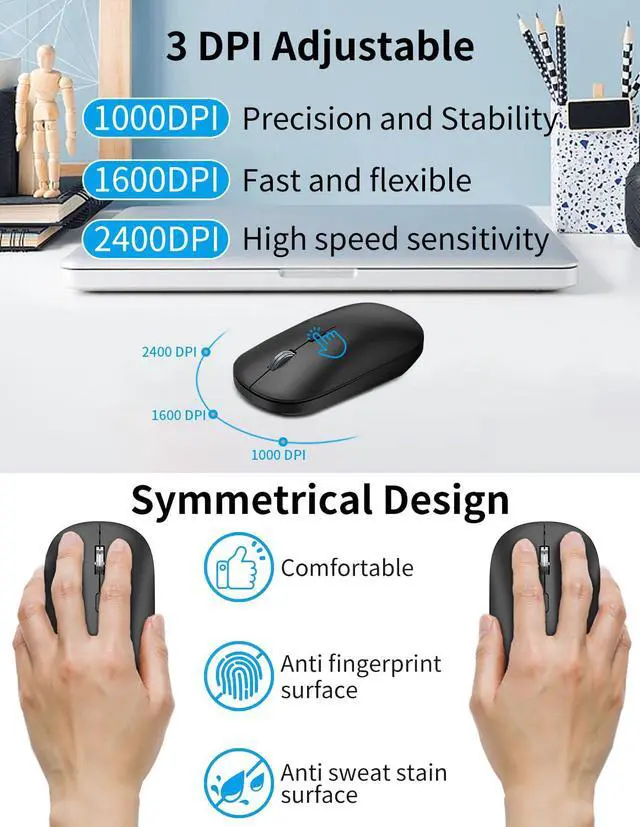
Silent design effectively reduces noiseby up to 85%
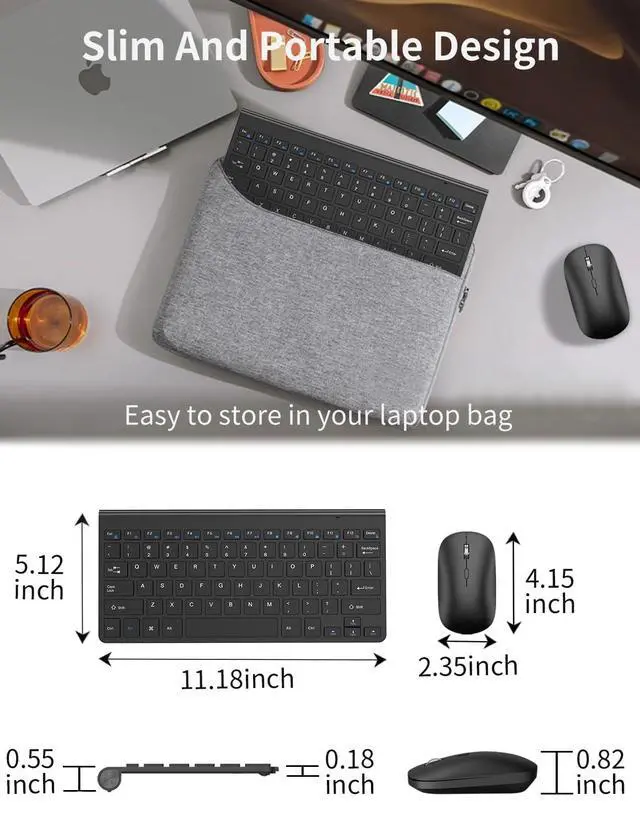
The smooth and stylish design of the mouse takes up less space when used for travel, and the metal scroll wheel enhances the tactile experience.


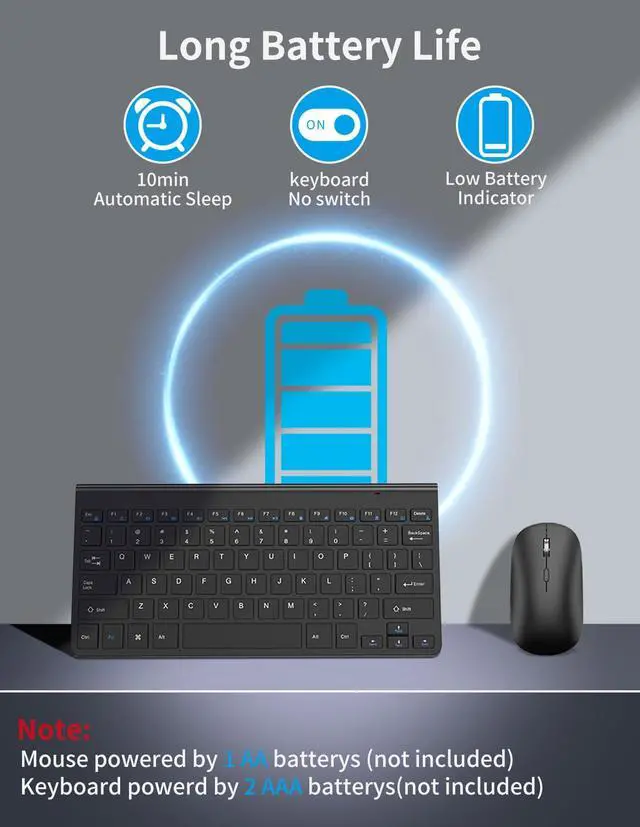
What type of battery is used for the wireless keyboard and mouse kit?
The wireless keyboard uses two AAA batteries, and the wireless mouse uses one AA battery.(Not included)
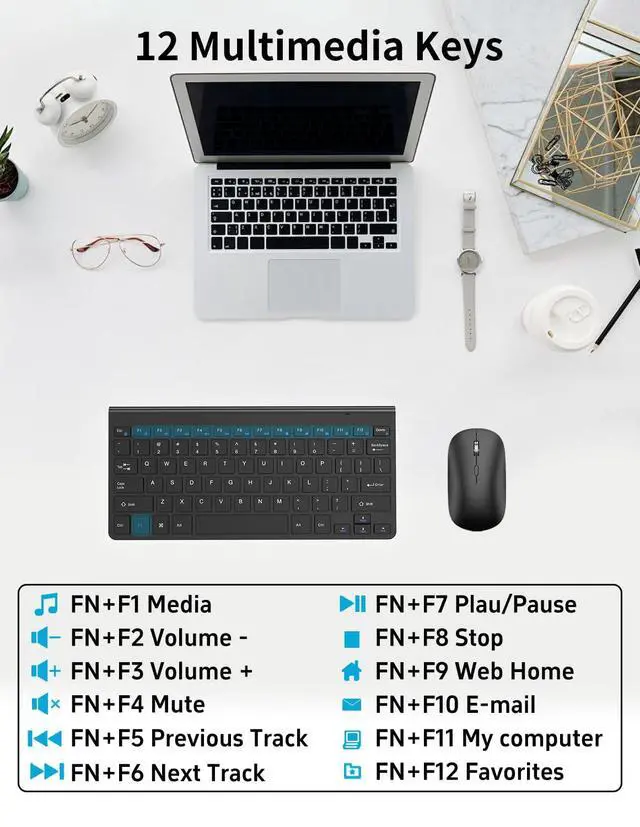
How do I use the multimedia or F1-F12 functions?
To access the F1-F12 function keys, simply press the Fn key +F1-F12 key,Fn key locked, press Fn+Esc to unlock;
Mac os system is not compatible withF1-F12 functions.
lf the mouse does not respond and the keyboard is working properly, how can l re pair the mouse?
1.Unplug the receiver of computer.
2.Simultaneously press and hold the wheel button, the left button, and the right button for 5 seconds. (no lights will light up)
3.Insert the USB receiver into the computer within 15 seconds.
If the keyboard is unresponsive and the mouse is working properly, how can I re pair the keyboard?
1.Unplug the receiver of computer.
2.Press and hold the "ESC" and "=+" buttons for about 3 seconds, the keyboard enters pairing mode, and the power indicator light turns red.
3.Insert the USB receiver into the computer within 15 seconds.


Scissor Switch Keys
Unique keys design effectively reducesnoise by up to 90%
The button stroke of the scissor type footswitch is 2.5 millimeters, which is 30%shorter than the traditional 5 millimeterbutton stroke.lt can even increase yourtyping speed by 20%.
Wireless Quiet Mouse
Silent design effectively reduces noiseby up to 85%
The smooth and stylish design of the mouse takes up less space when used for travel, and the metal scroll wheel enhances the tactile experience.


What type of battery is used for the wireless keyboard and mouse kit?
The wireless keyboard uses two AAA batteries, and the wireless mouse uses one AA battery.(Not included)
How do I use the multimedia or F1-F12 functions?
To access the F1-F12 function keys, simply press the Fn key +F1-F12 key,Fn key locked, press Fn+Esc to unlock;
Mac os system is not compatible withF1-F12 functions.
lf the mouse does not respond and the keyboard is working properly, how can l re pair the mouse?
1.Unplug the receiver of computer.
2.Simultaneously press and hold the wheel button, the left button, and the right button for 5 seconds. (no lights will light up)
3.Insert the USB receiver into the computer within 15 seconds.
If the keyboard is unresponsive and the mouse is working properly, how can I re pair the keyboard?
1.Unplug the receiver of computer.
2.Press and hold the "ESC" and "=+" buttons for about 3 seconds, the keyboard enters pairing mode, and the power indicator light turns red.
3.Insert the USB receiver into the computer within 15 seconds.