
• $68.98
  • Price alert
    Sold by AnLiOuMaoYi

    Shipped by AnLiOuMaoYi

    Shop it at NeweggBusiness.

    Meet Your Seller

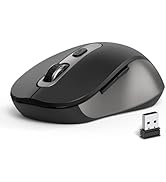
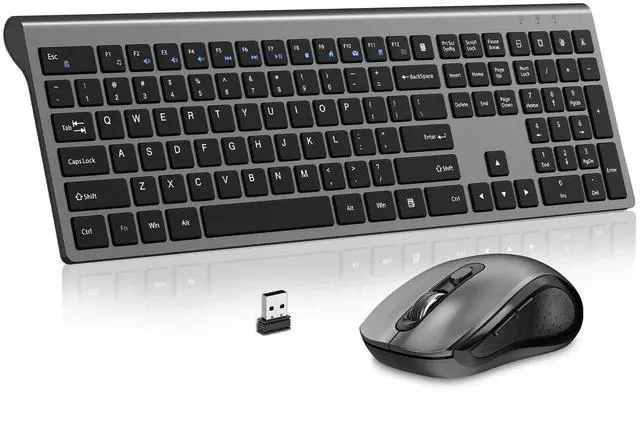
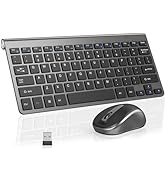
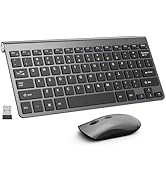
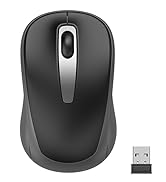
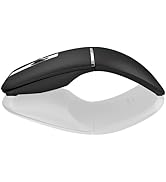
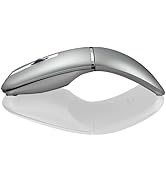
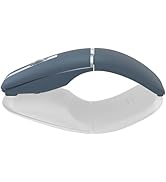
    Keyboard and Mouse Wireless, Slim Full Size Keyboard with Calculator Button, Fn Lock, Silent Computer Mouse with Side Button, 2400 DPI, 2.4G USB Cordless Set for Laptop PC Windows Mac -Gray

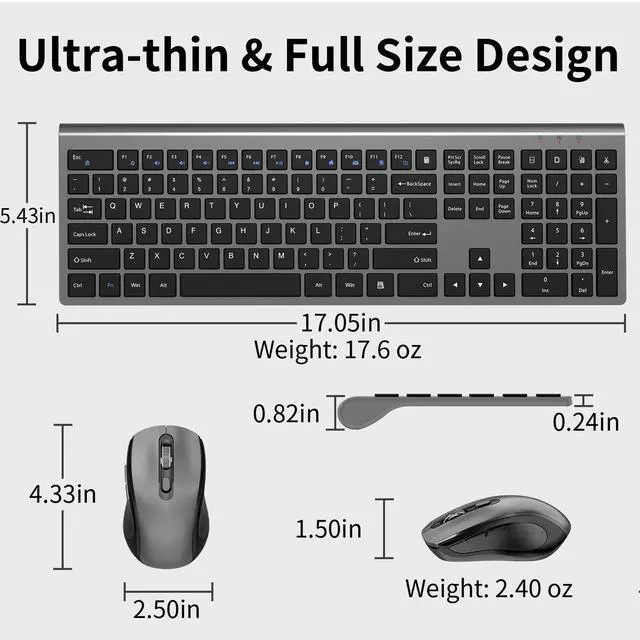
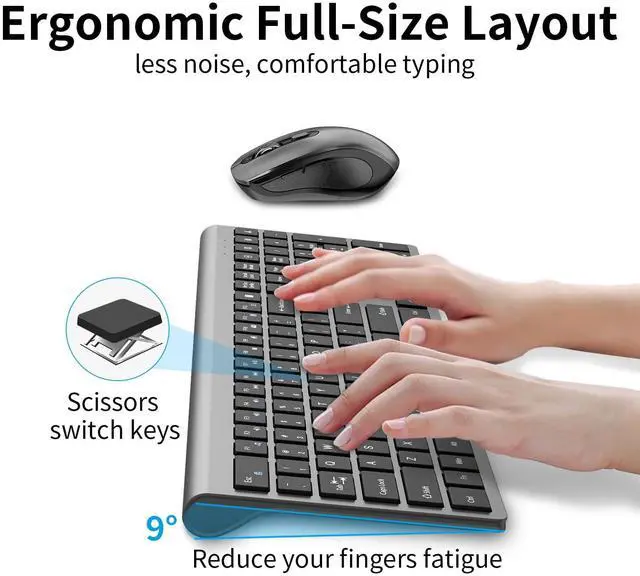
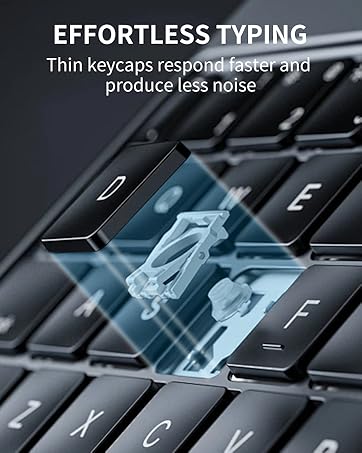
    • [Ultra-thin & Efficient Keys] The wireless, ultra-thin keyboard has an adjustable tilt angle to reduce fatigue, and its soft-touch keys make typing smoother, The full size wireless keyboard offers 18 shortcut keys and a numeric keypad.(The hot-keys not fully compatible with Mac System)
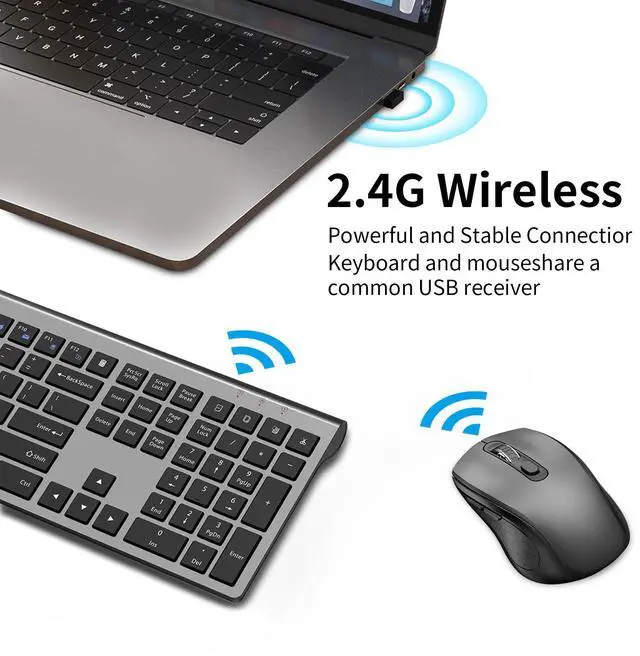
    • [ 2.4G Wireless USB Dongle & Plug and Play]Keyboard and mouse share ONE USB receiver. No delays or dropouts. Reliable wireless connection up to 10 meters (33 feet) without the need to download a driver
    • [Energy Saving & DurabiLity]Idle for 10 mins, the keyboard and mouse will sleep, press any button or key to wake up. You can go for months without the hassle of changing the batteries. The keyboard needs 2 x AA battery, the mouse needs 1 x AA battery. (Battery Not Included
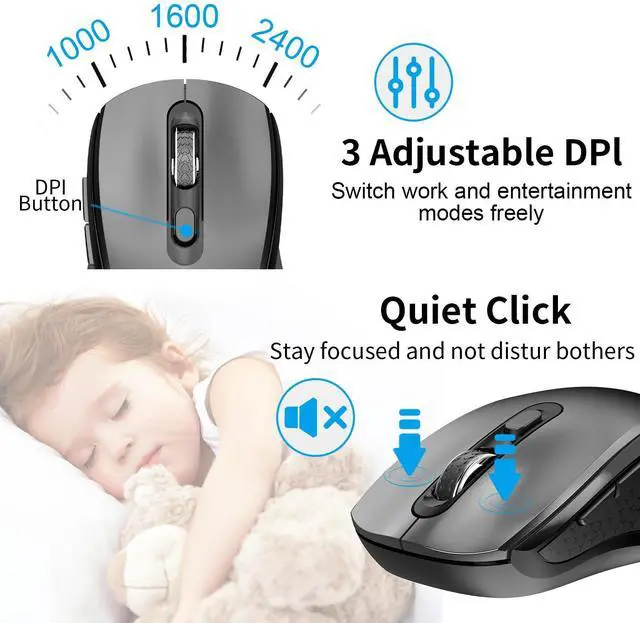
    • [3 Adjustable DPI]Wireless Mouse with 3 levels of adjustable DPI-1000/1600/2400, left and right keys are with low noise to reduce noise interference, without disturbing others
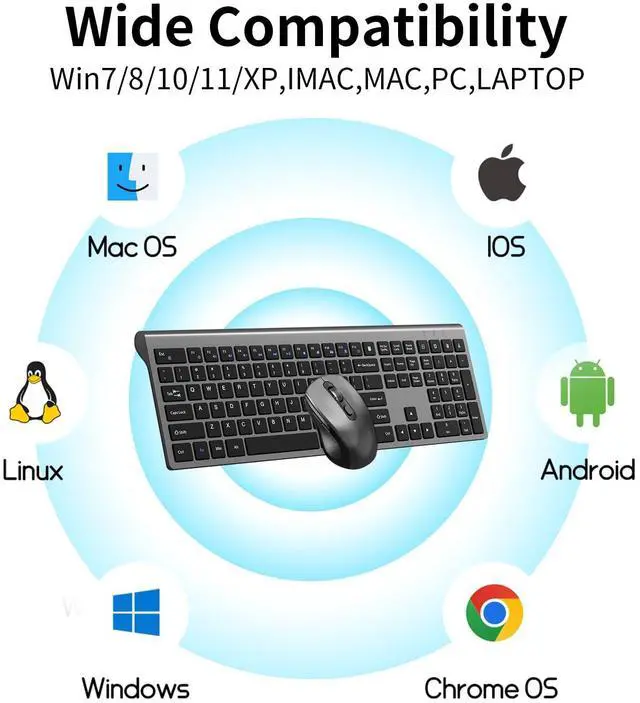
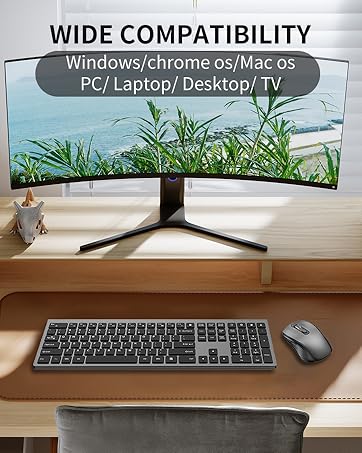
    • [Universal Compatibility]Well compatible with Windows 7/8/10/11/XP/Vista, Linux, Chrome OS and Android operating systems(Keyboard and mouse can also be used for Mac OS, but multimedia hotkeys may not be applicable). Fits for desktop, laptop, PC, Macbook, Chromebook act. (Pls Note: this mouse is connected by USB receiver, If devices with only type-c ports, require a USB-C to USB-A adapter)
    +
    +
    Overview
    Specs
    Reviews
    avatar

    Any questions? Our AI beta will help you find out quickly.

    FULL-SIZE WIRELESS KEYBOARD AND MOUSE
    This wireless keyboard and mouse WORTH EVERY PENNY:Wireless Freedom, Thin Design, Total Control
    • YES, keyboard and mouse share ONE USB receiver.

      ?

    • 1.Unplug the receiver of computer.

      2.Simultaneously press and hold the wheel button, the left button, and the right button for 5 seconds. (no lights wilight up)

      3.nsert the USB receiver into the computer within 15 seconds.

    • 1.Unplug the receiver of computer.

      2.Press and hold the "ESC" and "=+" buttons for about 3 seconds, the keyboard enters pairing mode, and the power indicator light turns red.

      3.Insert the USB receiver into the computer within 15 seconds.

    • To access the F1-F12 function keys, simply press the Fn key +F1-F12 key,Fn key locked, press Fn+Esc to unlock;

      Mac os system is not compatible withF1-F12 functions.

    FULL-SIZE WIRELESS KEYBOARD AND MOUSE
    This wireless keyboard and mouse WORTH EVERY PENNY:Wireless Freedom, Thin Design, Total Control
    • YES, keyboard and mouse share ONE USB receiver.

      ?

    • 1.Unplug the receiver of computer.

      2.Simultaneously press and hold the wheel button, the left button, and the right button for 5 seconds. (no lights wilight up)

      3.nsert the USB receiver into the computer within 15 seconds.

    • 1.Unplug the receiver of computer.

      2.Press and hold the "ESC" and "=+" buttons for about 3 seconds, the keyboard enters pairing mode, and the power indicator light turns red.

      3.Insert the USB receiver into the computer within 15 seconds.

    • To access the F1-F12 function keys, simply press the Fn key +F1-F12 key,Fn key locked, press Fn+Esc to unlock;

      Mac os system is not compatible withF1-F12 functions.

    What's in the box: 1 * Wireless Keyboard, 1 * Wireless Mouse, 1 * USB Receiver, (NOTE: The USB receiver is stored at the bottom of the mouse). 1 * User Manual. Trouble Shooting: 1. Trying moving the keyboard and mouse more closer to USB nano receiver 2. Pull out the USB receiver and plug it firmly to USB port 3. Please Replace the battery if mouse and keyboard become lag or inconsistant connection. The RED power LED will blink every 5s if low battery 4. Plug your nano receiver to some other USB port of your PC or laptop 5. Try to pair the keyboard and mouse with nano receiver again if power led indicatesin RED but no response. Press and hold "Esc" & "+/=" for 3 seconds, the keyboard enters pairing mode. Press and hold the "left button, middle button and right button" of the mouse for 5 seconds, the mouse enters pairing mode.


    Product information

    Brand ACOZYKITTEN
    Color KM468-Grey
    Connectivity Technology USB Wireless
    Special Feature Ergonomic, Soundless, Wireless
    Compatible Devices Laptop, Personal Computer, Tablet
    Package Dimensions 17.72 x 6.46 x 2.32 inches
    Item Weight 1.54 pounds
    Date First Available December 19, 2024
    Manufacturer ACOZYKITTEN

    Additional Features

    • The noiseless mouse adopts an invisible light design, which avoidsdiscomfort caused by strong light at the bottom of the mouse tothe eyes and is more energy-efficient
    • This wireless mouse keyboard enjoys 60 days money-back and a18-monthworry-free warranty. Package includes:1 wireless keyboard and mouse,1 USB receiver, and 1user manual. Please contact us, if youencounter any problems during use

    Warranty & Returns

    Warranty, Returns, And Additional Information

    Warranty

    • Please contact the Seller directly for warranty information. Warranty information may also be found on the Manufacturer's website.
    • CONTACT

    Return Policies

    Manufacturer Contact Info

    LOADING...