


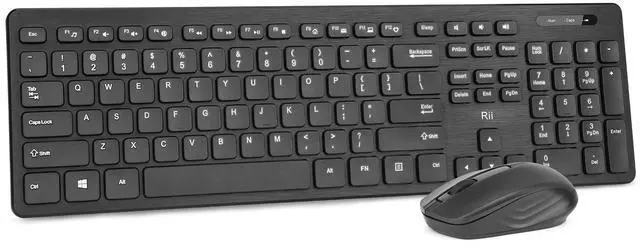
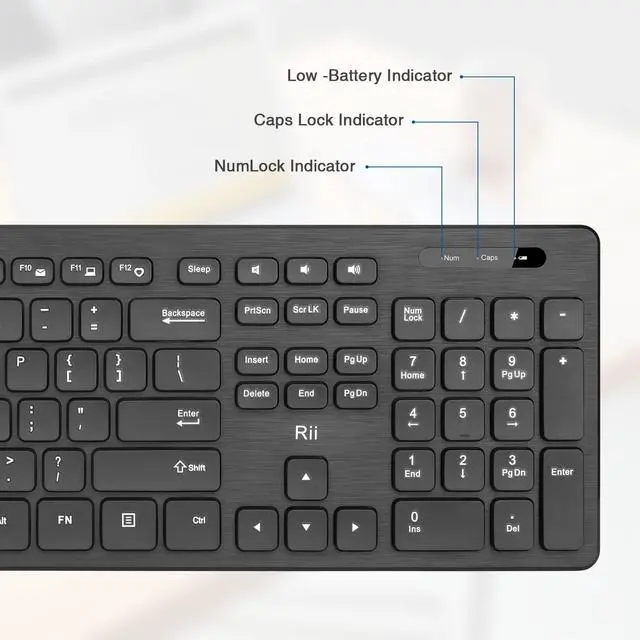
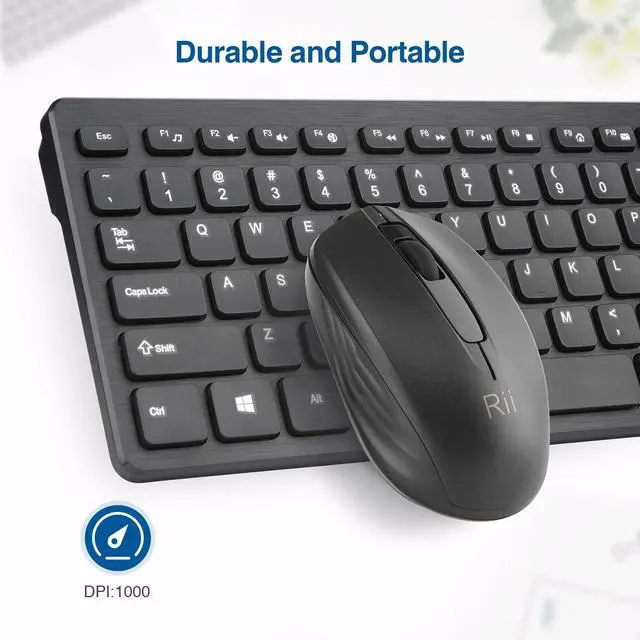
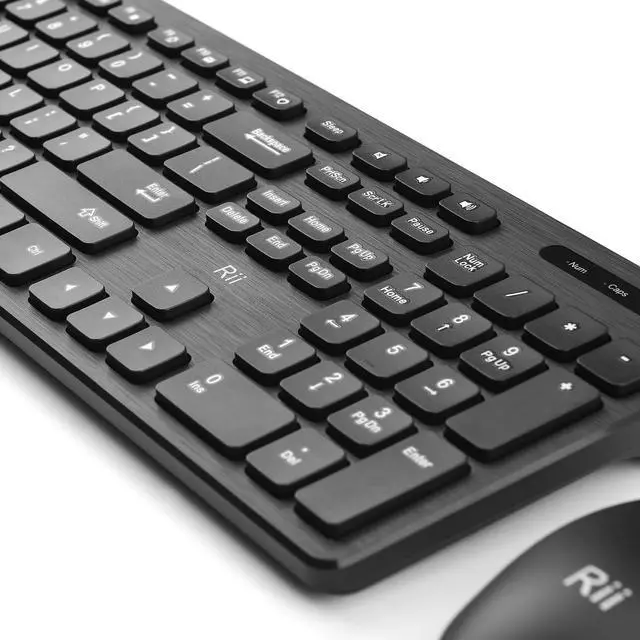
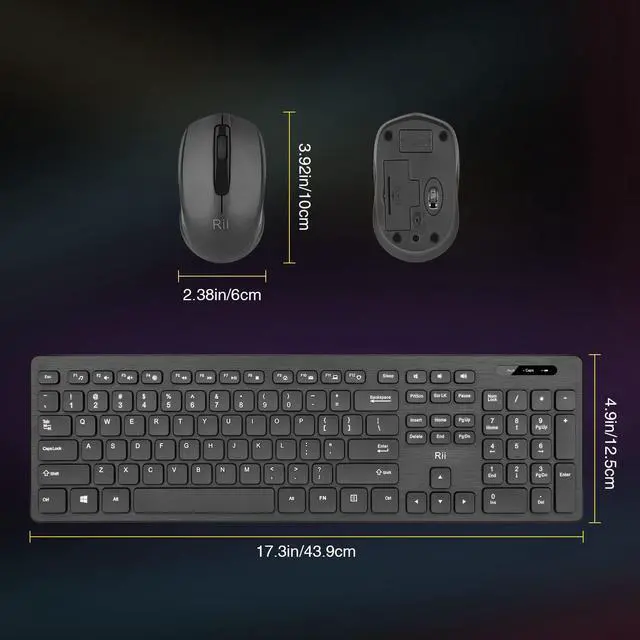


Rii keyboard and mouse

Rii aims at providing elegant, fashion and ease-of-use products for all people who need the wireless mouse and keyboard, especially for the young friends and kids with its youthful design
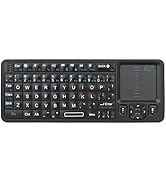
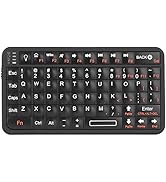
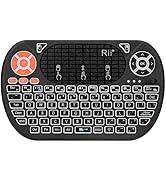
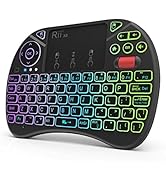
Rii Mini Keyboard
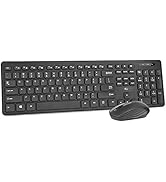
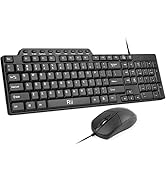
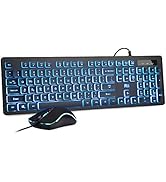
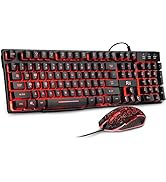
keyboard and mouse combo
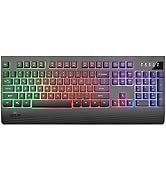
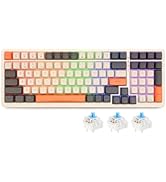
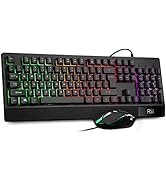
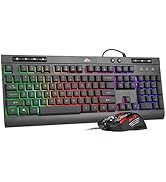
gaming keyboard
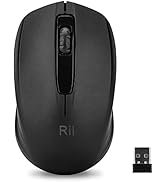
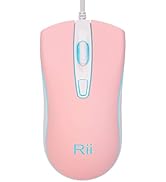
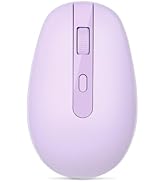
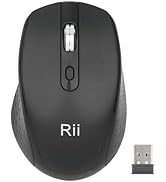
Mouse
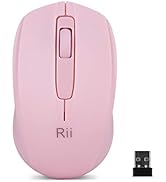
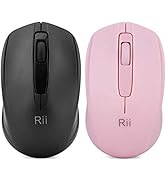

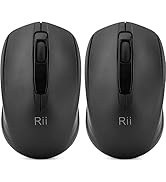
Mouse
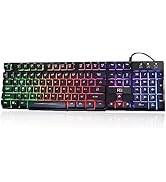
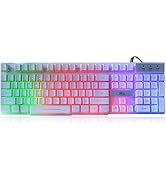
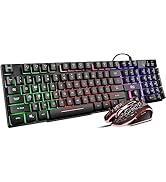
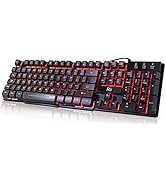
gaming keyboard
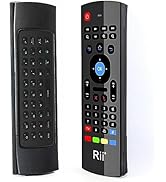
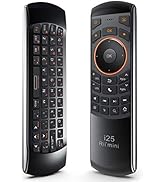
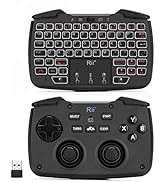
remote ,gaming controller
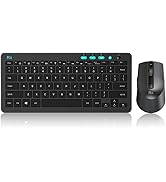
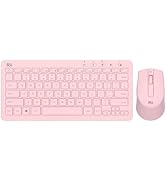
keyboard and mouse


If This keyboard or mouse can't be connected to your computer, please try this method:
1. About Keyboard Repair: Press "ESC" and “Q button at the same time about 3 seconds ,the red light will flash, then plug the USB dongle.
2.About Mouse Repair: Press the roller and the right button of the mouse at the same time about 3 seconds, then plug the USB dongle.


Enjoy Wireless Freedom
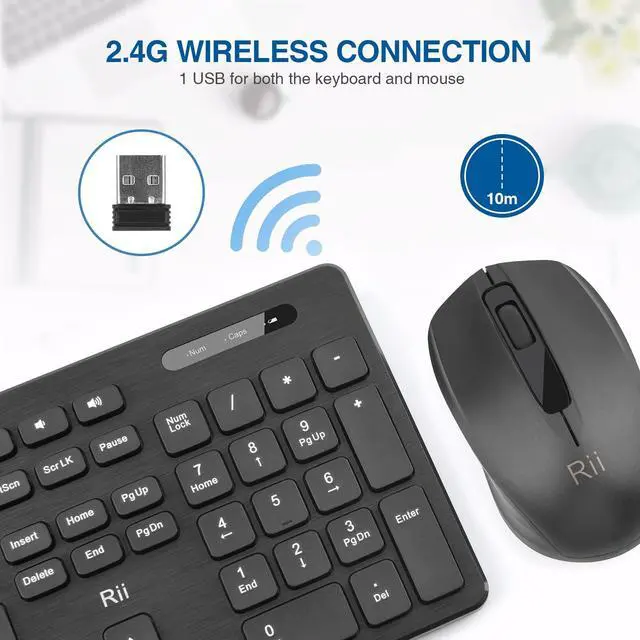
RII wireless keyboard and mouse can be used anywhere and anytime without the restriction of wires.

2 in 1 USB RECEIVER
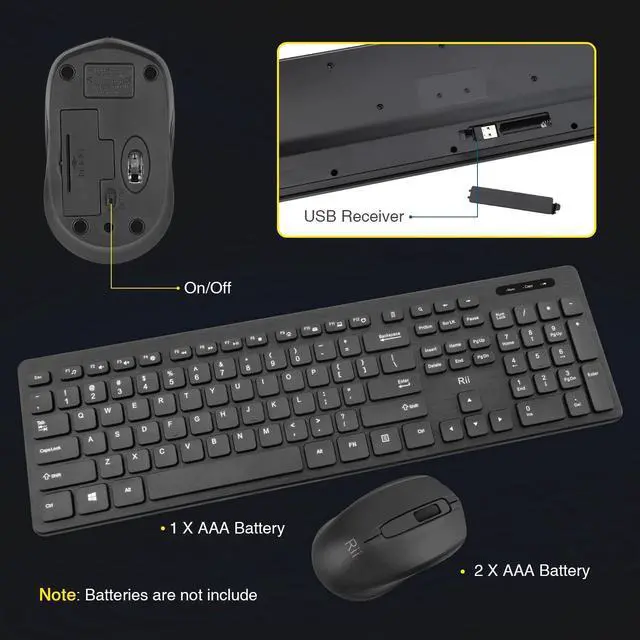
USB Receiver ×1 (in the keyboard battery compartment)
- 2 AAA Battery for Keyboard (not included)
- 1 AA Battery for Mouse (not included)

Delicate And Portable Mouse
The ergonomic mouse can be used by right hand or left hand.
The slim design makes it more comfortable and portable

- 1 AAA Battery for Keyboard (not included)
- 2 AAA Battery for Mouse (not included)
Compatibility: Windows XP / VISTA / 7 /8 /10; Mac OS; Chrome OS; Linux etc.
Connection Issues
Keyboard & Mouse
- Ttake out the batteries and the USB receiver
- Reinstall batteries and plug in the USB receiver
- Long press ESC+K to pair the keyboard; Long press Scroll button + Right Button to pair mouse.
Package Included
- Wireless Mouse ×1
- Wireless Keyboard ×1
- USB Receiver ×1 (in the keyboard battery compartment)
- User Manual ×1
If This keyboard or mouse can't be connected to your computer, please try this method:
1. About Keyboard Repair: Press "ESC" and “Q button at the same time about 3 seconds ,the red light will flash, then plug the USB dongle.
2.About Mouse Repair: Press the roller and the right button of the mouse at the same time about 3 seconds, then plug the USB dongle.
Enjoy Wireless Freedom
RII wireless keyboard and mouse can be used anywhere and anytime without the restriction of wires.
2 in 1 USB RECEIVER
USB Receiver ×1 (in the keyboard battery compartment)
- 2 AAA Battery for Keyboard (not included)
- 1 AA Battery for Mouse (not included)
Delicate And Portable Mouse
The ergonomic mouse can be used by right hand or left hand.
The slim design makes it more comfortable and portable
- 1 AAA Battery for Keyboard (not included)
- 2 AAA Battery for Mouse (not included)
Compatibility: Windows XP / VISTA / 7 /8 /10; Mac OS; Chrome OS; Linux etc.
Connection Issues
Keyboard & Mouse
- Ttake out the batteries and the USB receiver
- Reinstall batteries and plug in the USB receiver
- Long press ESC+K to pair the keyboard; Long press Scroll button + Right Button to pair mouse.
Package Included
- Wireless Mouse ×1
- Wireless Keyboard ×1
- USB Receiver ×1 (in the keyboard battery compartment)
- User Manual ×1
Rii keyboard and mouse
Rii aims at providing elegant, fashion and ease-of-use products for all people who need the wireless mouse and keyboard, especially for the young friends and kids with its youthful design
Rii Mini Keyboard
keyboard and mouse combo
gaming keyboard
Mouse
Mouse
gaming keyboard
remote ,gaming controller
keyboard and mouse