



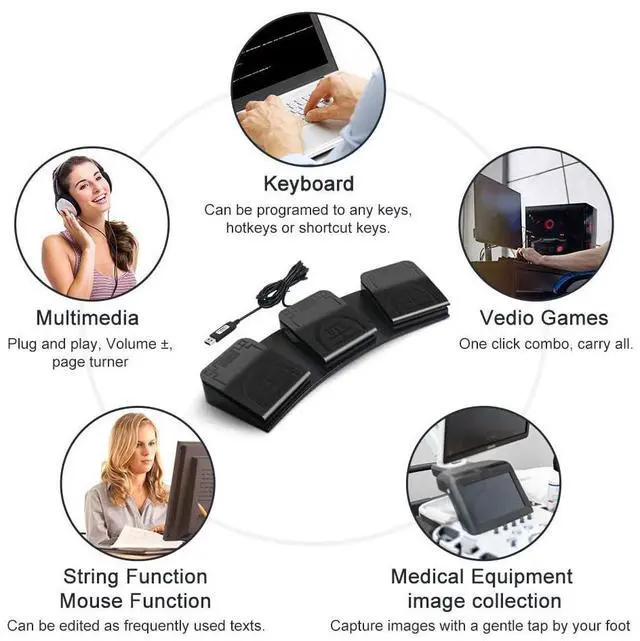


- Keyboard: USB foot pedal can be set to any single key, shortcut key, hotkey or key combination (including F13 to F24, etc.), such as CTRL+C etc.
- Mouse: Computer foot pedal can be set to the left, middle, right, forward, and backward of the mouse, and the movement of the X and Y axes and the up and down scrolling functions of the wheel can also be set.
- String: Type up to 38 characters with a single press by the foot pedal, for example "Hello, how are you today?"
- Multimedia: PC foot pedal supports multimedia functions, such as previous song, next song, volume+, volume-, etc.
- Macro: You can configure the combination of keyboard and mouse actions, for example, set Ctrl+P to delay 100ms and press Enter to realize the function of automatic printing.

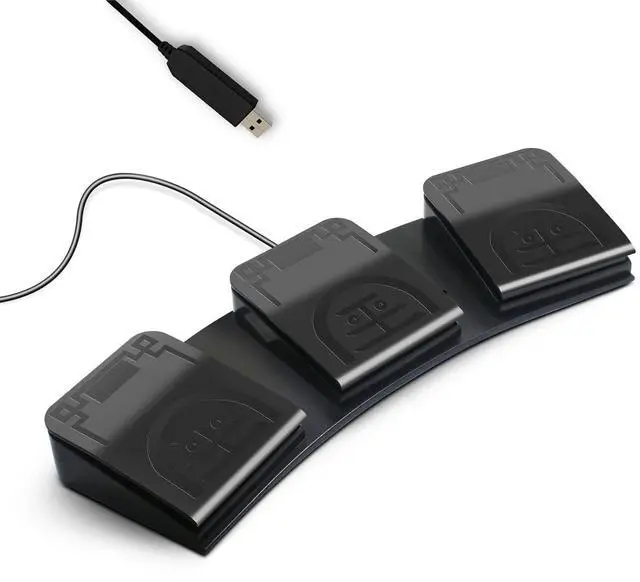
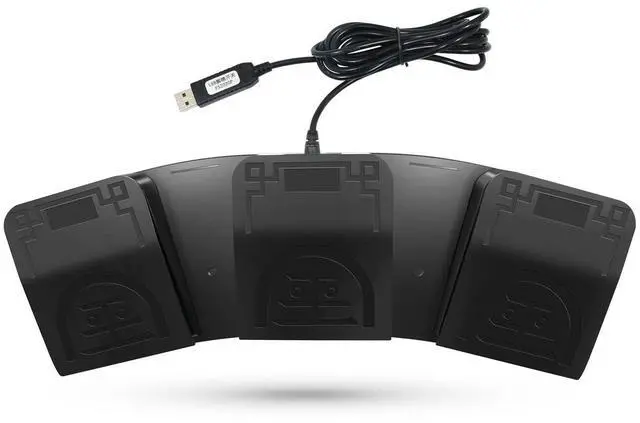
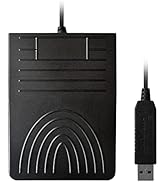
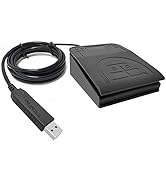
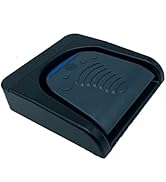
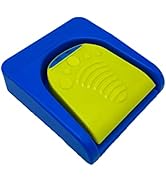
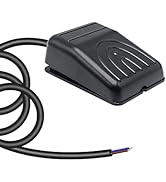
- The USB foot switch can be used to control your computer/equipment via the foot pedal. The keys can be configured into keyboard, mouse and other functions, which can be connected via an USB-type c cable connection.
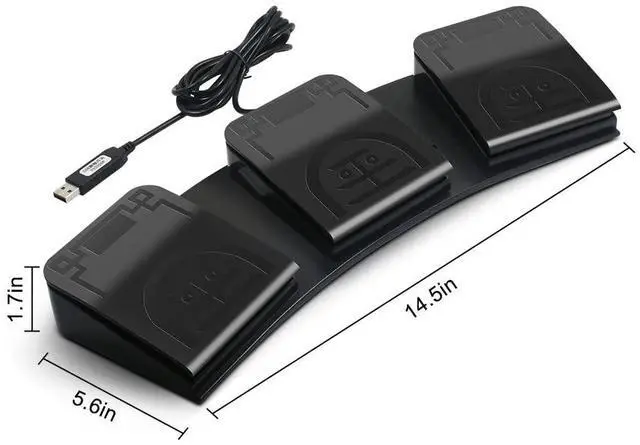
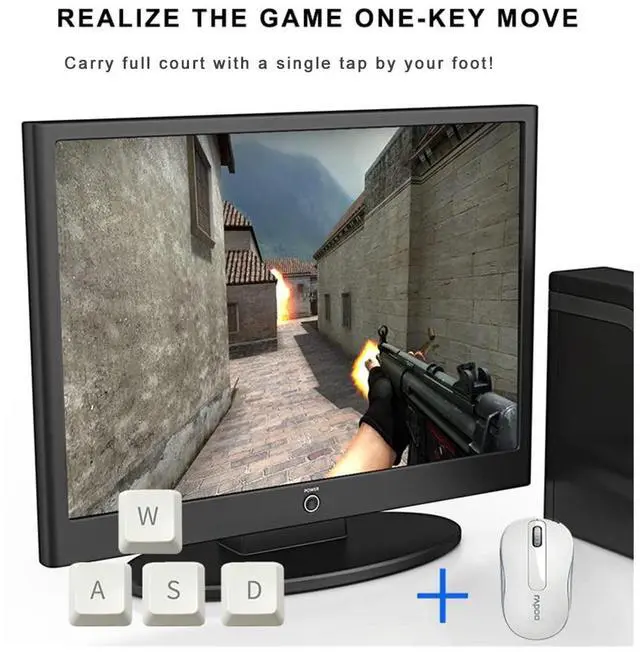
- Used for playing games, factory equipment control, controlling instruments, helping the disabled, etc. Users can program keys for keyboard functions, mouse functions, string printing functions, multimedia functions, and Macro definition function. The number or style of pedals can also be customized according to customer requirements.




- Keyboard: USB foot pedal can be set to any single key, shortcut key, hotkey or key combination (including F13 to F24, etc.), such as CTRL+C etc.
- Mouse: Computer foot pedal can be set to the left, middle, right, forward, and backward of the mouse, and the movement of the X and Y axes and the up and down scrolling functions of the wheel can also be set.
- String: Type up to 38 characters with a single press by the foot pedal, for example "Hello, how are you today?"
- Multimedia: PC foot pedal supports multimedia functions, such as previous song, next song, volume+, volume-, etc.
- Macro: You can configure the combination of keyboard and mouse actions, for example, set Ctrl+P to delay 100ms and press Enter to realize the function of automatic printing.
- The USB foot switch can be used to control your computer/equipment via the foot pedal. The keys can be configured into keyboard, mouse and other functions, which can be connected via an USB-type c cable connection.
- Used for playing games, factory equipment control, controlling instruments, helping the disabled, etc. Users can program keys for keyboard functions, mouse functions, string printing functions, multimedia functions, and Macro definition function. The number or style of pedals can also be customized according to customer requirements.
PCsensor
PCsensor dedicated to the development, production and sales of high-tech application products in the field of electronic software.
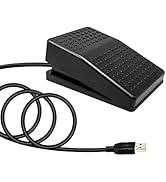
USB Foot Pedal
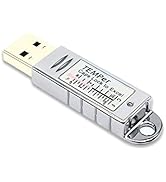
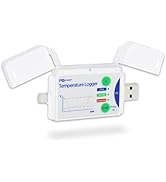
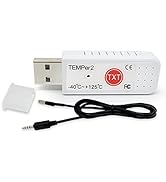
Thermometer Data Logger
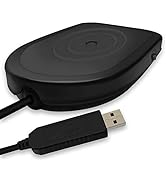
Foot Switch and Key Pad
