





Q1: What is this 12+2 programmable macro keypad used for?
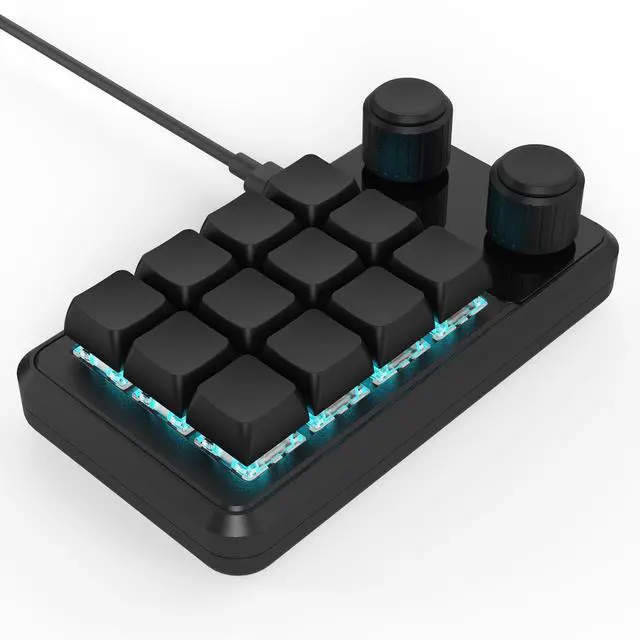
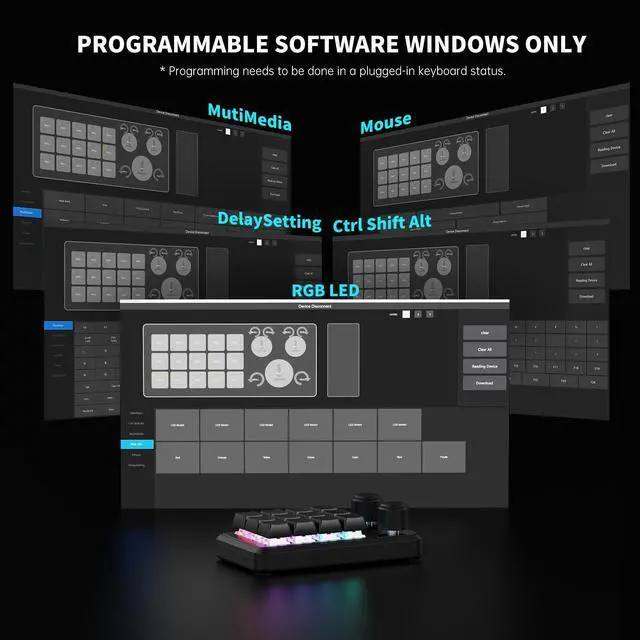
A:This is a 12-key + 2-knob programmable macro keypad that turns shortcuts or key combinations into one-press actions. It works as a shortcut controller for editing, design, office work, drawing, and gaming, not for long text typing.
Q2: Who is this macro keypad suitable for?
A:It is suitable for users who frequently use shortcuts, including video editors, designers, office users, illustrators, and gamers who want faster and more efficient repetitive operations.
Q3: Can one key trigger a shortcut or key combination?
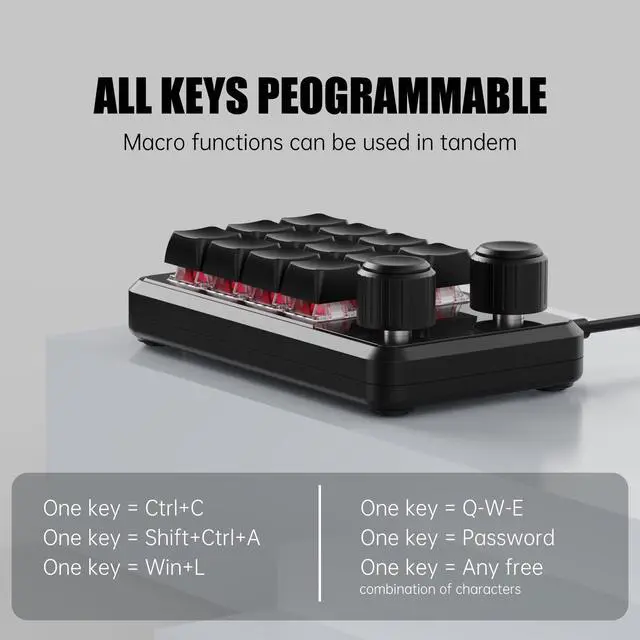
A:Yes. You can map shortcut keys or key combinations to a single key, as long as the target function already has a keyboard shortcut supported by the system or software.
Q4: Can the two knobs be customized?
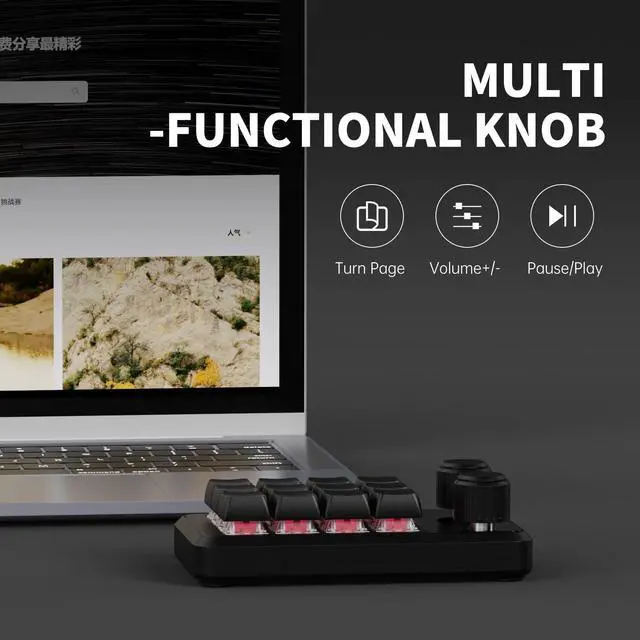
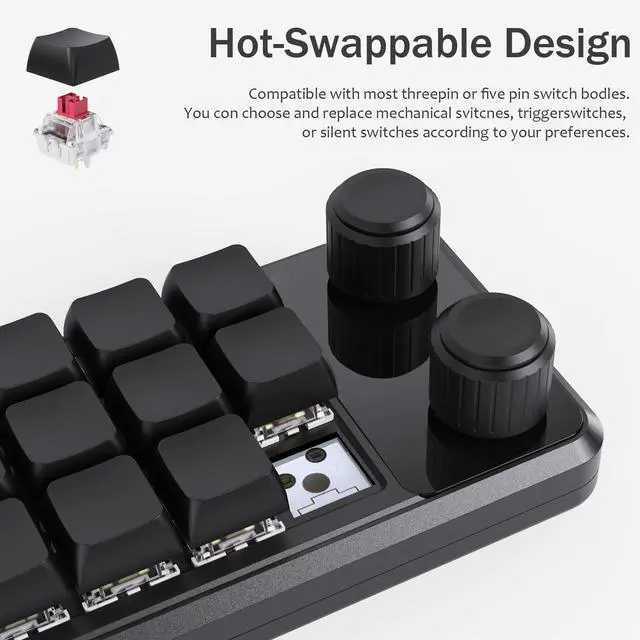
A:Yes. Each knob supports left rotation, right rotation, and press actions. Knobs are commonly used for volume control, zooming, scrolling, brightness adjustment, or other continuous operations.
Q5: Is it suitable for daily and long-term use?
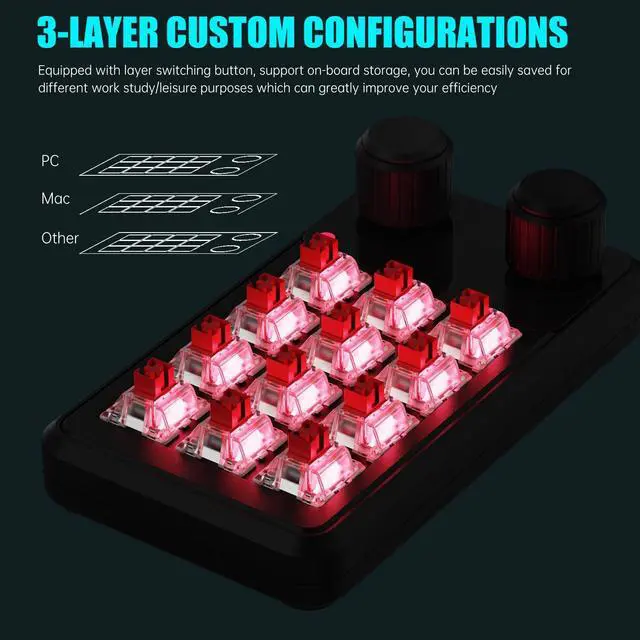
A:Yes. The keypad is designed for daily and frequent use. Once settings are written to the device, they are saved internally and can be used consistently across different computers.


Q1: What is this 12+2 programmable macro keypad used for?
A:This is a 12-key + 2-knob programmable macro keypad that turns shortcuts or key combinations into one-press actions. It works as a shortcut controller for editing, design, office work, drawing, and gaming, not for long text typing.
Q2: Who is this macro keypad suitable for?
A:It is suitable for users who frequently use shortcuts, including video editors, designers, office users, illustrators, and gamers who want faster and more efficient repetitive operations.
Q3: Can one key trigger a shortcut or key combination?
A:Yes. You can map shortcut keys or key combinations to a single key, as long as the target function already has a keyboard shortcut supported by the system or software.
Q4: Can the two knobs be customized?
A:Yes. Each knob supports left rotation, right rotation, and press actions. Knobs are commonly used for volume control, zooming, scrolling, brightness adjustment, or other continuous operations.
Q5: Is it suitable for daily and long-term use?
A:Yes. The keypad is designed for daily and frequent use. Once settings are written to the device, they are saved internally and can be used consistently across different computers.