





Quiet & Effortless Typing
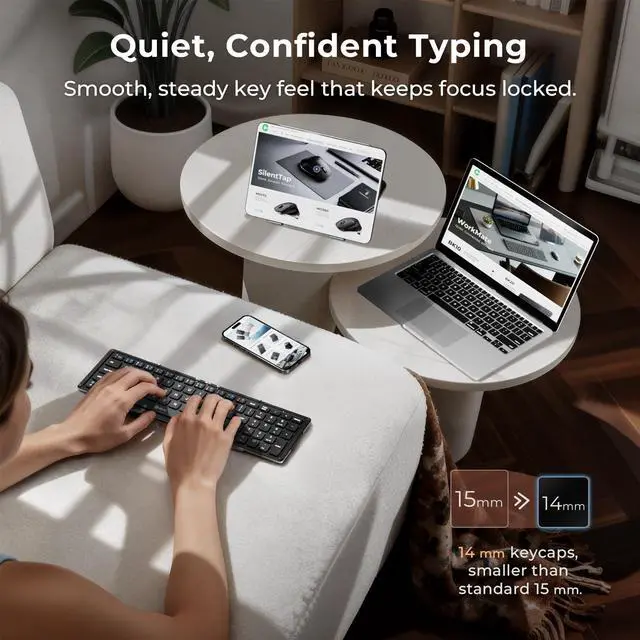
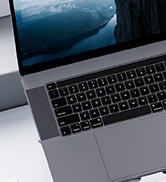
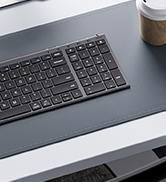
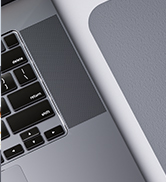
Scissor-switch keys deliver silent, low-force typing for long work sessions.

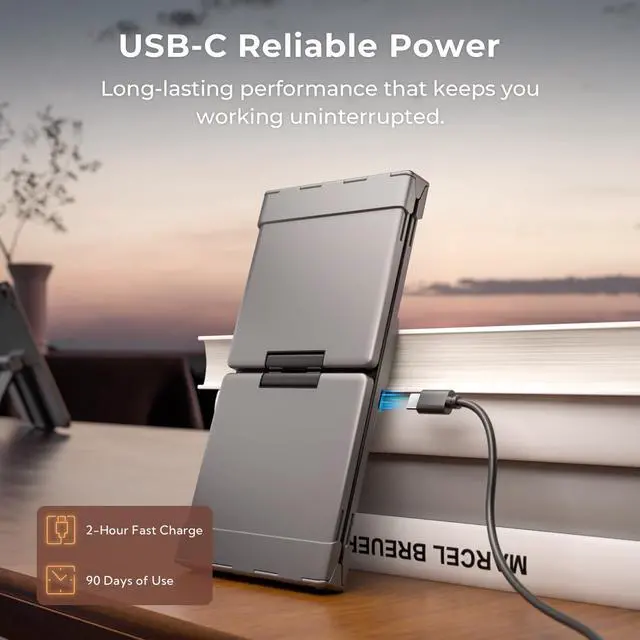
USB-C & 90-Day Battery Life
Recharge with USB-C and work for up to 3 months on a single charge — with an Fn+F10 battery check anytime.

Tested Fold Durability
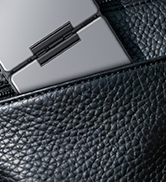
Tested to survive 10,000+ folds — built for years of dependable use.

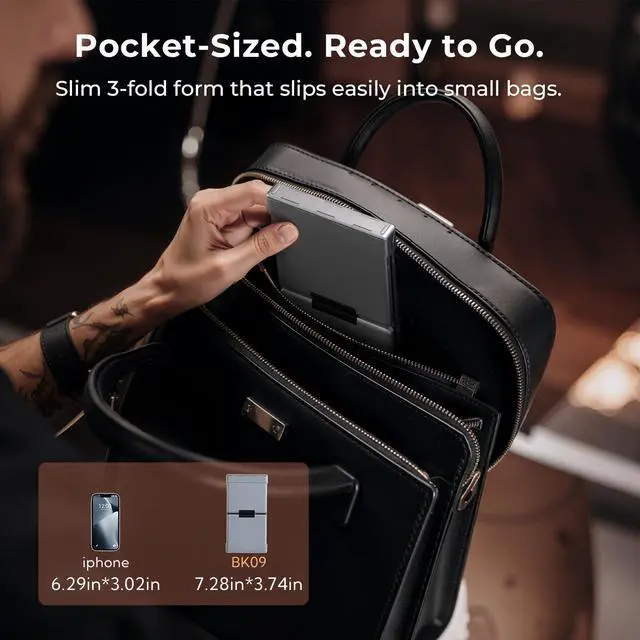
Folds Small. Works Full Size.
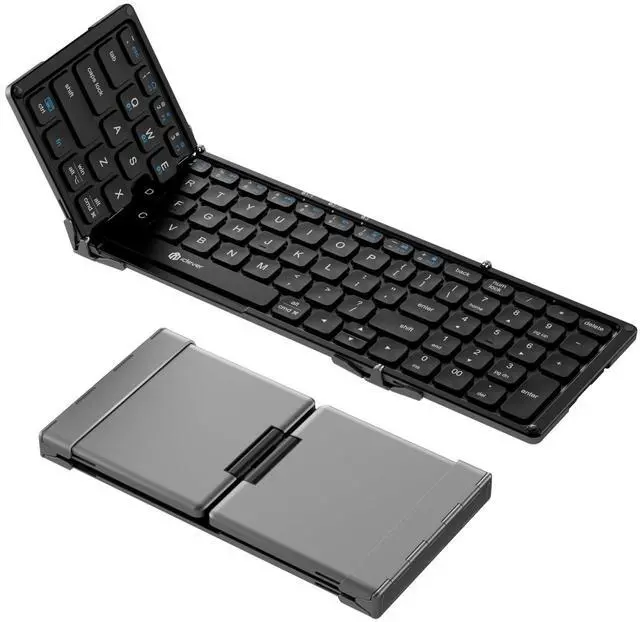
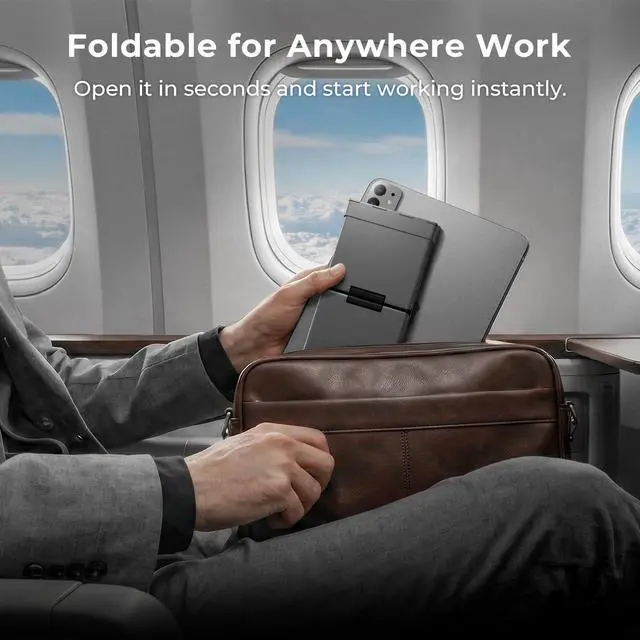
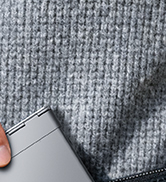
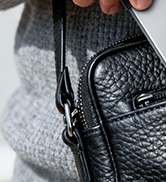
The 3-fold hinge keeps full key spacing for comfortable typing — unlike mini keyboards.

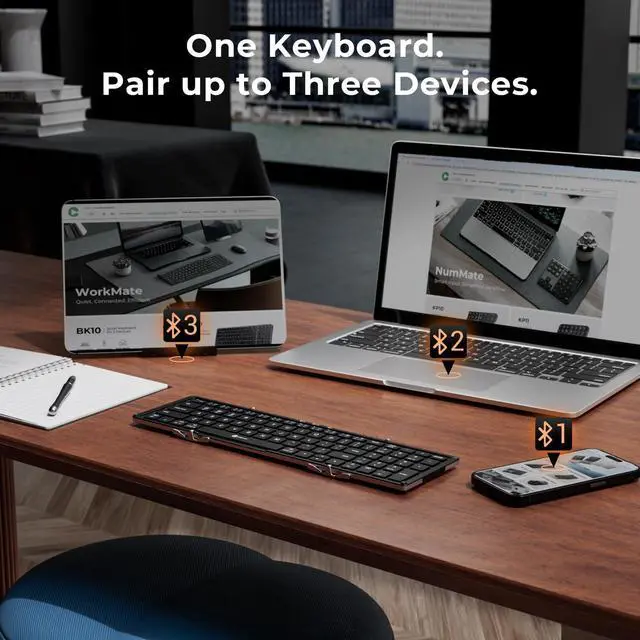
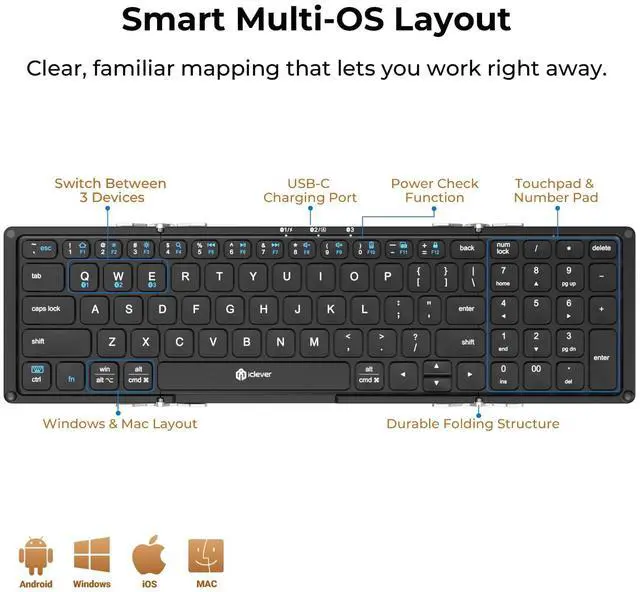
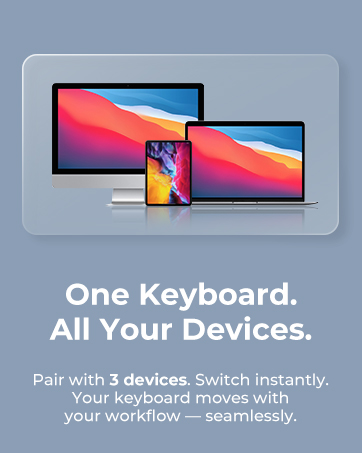
No reconnection. No Bluetooth pairing again. Just tap to switch and keep working.


Are the keys full laptop size?
BK09 uses 14 mm key pitch scissor keys for a compact, travel-ready form. If you prefer full-size 15 mm keys for desktop comfort, consider model BK05S.
The keyboard won’t reconnect after I unfold it—what should I try?
Unfold, tap any key to wake, then wait ˜ 1 s. If it stays offline, toggle Bluetooth off/on, delete “iClever BK09” from your device list, and pair again.
The keyboard does not lie flat when opened. Is this normal?
BK09 opens to 180 degrees. After unfolding, flip out the center balance stands under both sides to help it stay flat. Make sure the surface is level—slight tilt may occur on uneven desks.
Why do I get double letters or random keystrokes?
A low battery or 2.4 GHz interference can cause this. Recharge via USB-C (~2 h) and keep routers or dongles at least 8 in / 20 cm away. After waking from its 2-hour sleep, the first keystroke may repeat once—this is normal.
How long does one charge last and how can I extend it?
A 2-h USB-C charge powers ˜ 90 days at 2 h/day (touchpad on). Fold the board to sleep; Red LED = <10 %—you can keep typing while charging.


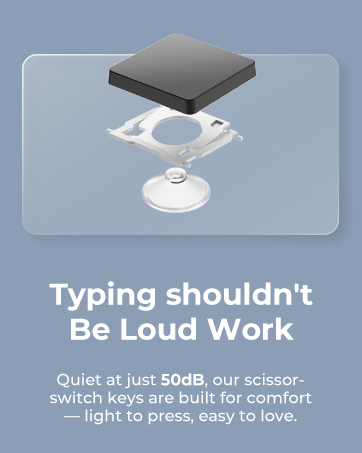





Quiet & Effortless Typing
Scissor-switch keys deliver silent, low-force typing for long work sessions.
USB-C & 90-Day Battery Life
Recharge with USB-C and work for up to 3 months on a single charge — with an Fn+F10 battery check anytime.
Tested Fold Durability
Tested to survive 10,000+ folds — built for years of dependable use.
Folds Small. Works Full Size.
The 3-fold hinge keeps full key spacing for comfortable typing — unlike mini keyboards.

No reconnection. No Bluetooth pairing again. Just tap to switch and keep working.


Are the keys full laptop size?
BK09 uses 14 mm key pitch scissor keys for a compact, travel-ready form. If you prefer full-size 15 mm keys for desktop comfort, consider model BK05S.
The keyboard won’t reconnect after I unfold it—what should I try?
Unfold, tap any key to wake, then wait ˜ 1 s. If it stays offline, toggle Bluetooth off/on, delete “iClever BK09” from your device list, and pair again.
The keyboard does not lie flat when opened. Is this normal?
BK09 opens to 180 degrees. After unfolding, flip out the center balance stands under both sides to help it stay flat. Make sure the surface is level—slight tilt may occur on uneven desks.
Why do I get double letters or random keystrokes?
A low battery or 2.4 GHz interference can cause this. Recharge via USB-C (~2 h) and keep routers or dongles at least 8 in / 20 cm away. After waking from its 2-hour sleep, the first keystroke may repeat once—this is normal.
How long does one charge last and how can I extend it?
A 2-h USB-C charge powers ˜ 90 days at 2 h/day (touchpad on). Fold the board to sleep; Red LED = <10 %—you can keep typing while charging.
WorkMate
FoldMate
NumMate
SilentTap
