





X Shaped Scissor Switch Key
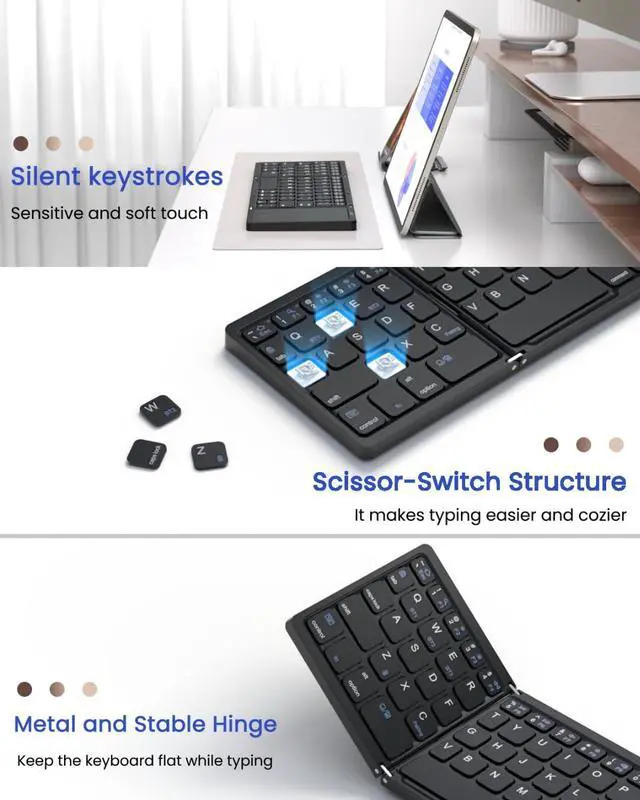
Two plastic tabs stay open on the keyboard and when a key is pressed, the two plastic tabs close like a scissor mechanism. Easy to use, require less pressure, Less fatiguing even when suitable for long working hours~

Upgraded Multimedia Buttons
In addition to the regular multimedia keys, we have also added new layout features such as Task Browse Window, Print Screen,Lock Screen, Virtual Keyboard, Battery Power Test. We believe our keyboard will make a difference to your experience!

Sturdy and Reliable Hinge
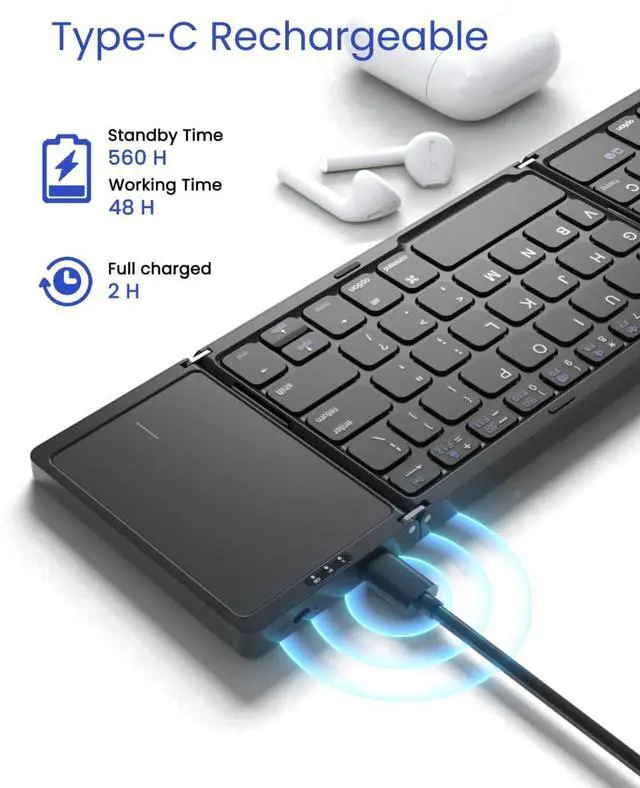
Metal hinge design holds the panels together tightly. Folding keyboard can stand up to 100,000 folding tests. Sturdy and Reliable. Smooth matte black keyboard shell is less likely to leave annoying fingerprint~

Touchpad On/Off
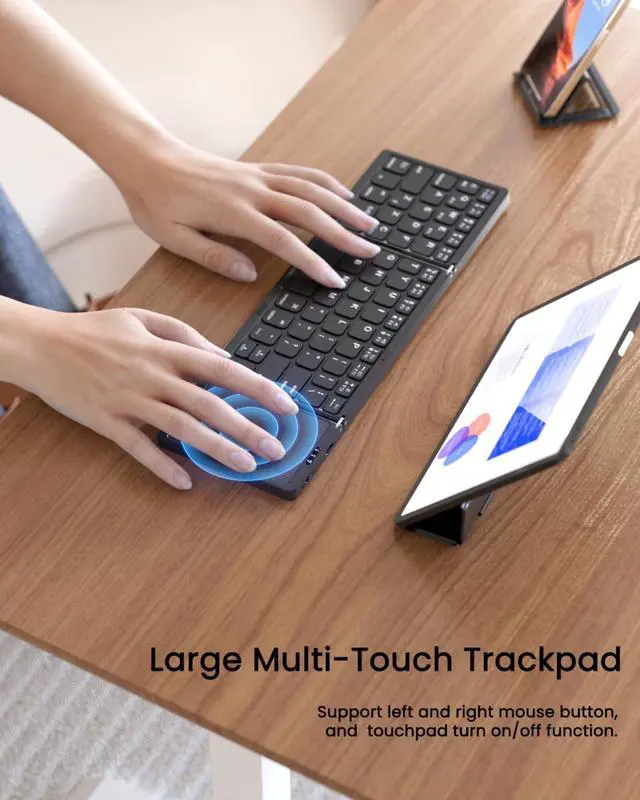
The touchpad on/off design improves your concentration and allows you to focus on your work, avoiding accidental touching of the touchpad which can interrupt your typing speed and work ideas!

What's In the Box?
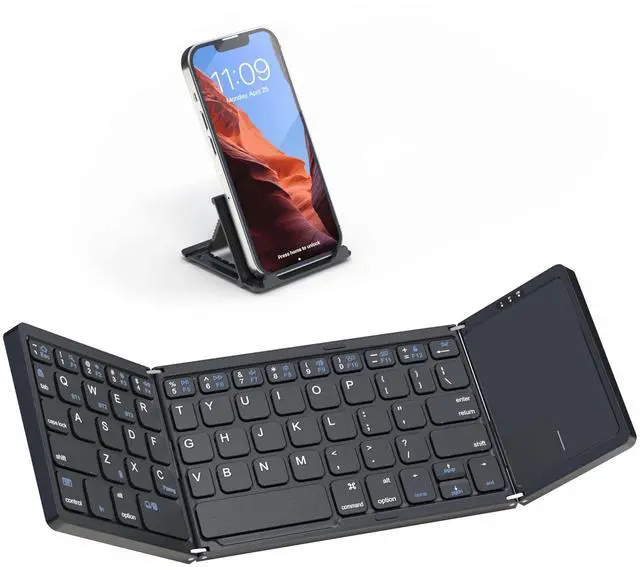
1 x Foldable Wireless Keyboard
1 x 6-position Adjustable Phone Holder
1 x Charging Cable
1 x User Manual
After the Initially successful connection of the keyboard, it will automatically connect ?
After the first successful Bluetooth connection from the same device, you do not need to repeat the above steps to use the keyboard again
What should I do if the keyboard fails to connect to the device?
1.Charge keyboard for 30 mins.
2.Delete/remove/forget the previous connection record On your device
3.On your device, turn Bluetooth off, and turn Bluetooth on again.
4.Make sure that keyboard and your device are within closeproximity of each other.
What can I do if the Artciety keyboard is connected and the touchpad does not respond?
If the touchpad does not work in iOS13.4 or later, please make sure you have enabled the touchpad.
Turn on the touchpad feature by opening Settings - Accessibility - Touch - Assistive Touch - Turn On.
Hot New Color Scheme / What's New?
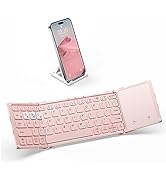
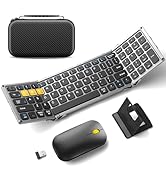
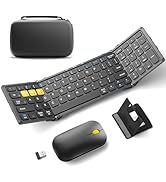
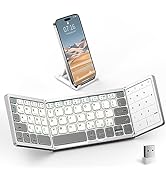
 Artciety Folding Keyboard |  Artciety Folding Keyboard |  PINK Folding Keyboard |  Artciety Folding Keyboard |  Artciety Folding Keyboard |  Folding Keyboard Mouse |  Artciety Folding Keyboard | |
|---|---|---|---|---|---|---|---|
Customer Reviews | — | — | — | — | — | — | — |
Price | — | — | — | — | — | — | — |
Connection | Triple Bluetooth 5.1 | Triple Bluetooth 5.1 | Triple Bluetooth 5.1 | Triple Bluetooth 5.1 | Triple Bluetooth 5.1 | Bluetooth 5.1 x 2 + 2.4G | Triple Bluetooth 5.1 |
Features | With Touchpad / 65 Keys | Larger Touchpad / 63 Keys | Larger Touchpad / 63 Keys | Full Size/ Touchpad/64 Keys | Familiar Numeric Keypad | Hard Case + Keypad + 2.4G | Full Size/With keypad/64 Keys |
Multi-Devices | 3 Devices | 3 Devices | 3 Devices | 3 Devices | 3 Devices | 3 Devices | 3 Devices |
Scissor Switch | ? | ? | ? | ? | ? | ? | ? |
Media controls | ? | ? | ? | ? | ? | ? | ? |
Adjustable Stand included | ? | ? | ? | ? | ? | ? | ? |
Backlit | ? | ? | ? | ? | ? | ? | ? |
Windows, IOS, Mac OS, Android | ? | ? | ? | ? | ? | ? | ? |
Free Accessories Include | Phone Holder | Phone Holder + Velvet Bag | Phone Holder + Velvet Bag | X | Phone Holder + Velvet Bag | Phone Holder + Hard Case | X |


We are committed to producing keyboards that enrich your life through a simple, convinient typing experience, bring convenience and higher productivity to you.
Developing more foldable keyboards to help make the mobile office an everyday event. It's our art aspiration that we pursuit and the source of Brand “Art+Ciety“!
Products are subject to strict standards and high-quality testing processes. We will always be there to listen to your feedback.
Your Mobile Workspace!
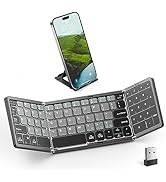
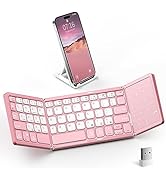
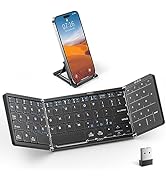
New Release & New Color Scheme



X Shaped Scissor Switch Key
Two plastic tabs stay open on the keyboard and when a key is pressed, the two plastic tabs close like a scissor mechanism. Easy to use, require less pressure, Less fatiguing even when suitable for long working hours~
Upgraded Multimedia Buttons
In addition to the regular multimedia keys, we have also added new layout features such as Task Browse Window, Print Screen,Lock Screen, Virtual Keyboard, Battery Power Test. We believe our keyboard will make a difference to your experience!
Sturdy and Reliable Hinge
Metal hinge design holds the panels together tightly. Folding keyboard can stand up to 100,000 folding tests. Sturdy and Reliable. Smooth matte black keyboard shell is less likely to leave annoying fingerprint~
Touchpad On/Off
The touchpad on/off design improves your concentration and allows you to focus on your work, avoiding accidental touching of the touchpad which can interrupt your typing speed and work ideas!

What's In the Box?
1 x Foldable Wireless Keyboard
1 x 6-position Adjustable Phone Holder
1 x Charging Cable
1 x User Manual
After the Initially successful connection of the keyboard, it will automatically connect ?
After the first successful Bluetooth connection from the same device, you do not need to repeat the above steps to use the keyboard again
What should I do if the keyboard fails to connect to the device?
1.Charge keyboard for 30 mins.
2.Delete/remove/forget the previous connection record On your device
3.On your device, turn Bluetooth off, and turn Bluetooth on again.
4.Make sure that keyboard and your device are within closeproximity of each other.
What can I do if the Artciety keyboard is connected and the touchpad does not respond?
If the touchpad does not work in iOS13.4 or later, please make sure you have enabled the touchpad.
Turn on the touchpad feature by opening Settings - Accessibility - Touch - Assistive Touch - Turn On.
Hot New Color Scheme / What's New?
Artciety Folding Keyboard |  Artciety Folding Keyboard | PINK Folding Keyboard | Artciety Folding Keyboard | Artciety Folding Keyboard | Folding Keyboard Mouse | Artciety Folding Keyboard |
|---|---|---|---|---|---|---|
| Customer Reviews | ||||||
| — | — | — | — | — | — | — |
| Price | ||||||
| — | — | — | — | — | — | — |
| Connection | ||||||
| Triple Bluetooth 5.1 | Triple Bluetooth 5.1 | Triple Bluetooth 5.1 | Triple Bluetooth 5.1 | Triple Bluetooth 5.1 | Bluetooth 5.1 x 2 + 2.4G | Triple Bluetooth 5.1 |
| Features | ||||||
| With Touchpad / 65 Keys | Larger Touchpad / 63 Keys | Larger Touchpad / 63 Keys | Full Size/ Touchpad/64 Keys | Familiar Numeric Keypad | Hard Case + Keypad + 2.4G | Full Size/With keypad/64 Keys |
| Multi-Devices | ||||||
| 3 Devices | 3 Devices | 3 Devices | 3 Devices | 3 Devices | 3 Devices | 3 Devices |
| Scissor Switch | ||||||
| ? | ? | ? | ? | ? | ? | ? |
| Media controls | ||||||
| ? | ? | ? | ? | ? | ? | ? |
| Adjustable Stand included | ||||||
| ? | ? | ? | ? | ? | ? | ? |
| Backlit | ||||||
| ? | ? | ? | ? | ? | ? | ? |
| Windows, IOS, Mac OS, Android | ||||||
| ? | ? | ? | ? | ? | ? | ? |
| Free Accessories Include | ||||||
| Phone Holder | Phone Holder + Velvet Bag | Phone Holder + Velvet Bag | X | Phone Holder + Velvet Bag | Phone Holder + Hard Case | X |

We are committed to producing keyboards that enrich your life through a simple, convinient typing experience, bring convenience and higher productivity to you.
Developing more foldable keyboards to help make the mobile office an everyday event. It's our art aspiration that we pursuit and the source of Brand “Art+Ciety“!
Products are subject to strict standards and high-quality testing processes. We will always be there to listen to your feedback.
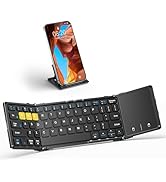
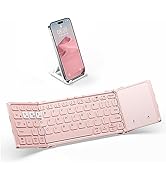
Your Mobile Workspace!
New Release & New Color Scheme
