




OMOTON Keyboard & Mouse Series
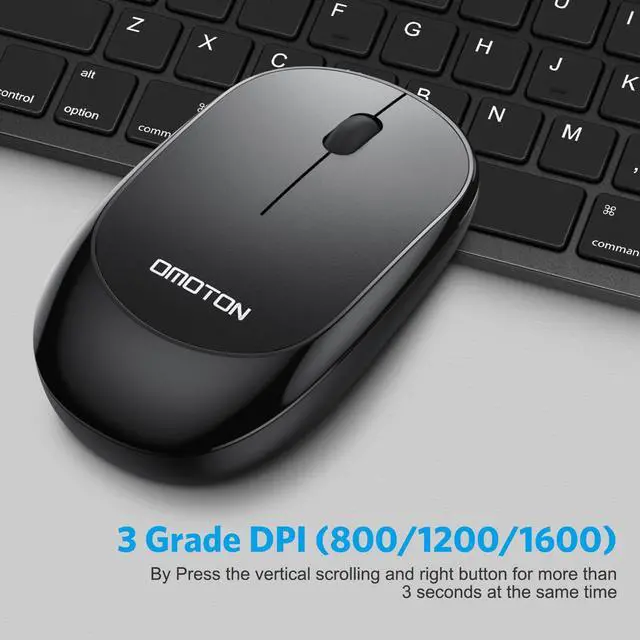
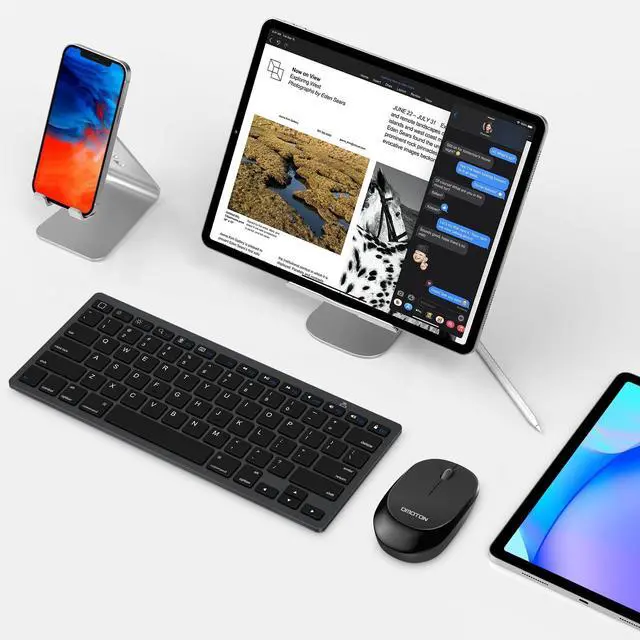
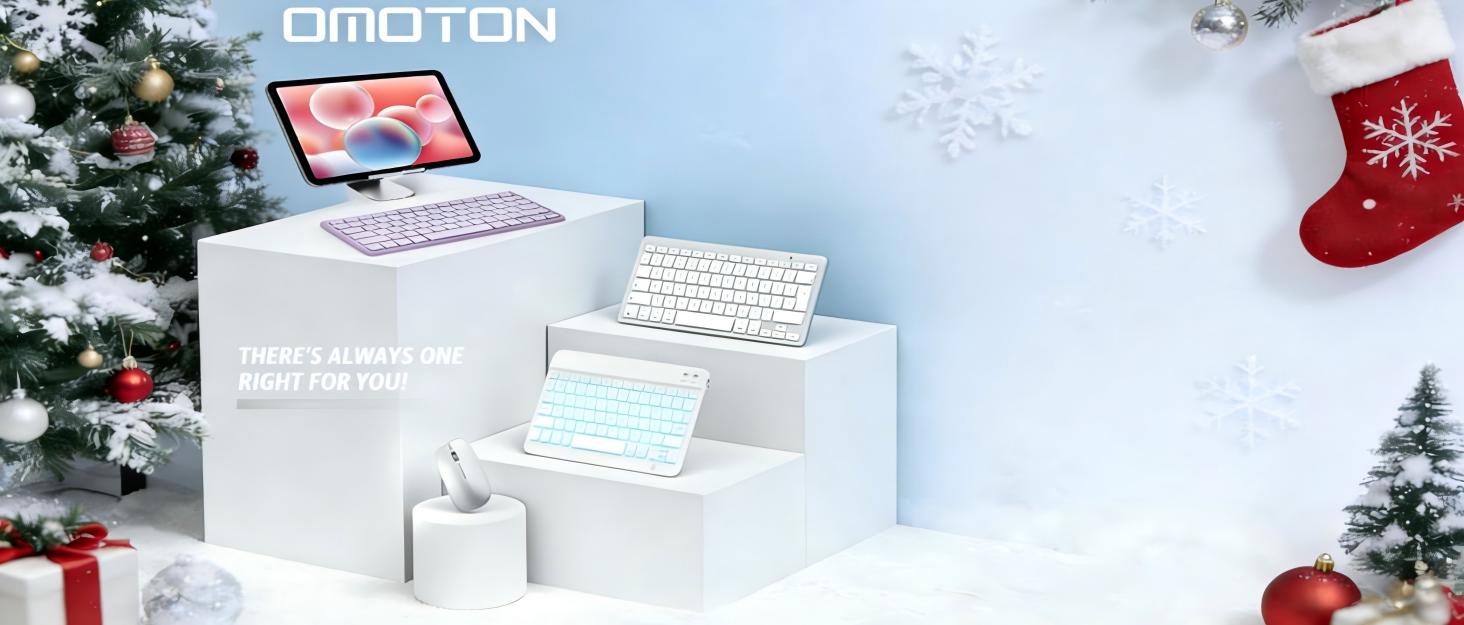
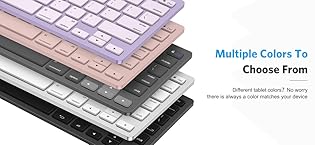
Different Kinds of keyboard and mouse, such as keyboard for iPad, Mac,foldable; Bluetooth; Wired Keyboard for your needs.
About us
We believe in enhancing everyday life through smart, high-quality products designed for modern living. Born from a passion for innovation and a commitment to excellence, we create solutions that are functional, stylish, and built to last. Our journey began with a simple idea: to make technology and accessories more intuitive, reliable, and enjoyable—because great design should simplify, not complicate.
How did we get our start?
It all begins with a problem to solve and a spark of creativity. We ask: How can we make this better?
What makes our products unique?
? Premium Quality, Always – We meticulously craft every product to ensure durability, performance, and a seamless user experience.
? Relentless Innovation – From ergonomic designs to cutting-edge materials
Why do we love what we do?
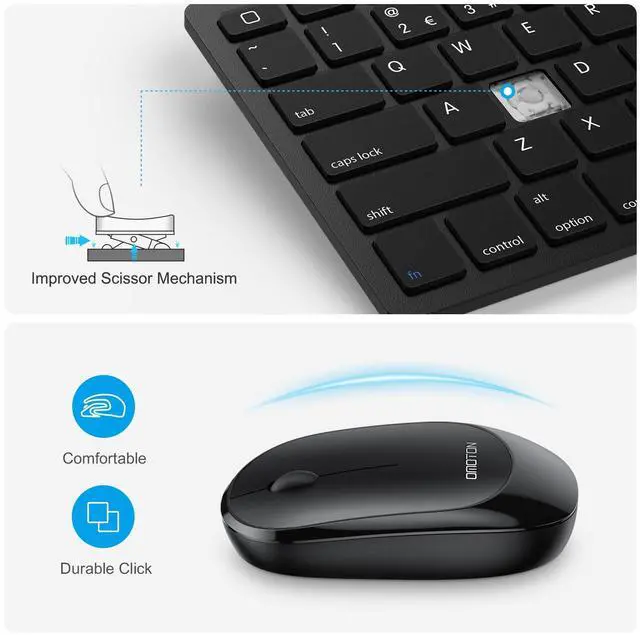
Because we see the joy in the details—the perfect angle of a stand, the satisfying click of a keyboard, or the effortless glide of a well-designed accessory.
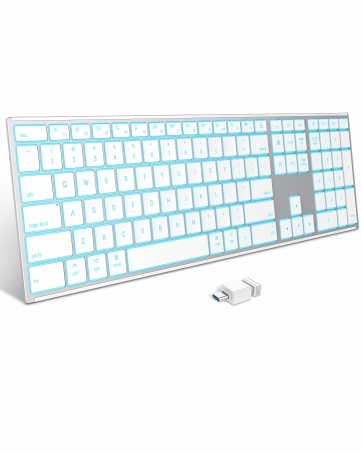
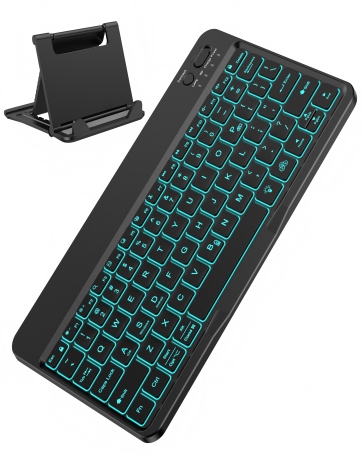
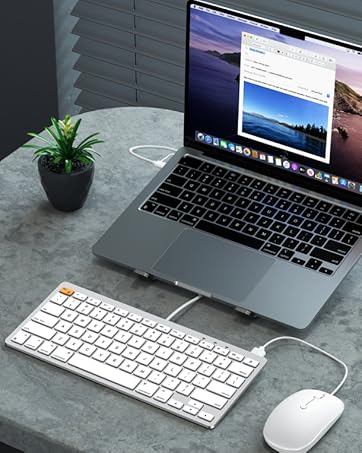
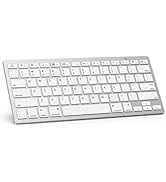
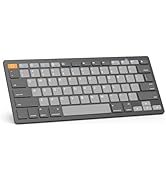
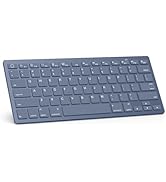
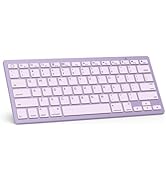
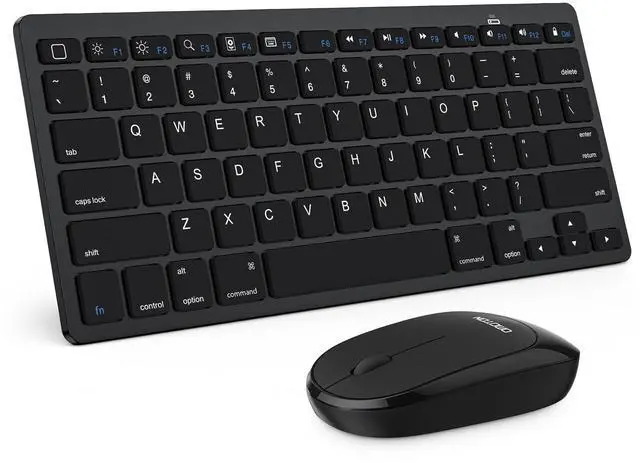
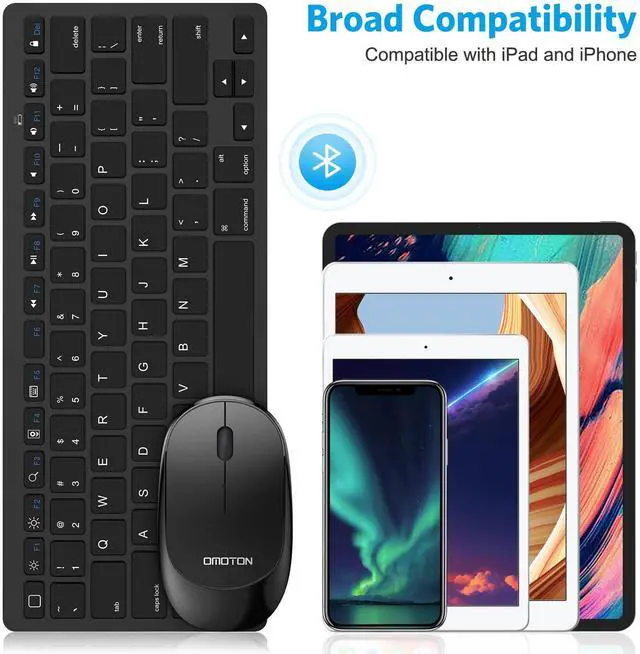
Bluetooth Keyboard for iPad
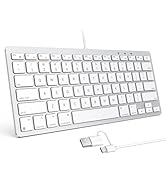
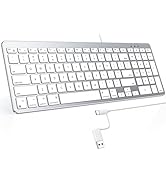
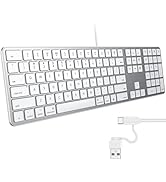
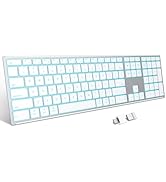
Different Size for Mac
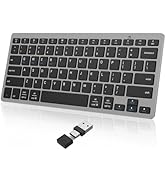
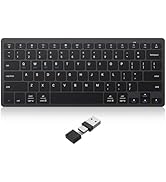
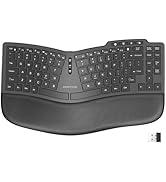
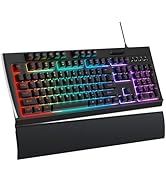
Various Type for Windows


How to connect this keyboard and mouse?
You can look at the video on our picture page for a professional instruction.
Where is the esc key?
There is no esc button, when you use the keyboard on a iPad/iPhone, the first key in the top row is “Back to Home”. However if you use it on a Macbook, you can try to press the “fn+Back to Home” key as an esc key.
Can I switch between devices?
No, you can not connect two devices at once, before connecting a new device, disconnect it from other devices
For iPad User, how to change the scroll direction?
For direction, Go to Setting-General-Trackpad & Mouse-Turn off "Natural Scrolling"
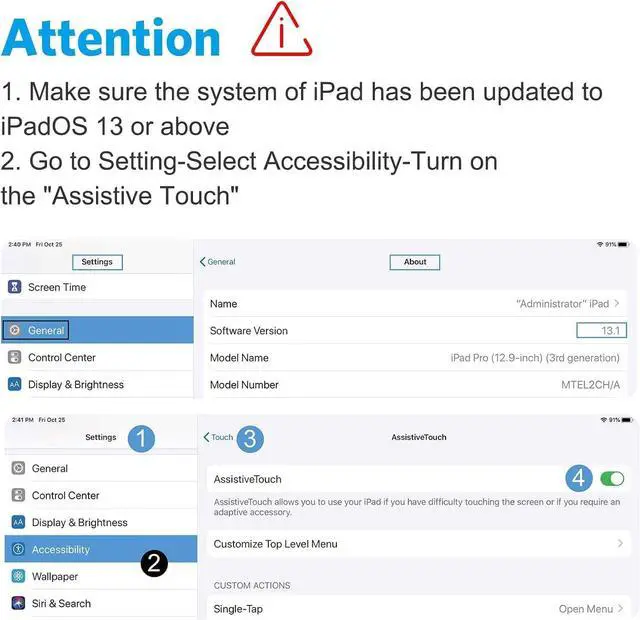
For speed, Go to Settings-Accessibility-Touch-Assistive Touch.-Scroll down to Mouse Keys-INITIAL DELAY/MAXIMUM SPEED
How to handle partial number and letter keys moving the mouse cursor instead of creating characters?
Go to Settings-Accessibility-Touch-Assistive Touch Turn the Mouse keys off.


How to connect this keyboard and mouse?
You can look at the video on our picture page for a professional instruction.
Where is the esc key?
There is no esc button, when you use the keyboard on a iPad/iPhone, the first key in the top row is “Back to Home”. However if you use it on a Macbook, you can try to press the “fn+Back to Home” key as an esc key.
Can I switch between devices?
No, you can not connect two devices at once, before connecting a new device, disconnect it from other devices
For iPad User, how to change the scroll direction?
For direction, Go to Setting-General-Trackpad & Mouse-Turn off "Natural Scrolling"
For speed, Go to Settings-Accessibility-Touch-Assistive Touch.-Scroll down to Mouse Keys-INITIAL DELAY/MAXIMUM SPEED
How to handle partial number and letter keys moving the mouse cursor instead of creating characters?
Go to Settings-Accessibility-Touch-Assistive Touch Turn the Mouse keys off.
OMOTON Keyboard & Mouse Series
Different Kinds of keyboard and mouse, such as keyboard for iPad, Mac,foldable; Bluetooth; Wired Keyboard for your needs.
About us
We believe in enhancing everyday life through smart, high-quality products designed for modern living. Born from a passion for innovation and a commitment to excellence, we create solutions that are functional, stylish, and built to last. Our journey began with a simple idea: to make technology and accessories more intuitive, reliable, and enjoyable—because great design should simplify, not complicate.
How did we get our start?
It all begins with a problem to solve and a spark of creativity. We ask: How can we make this better?
What makes our products unique?
? Premium Quality, Always – We meticulously craft every product to ensure durability, performance, and a seamless user experience.
? Relentless Innovation – From ergonomic designs to cutting-edge materials
Why do we love what we do?
Because we see the joy in the details—the perfect angle of a stand, the satisfying click of a keyboard, or the effortless glide of a well-designed accessory.
Bluetooth Keyboard for iPad
Different Size for Mac
Various Type for Windows