
Your Browsing History






Any questions? Our AI beta will help you find out quickly.
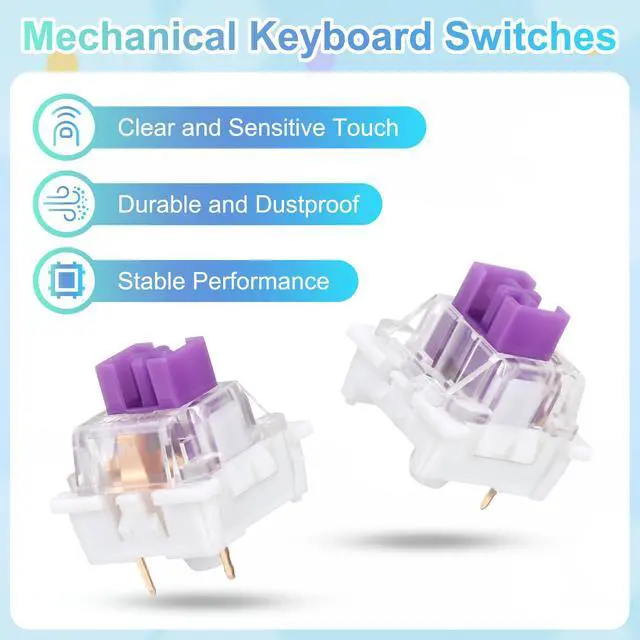
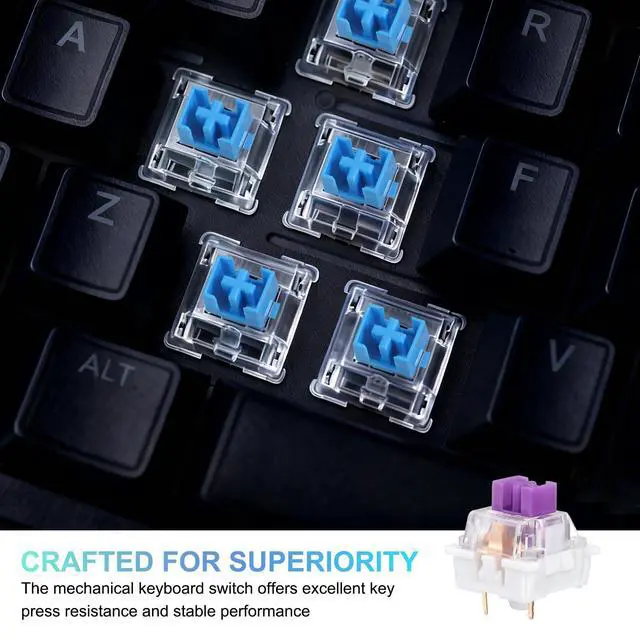
[WHAT TO GET]: Crafted from PC plastic, the mechanical keyboard switch offers excellent key press resistance and stable performance; the smooth surface ensures low friction for consistent key presses that deliver crisp and responsive tactile feedback to offer smooth and comfortable typing experience. The dust-resistant 3-pin structure ensures reliable durability and broad.
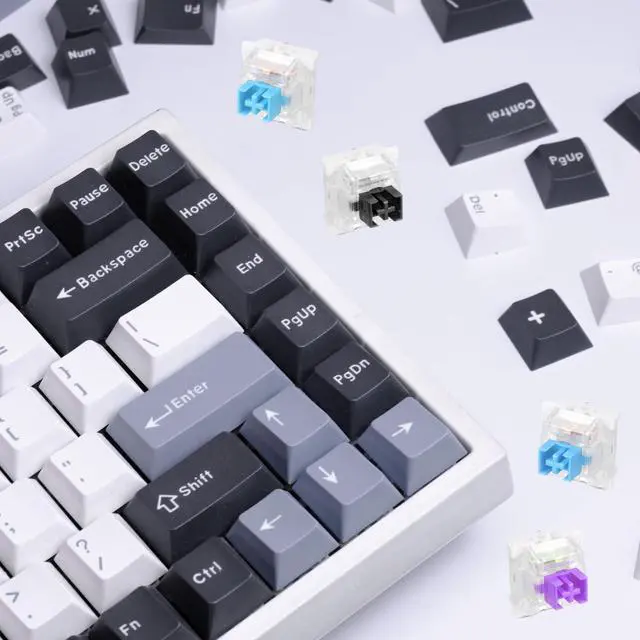
[WHERE TO USE]: Linear switches are suitable for most hot-swappable mechanical gaming keyboards and Cherry MX switches, supporting 3-pin mechanical switches and custom-built keyboards, which can seamlessly work with RGB/SMD/LED hot-swap for easy upgrades and personalized setups.
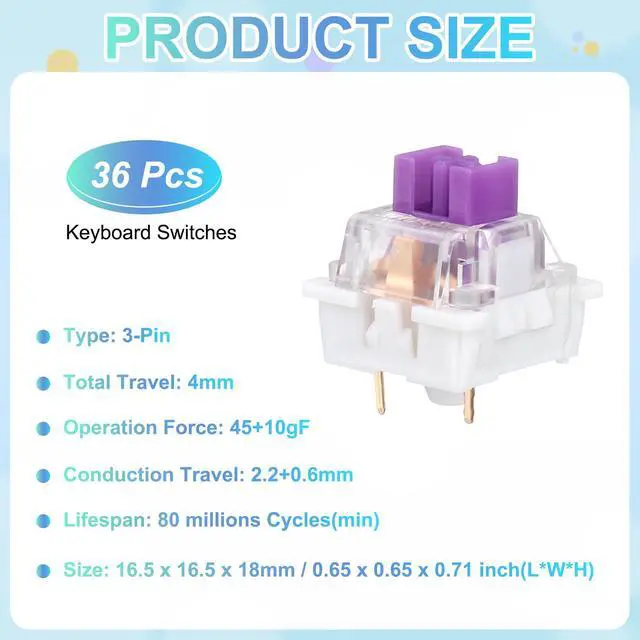
[WHAT IT IS]: Operation Force: 45+10gF; Conduction Travel: 2.2+0.6mm; Total Travel: 4mm; Type: 3-Pin; Size: 16.5 x 16.5 x 18mm / 0.65 x 0.65 x 0.71 inch(L*W*H); Lifespan: 80 millions Cycles(min)
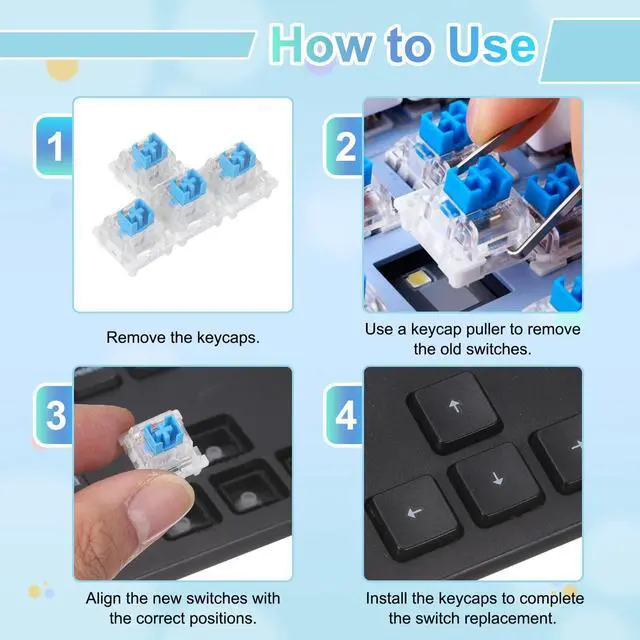
[HOW TO USE]: 1. Remove keycaps with a keycap puller. 2. Extract old switches using a switch puller. 3. Align new switch pins with PCB holes and positioning clips. 4. Press the new switch firmly into place until it clicks. 5. Reattach keycaps to complete the replacement.
[WHAT TO AVOID]: Ensure the number of pins matches and align them correctly before inserting the new switch; do not force insertion if resistance is felt to avoid bending or breaking the pins.