


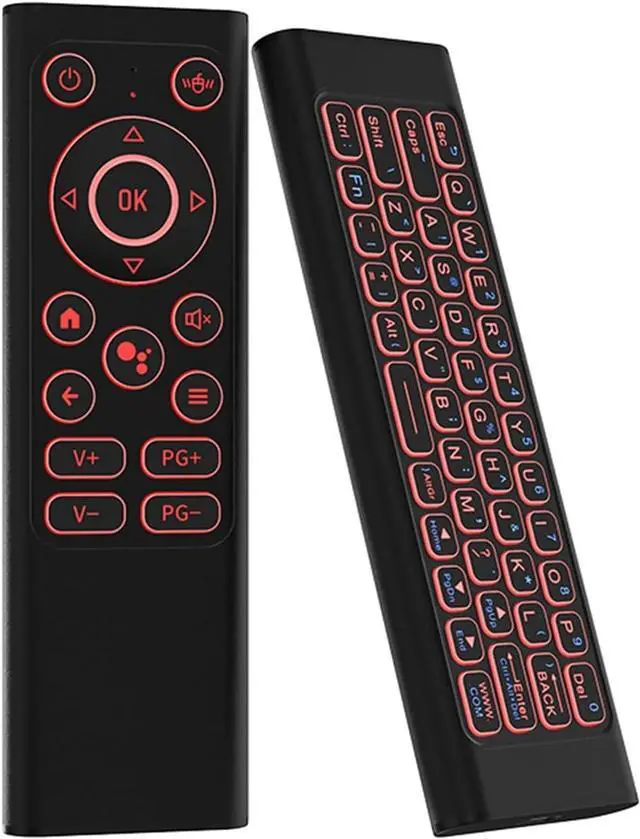
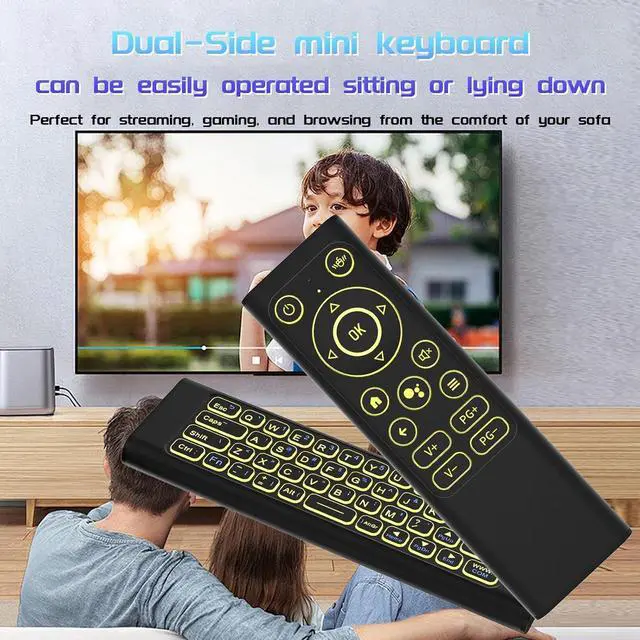
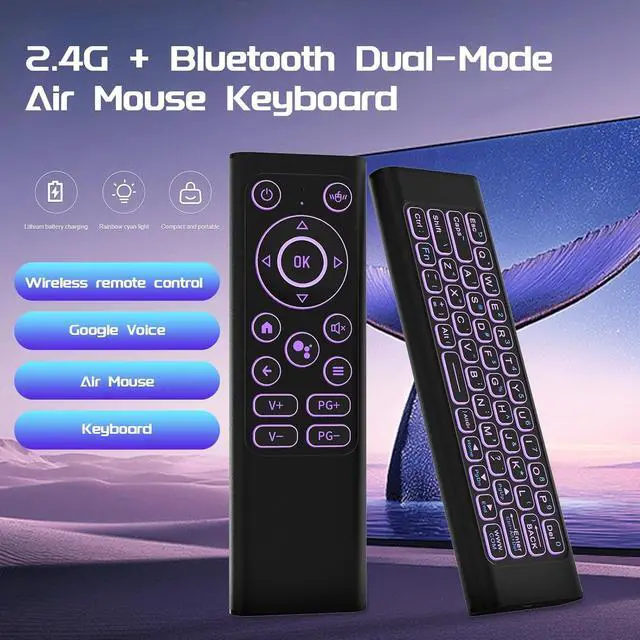
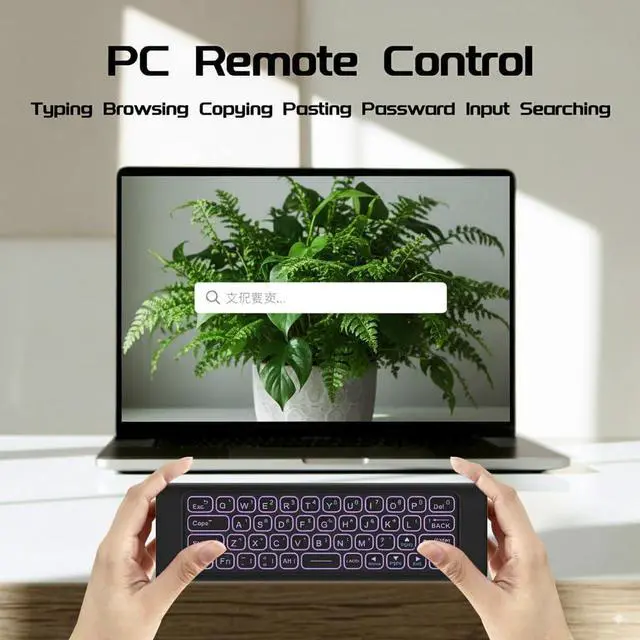
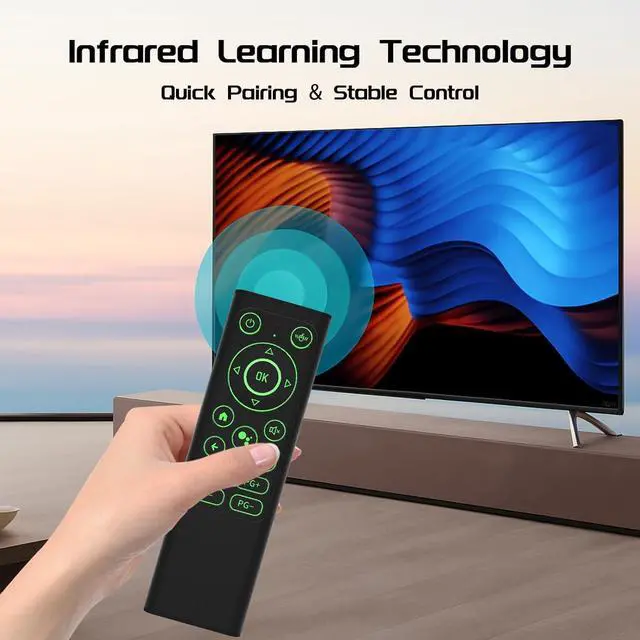


Precautions before infrared learning( 1 IR learning key:Power)
- Make sure our product is fully charged and your TV remote supports the NEC protocol.
- Align the top of the keypad with the top of the TV remote control at a distance of no more than 0.1feet in.
- The indicator lights on the Flying Mouse keyboard should follow the above states: long on or blinking, if the corresponding light does not appear, please try again.
- During the learning process, avoid too long or too short presses.
- Avoid obvious pause between actions, keep the consistency of operation.
How to learn the IR function
- Long-press the Flying Mouse Keyboard's power on/off button until Flying Mouse's indicator keep on then blinks rapidly, release
- Long-press the TV remote's power on/off button until the Flying Mouse's indicator blinks rapidly then goes off, release
- Short-press the Flying Mouse keyboard's power on/off button, release


iPazzPort
Professional Mini Keyboard Manufacturer

- iPazzPort is a high-tech enterprise founded in 1996, The company has professional production technology.
- Adheres to customer-oriented, product quality as the foundation, and is committed to creating better mini keyboards.
- We hope to provide you with high-quality products, high-quality service, no matter what time, we are in.
- Every day, the world changes but the iPazzPort business philosophy will never change.
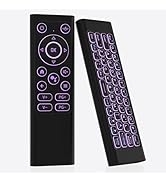
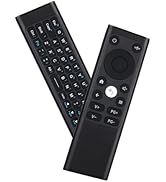
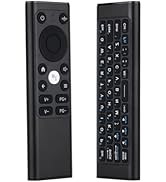
Air mouse remote with keyboard
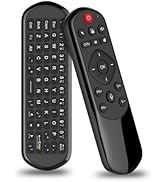
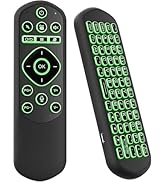
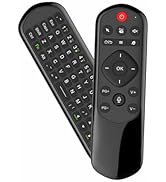
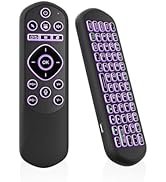
Bluetooth air mouse remote
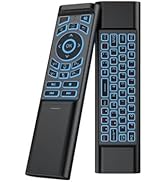
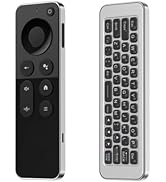
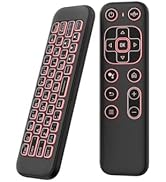
Mini air mouse remote
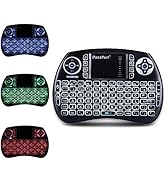
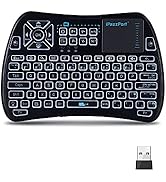
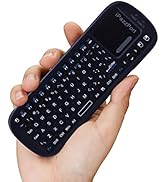
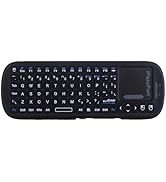
mini keyboard with touchpad
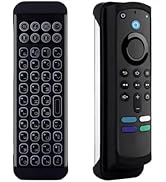
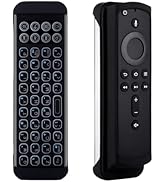
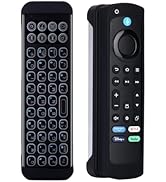
Mini BT keyboard for firestick
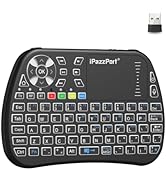
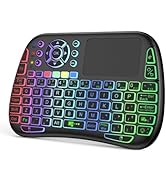
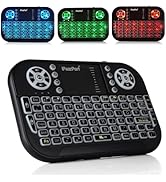
iPazzPort mini keyboard
Precautions before infrared learning( 1 IR learning key:Power)
- Make sure our product is fully charged and your TV remote supports the NEC protocol.
- Align the top of the keypad with the top of the TV remote control at a distance of no more than 0.1feet in.
- The indicator lights on the Flying Mouse keyboard should follow the above states: long on or blinking, if the corresponding light does not appear, please try again.
- During the learning process, avoid too long or too short presses.
- Avoid obvious pause between actions, keep the consistency of operation.
How to learn the IR function
- Long-press the Flying Mouse Keyboard's power on/off button until Flying Mouse's indicator keep on then blinks rapidly, release
- Long-press the TV remote's power on/off button until the Flying Mouse's indicator blinks rapidly then goes off, release
- Short-press the Flying Mouse keyboard's power on/off button, release
iPazzPort
Professional Mini Keyboard Manufacturer
- iPazzPort is a high-tech enterprise founded in 1996, The company has professional production technology.
- Adheres to customer-oriented, product quality as the foundation, and is committed to creating better mini keyboards.
- We hope to provide you with high-quality products, high-quality service, no matter what time, we are in.
- Every day, the world changes but the iPazzPort business philosophy will never change.
Air mouse remote with keyboard
Bluetooth air mouse remote
Mini air mouse remote
mini keyboard with touchpad
Mini BT keyboard for firestick
iPazzPort mini keyboard