
Your Browsing History




Any questions? Our AI beta will help you find out quickly.
Specifications:
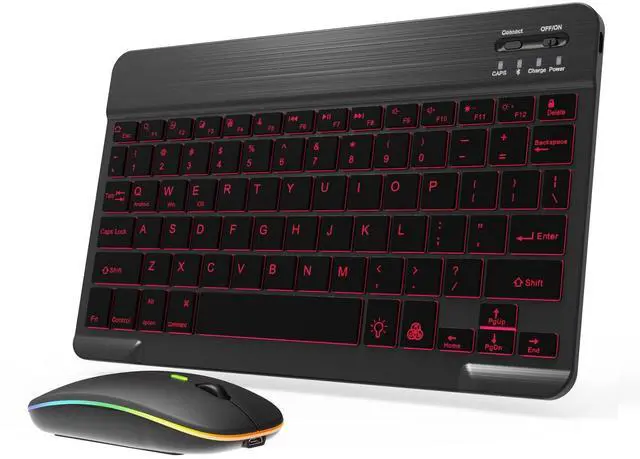
Connection Method: Bluetooth
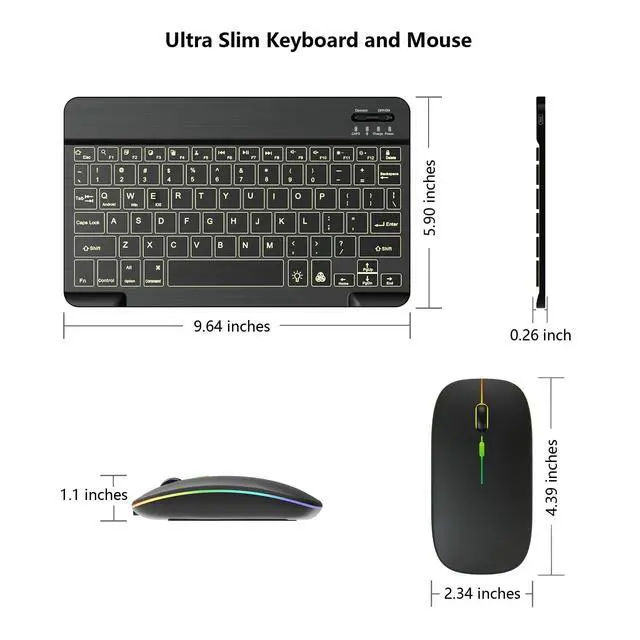
Keyboard Dimensions: 9.64 X 5.90 X 0.26 inches
Keyboard Weight: 6.63 ounces
Mouse Dimensions: 4.39 X 2.34 X 1.10 inches
Mouse Weight: 2.18 ounces
Charging Time: about 4 hours
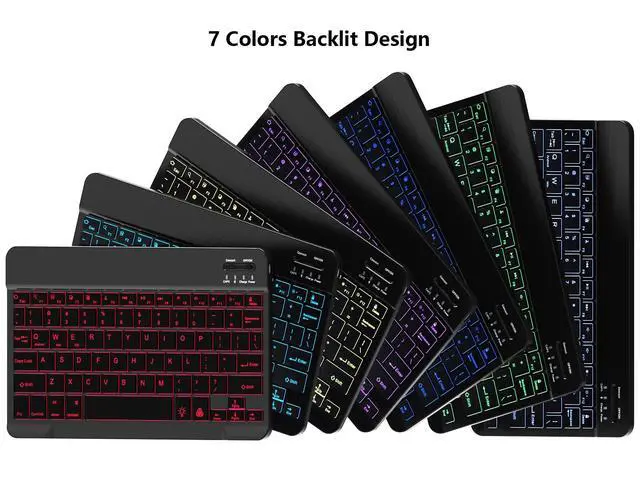
This keyboard features 7-color backlight mode, 1 breathing backlight mode, and 3 brightness levels.
You can turn on/off the backlight mode and adjust the backlight mode through "light bulb" key.
You can adjust the backlight color (blue, green, ice blue, purple, red, white and yellow) through "RGB" key.
You can simultaneously press the "light bulb" key + the "" arrow key to increase the backlight brightness.
You can simultaneously press the "light bulb" key + the "" arrow key to decrease the backlight brightness.
Backlight mode will run out of power faster. You can reduce the backlight brightness or turn off backlight mode to extend the battery life.
How to Pair the Keyboard:
1. Enable Bluetooth settings on your tablet or smartphone
2. Turn the keyboard switch to ON
3. Press the "Connect" button
4. Click "Bluetooth Keyboard" to pair, then you can use
How to Pair the Bluetooth Mouse:
1. Enable Bluetooth settings on your tablet or smartphone
2. Turn the mouse switch to Bluetooth
3. Click "BT5.2 Mouse" to pair, then you can use
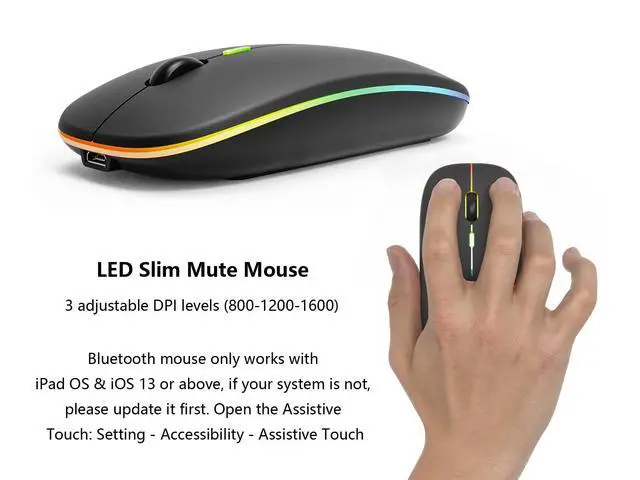
The backlight mode of the mouse cannot be turned off or adjusted.
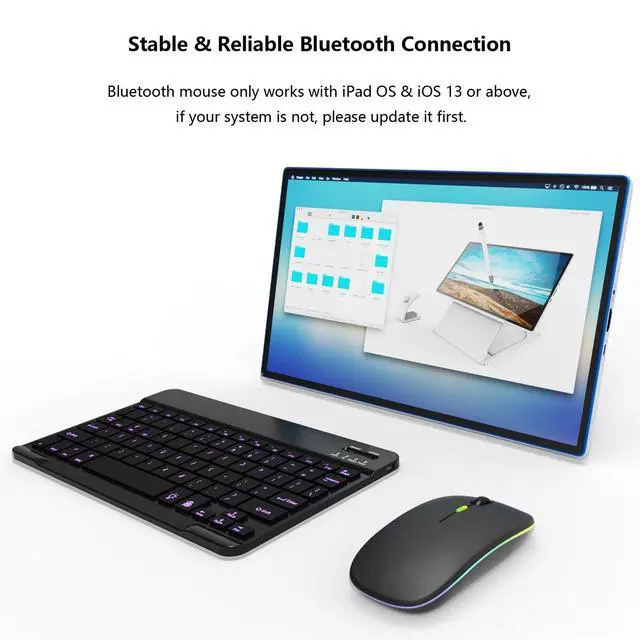
Bluetooth mouse only works with iPad OS 13 & iOS 13 and above, if your system is not, please update it first. Open the Assistive Touch: Setting - Accessibility - Assistive Touch
Package Contents:
1 x Bluetooth Keyboard
1 x Dual Mode Mouse
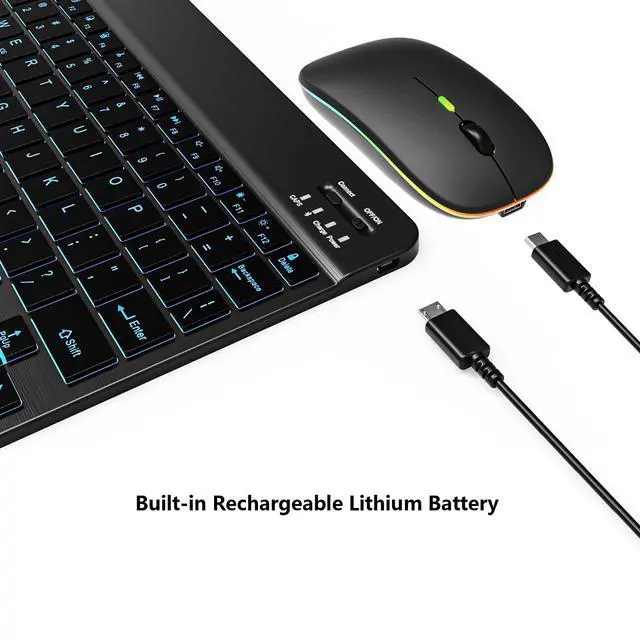
1 x USB-C Charging Cable
1 x User Manual