




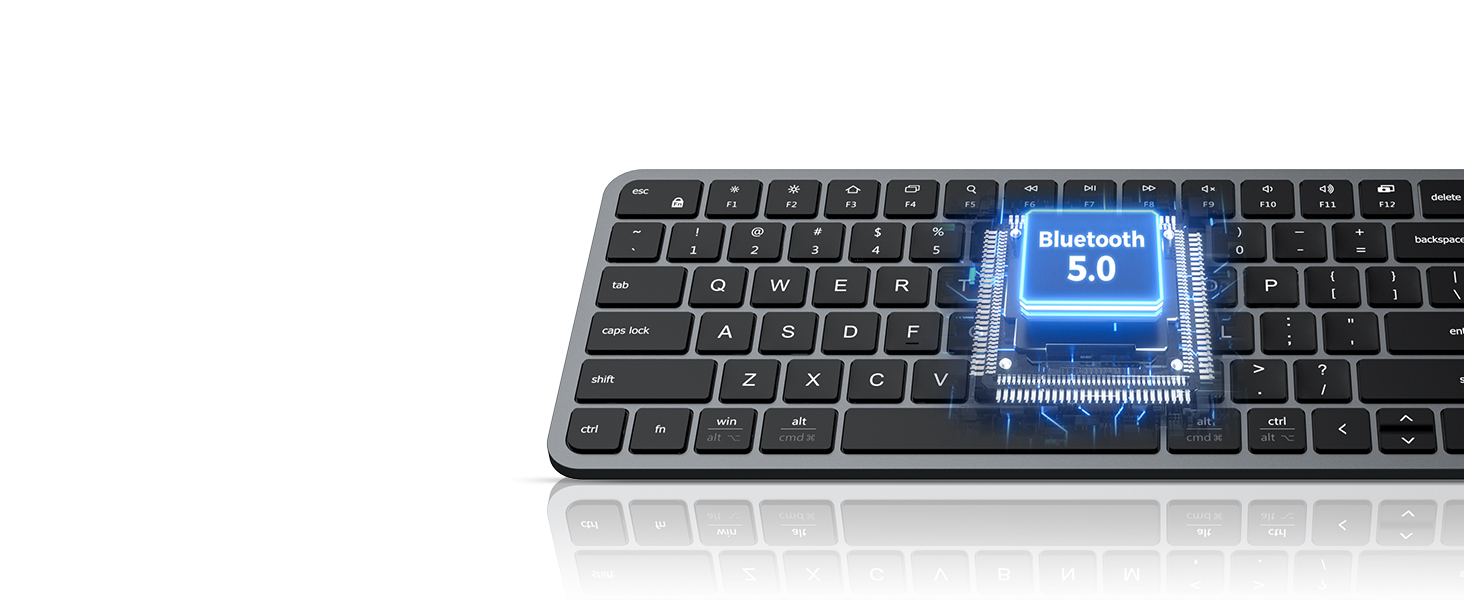
Advanced Bluetooth 5.0 CHIP
Low Energy modular, reliable wireless connection, sensitive feedback, and universal compatibility.
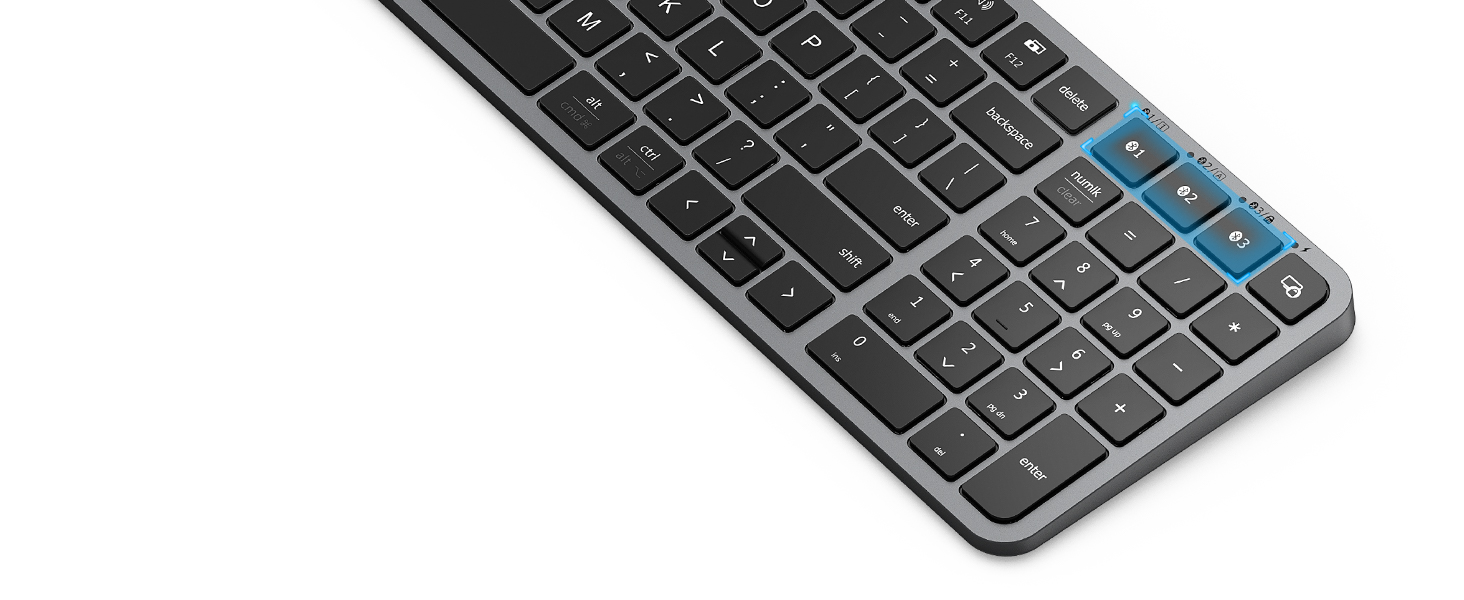
Easy to Switch
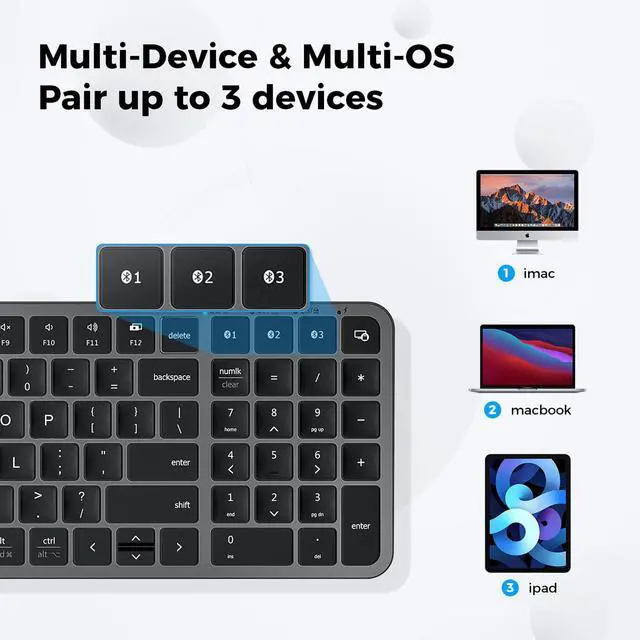
You can easily switch between the 3 devices by simply clicking the Bluetooth 1/2/3 button.
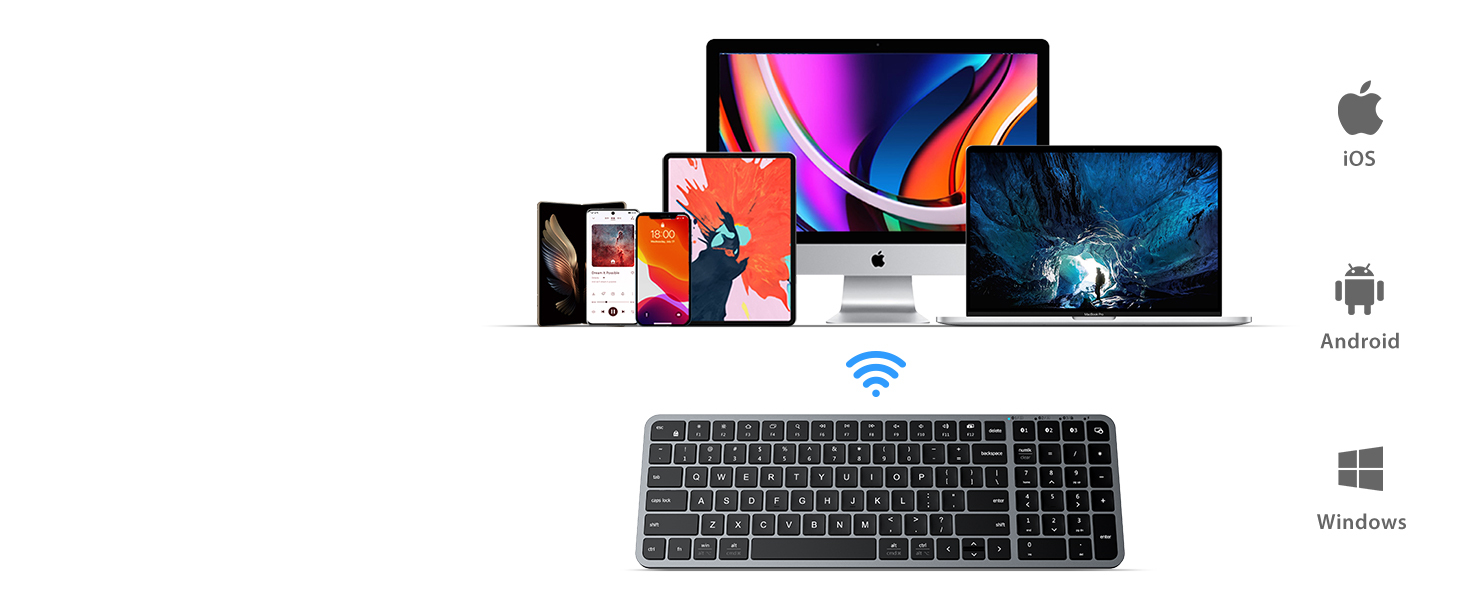
Universal Compatibility
Work with MacBook/iMac/PC/iPad/iPhone/tablet and compatible with Mac/Windows/iOS/Android/ChromeOS.
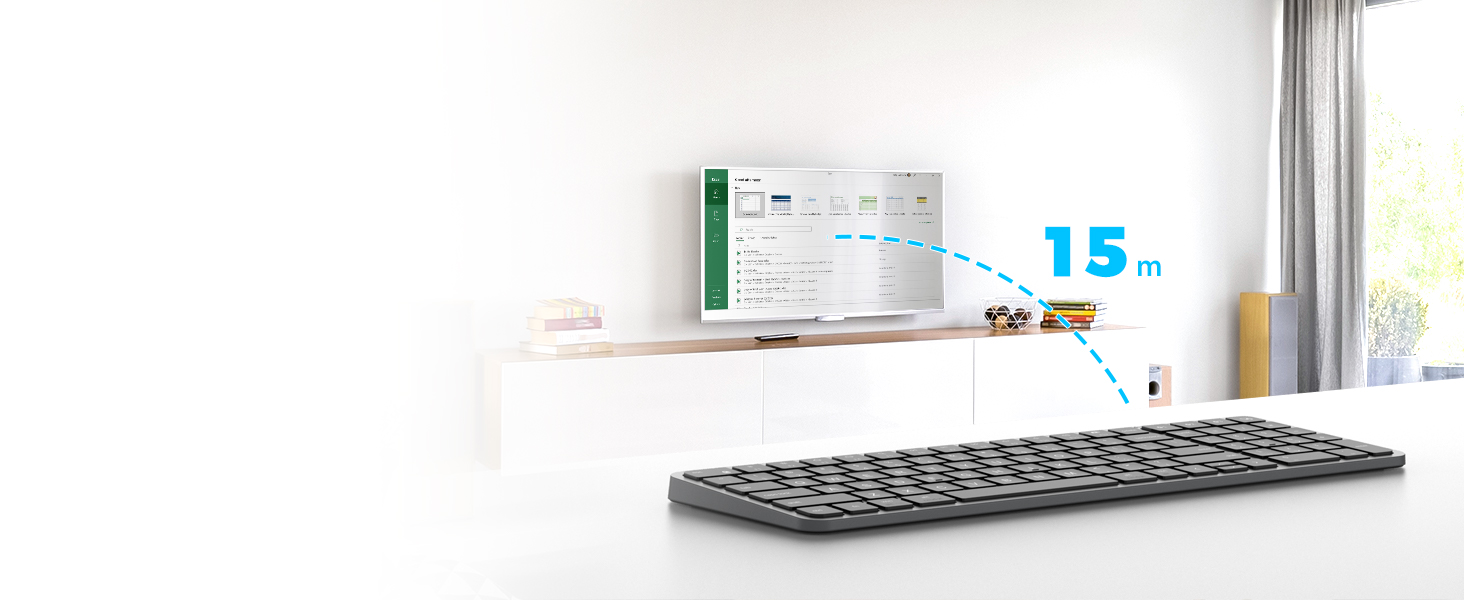
Reliable Bluetooth Connection
Up to 15 meters away wireless strong range, in the wireless environments, no delays or dropouts.

Efficient & Productive for Business Office Use
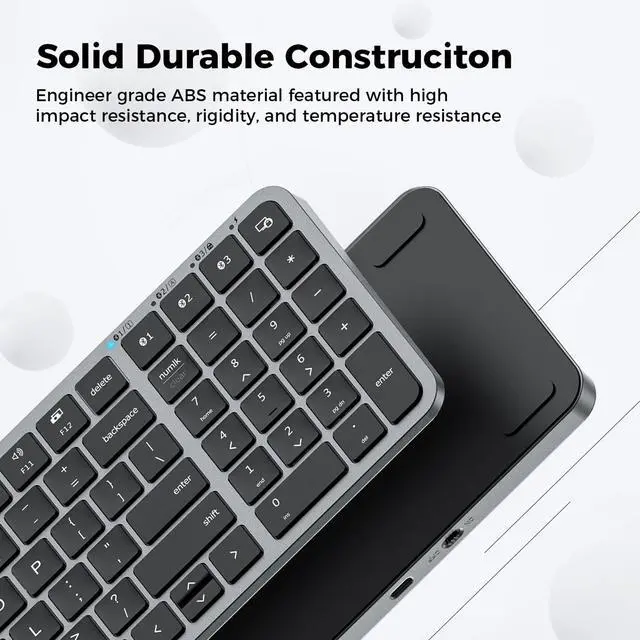
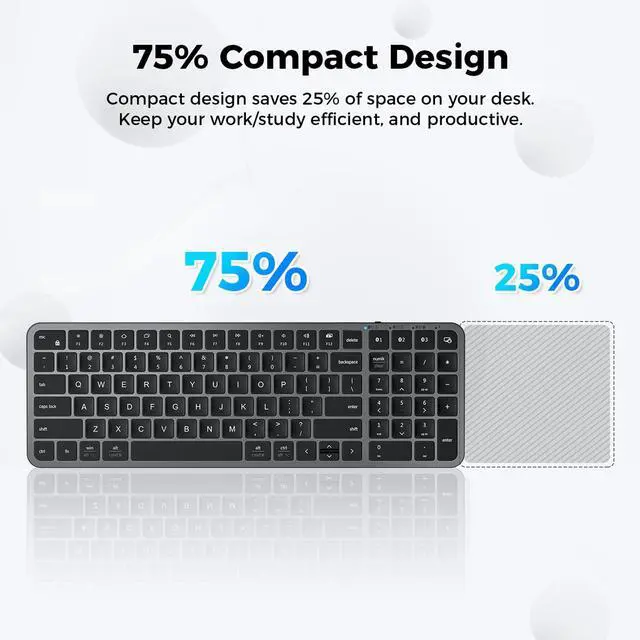
Compact design saves 25% of space on your desk. Keeps your work/study efficient, and productive.
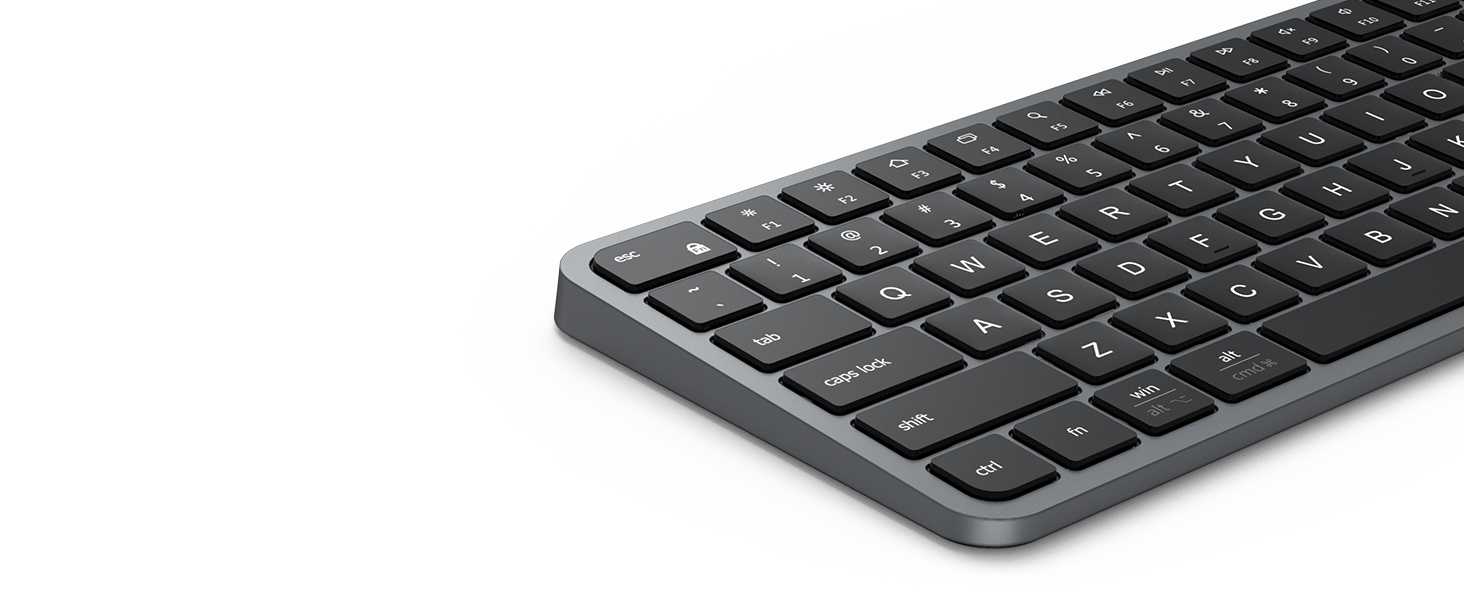
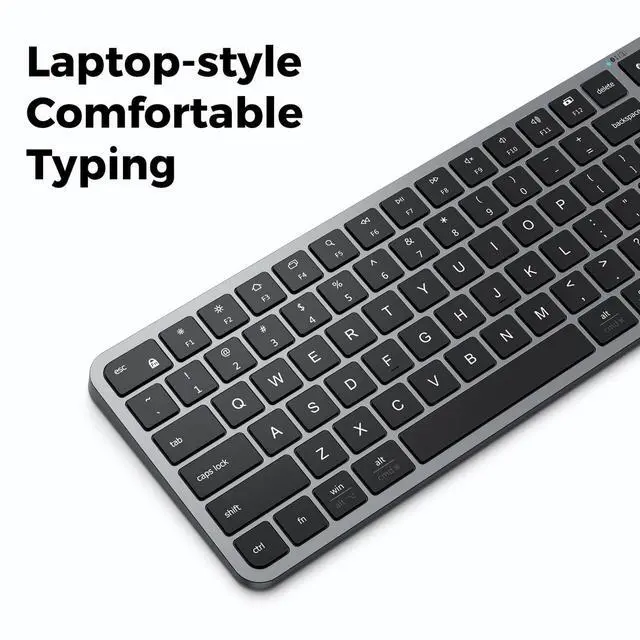
Enhanced Typing Experience
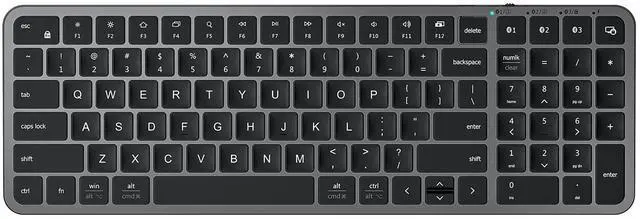
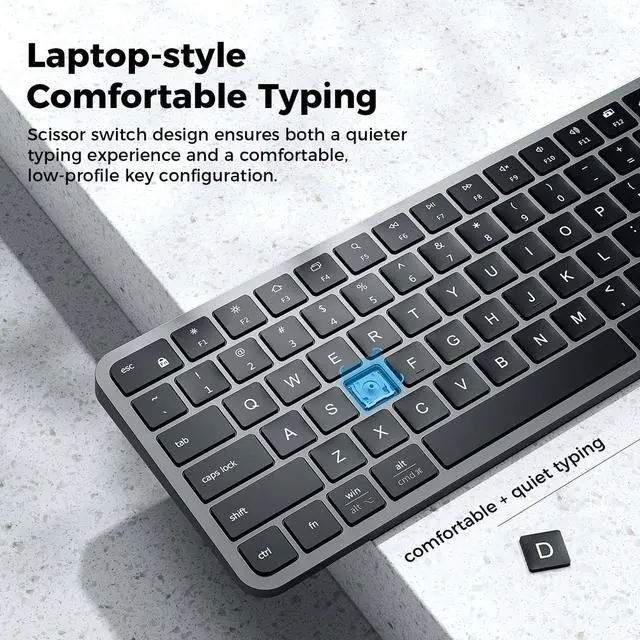
15.5mm full-size key, 2.0mm short travel distance, 60g click force, and support for long-time typing
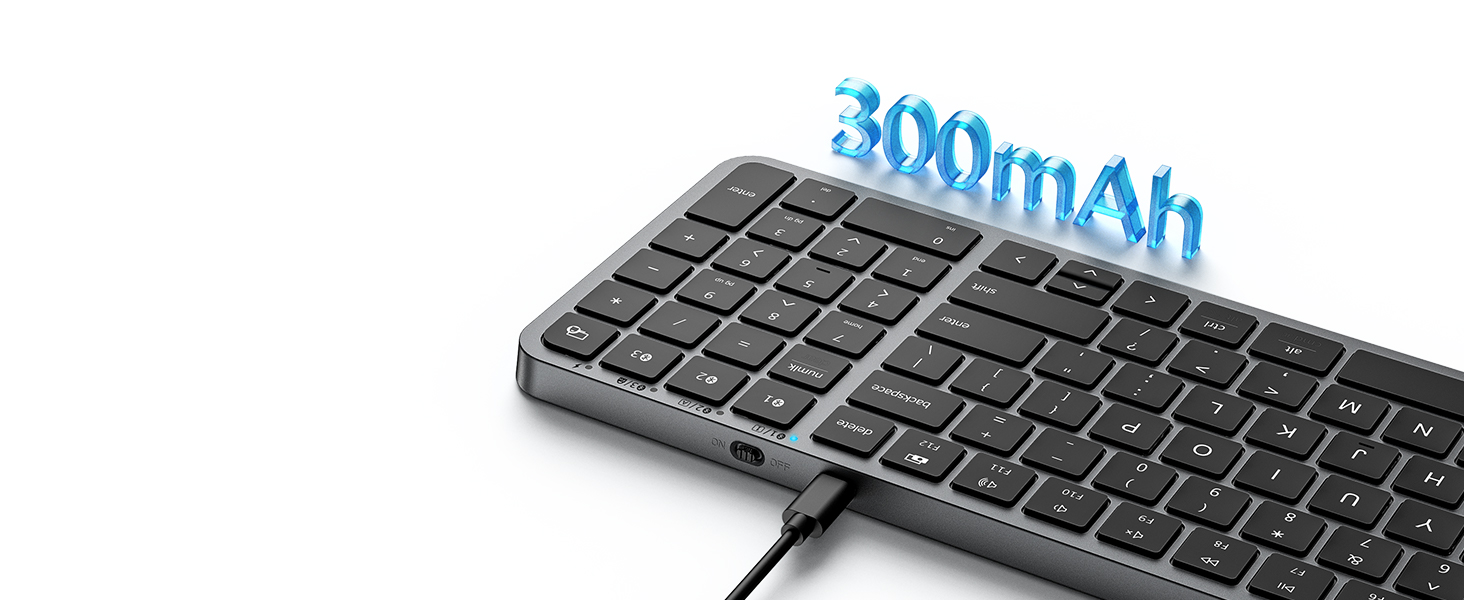
No need for extra batteries
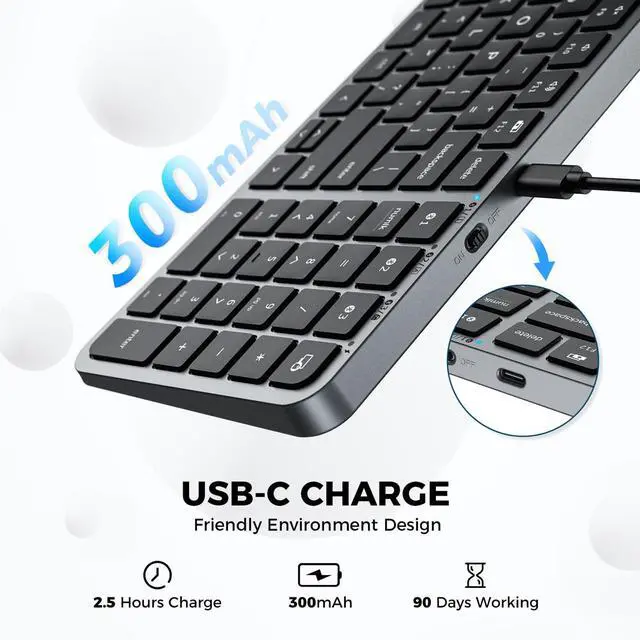
Built-in 300mAh lithium battery. The maximum continuous typing time can reach about 300 hours.
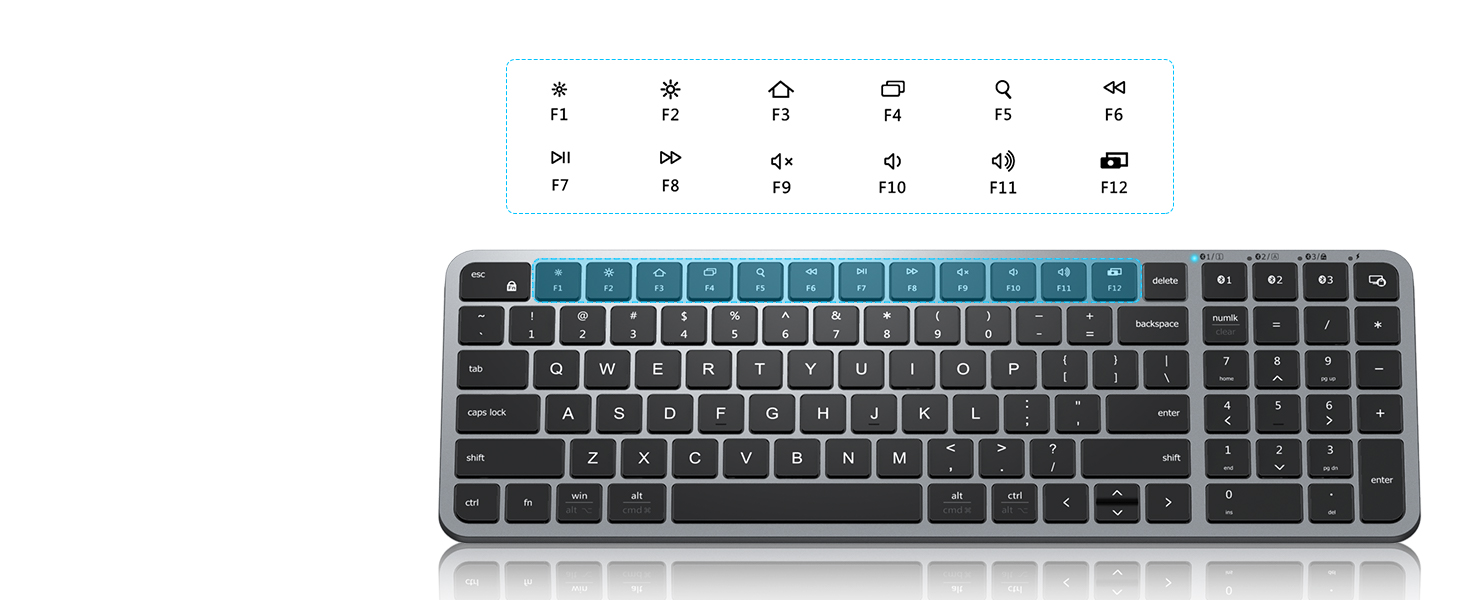
12 Multi-Media Function Keys
The various shortcut keys make your work productive, such as FN lock, search, and so on.

Product Compatibility
This product is compatible with Windows, Mac, iOS, Android computers, laptops, cell phones, and tablet devices.
Please note that the product is not compatible with systems and devices such as PS4, PS5, XBOX, Smart TV, Mac mini and Linux.
What does “Numlock” and “clear” mean
The Numlock key is treated differently on macOS than on Windows. Typically, the Numlock key does not function as a switch between the numeric keypad and the function keys on macOS, but is treated as a “clear” key.
Bluetooth connection failure, delay
1. Please make sure the keyboard is fully charged.
2. Please make sure the Bluetooth driver version of your device is the latest version.
3. Please delete the Bluetooth connection record on your device and then reconnect the keyboard.
What should I do if the buttons suddenly don't work?
1. Please make sure the keyboard battery is fully charged.
2. Try to reconnect or reset the keyboard (Fn+Left Shift+Back).
3. Test the keyboard on different devices to rule out system problems.
What should I do if some of the keys of the keyboard fail to work after using it for a period of time?
It may be due to poor contact or worn keys, try the following methods:
1. Gently pull off the key caps and clean the dust or foreign objects.
2.Try using it on a different device to determine if it is a device compatibility issue.
Compare Wireless Mouse
 iClever MD165 Mouse |  iClever WM101 Mouse |  iClever 209G Mouse |  iClever Bluetooth Combo | |
|---|---|---|---|---|
Customer Reviews | — | — | — | — |
Price | — | — | — | — |
Connectivity | USB+Bluetooth | USB Receiver | USB Receiver | USB+Bluetooth |
Compatibility | Windows/Mac/iOS/Android | Windows 7/8/10/11 | Windows 7/8/10/11 | Windows/Mac/iOS/Android |
Tracking | Optical | Optical | Optical | — |
DPI | 800-1200-1600-2400 | 1000-1600-2000-2400 | 800-1200-1600 | — |
Ambidextrous Design | Right Design | Right Design | Right Design | — |
Hand Size Fit | Small-Middle | Small-Middle | Small-Middle | — |
Features | Silent Click, Multi-Devices | Ergonomic, Silent Click | Ergonomic, Silent Click | — |


Advanced Bluetooth 5.0 CHIP
Low Energy modular, reliable wireless connection, sensitive feedback, and universal compatibility.
Easy to Switch
You can easily switch between the 3 devices by simply clicking the Bluetooth 1/2/3 button.
Universal Compatibility
Work with MacBook/iMac/PC/iPad/iPhone/tablet and compatible with Mac/Windows/iOS/Android/ChromeOS.
Reliable Bluetooth Connection
Up to 15 meters away wireless strong range, in the wireless environments, no delays or dropouts.


Efficient & Productive for Business Office Use
Compact design saves 25% of space on your desk. Keeps your work/study efficient, and productive.
Enhanced Typing Experience
15.5mm full-size key, 2.0mm short travel distance, 60g click force, and support for long-time typing
No need for extra batteries
Built-in 300mAh lithium battery. The maximum continuous typing time can reach about 300 hours.
12 Multi-Media Function Keys
The various shortcut keys make your work productive, such as FN lock, search, and so on.


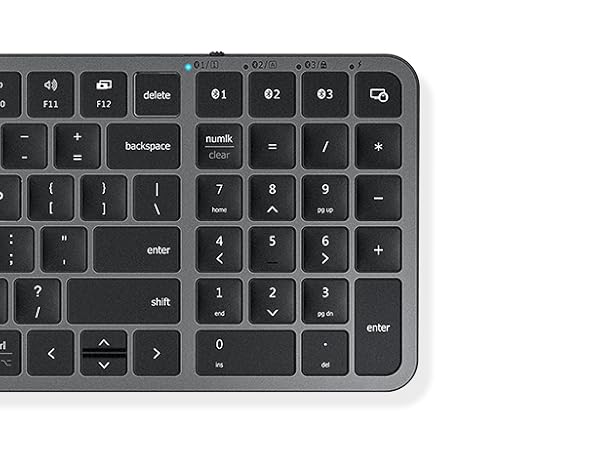
Multi-Device Bluetooth
3 pairing channels to easily switch between devices
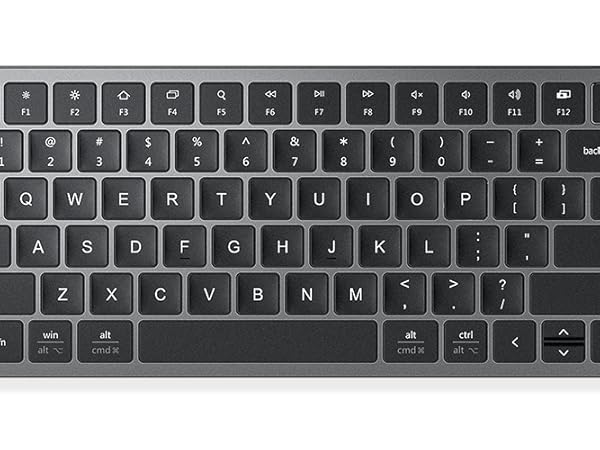
Media keys & 12 FN keys
Extra controls for better productivity
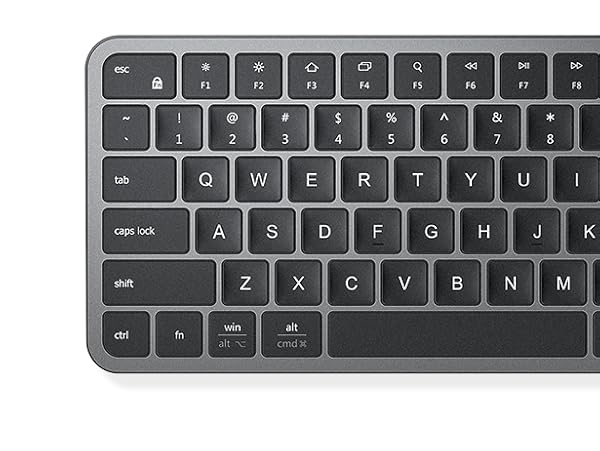
Familiar Layout with Windows/Mac commands
With auto-recognition of the OS
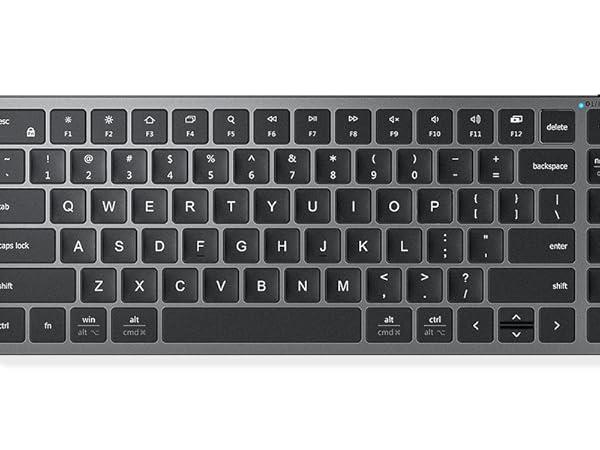
Compact Size
Space-saving design, ideal for narrow shoulders, by reducing the mouse reach.
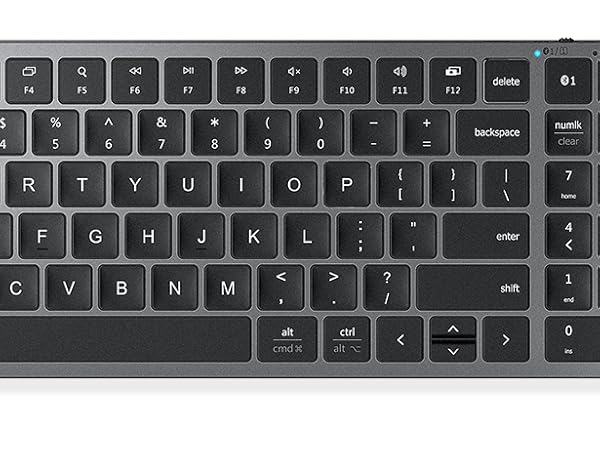
Enhanced Typing Experience
Scissor-keys for fluid and soft typing.
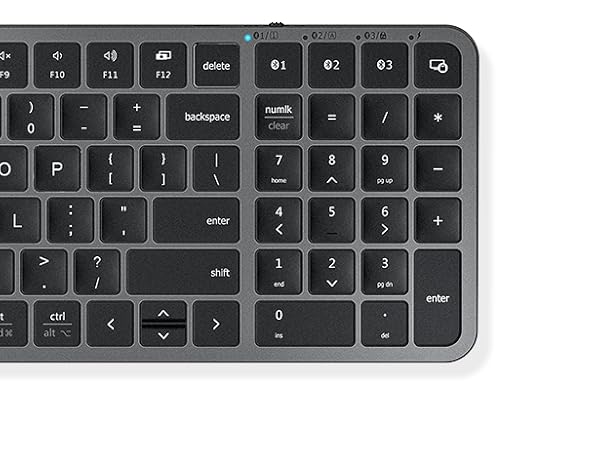
With Numeric Keypad
keeps your work/study efficient, and productive.
Product Compatibility
This product is compatible with Windows, Mac, iOS, Android computers, laptops, cell phones, and tablet devices.
Please note that the product is not compatible with systems and devices such as PS4, PS5, XBOX, Smart TV, Mac mini and Linux.
What does “Numlock” and “clear” mean
The Numlock key is treated differently on macOS than on Windows. Typically, the Numlock key does not function as a switch between the numeric keypad and the function keys on macOS, but is treated as a “clear” key.
Bluetooth connection failure, delay
1. Please make sure the keyboard is fully charged.
2. Please make sure the Bluetooth driver version of your device is the latest version.
3. Please delete the Bluetooth connection record on your device and then reconnect the keyboard.
What should I do if the buttons suddenly don't work?
1. Please make sure the keyboard battery is fully charged.
2. Try to reconnect or reset the keyboard (Fn+Left Shift+Back).
3. Test the keyboard on different devices to rule out system problems.
What should I do if some of the keys of the keyboard fail to work after using it for a period of time?
It may be due to poor contact or worn keys, try the following methods:
1. Gently pull off the key caps and clean the dust or foreign objects.
2.Try using it on a different device to determine if it is a device compatibility issue.
Compare Wireless Mouse
iClever MD165 Mouse | iClever WM101 Mouse | iClever 209G Mouse | iClever Bluetooth Combo |
|---|---|---|---|
| Customer Reviews | |||
| — | — | — | — |
| Price | |||
| — | — | — | — |
| Connectivity | |||
| USB+Bluetooth | USB Receiver | USB Receiver | USB+Bluetooth |
| Compatibility | |||
| Windows/Mac/iOS/Android | Windows 7/8/10/11 | Windows 7/8/10/11 | Windows/Mac/iOS/Android |
| Tracking | |||
| Optical | Optical | Optical | — |
| DPI | |||
| 800-1200-1600-2400 | 1000-1600-2000-2400 | 800-1200-1600 | — |
| Ambidextrous Design | |||
| Right Design | Right Design | Right Design | — |
| Hand Size Fit | |||
| Small-Middle | Small-Middle | Small-Middle | — |
| Features | |||
| Silent Click, Multi-Devices | Ergonomic, Silent Click | Ergonomic, Silent Click | — |