



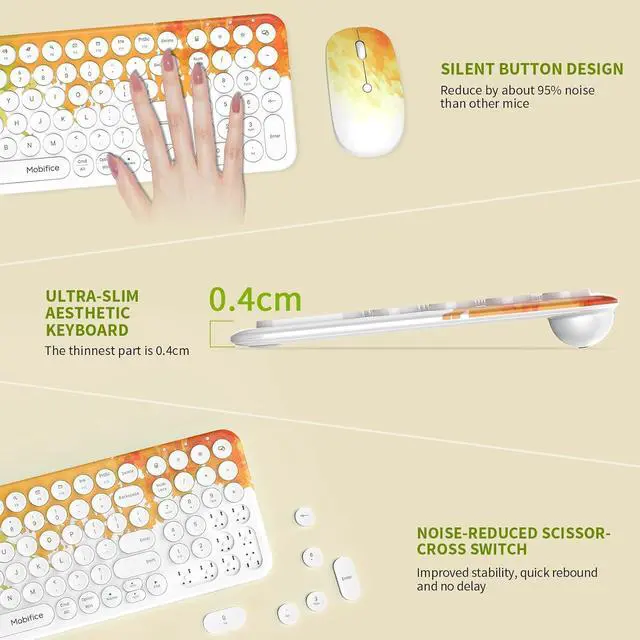
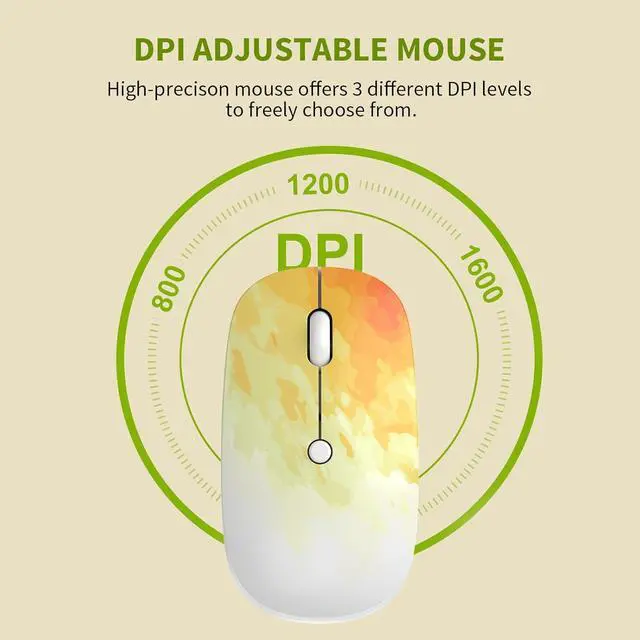
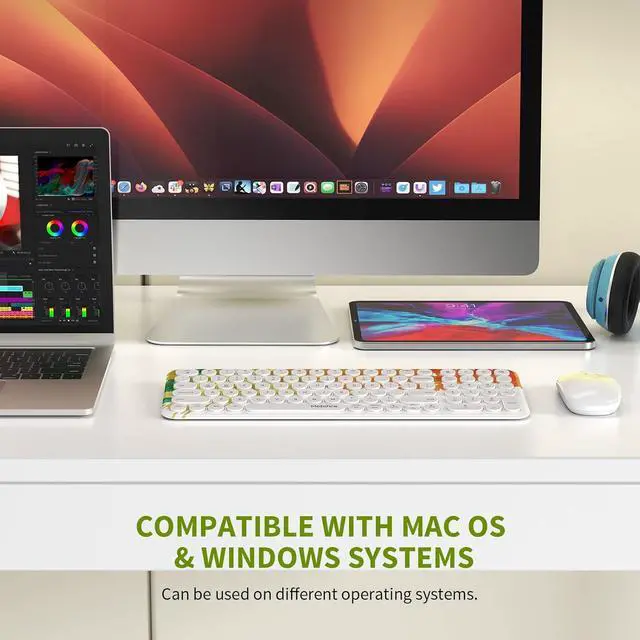



MOBIFICE is a brand filled with care and creativity. We concentrate on products designed for the home office. During the post-pandemic period, when hybrid work & learning is becoming a part of our life, we strive to help people with their working at home. Our mission is to design functional and fashionable office products to maximize productivity while offering the comfort that you deserve from home.
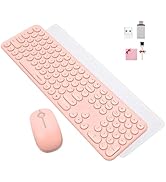
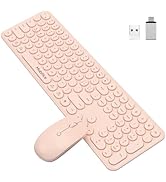
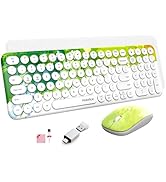
MOBIFICE

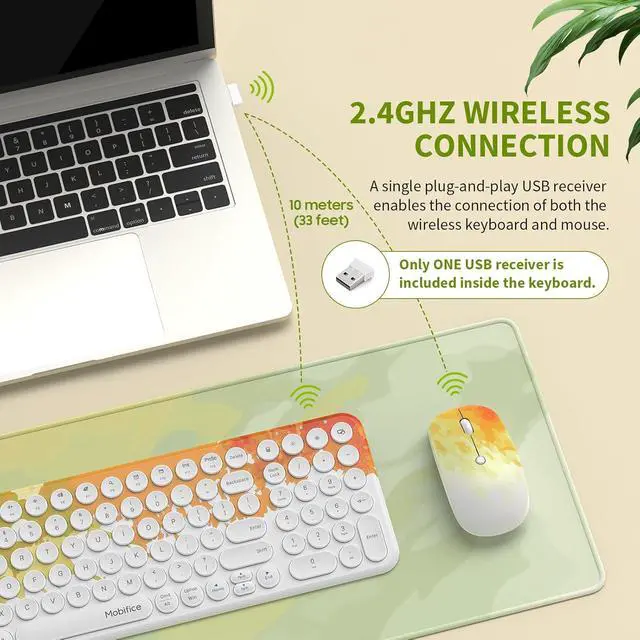
Note:If your 2.4G wireless keyboard and mouse kit malfunctions, try these steps:
1.Replace with new, correctly installed batteries of the same model. If the issue remains, proceed to the next step.
2. Run the system self-check to inspect the computer's USB interface.
3.Update the official input method to fix software conflicts.
4. Update your computer system to resolve compatibility problems.
If none of the above works,tell via the Messaging System.


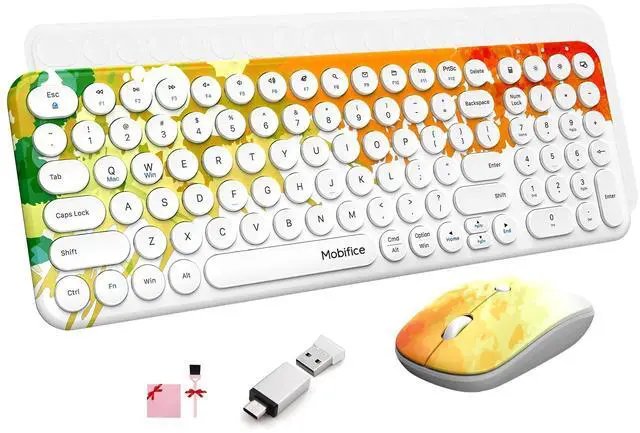
KEYBOARD Supports:
1. Caps Lock Indicator
2. Num Lock Indicator
3. Keyboard battery status indicator
4. Power Switch
5. calculator key
6. Screen lock key
7. Fn+(F1~F12) Shortcut Multimedia Keys
8. Tablets Brightness Adjustment and so on


Note:If your 2.4G wireless keyboard and mouse kit malfunctions, try these steps:
1.Replace with new, correctly installed batteries of the same model. If the issue remains, proceed to the next step.
2. Run the system self-check to inspect the computer's USB interface.
3.Update the official input method to fix software conflicts.
4. Update your computer system to resolve compatibility problems.
If none of the above works,tell via the Messaging System.
KEYBOARD Supports:
1. Caps Lock Indicator
2. Num Lock Indicator
3. Keyboard battery status indicator
4. Power Switch
5. calculator key
6. Screen lock key
7. Fn+(F1~F12) Shortcut Multimedia Keys
8. Tablets Brightness Adjustment and so on
MOBIFICE is a brand filled with care and creativity. We concentrate on products designed for the home office. During the post-pandemic period, when hybrid work & learning is becoming a part of our life, we strive to help people with their working at home. Our mission is to design functional and fashionable office products to maximize productivity while offering the comfort that you deserve from home.
MOBIFICE