





SPARIN Ultra Slim Bluetooth 3.0 Wireless Bluetooth Keyboard for Galaxy Tab S10+/A11+/A9+/S9 FE/S9/S9+/S8/S8+/S7 fe/S6 Lite/A8 and Other Android Tablets/Laptop/Smartphone
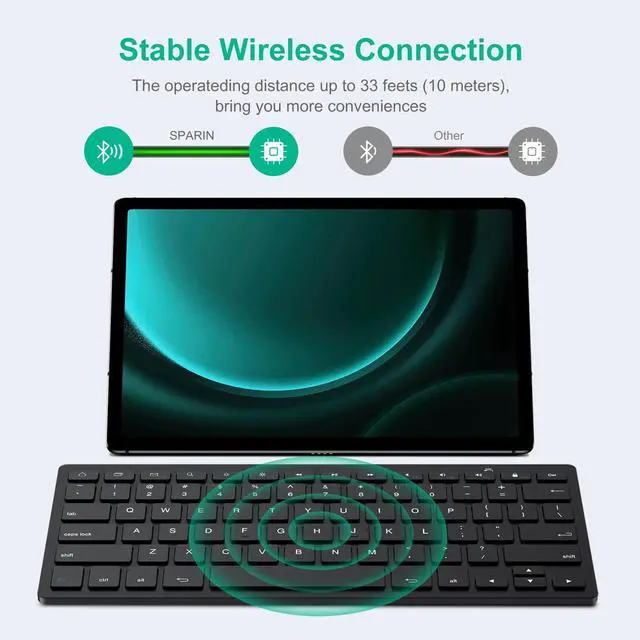
Bluetooth Specification: Version 3.0
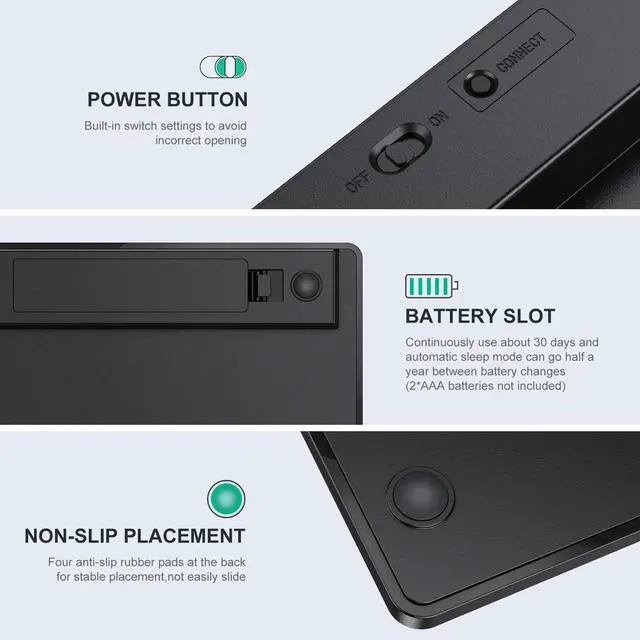
Operating Voltage: 2.1 ~ 3.2Vdc (2 AAA batteries - NOT included)
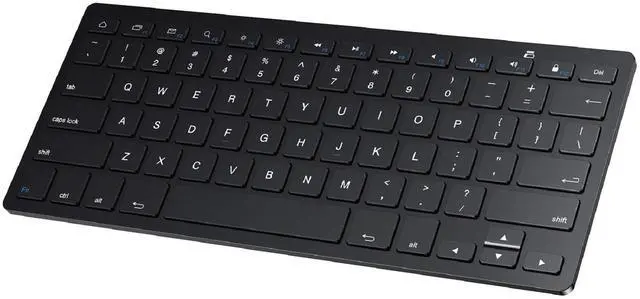
Buttons: 78 keys (including 13 Android Hot keys)
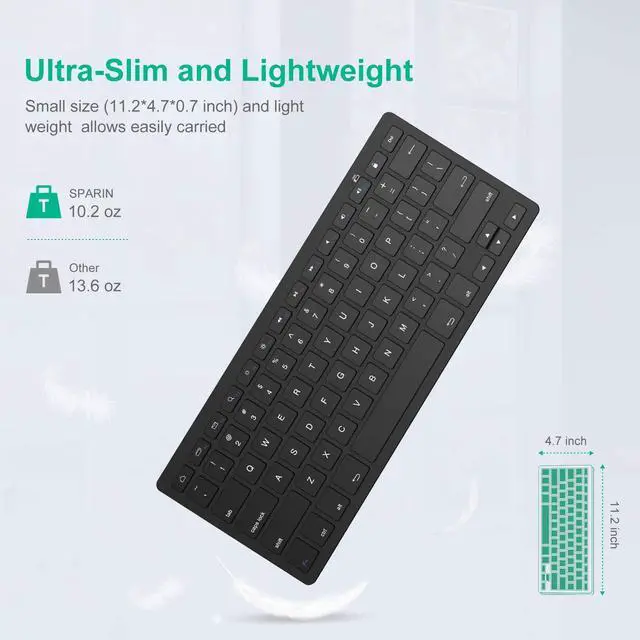
Product Dimensions: 11.2"L x 4.7"W x 0.2"H (285mm x 120mm x 6mm)
Package Weight: 0.7 lb/10.2 OZ /289g
Compatible with the Following Devices :
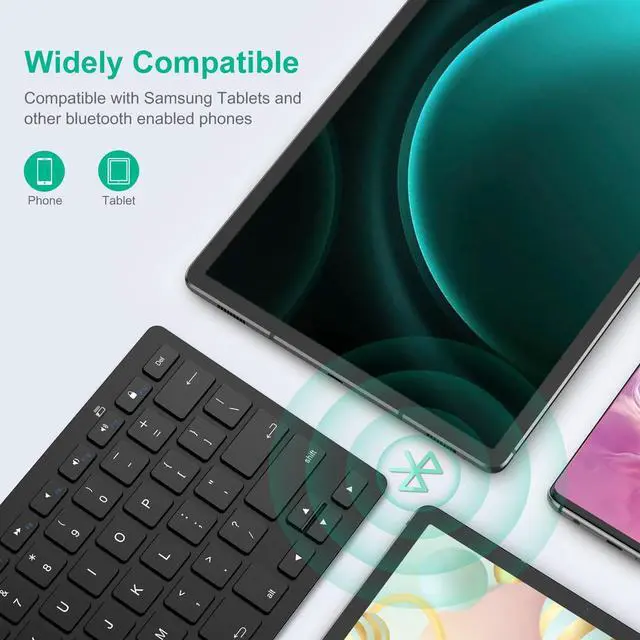
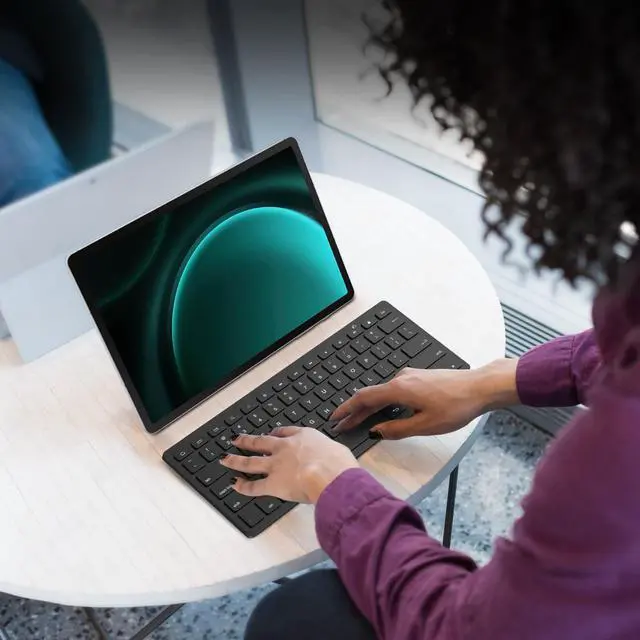
The keyboard for Samsung Galaxy Tab A11+/A9+/A8 /Tab A7 Lite...
Samsung Galaxy Tab s10+/S10 ultra/S9 FE/S9/S9 Plus/S8 Ultra/S8/S8 Plus/S7 Fe/S6 Lite...
Samsung Galaxy S24+/S24/S23/S23+/S23 Ultra, Galaxy Note 20 / Note 20+ and other bluetooth android phones
How to Get the Keyboard Prepared:
1. Make sure the keyboard is powered on. Open the battery cover, put in 2*AAA batteries (please pay attention to the +/- electrodes).
2. Switch on the Power Button, and the Bluetooth LED indicator will turn on for 2 seconds, before going off.
3. Double click the "connect" button and the Bluetooth LED indicator will start blinking. The keyboard is now ready to connect to your device.
WARM NOTE:
The keyboard for Samsung will turn to sleep mode after being idle for 10 minutes. To activate it, press any key and wait for 2-3 seconds.
Package Included:
1* Keyboard for Android Tablets / Phone / laptop
1* User Manual


Since its founding in 2012, SPARIN is dedicated to developing high-tech, reasonably priced, and high-quality tablet & mobile phone accessories and is constantly improving its products.
Our main goal is to design the ideal mobile phone accessories for every end user. We've perfected the design and are dedicated to providing cutting-edge, cost-effective, and premium mobile accessories for people like you.
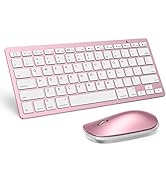
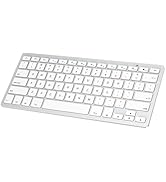
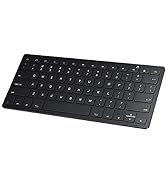
Keyboard and mouse
SPARIN Ultra Slim Bluetooth 3.0 Wireless Bluetooth Keyboard for Galaxy Tab S10+/A11+/A9+/S9 FE/S9/S9+/S8/S8+/S7 fe/S6 Lite/A8 and Other Android Tablets/Laptop/Smartphone
Bluetooth Specification: Version 3.0
Operating Voltage: 2.1 ~ 3.2Vdc (2 AAA batteries - NOT included)
Buttons: 78 keys (including 13 Android Hot keys)
Product Dimensions: 11.2"L x 4.7"W x 0.2"H (285mm x 120mm x 6mm)
Package Weight: 0.7 lb/10.2 OZ /289g
Compatible with the Following Devices :
The keyboard for Samsung Galaxy Tab A11+/A9+/A8 /Tab A7 Lite...
Samsung Galaxy Tab s10+/S10 ultra/S9 FE/S9/S9 Plus/S8 Ultra/S8/S8 Plus/S7 Fe/S6 Lite...
Samsung Galaxy S24+/S24/S23/S23+/S23 Ultra, Galaxy Note 20 / Note 20+ and other bluetooth android phones
How to Get the Keyboard Prepared:
1. Make sure the keyboard is powered on. Open the battery cover, put in 2*AAA batteries (please pay attention to the +/- electrodes).
2. Switch on the Power Button, and the Bluetooth LED indicator will turn on for 2 seconds, before going off.
3. Double click the "connect" button and the Bluetooth LED indicator will start blinking. The keyboard is now ready to connect to your device.
WARM NOTE:
The keyboard for Samsung will turn to sleep mode after being idle for 10 minutes. To activate it, press any key and wait for 2-3 seconds.
Package Included:
1* Keyboard for Android Tablets / Phone / laptop
1* User Manual
Since its founding in 2012, SPARIN is dedicated to developing high-tech, reasonably priced, and high-quality tablet & mobile phone accessories and is constantly improving its products.
Our main goal is to design the ideal mobile phone accessories for every end user. We've perfected the design and are dedicated to providing cutting-edge, cost-effective, and premium mobile accessories for people like you.
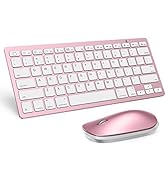
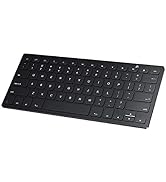
Keyboard and mouse
