





JOYACCESS Multi-Device Wireless Keyboard: 2.4G+ 2 Bluetooth Channel
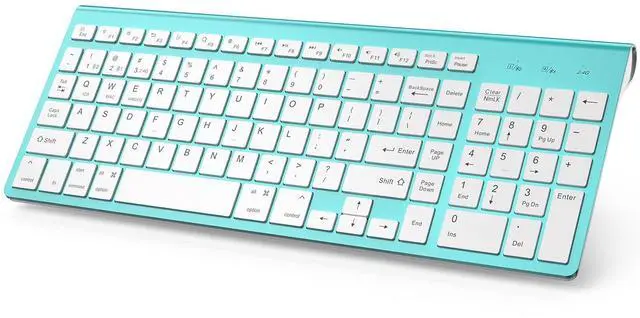
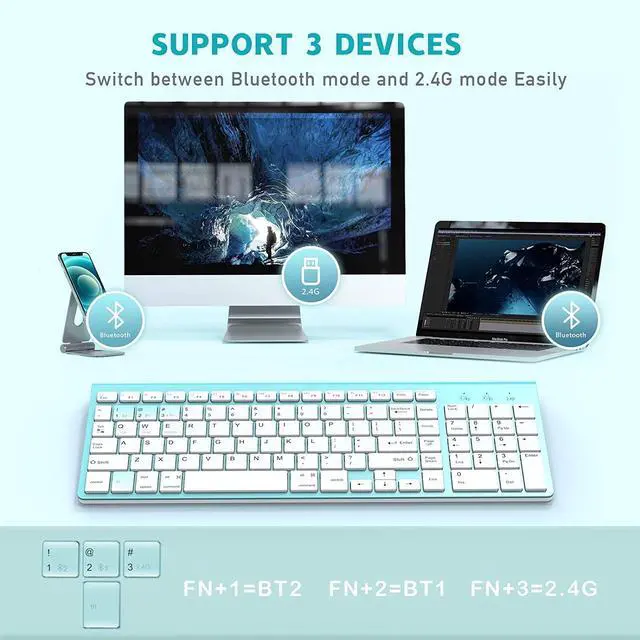
Joyaccess bluetooth keyboard could support 3 devices simultaneously and switch at will . A good choice for Mac, IOS, andriod users, and italso works well with windows systems. Aesthetically this keyboard looks exquisite with excellent quality and the setup is so easy in just a few minutes.
Note: Generally,desktop computers do not have Bluetooth. If you plan to connect the device via Bluetooth, please make sure that the device has Bluetooth in advance.

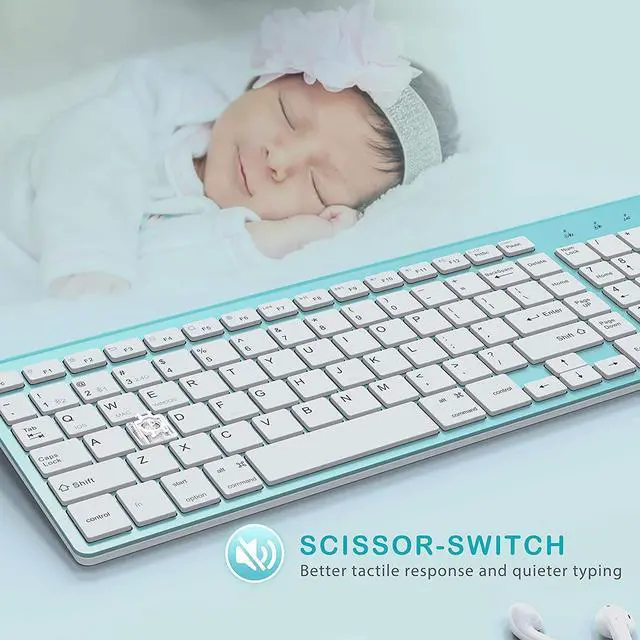
This bluetooth keyboard provide you with a more comfortable and pleasing typing experience. The Scissor-switch mechanism beneath each key could relieve your fingers fatigue and give you the least wrist strain.Typing on the this keyboard is very quiet and there are no concerns about disturbing others with it.

Long Standby Time
The cordless keyboard goes to sleep after 30 minutes without typing, which extends the keyboard standby time. The keyboard can be activated by clicking any key at will. It needs 2AA batteries(not inlcuded).

System selection
Please select the right system for full compatibilities after paired to your devices.
FN+Q=IOS
FN+W=MAC
FN+E=Windows?Android

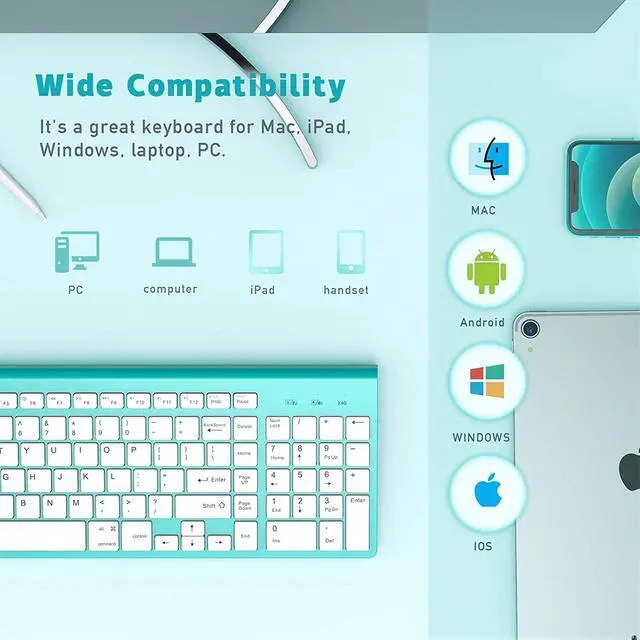
Wide Compatibilty
Compatible with mobile phones, tablets, laptops, desktops with iOS, Android,Windows 10/8/7 and Mac OS. Seamless support various devices, including iPhone, Apple iPad Air, iPad 4/3/2, iPad Mini 4, Macbook.

Indicators for convenience
The red indicator light will flash continuously when keyboard in a low power status. Please replace the fully charged battery.

Responsive Keys
The Scissor-switch mechanism beneath each key could relieve your fingers fatigue and give you the least wrist strain.Typing on the this keyboard is very quiet and there are no concerns about disturbing others with it.

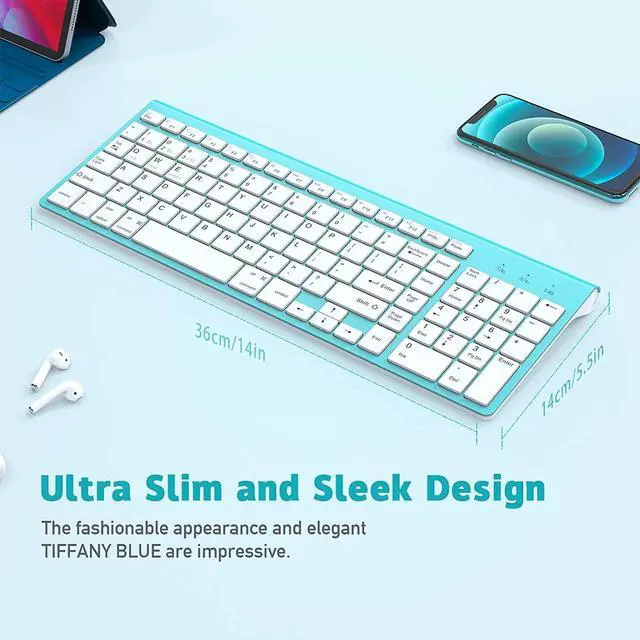
Ultra-Slim & Convenience for Carrying
The ultra-slim J JOYACCESS keyboard only have 420g and the size is 14 x 5.5x0.8 inches. If have business travel or holiday, the Lightweight and compact keyboard is your first choice.
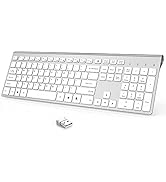
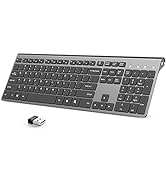
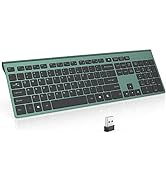
 JOYACCESS Multi-Device Bluetooth+2.4G keyboard |  JOYACCESS Multi-Device Bluetooth+2.4G keyboard |  JOYACCESS Multi-Device Bluetooth+2.4G keyboard |  JOYACCESS Multi-Device Bluetooth+2.4G keyboard |  | |
|---|---|---|---|---|---|
| Customer Reviews | — | — | — | — | — |
| Price | — | — no data | — no data | — | — |
| Connection Type | USB Receiver & Bluetooth 3.0 & Bluetooth 5.0 | USB Receiver & Bluetooth 3.0 & Bluetooth 5.0 | USB Receiver & Bluetooth 3.0 & Bluetooth 5.0 | USB Receiver & Bluetooth 3.0 & Bluetooth 5.0 | USB Receiver |
| Easy switching | 3 devices | 3 devices | 3 devices | 3 devices | 1 devices |
| Hightlights | Ultra thin/Ergonomic Design/Whisper-quiet Button | Ultra thin/Ergonomic Design/Whisper-quiet Button | Ultra thin/Ergonomic Design/Whisper-quiet Button | Ultra thin/Ergonomic Design/Whisper-quiet Button | Ergonomic /Wrist Rest/Volume Roller |
| Battery | 2 AA battery( Not Contain) | 2 AA battery( Not Contain) | 2 AA battery( Not Contain) | 2 AA battery( Not Contain) | 2 AAA battery( Not Contain) |
| Compatibility | PC/Tablet/ipad/Smart phone | PC/Tablet/ipad/Smart phone | PC/Tablet/ipad/Smart phone | PC/Tablet/ipad/Smart phone | PC/Laptop |
| Support system | Mac OS/Windows/Android/iOS | Mac OS/Windows/Android/iOS | Mac OS/Windows/Android/iOS | Mac OS/Windows/Android/iOS | Mac OS/Windows |
| Size | 368mm*135mm | 368mm*135mm | 368mm*135mm | 368mm*135mm | 418mm*210mm |
| USB | Inside the keyboard battery card slot | Inside the keyboard battery card slot | Inside the keyboard battery card slot | Inside the keyboard battery card slot | Inside the slot of the keyboard stand |
Q:How to connect the keyboard via bluetooth?
- Step 1: Power on the keyboard and install the battery. (2pcsAA type batteries not include)
- Step 2: Press and hold ( Fn+1 or Fn+2 ) for 3 seconds to make the first Bluetooth device connection.(The led will blinking)
- Step 3: On your Bluetooth device, find the keyboard bluetooth signal. ( *BT3.0 Keyboard or BT5.0 Keyboard*)
- Step 4: System selection:Press and hold (Fn+Q=IOS/Fn+W=MAC/Fn+E=WINDOWS) for 3 seconds. (The led will blinking)
Q:How to connect the keyboard via 2.4G USB receiver?
- Step 1:Power on the keyboard and install the battery. (2pcsAA type batteries not include)
- Step 2:Plug USB receiver to USB ports. (USB receiver in battery card slot)
Q:What to do if the keyboard fails to connect via bluetooth?
- Step 1: Make sure the battery is charged and turn on the keyboard switch.
- Step 2: Make sure the keyboard and electronic device are close to each other.
- Step 3: Make sure your electronic device bluetooth signal is stable.
- Step 4: On your device, delete the original keyboard Bluetooth signal and re-pair.

JOYACCESS
Silky smooth for work and play
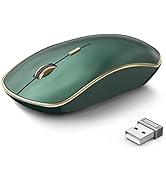
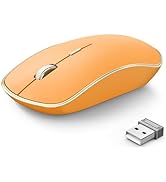
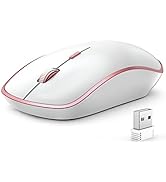
2.4G Wireless Mouse
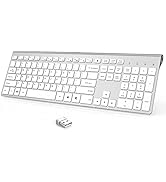
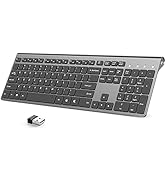
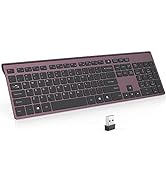
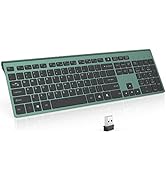
Rechargeable Wireless Keyboard
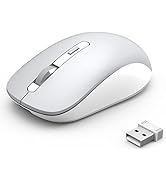
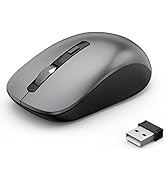
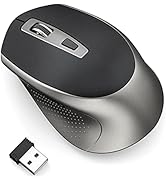

Bluetooth Wireless Mouse

JOYACCESS consistently devote to making quality wireless and Bluetooth mouse with high performance. Our company has always insist on independent research and development, and strictly control the quality of our products. We are always committed to satisfying high-quality products and services for our customers.
Making life easier, simpler, convenient and more enjoyable is mission and original intention!
JOYACCESS Multi-Device Wireless Keyboard: 2.4G+ 2 Bluetooth Channel
Joyaccess bluetooth keyboard could support 3 devices simultaneously and switch at will . A good choice for Mac, IOS, andriod users, and italso works well with windows systems. Aesthetically this keyboard looks exquisite with excellent quality and the setup is so easy in just a few minutes.
Note: Generally,desktop computers do not have Bluetooth. If you plan to connect the device via Bluetooth, please make sure that the device has Bluetooth in advance.
This bluetooth keyboard provide you with a more comfortable and pleasing typing experience. The Scissor-switch mechanism beneath each key could relieve your fingers fatigue and give you the least wrist strain.Typing on the this keyboard is very quiet and there are no concerns about disturbing others with it.
Long Standby Time
The cordless keyboard goes to sleep after 30 minutes without typing, which extends the keyboard standby time. The keyboard can be activated by clicking any key at will. It needs 2AA batteries(not inlcuded).
System selection
Please select the right system for full compatibilities after paired to your devices.
FN+Q=IOS
FN+W=MAC
FN+E=Windows?Android
Wide Compatibilty
Compatible with mobile phones, tablets, laptops, desktops with iOS, Android,Windows 10/8/7 and Mac OS. Seamless support various devices, including iPhone, Apple iPad Air, iPad 4/3/2, iPad Mini 4, Macbook.
Indicators for convenience
The red indicator light will flash continuously when keyboard in a low power status. Please replace the fully charged battery.
Responsive Keys
The Scissor-switch mechanism beneath each key could relieve your fingers fatigue and give you the least wrist strain.Typing on the this keyboard is very quiet and there are no concerns about disturbing others with it.
Ultra-Slim & Convenience for Carrying
The ultra-slim J JOYACCESS keyboard only have 420g and the size is 14 x 5.5x0.8 inches. If have business travel or holiday, the Lightweight and compact keyboard is your first choice.
JOYACCESS Multi-Device Bluetooth+2.4G keyboard | JOYACCESS Multi-Device Bluetooth+2.4G keyboard | JOYACCESS Multi-Device Bluetooth+2.4G keyboard | JOYACCESS Multi-Device Bluetooth+2.4G keyboard | | |
|---|---|---|---|---|---|
| Customer Reviews | — | — | — | — | — |
| Price | — | — no data | — no data | — | — |
| Connection Type | USB Receiver & Bluetooth 3.0 & Bluetooth 5.0 | USB Receiver & Bluetooth 3.0 & Bluetooth 5.0 | USB Receiver & Bluetooth 3.0 & Bluetooth 5.0 | USB Receiver & Bluetooth 3.0 & Bluetooth 5.0 | USB Receiver |
| Easy switching | 3 devices | 3 devices | 3 devices | 3 devices | 1 devices |
| Hightlights | Ultra thin/Ergonomic Design/Whisper-quiet Button | Ultra thin/Ergonomic Design/Whisper-quiet Button | Ultra thin/Ergonomic Design/Whisper-quiet Button | Ultra thin/Ergonomic Design/Whisper-quiet Button | Ergonomic /Wrist Rest/Volume Roller |
| Battery | 2 AA battery( Not Contain) | 2 AA battery( Not Contain) | 2 AA battery( Not Contain) | 2 AA battery( Not Contain) | 2 AAA battery( Not Contain) |
| Compatibility | PC/Tablet/ipad/Smart phone | PC/Tablet/ipad/Smart phone | PC/Tablet/ipad/Smart phone | PC/Tablet/ipad/Smart phone | PC/Laptop |
| Support system | Mac OS/Windows/Android/iOS | Mac OS/Windows/Android/iOS | Mac OS/Windows/Android/iOS | Mac OS/Windows/Android/iOS | Mac OS/Windows |
| Size | 368mm*135mm | 368mm*135mm | 368mm*135mm | 368mm*135mm | 418mm*210mm |
| USB | Inside the keyboard battery card slot | Inside the keyboard battery card slot | Inside the keyboard battery card slot | Inside the keyboard battery card slot | Inside the slot of the keyboard stand |
Q:How to connect the keyboard via bluetooth?
- Step 1: Power on the keyboard and install the battery. (2pcsAA type batteries not include)
- Step 2: Press and hold ( Fn+1 or Fn+2 ) for 3 seconds to make the first Bluetooth device connection.(The led will blinking)
- Step 3: On your Bluetooth device, find the keyboard bluetooth signal. ( *BT3.0 Keyboard or BT5.0 Keyboard*)
- Step 4: System selection:Press and hold (Fn+Q=IOS/Fn+W=MAC/Fn+E=WINDOWS) for 3 seconds. (The led will blinking)
Q:How to connect the keyboard via 2.4G USB receiver?
- Step 1:Power on the keyboard and install the battery. (2pcsAA type batteries not include)
- Step 2:Plug USB receiver to USB ports. (USB receiver in battery card slot)
Q:What to do if the keyboard fails to connect via bluetooth?
- Step 1: Make sure the battery is charged and turn on the keyboard switch.
- Step 2: Make sure the keyboard and electronic device are close to each other.
- Step 3: Make sure your electronic device bluetooth signal is stable.
- Step 4: On your device, delete the original keyboard Bluetooth signal and re-pair.
JOYACCESS
Silky smooth for work and play
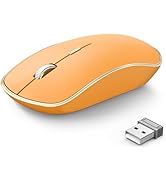
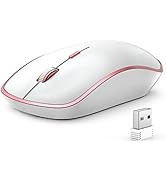
2.4G Wireless Mouse
Rechargeable Wireless Keyboard
Bluetooth Wireless Mouse
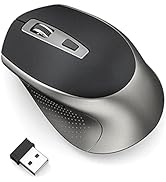
JOYACCESS consistently devote to making quality wireless and Bluetooth mouse with high performance. Our company has always insist on independent research and development, and strictly control the quality of our products. We are always committed to satisfying high-quality products and services for our customers.
Making life easier, simpler, convenient and more enjoyable is mission and original intention!
