


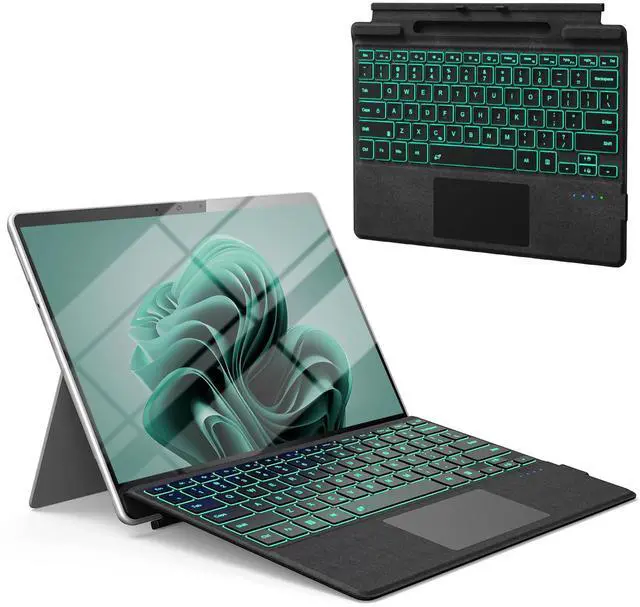
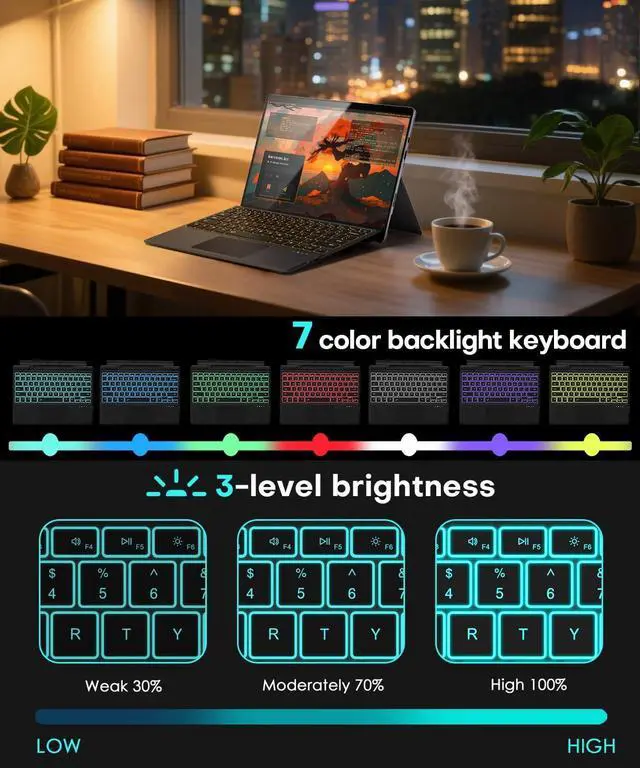
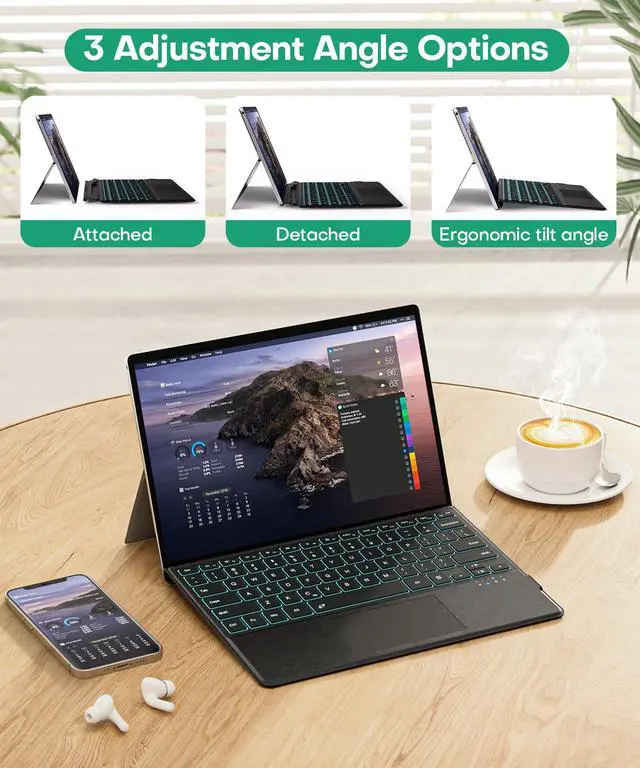






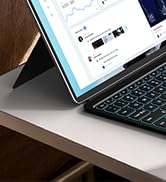
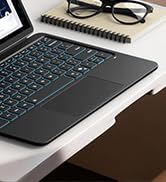
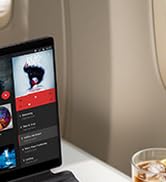
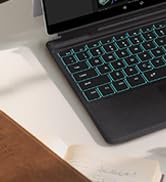



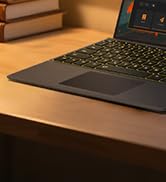
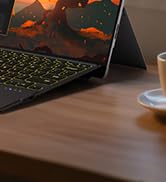
Surface Pro Bluetooth Keyboard
Merchant Video
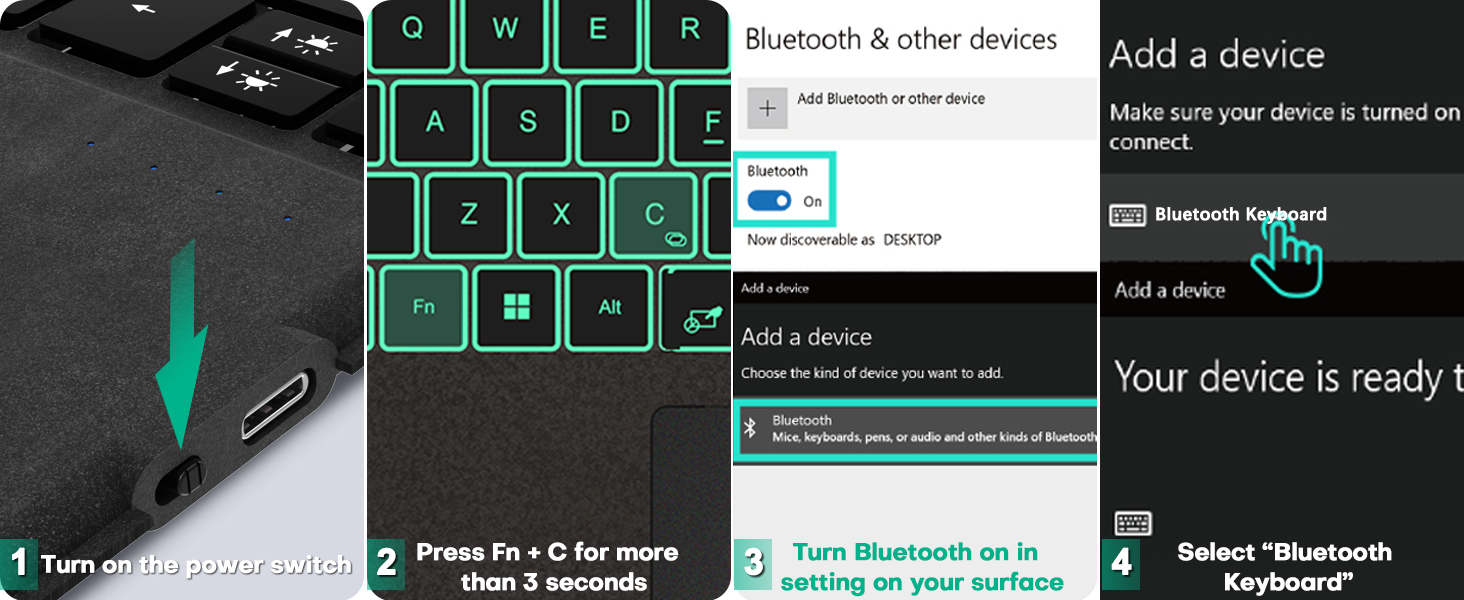


What should I do if I can't type?
Open Surface Settings ----> Accessibility ----> Keyboard ----> Turn off "Sticky keys" ----> Turn off "Filter keys"
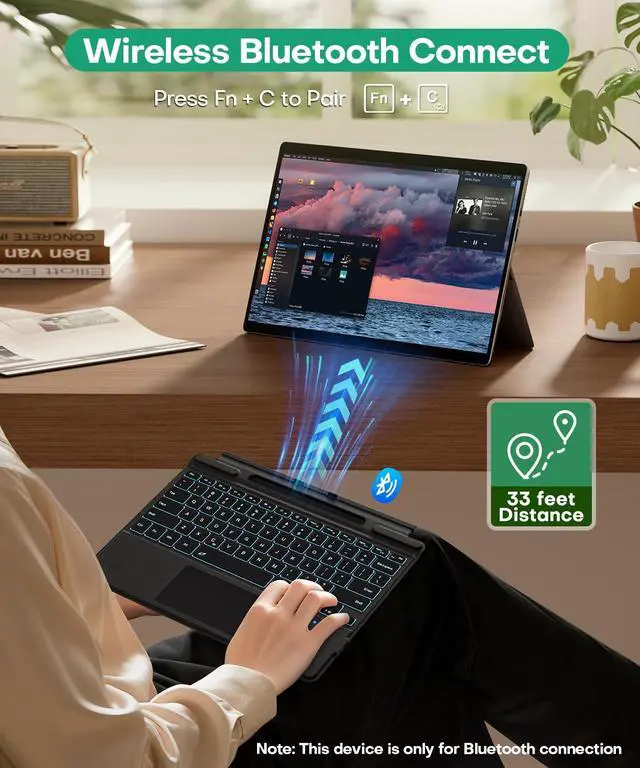
Can it automatically reconnect after shutting down and restarting?
Yes.but you need to start Surface first, and then start the keyboard to automatically connect via Bluetooth.
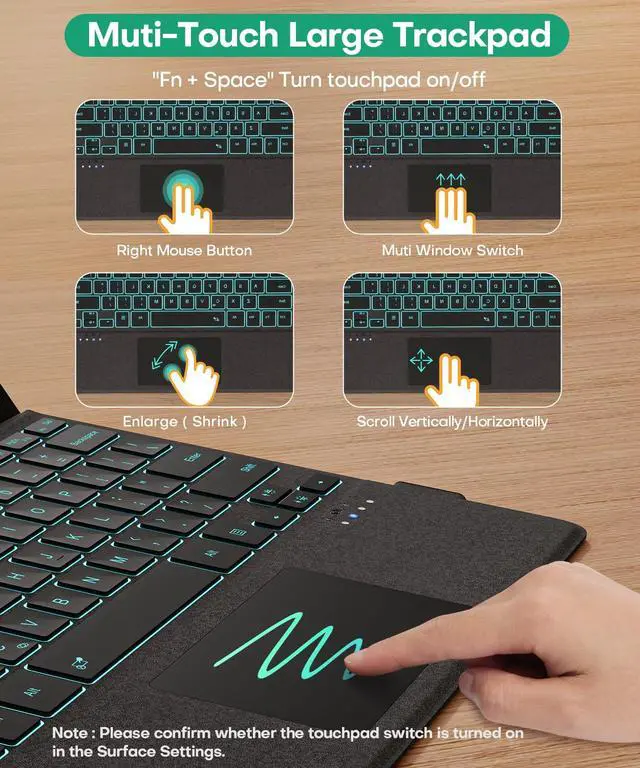
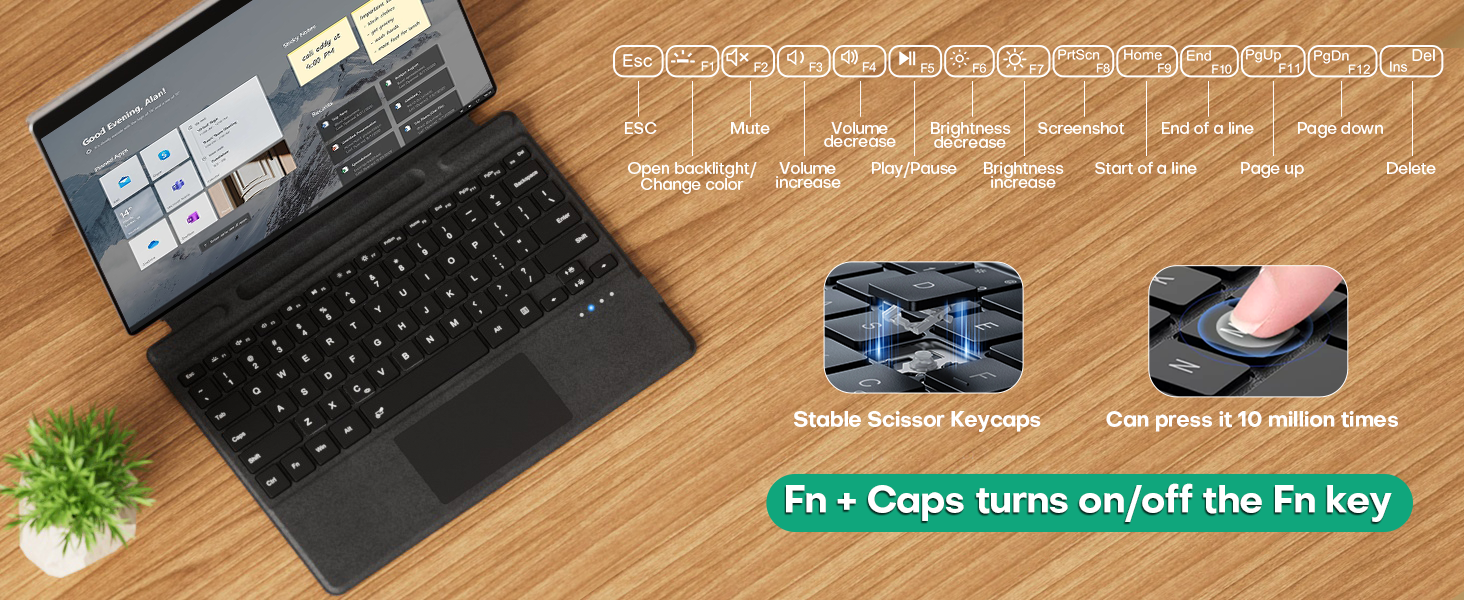
How to turn on/off touchpad and adjust touchpad sensitivity?
1?Fn + Space (If the touchpad still does not work, turn on the touchpad in Surface settings.)2?Settings->Devices->Touchpad->Touchpad Sensitivity->Related Settings->Other Settings(mouse button/pointer options)
Can it charge your pen?
No.It can only magnetically hold your pen but cannot charge it.
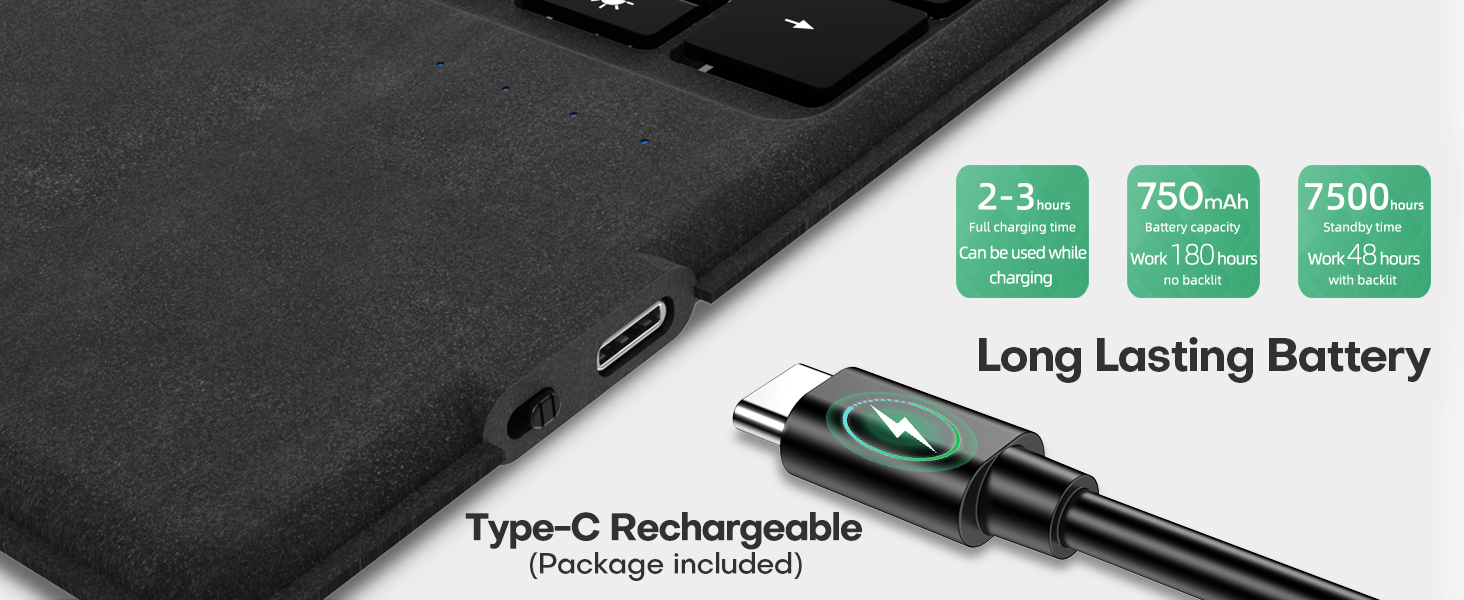
Can it be charged wirelessly via a Surface computer?
No.It can only be charged via a Type-C cable (included in the package).You can charge via USB-C while Typing.
Surface Pro Bluetooth Keyboard
Merchant Video


What should I do if I can't type?
Open Surface Settings ----> Accessibility ----> Keyboard ----> Turn off "Sticky keys" ----> Turn off "Filter keys"
Can it automatically reconnect after shutting down and restarting?
Yes.but you need to start Surface first, and then start the keyboard to automatically connect via Bluetooth.
How to turn on/off touchpad and adjust touchpad sensitivity?
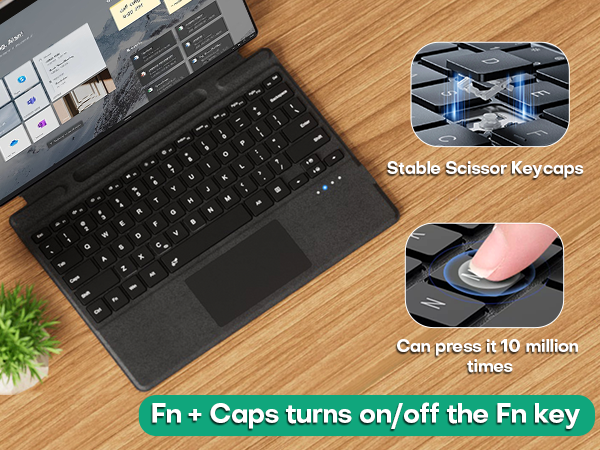
1?Fn + Space (If the touchpad still does not work, turn on the touchpad in Surface settings.)2?Settings->Devices->Touchpad->Touchpad Sensitivity->Related Settings->Other Settings(mouse button/pointer options)
Can it charge your pen?
No.It can only magnetically hold your pen but cannot charge it.
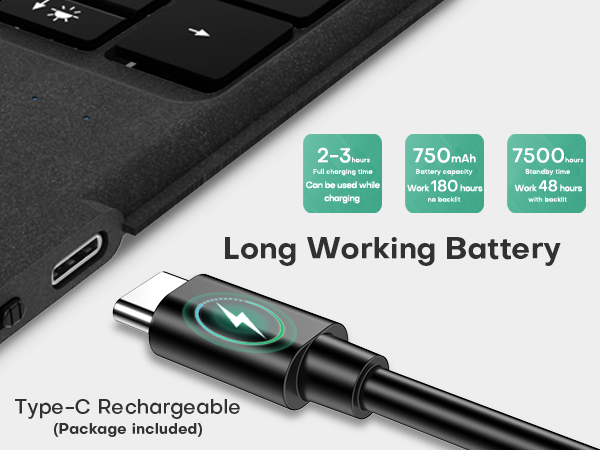
Can it be charged wirelessly via a Surface computer?
No.It can only be charged via a Type-C cable (included in the package).You can charge via USB-C while Typing.
Surface Pro 12" Keyboard 2025
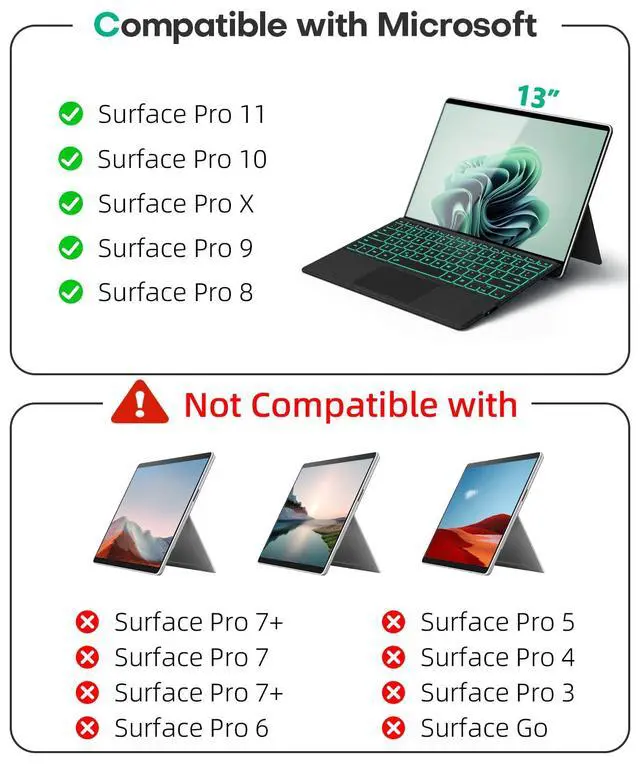
Surface Pro 8/9/X/10/11 13"
Surface Pro 7+/7/6/5/4/3 12.3"