


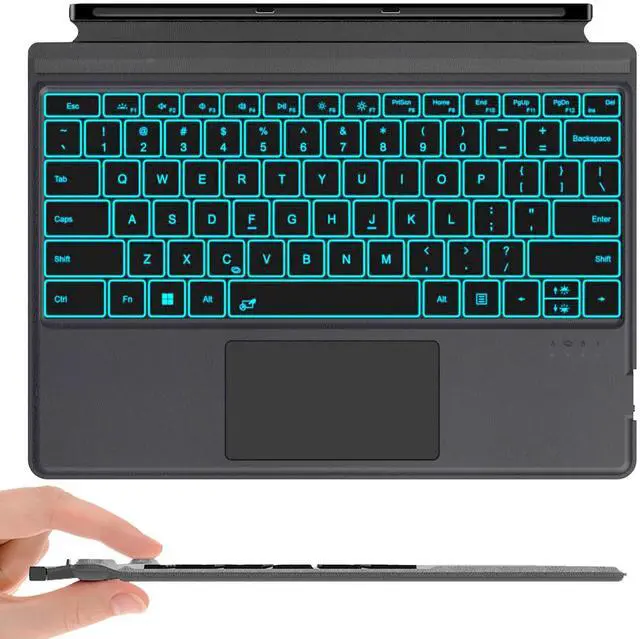
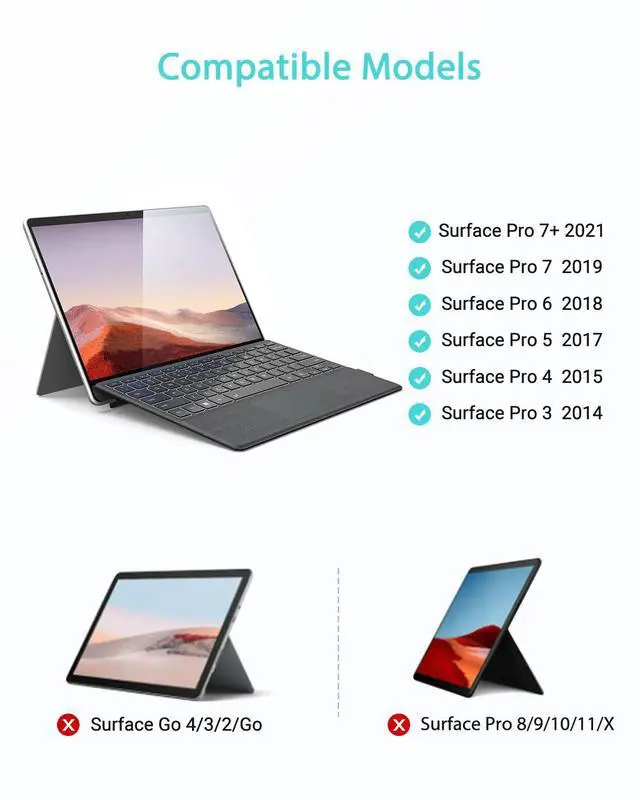
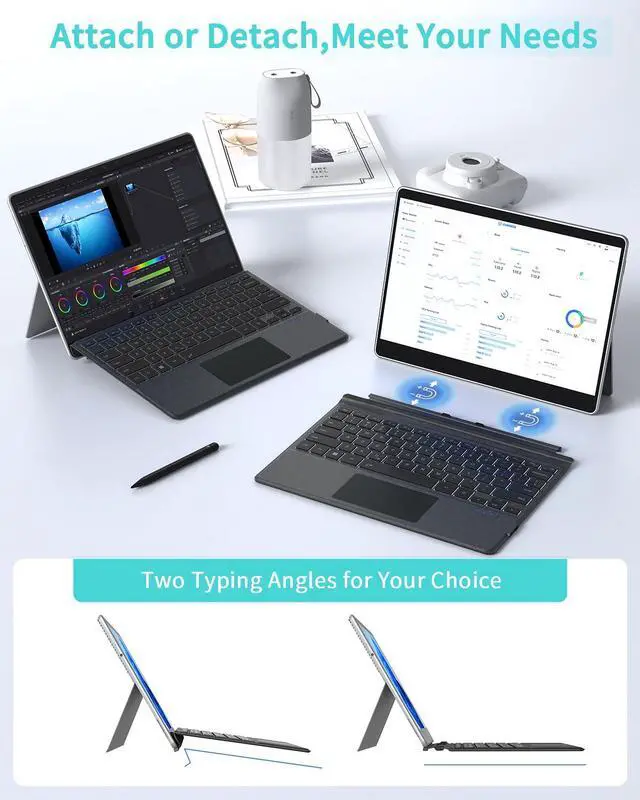


Surface Pro Bluetooth Keyboard
Merchant Video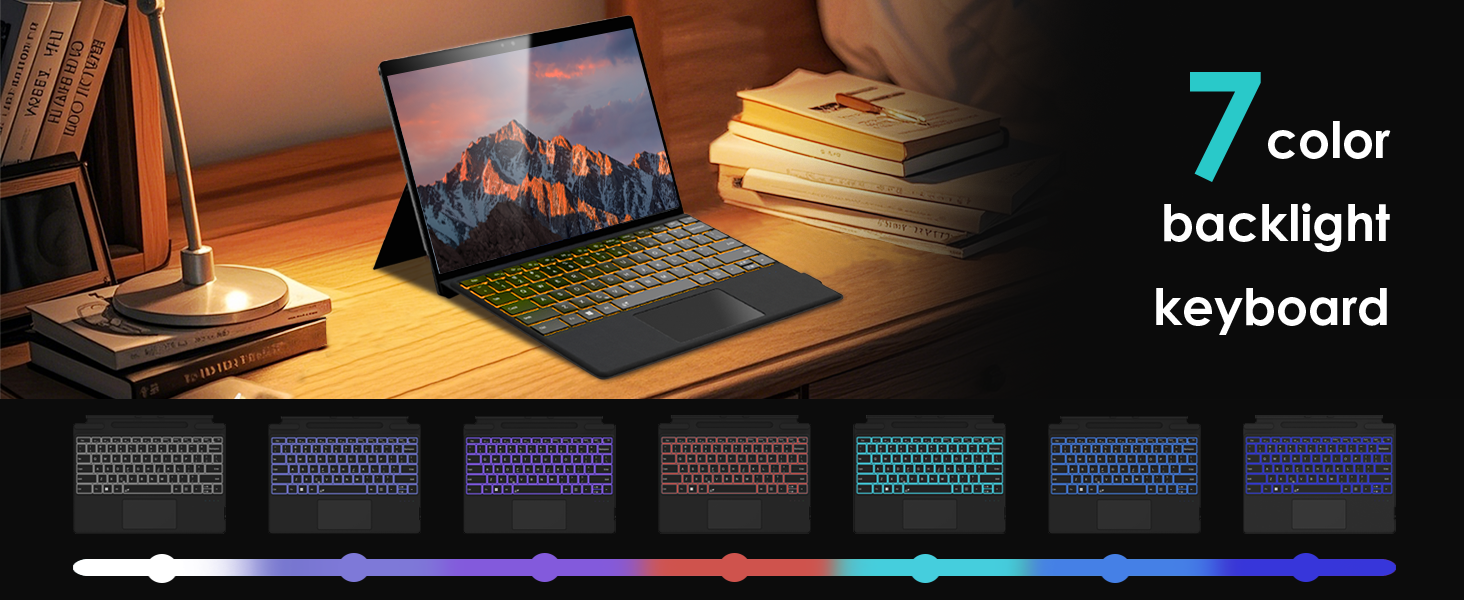
How should I contact seller if I encounter product problems and need help?
1?Go to "Your Orders" ? Find the order ? Select "Problem with Order" ? Choose a topic ? Click "Contact Seller".
Or Go to product page ? click seller’s name ? click " Question" ? select options to send message.
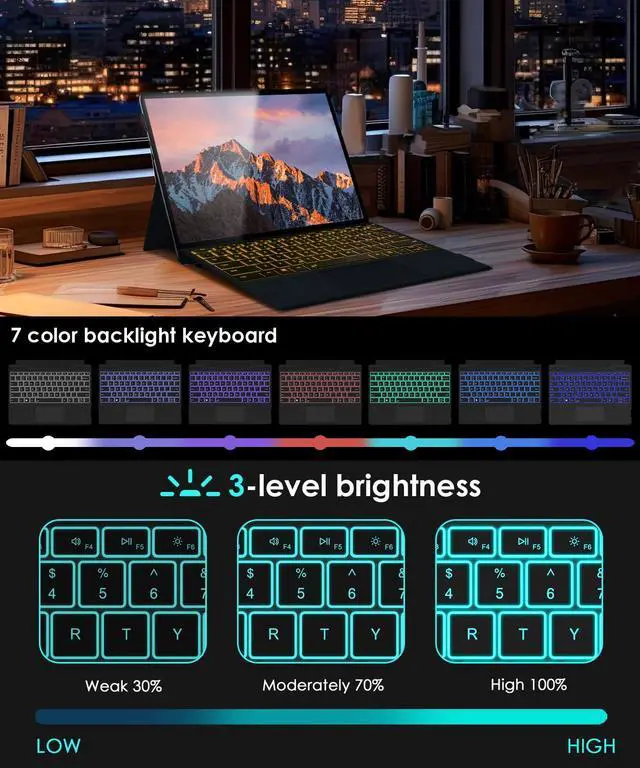
How do I turn the backlight on/off and adjust the brightness?
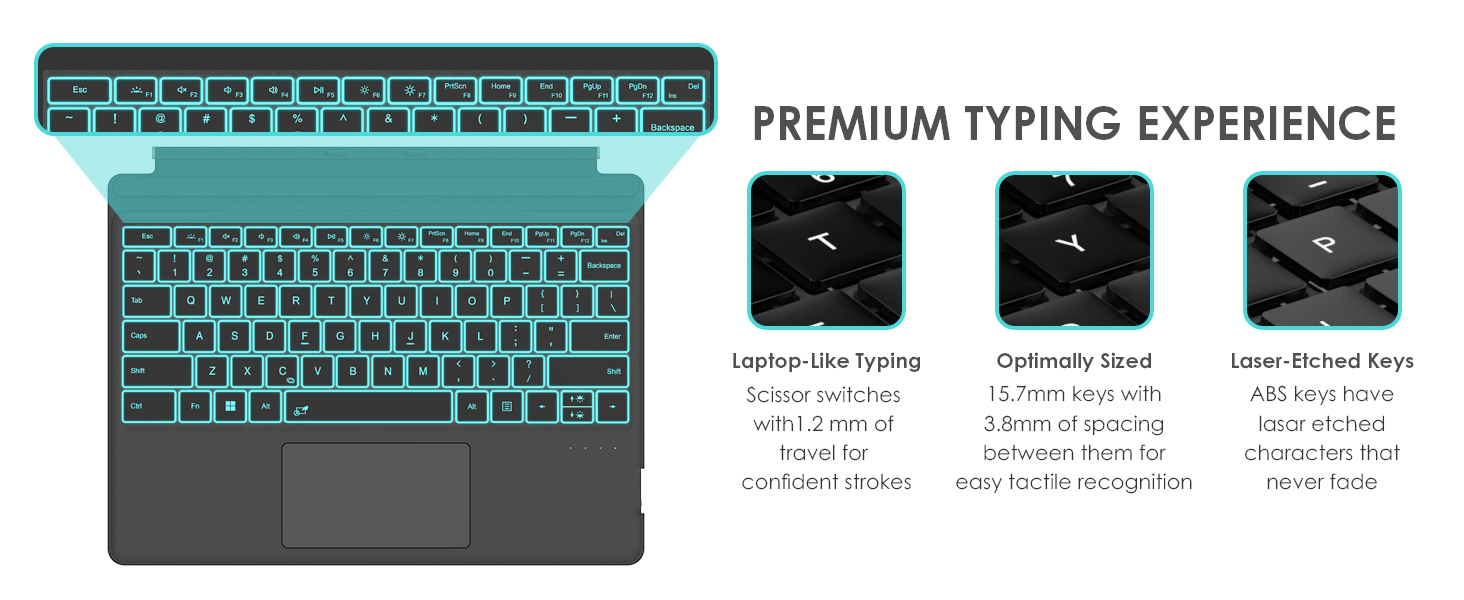
Fn + F1"/"F1" to turn on/off the 7 color backlit,"Fn + ?","Fn + ?" to adjust 3 level brightness.(Note: Is the Fn key locked/off?)
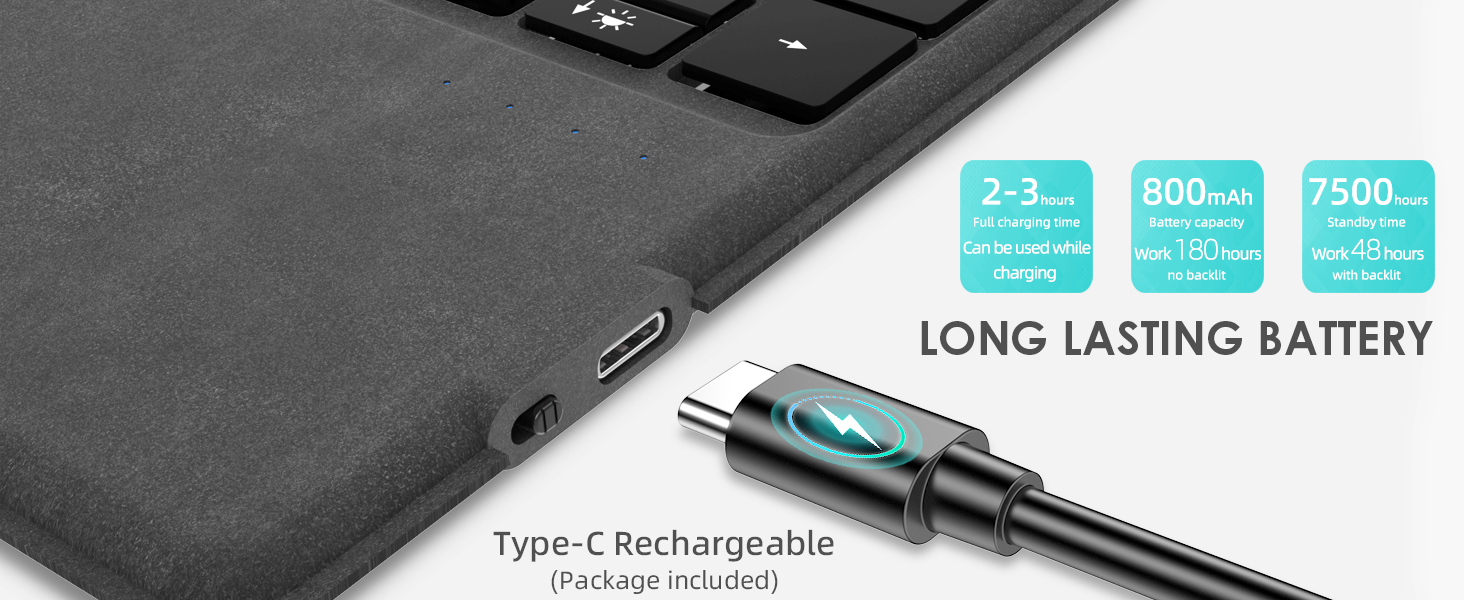
Can it be charged wirelessly via a Surface computer?
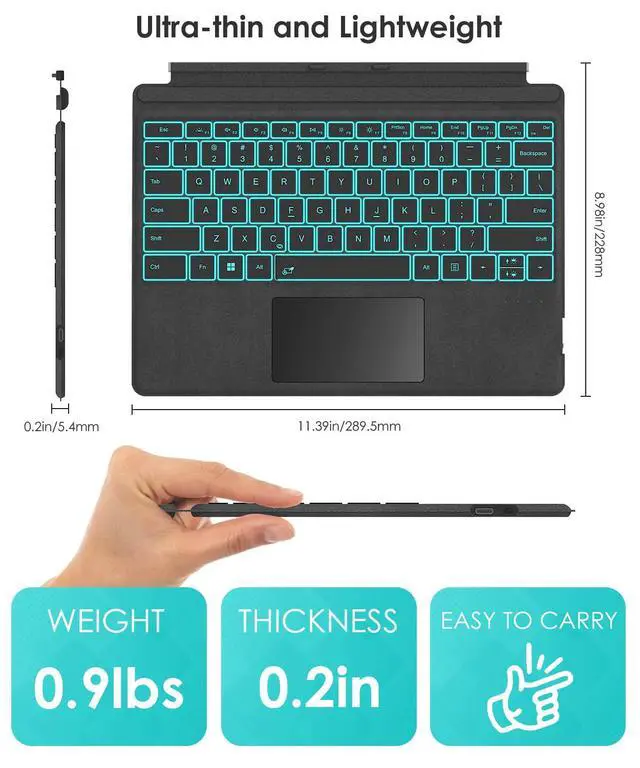
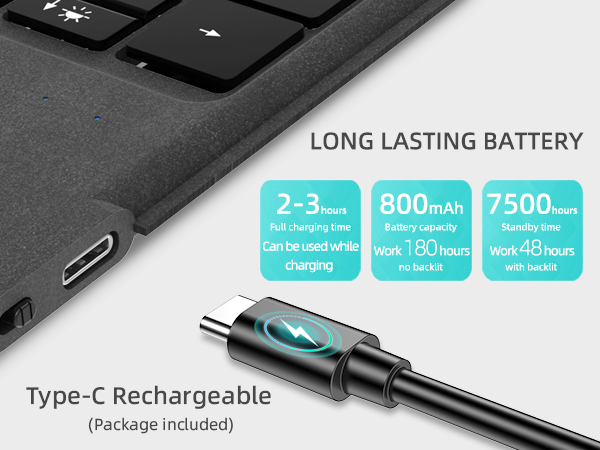
No.It can only be charged via a Type-C cable (included in the package).You can charge while typing (connect to computer or charger via Type-C)
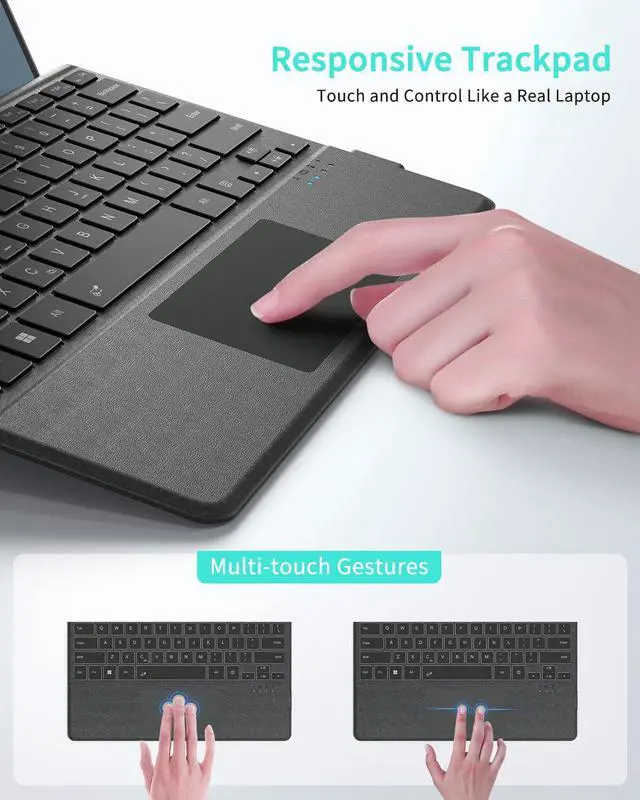
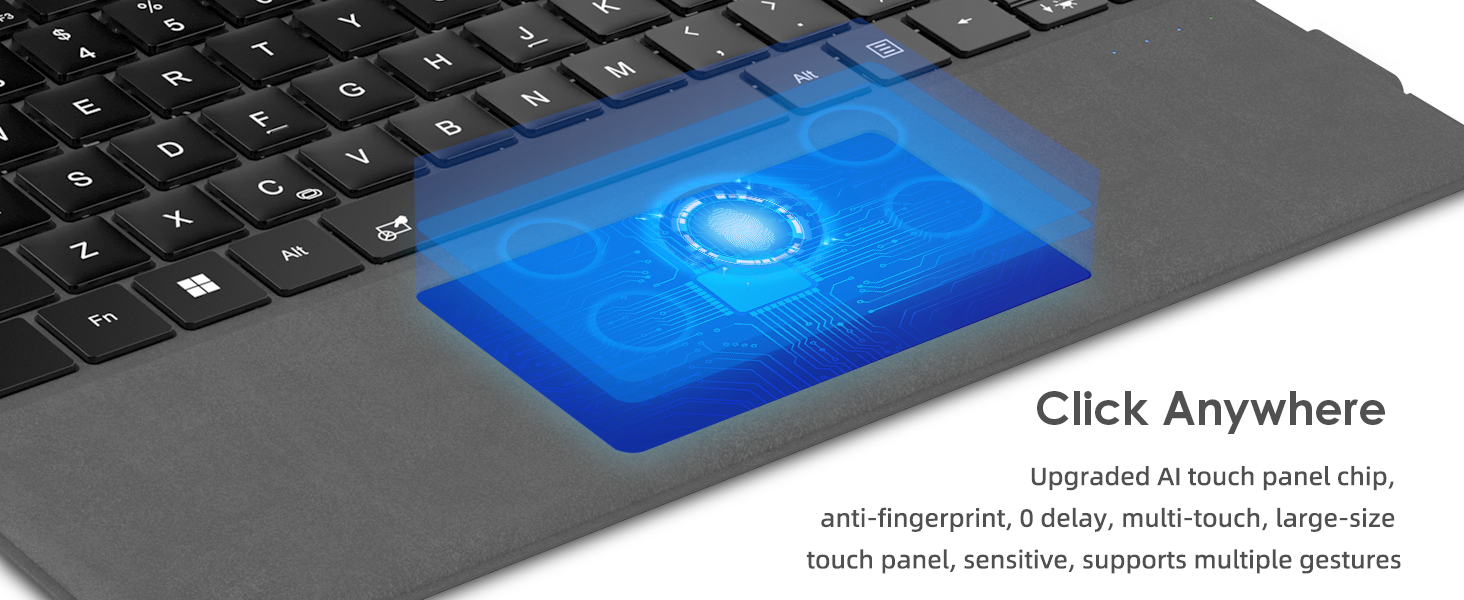
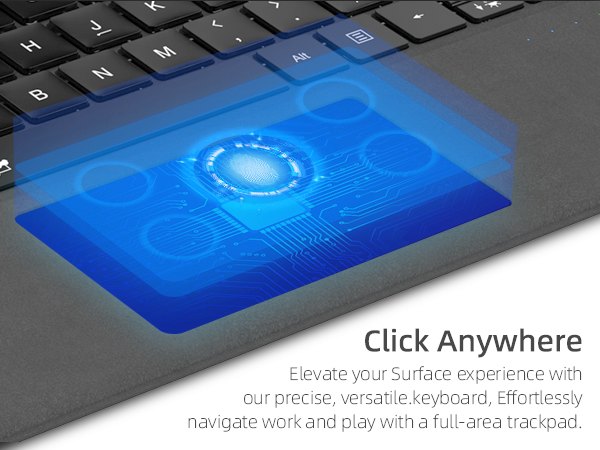
How to turn on/off touchpad?How to Adjust touchpad sensitivity?
Fn + Space (If the touchpad still does not work, turn on the touchpad in Surface settings.);Settings->Devices->Touchpad->Touchpad Sensitivity->Related Settings->Other Settings(mouse button/pointer options)
What should I do if I can't type?
Open Surface Settings ----> Accessibility ----> Keyboard ----> Turn off "Sticky keys" ----> Turn off "Filter keys"
Surface Pro Bluetooth Keyboard
Merchant Video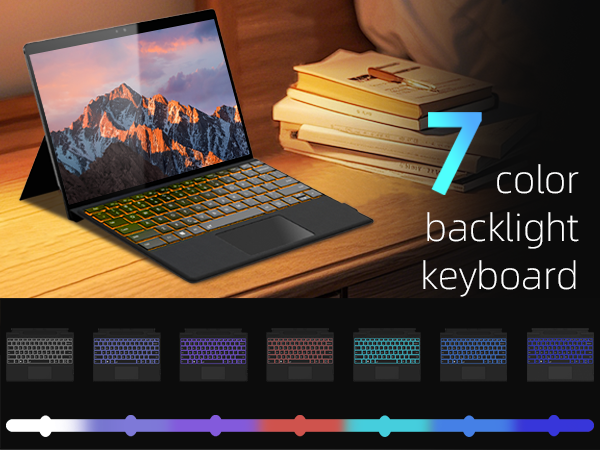
How should I contact seller if I encounter product problems and need help?
1?Go to "Your Orders" ? Find the order ? Select "Problem with Order" ? Choose a topic ? Click "Contact Seller".
Or Go to product page ? click seller’s name ? click " Question" ? select options to send message.
How do I turn the backlight on/off and adjust the brightness?
Fn + F1"/"F1" to turn on/off the 7 color backlit,"Fn + ?","Fn + ?" to adjust 3 level brightness.(Note: Is the Fn key locked/off?)
Can it be charged wirelessly via a Surface computer?
No.It can only be charged via a Type-C cable (included in the package).You can charge while typing (connect to computer or charger via Type-C)
How to turn on/off touchpad?How to Adjust touchpad sensitivity?
Fn + Space (If the touchpad still does not work, turn on the touchpad in Surface settings.);Settings->Devices->Touchpad->Touchpad Sensitivity->Related Settings->Other Settings(mouse button/pointer options)
What should I do if I can't type?
Open Surface Settings ----> Accessibility ----> Keyboard ----> Turn off "Sticky keys" ----> Turn off "Filter keys"