




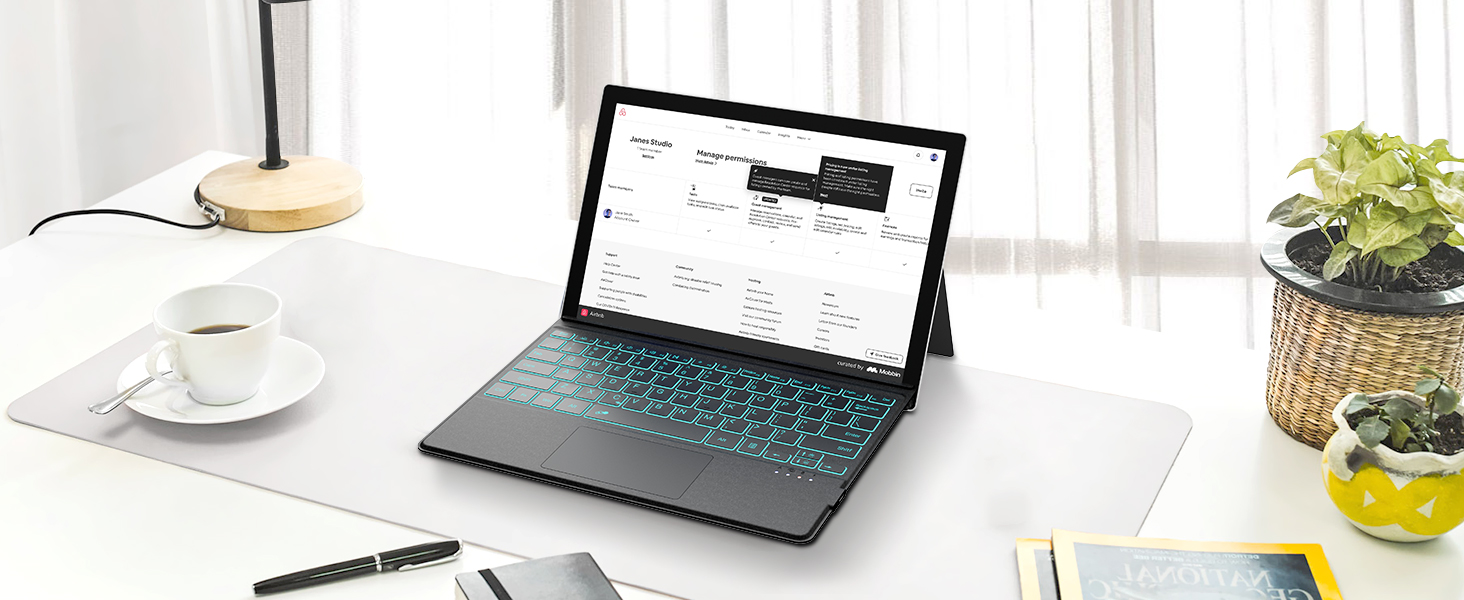
Won't work with your tablet/does not connect to the device
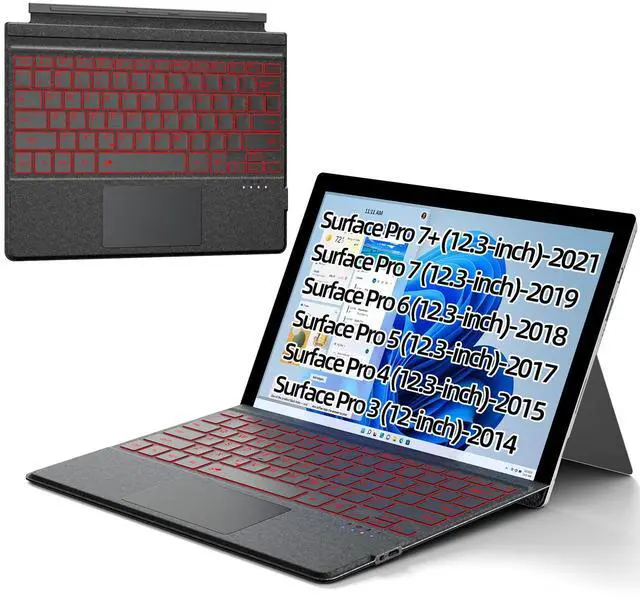
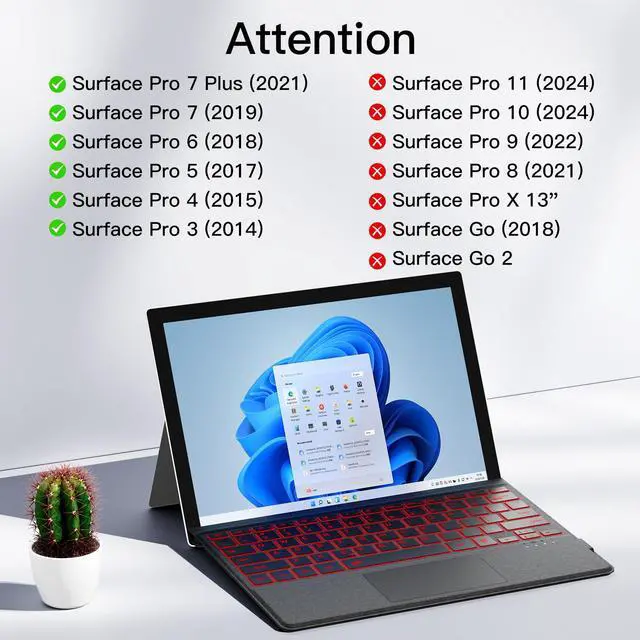
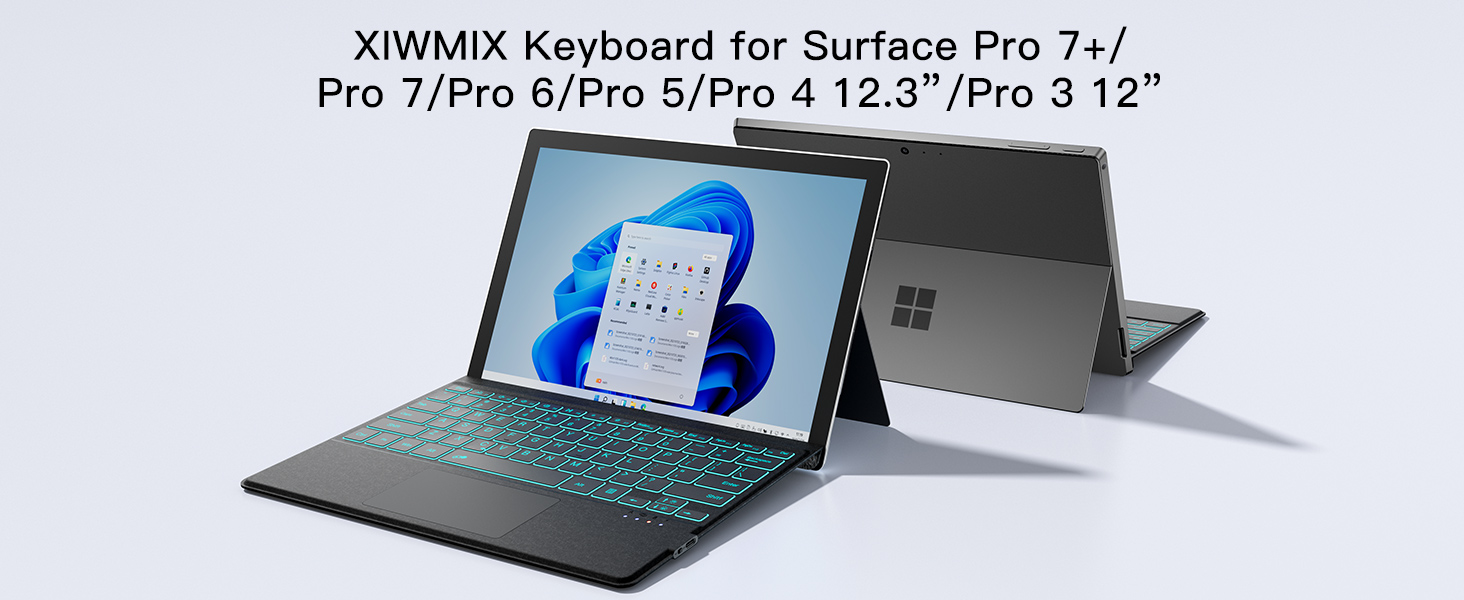
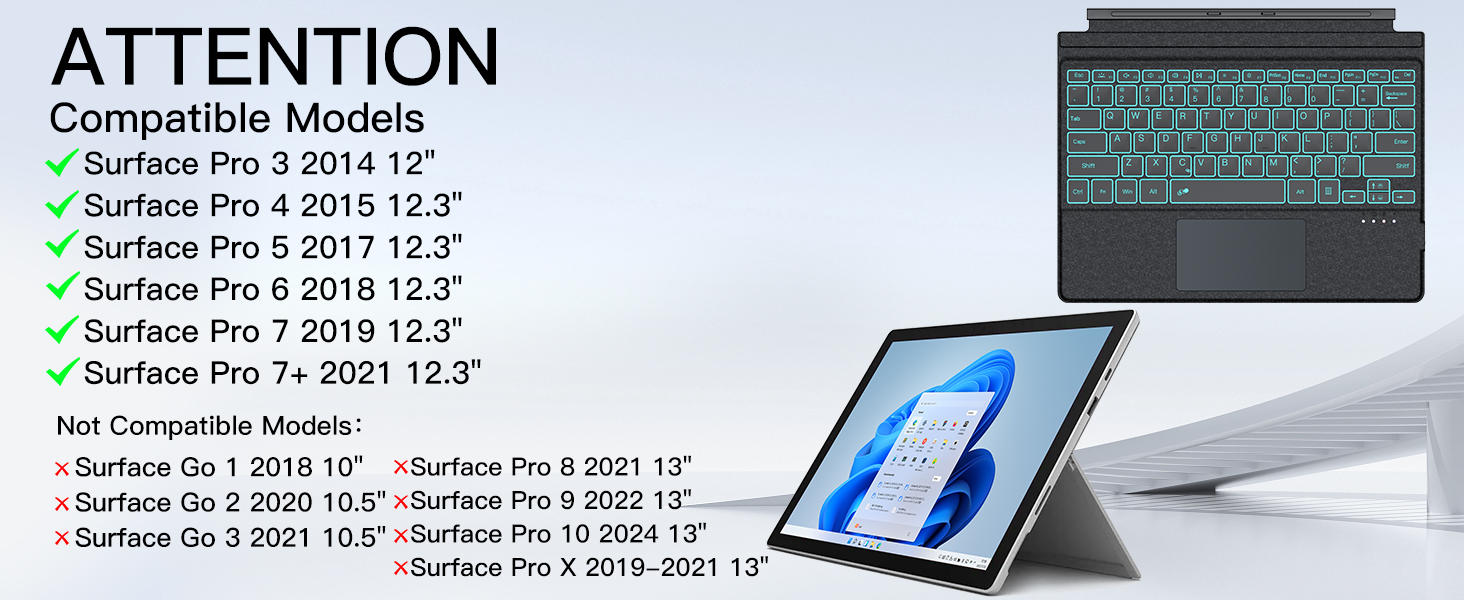
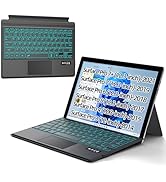
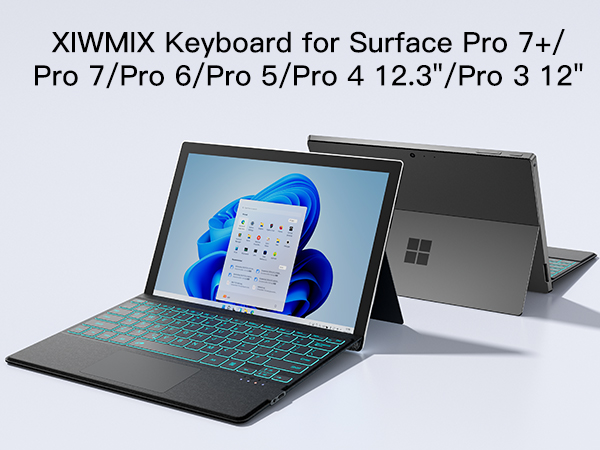
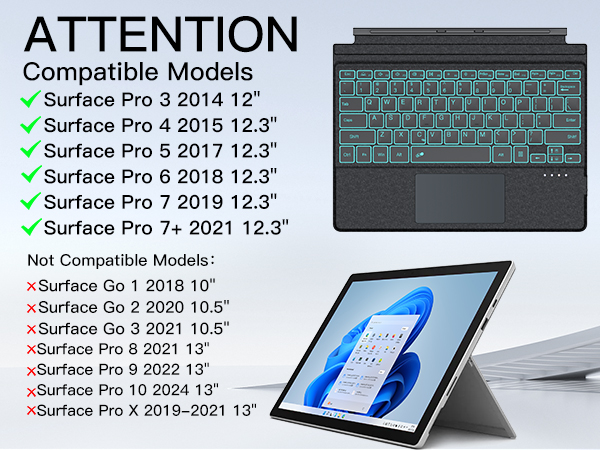
Make sure your surface tablet model is matched with this keyboard, this keyboard is only compatible with surface pro 7+/7/6/5/4/3, not compatible with surface pro 9/8/x, surface go and any other models.
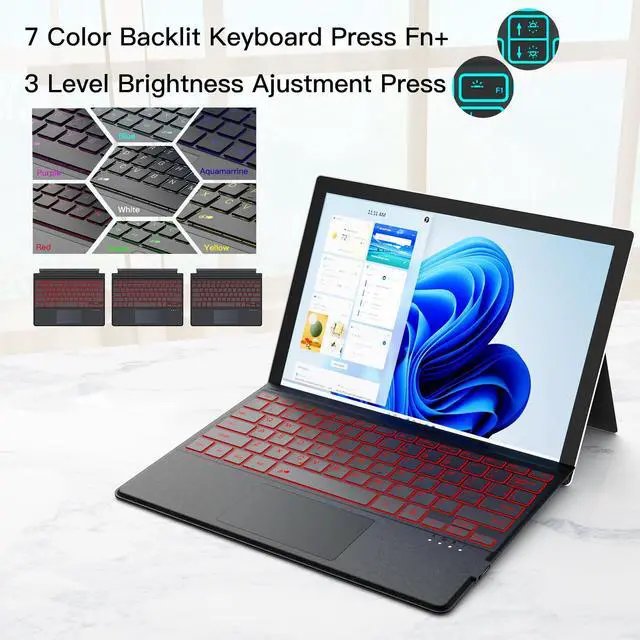
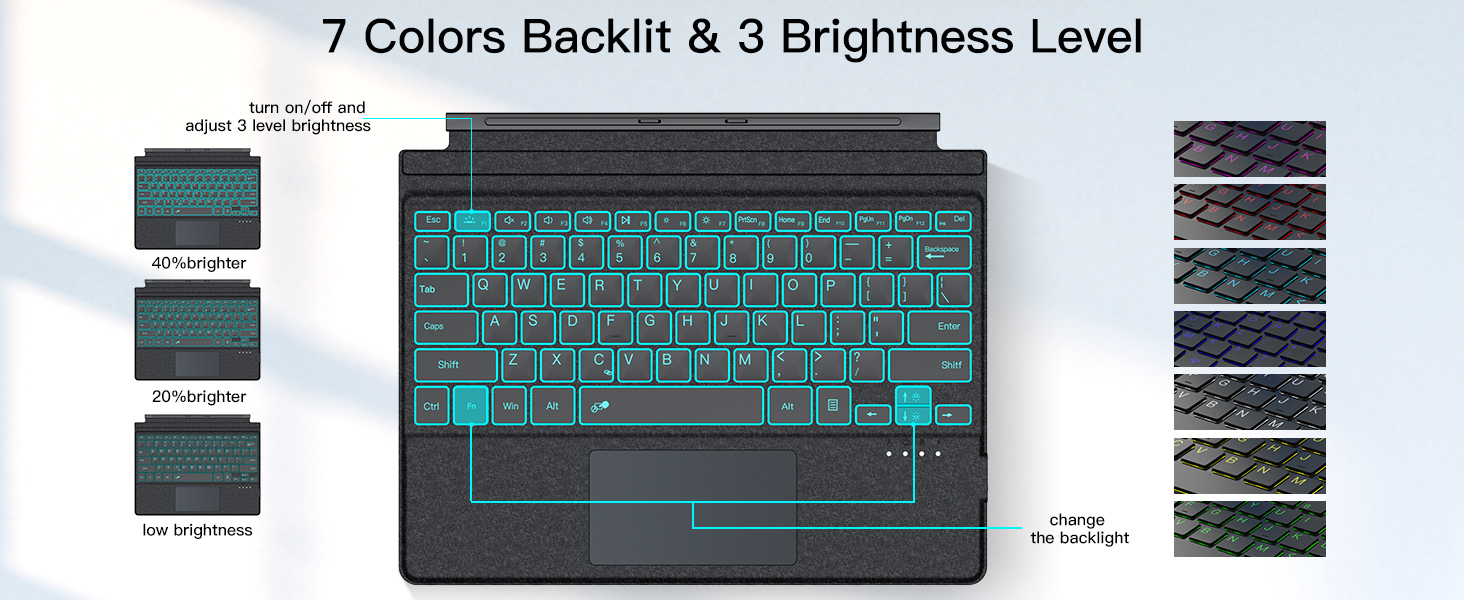
The backlight does not turn on
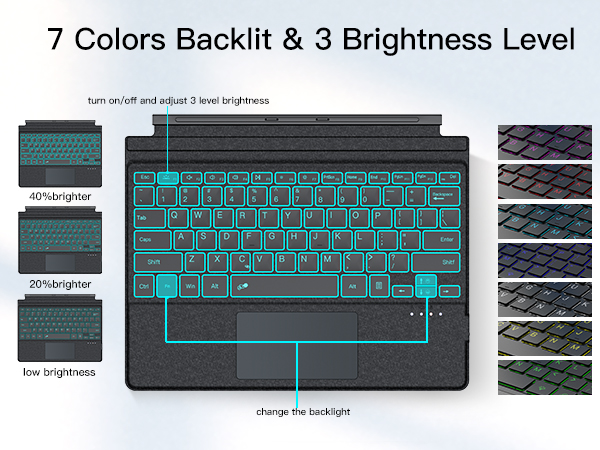
Make sure the keyboard is fully charged, if it does not turn on, please try again with a full charge
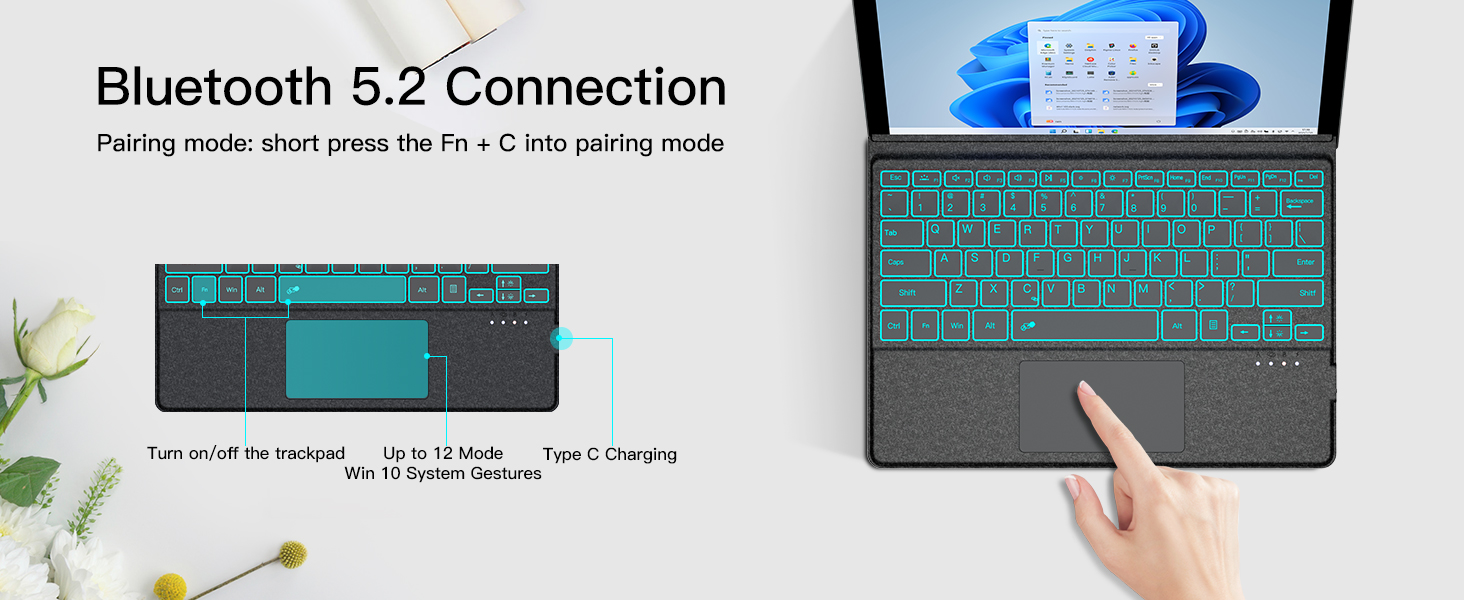
Doesn't stay connected
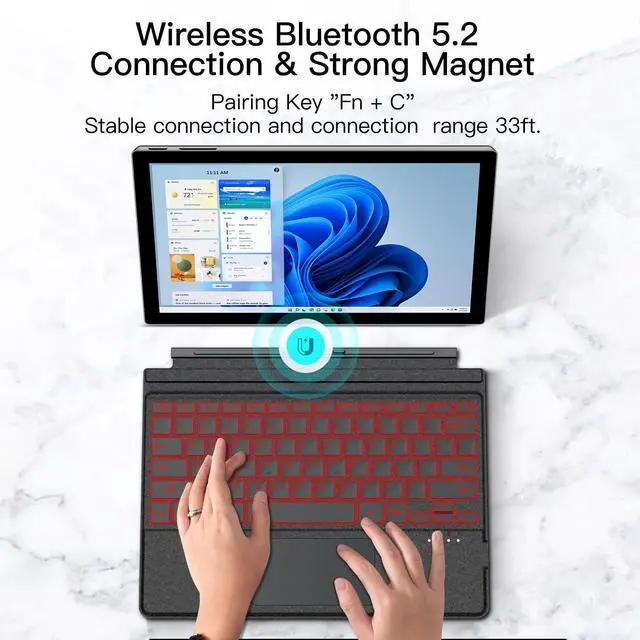
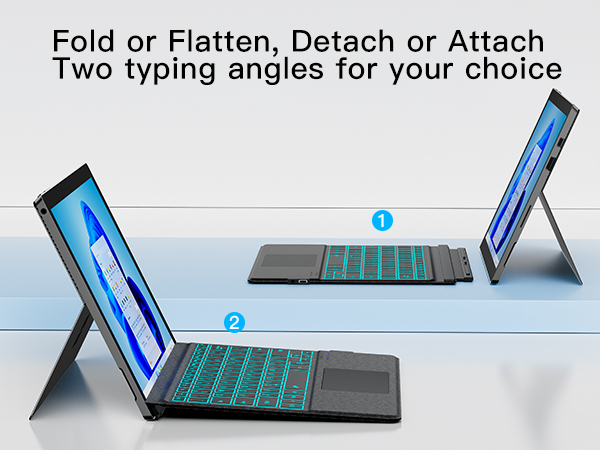
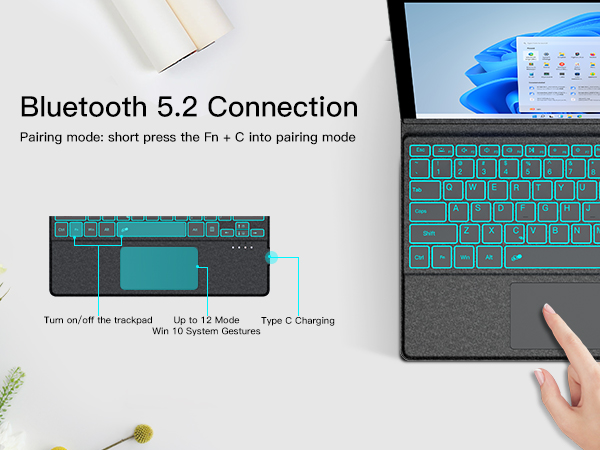
When using surface pro7+/7/6/5/4/3 tablets again when it fails to connect, you can click to forget the previous connection history and then reconnect
Touchpad does not work
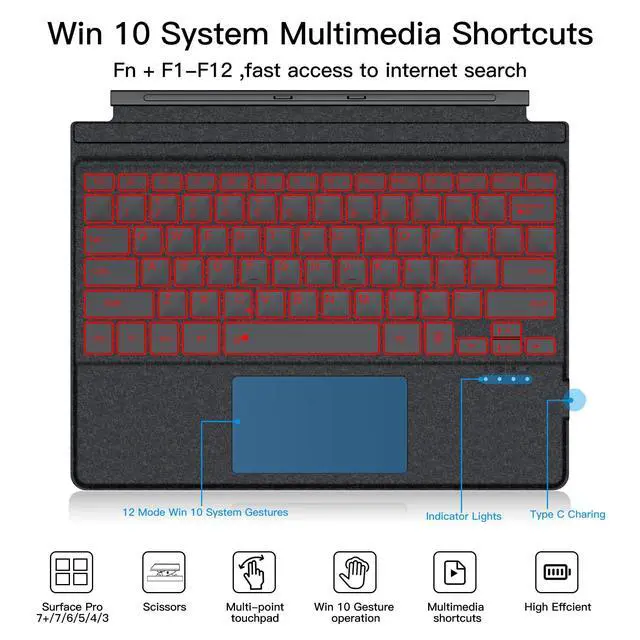
1. Please make sure the keyboard has enough power 2. Please check whether the touchpad is locked, press "Fn+ Spacebar" key to automatically enable and lock the touch screen function.

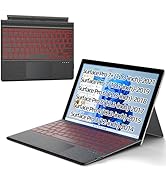




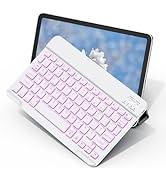
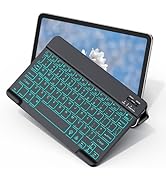
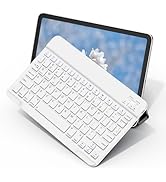
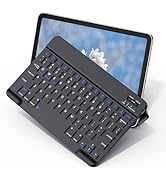
Won't work with your tablet/does not connect to the device
Make sure your surface tablet model is matched with this keyboard, this keyboard is only compatible with surface pro 7+/7/6/5/4/3, not compatible with surface pro 9/8/x, surface go and any other models.
The backlight does not turn on
Make sure the keyboard is fully charged, if it does not turn on, please try again with a full charge
Doesn't stay connected
When using surface pro7+/7/6/5/4/3 tablets again when it fails to connect, you can click to forget the previous connection history and then reconnect
Touchpad does not work
1. Please make sure the keyboard has enough power 2. Please check whether the touchpad is locked, press "Fn+ Spacebar" key to automatically enable and lock the touch screen function.
Surface pro series keyboard
Surfacepro11/10/9/8/x keyboard
Surface pro 7/6/5/4/3 keyboard
Folding Keyboard with Touchpad
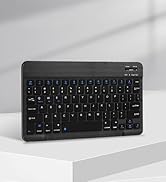
keyboard for ipad/tablet
keyboard for ipad/tablet
Keyboard for Samsung tablets
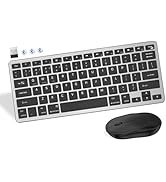
keyboard and mouse combo
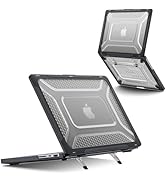
Macbook pro 14& air 13/15 case
