







1. There's a problem with my keyboard that I can't solve, what should I do? 2. Do keyboard/mouse have sleep function?
1. Please check the manual and find MEETION support team immediately, we support all products and customers.
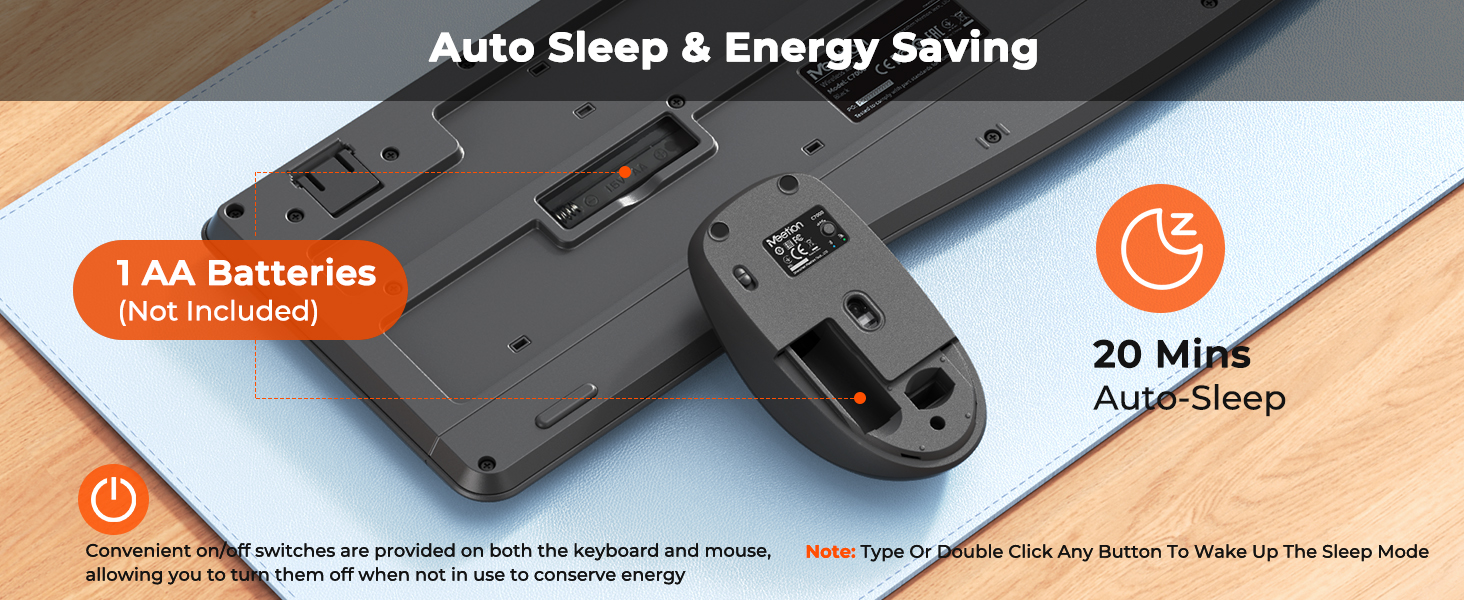
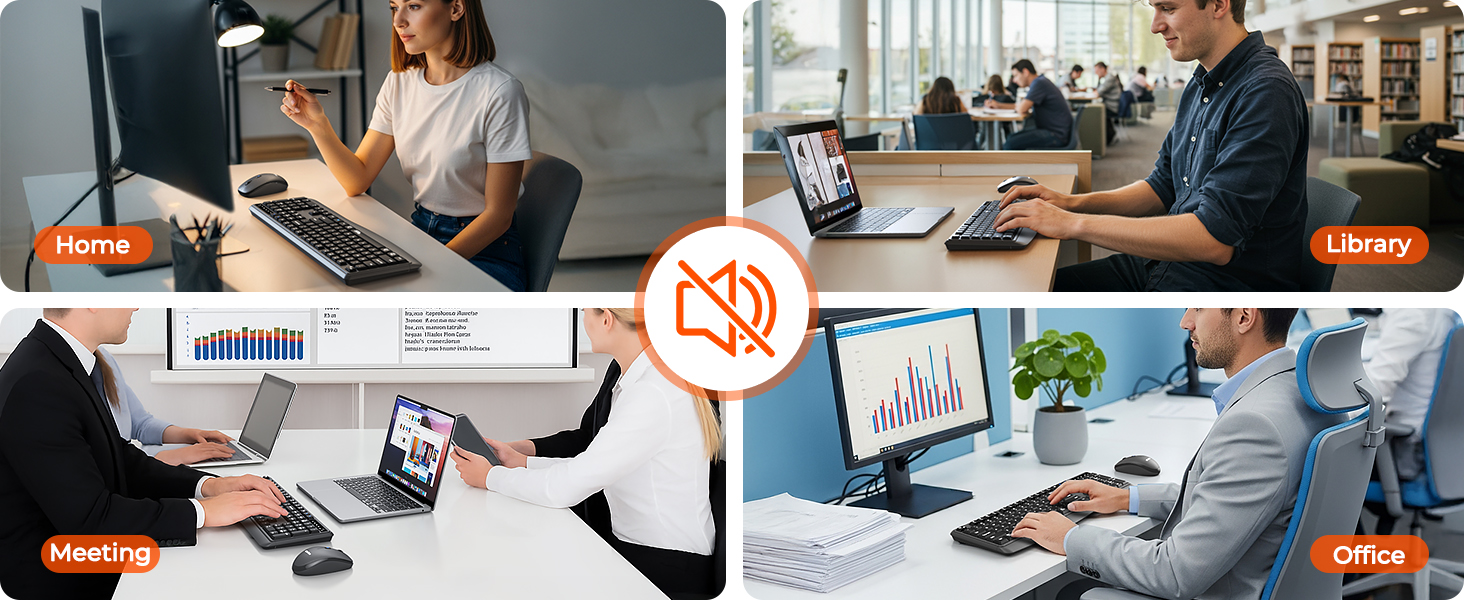
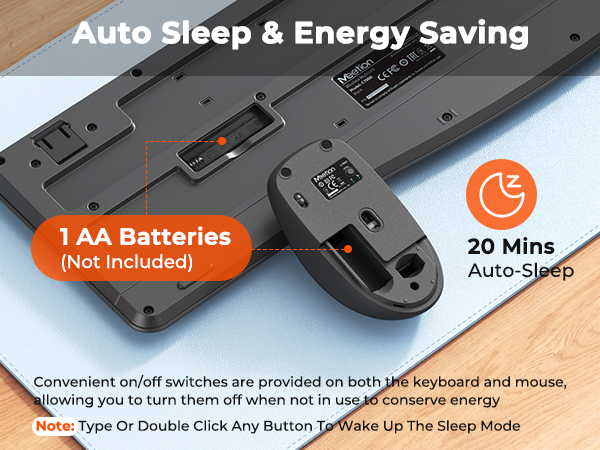
2. Yes, both the keyboard and mouse are equipped with an automatic sleep mode for power saving, and press any key to activate them.
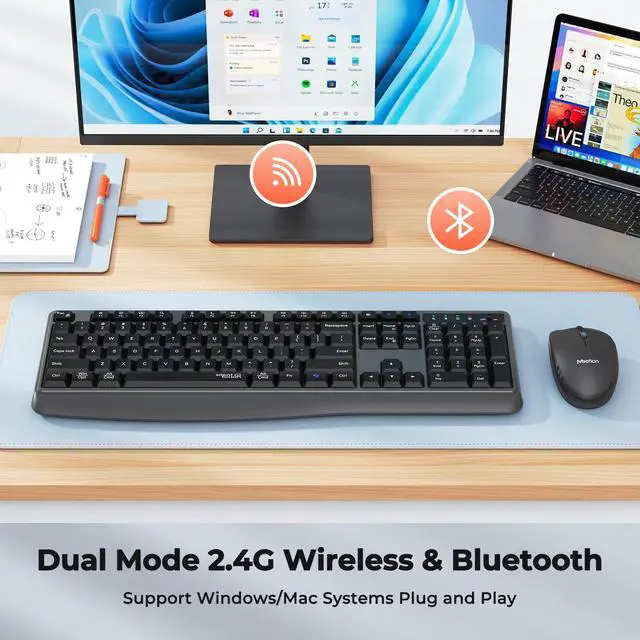
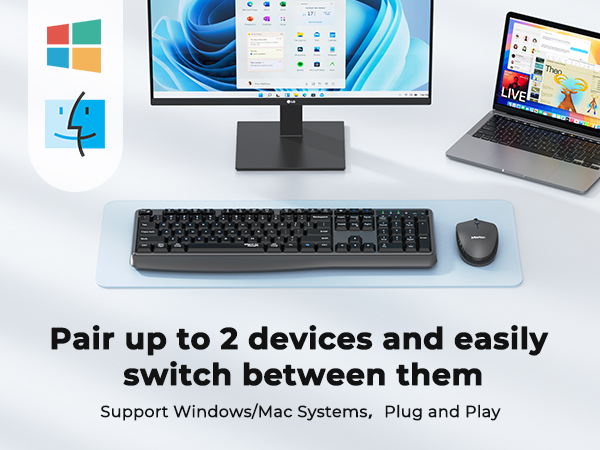
Is this keyboard compatible with Windows and Mac systems?
It is compatible with both Windows and Mac systems. Just switch the mode manually, please match the appropriate mode to your device to avoid problems.
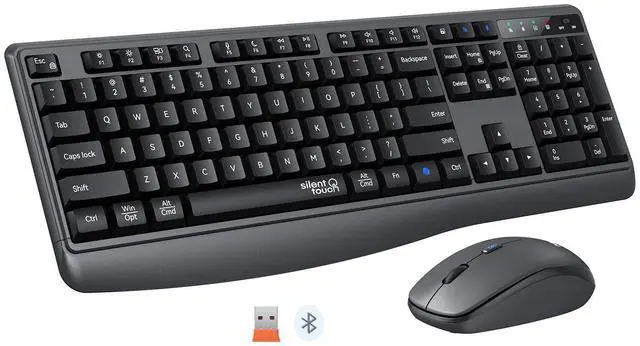
1. Insert receiver & turn on keyboard
2. Press FN+N for Windows mode
3. Press FN+M for Mac mode
Does this keyboard have a function lock? How do I use the function keys (F1–F12)?
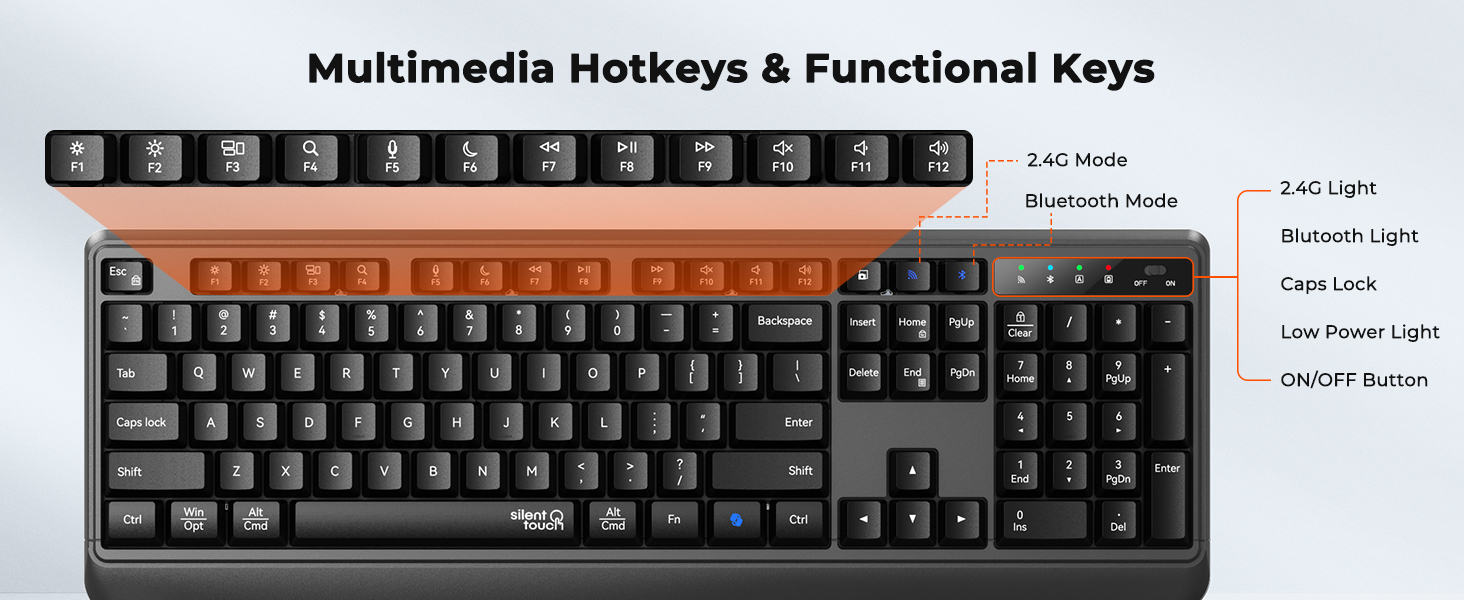
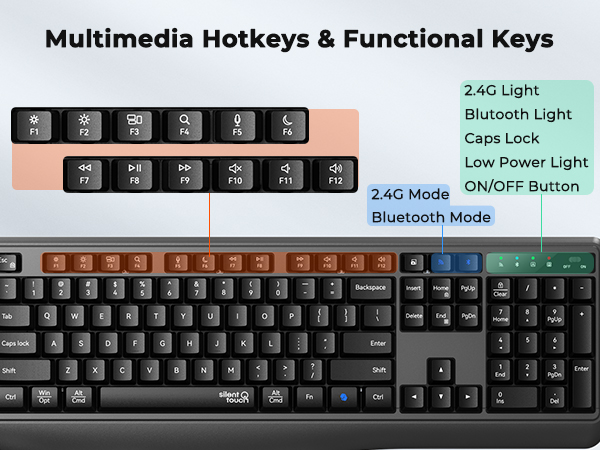
Yes, it has a function lock. F1–F12 are default shortcuts—two ways to use them as standard function keys:
1. Temporary: Hold FN + the F-key
2. Permanent: Press FN+ESC to lock/unlock function mode
How to deal with disconnection issues, keys repeating or typing delay?
1. Replace batteries promptly.
2. Restart device, unplug/reinsert receiver; try different USB-A ports if needed.
3. Delete Bluetooth connection, re-pair device.
4. If issue persists, test on another device & contact via order for help.
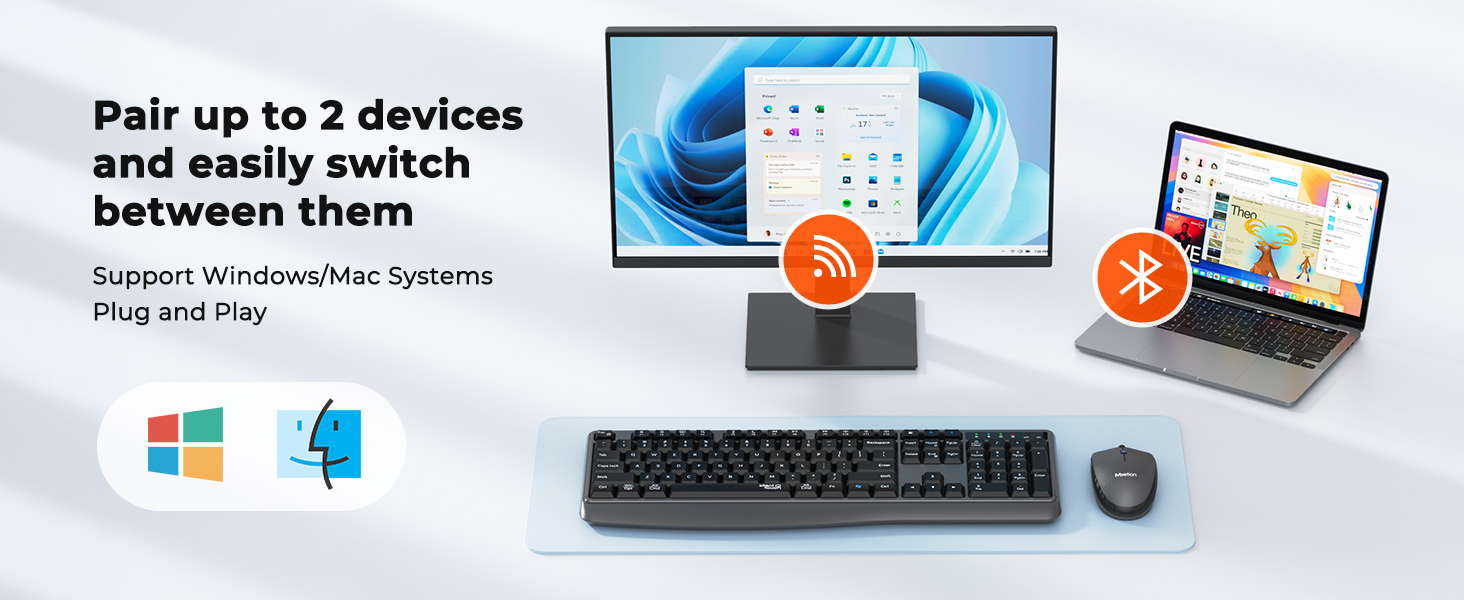
Can i connect and switch between multiple devices with the keyboard and mouse combo?
Our combo supports 2-device connectivity via:
1x 2.4G receiver (for 1 device)
1x Bluetooth channels (for 1 additional devices)
This lets you connect 2 devices simultaneously—no need for multiple peripherals, keeping your workspace tidy.
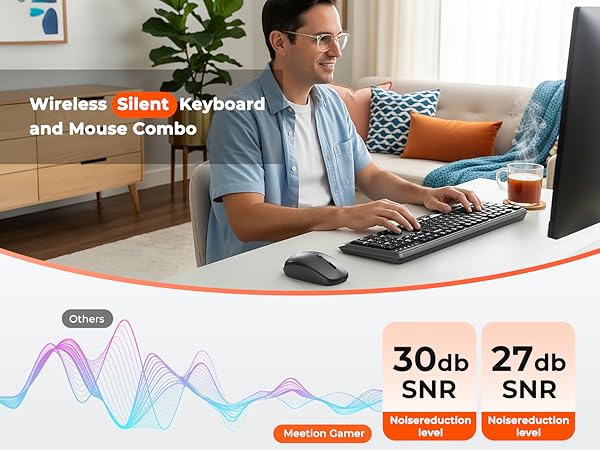


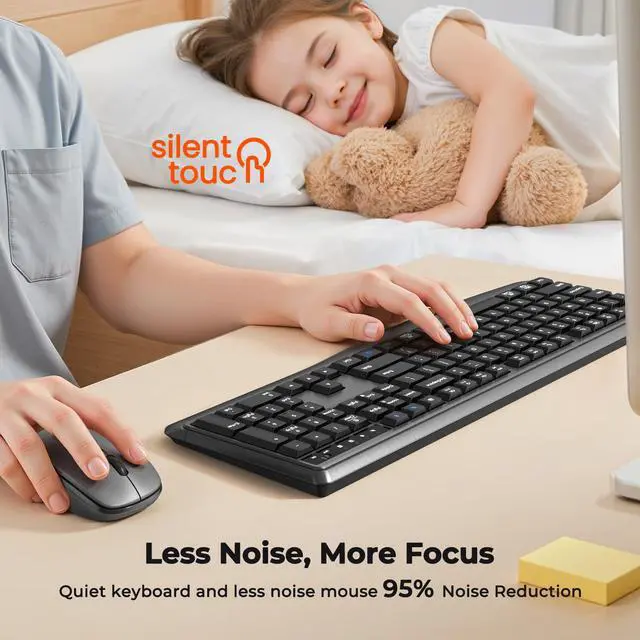
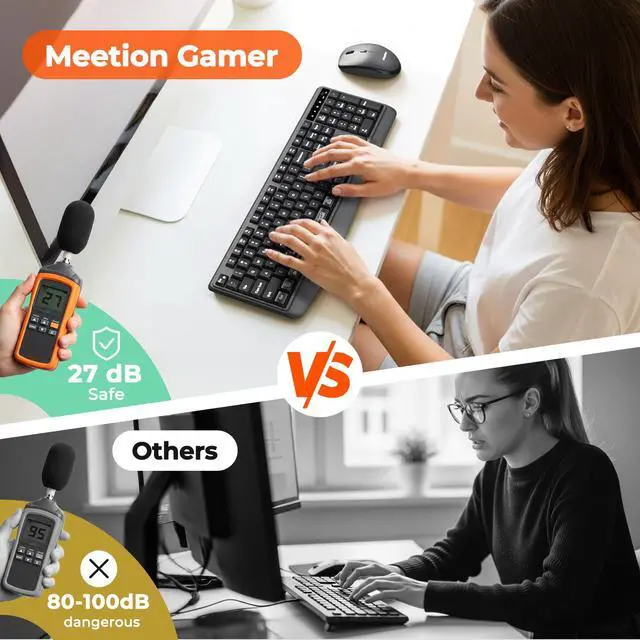
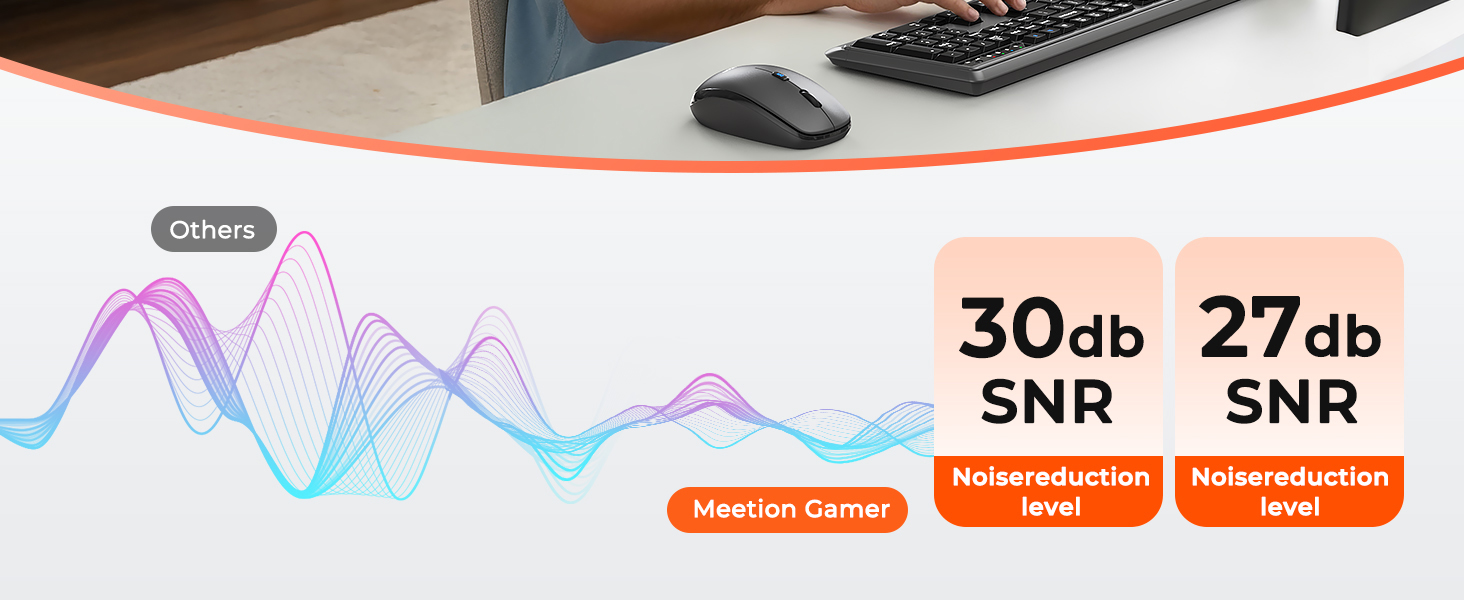
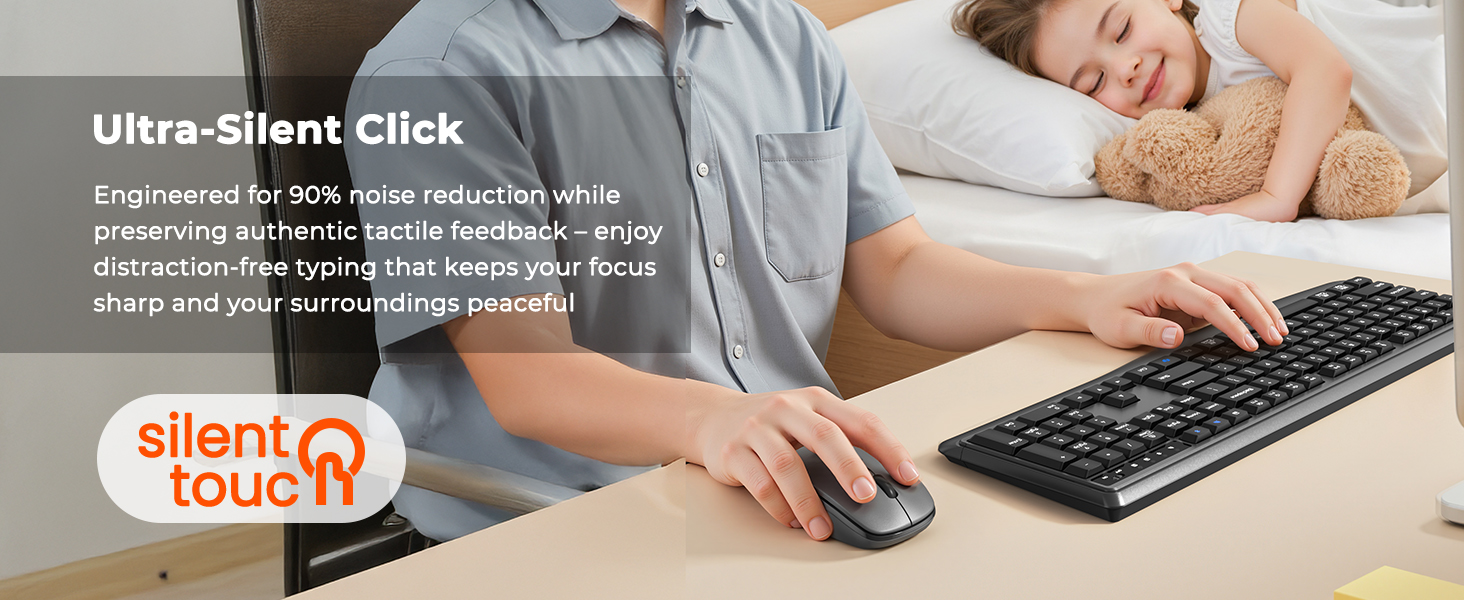
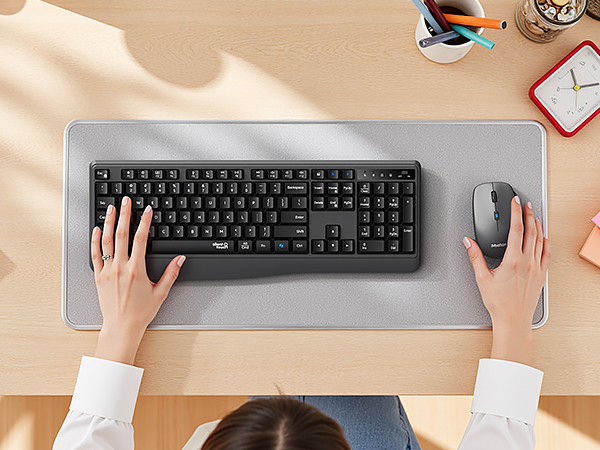
Whisper-Quiet Keys, All Tactile Satisfaction
1. There's a problem with my keyboard that I can't solve, what should I do? 2. Do keyboard/mouse have sleep function?
1. Please check the manual and find MEETION support team immediately, we support all products and customers.
2. Yes, both the keyboard and mouse are equipped with an automatic sleep mode for power saving, and press any key to activate them.
Is this keyboard compatible with Windows and Mac systems?
It is compatible with both Windows and Mac systems. Just switch the mode manually, please match the appropriate mode to your device to avoid problems.
1. Insert receiver & turn on keyboard
2. Press FN+N for Windows mode
3. Press FN+M for Mac mode
Does this keyboard have a function lock? How do I use the function keys (F1–F12)?
Yes, it has a function lock. F1–F12 are default shortcuts—two ways to use them as standard function keys:
1. Temporary: Hold FN + the F-key
2. Permanent: Press FN+ESC to lock/unlock function mode
How to deal with disconnection issues, keys repeating or typing delay?
1. Replace batteries promptly.
2. Restart device, unplug/reinsert receiver; try different USB-A ports if needed.
3. Delete Bluetooth connection, re-pair device.
4. If issue persists, test on another device & contact via order for help.
Can i connect and switch between multiple devices with the keyboard and mouse combo?
Our combo supports 2-device connectivity via:
1x 2.4G receiver (for 1 device)
1x Bluetooth channels (for 1 additional devices)
This lets you connect 2 devices simultaneously—no need for multiple peripherals, keeping your workspace tidy.