



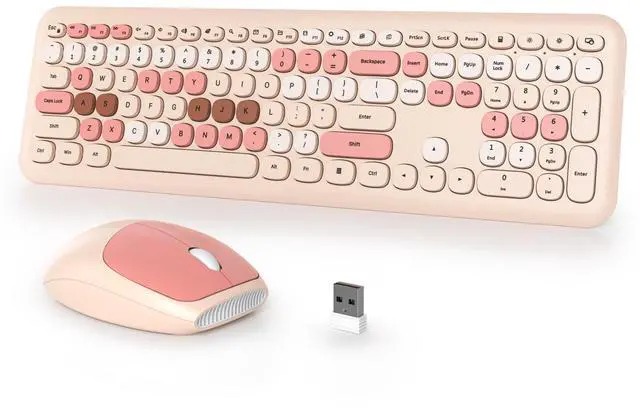
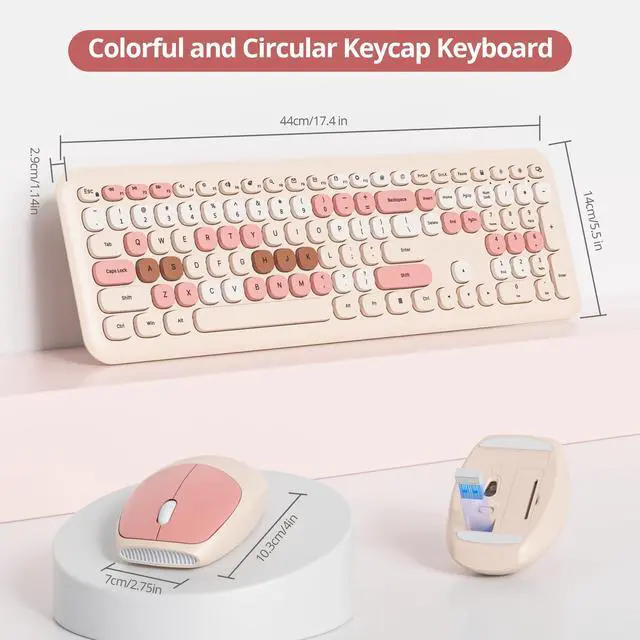



iTastatur Milk tea mix Keyboard
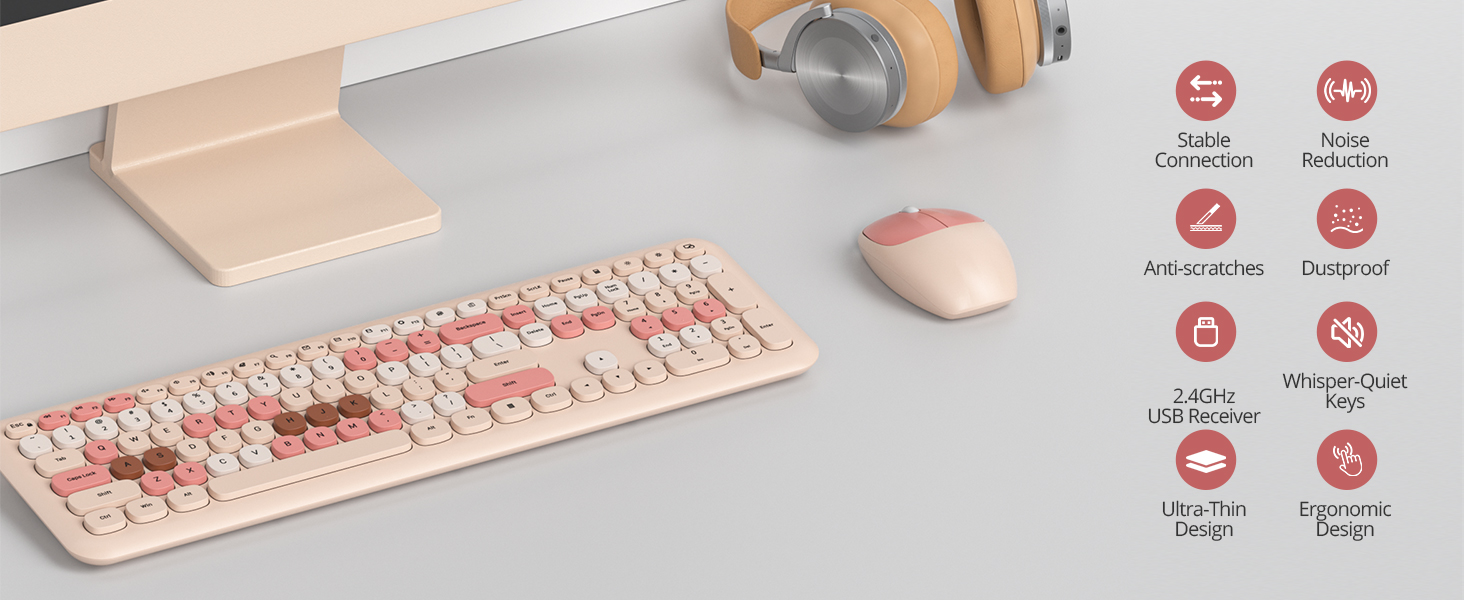
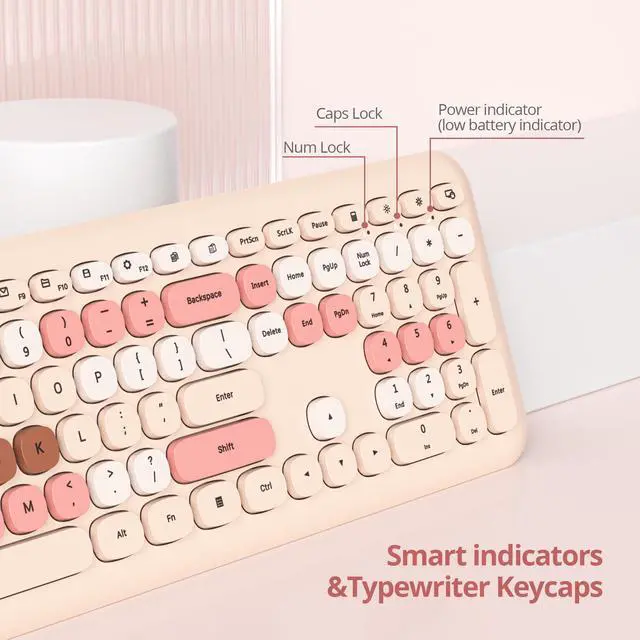
This typewriter keyboard is a true "plug and play" device.giving you a comfortable typing feeling and a stable touch, which is Sturdy. Cute round keycaps, crisp and sweet sound, let you find the feeling of a retro typewriter.
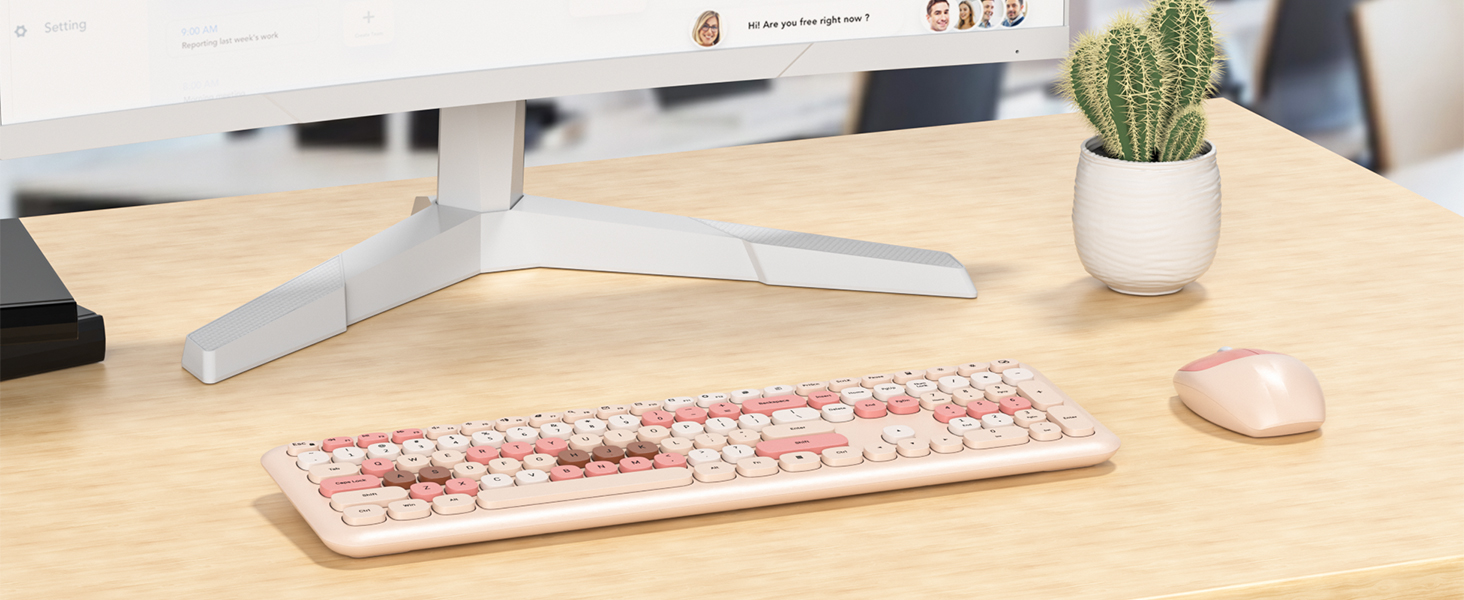
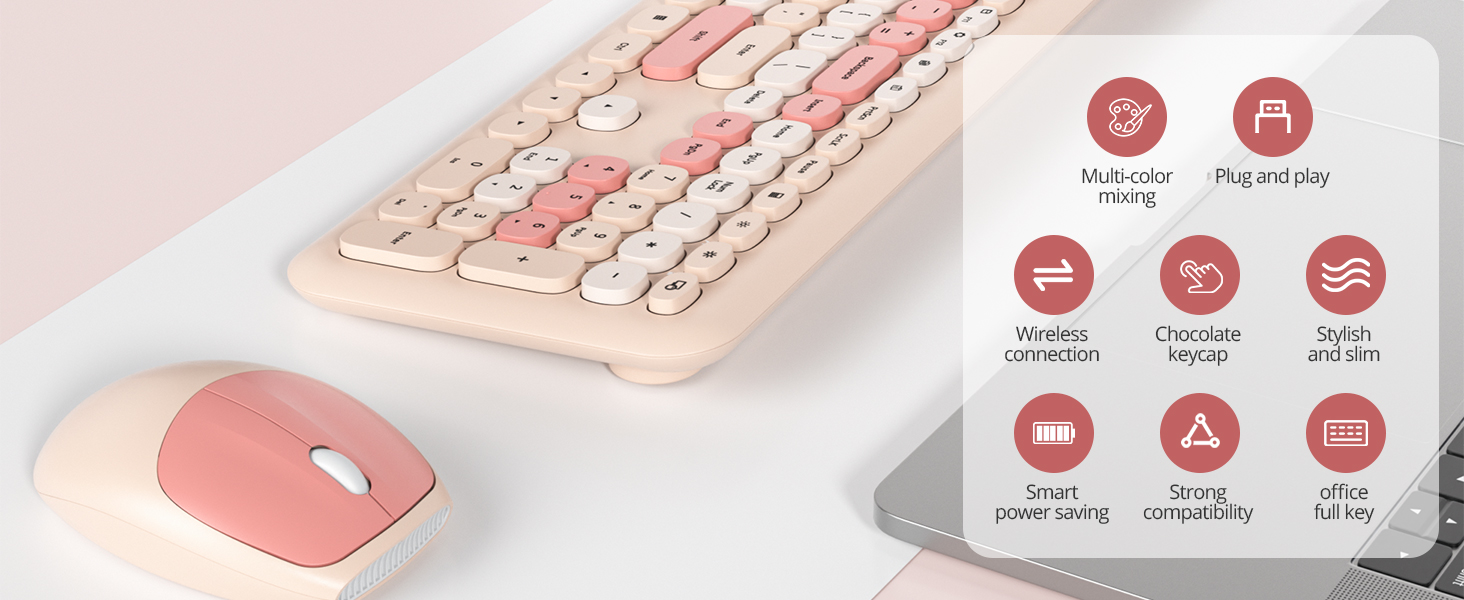
Typewriter Wireless Keyboard and Mouse Combo
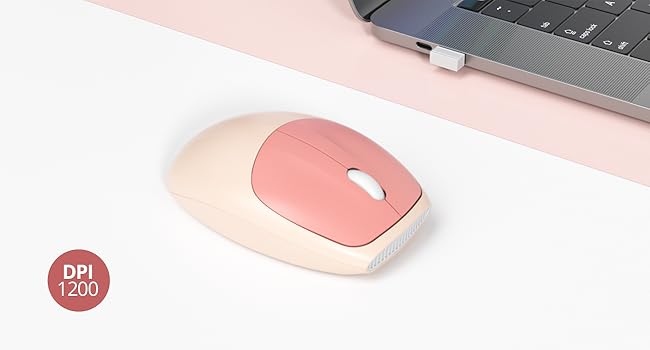
Removable Button & Mouse DPI
Mouse with 1200 DPI
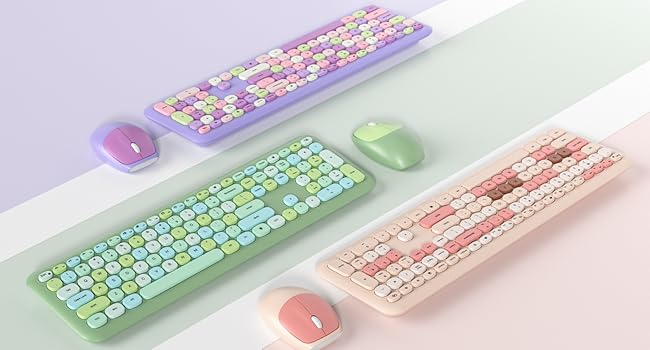
Three colors
Choose the color you like
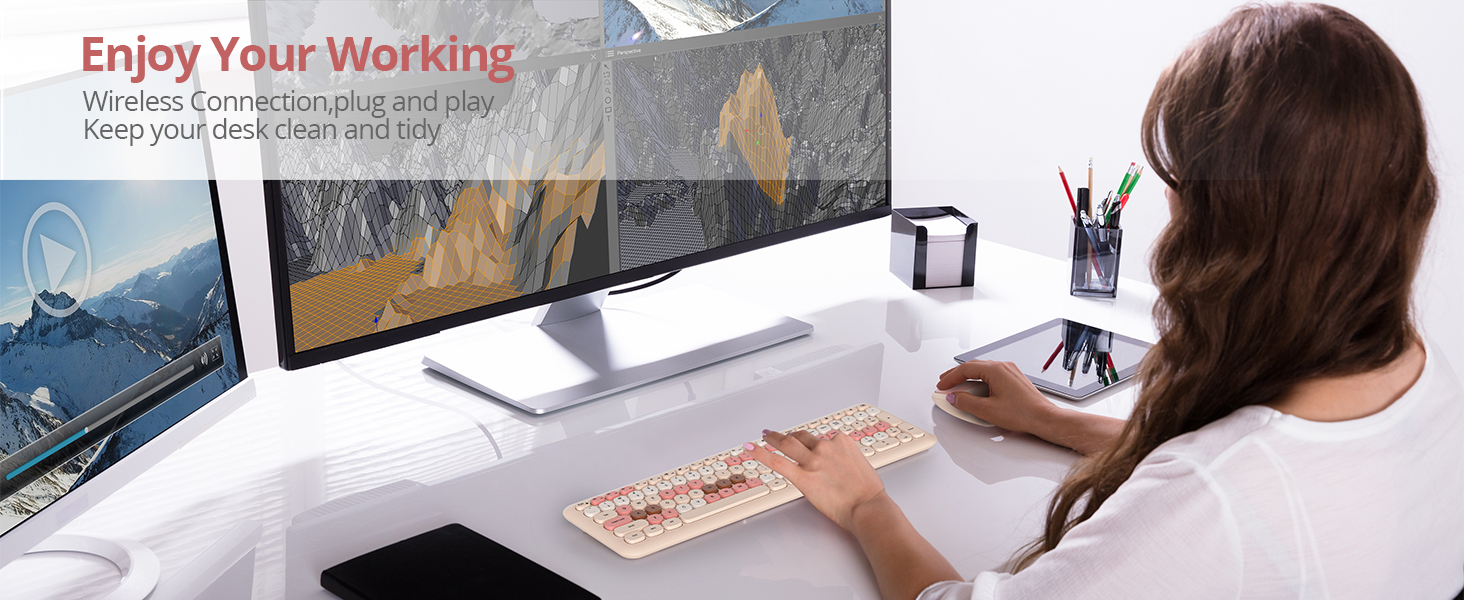
With retro round keycaps
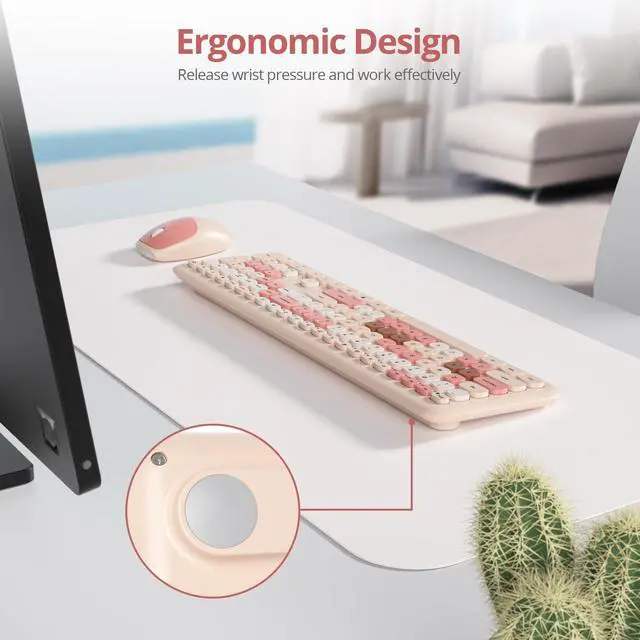
The silent design is an ideal choice for office typing.
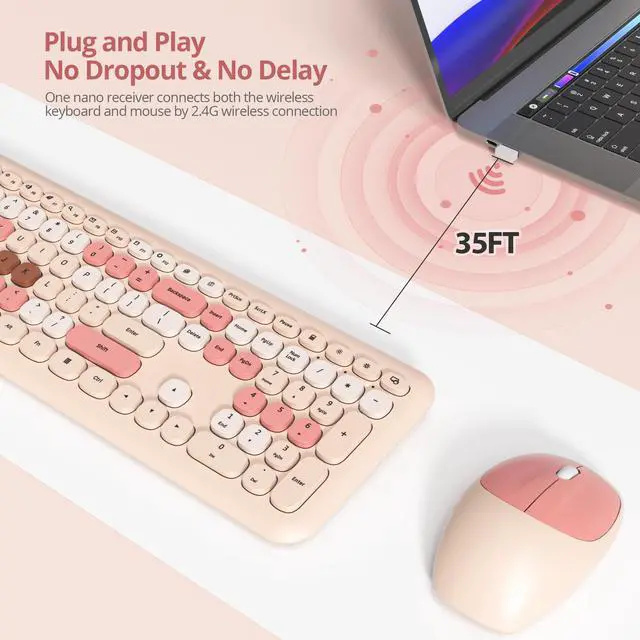
This Typewriter Wireless Quiet Keyboard and Mouse Combo is a true "plug and play" device.giving you a comfortable typing feeling and a stable touch, which is Reliable.
Does the package come with batteries?
Yes, it includes one AA battery for the mouse and one AAA battery for the keyboard.
How do I connect the wireless keyboard and mouse combo?
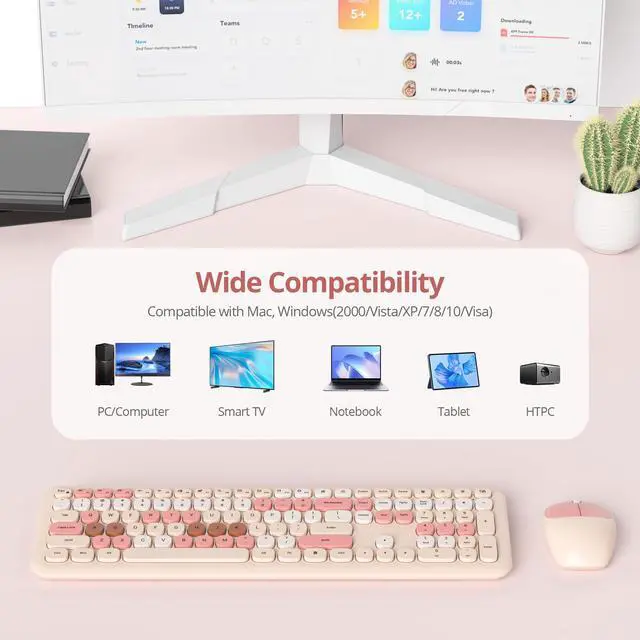
The keyboard and mouse use one 2.4GHz USB receiver. Here’s how to set up:
1.Insert batteries into both devices.
2.Turn on the switches for each.
3.Remove the USB receiver from the mouse’s bottom and plug it into your computer.

iTastatur
Novel keyboard & keycaps

Welcome to iTastatur, a manufacturer focusing on 3C products. Our mission is to provide customers with superior products and services to meet their ever-changing needs.
We are committed to continuously innovating and improving our products to ensure that our customers are satisfied and reassured when using our products. We focus on the quality and reliability of our products to ensure they meet industry standards and customer needs.
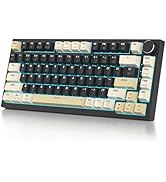
82 Keys Wireless Keyboard
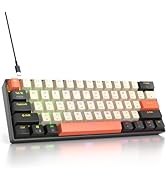
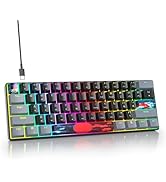
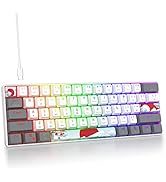
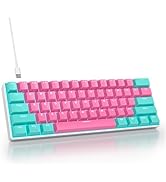
61-Key Wired Gaming Keyboard
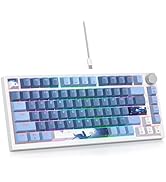
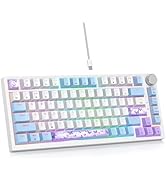
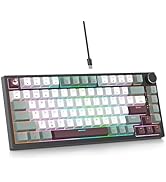
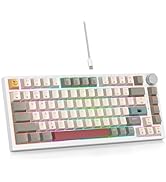
75% Wired Keyboard/Knob
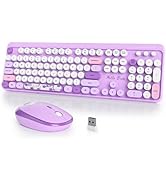
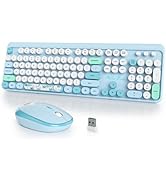
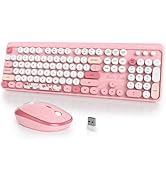
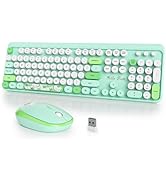
Wireless Keyboard and Mouse
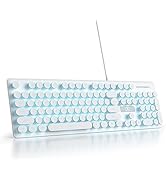

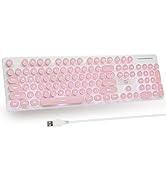
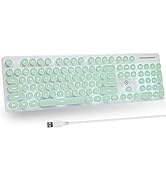
Typewriter Keyboard
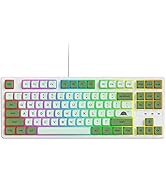
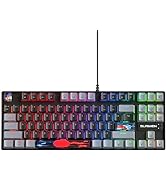
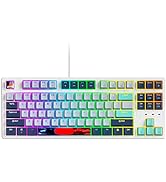
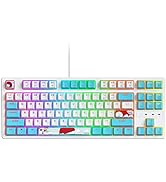
87 RGB Backlit Wired Keyboard
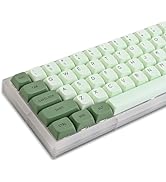
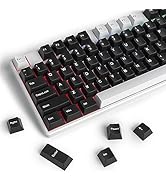
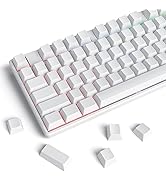
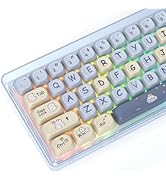
keycaps

iTastatur Milk tea mix Keyboard
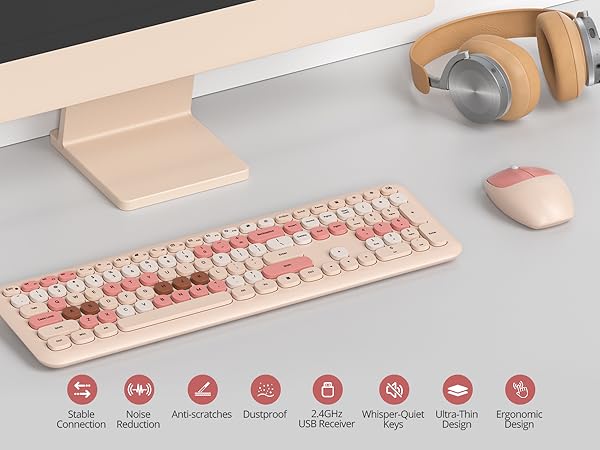
This typewriter keyboard is a true "plug and play" device.giving you a comfortable typing feeling and a stable touch, which is Sturdy. Cute round keycaps, crisp and sweet sound, let you find the feeling of a retro typewriter.
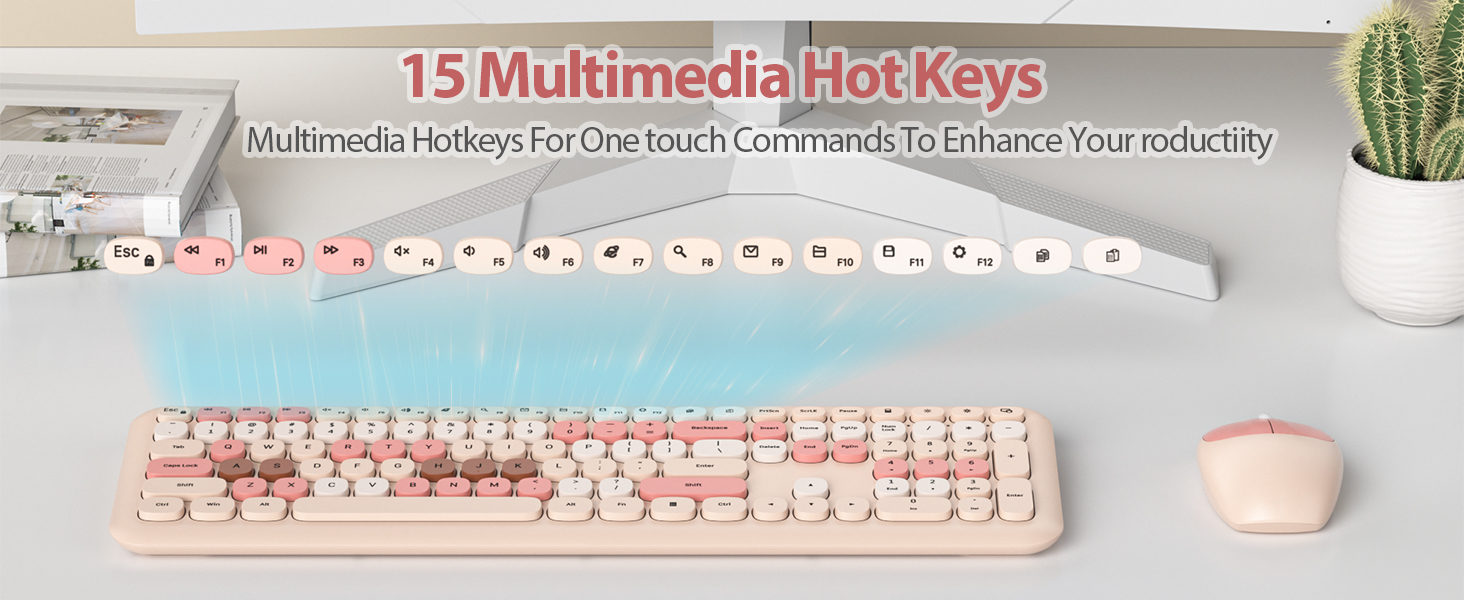
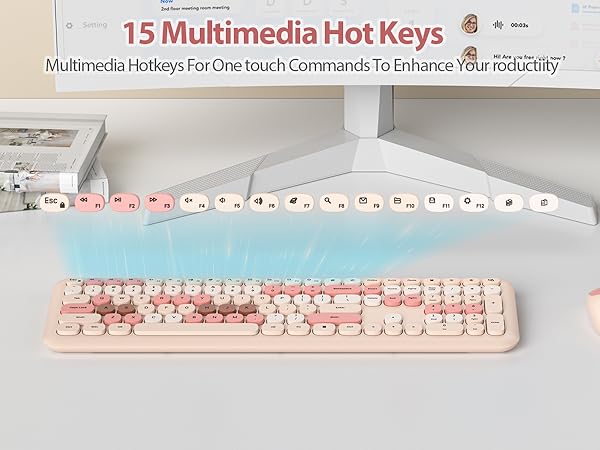
Multimedia hotkeys for one-touch commands to enhance your productii
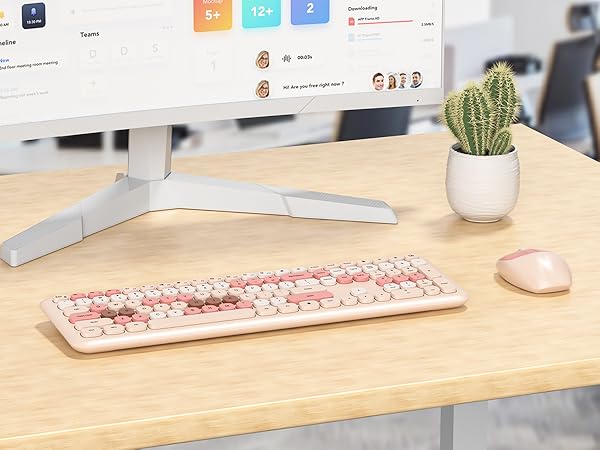
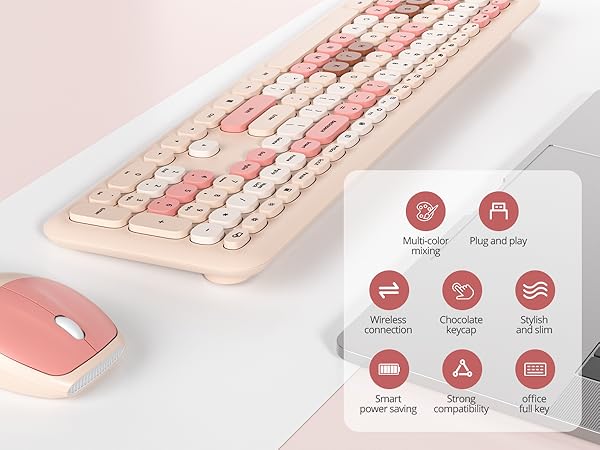
Typewriter Wireless Keyboard and Mouse Combo
Removable Button & Mouse DPI
Mouse with 1200 DPI
Three colors
Choose the color you like
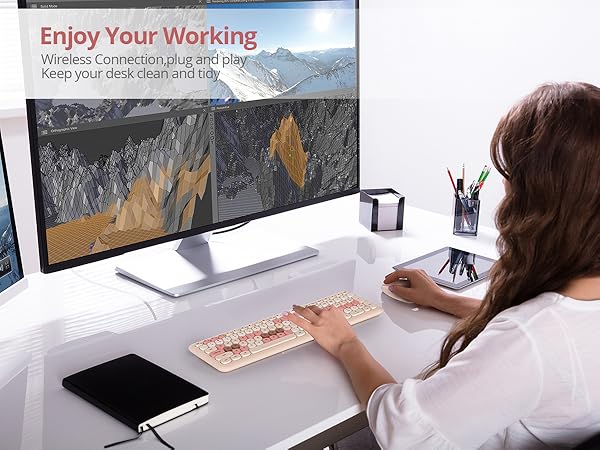
The silent design is an ideal choice for office typing.
This Typewriter Wireless Quiet Keyboard and Mouse Combo is a true "plug and play" device.giving you a comfortable typing feeling and a stable touch, which is Reliable.
Does the package come with batteries?
Yes, it includes one AA battery for the mouse and one AAA battery for the keyboard.
How do I connect the wireless keyboard and mouse combo?
The keyboard and mouse use one 2.4GHz USB receiver. Here’s how to set up:
1.Insert batteries into both devices.
2.Turn on the switches for each.
3.Remove the USB receiver from the mouse’s bottom and plug it into your computer.
iTastatur
Novel keyboard & keycaps
Welcome to iTastatur, a manufacturer focusing on 3C products. Our mission is to provide customers with superior products and services to meet their ever-changing needs.
We are committed to continuously innovating and improving our products to ensure that our customers are satisfied and reassured when using our products. We focus on the quality and reliability of our products to ensure they meet industry standards and customer needs.
82 Keys Wireless Keyboard
61-Key Wired Gaming Keyboard

75% Wired Keyboard/Knob
Wireless Keyboard and Mouse
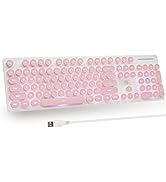
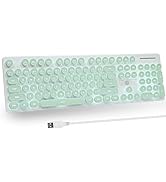
Typewriter Keyboard
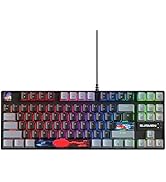
87 RGB Backlit Wired Keyboard
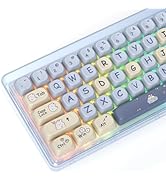
keycaps

