



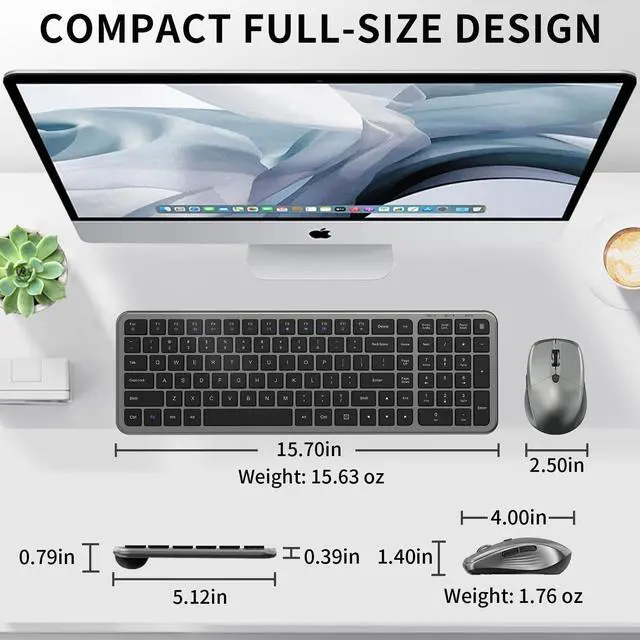
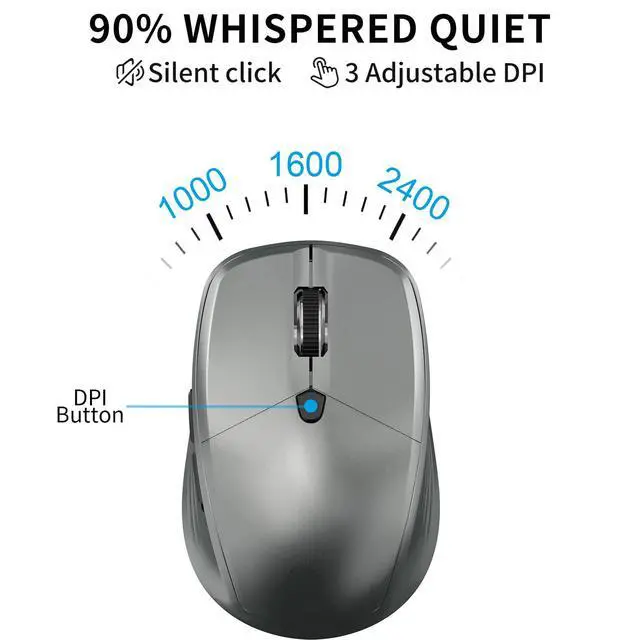
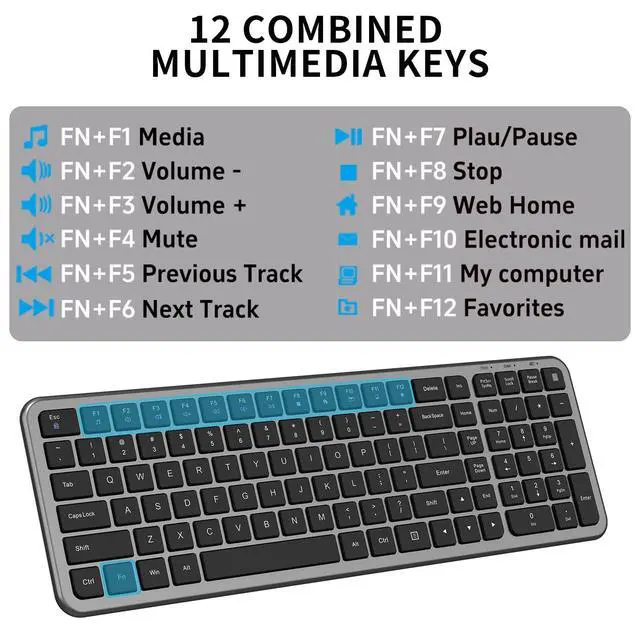


What devices or systems are compatible with the keyboard and mouse combo?
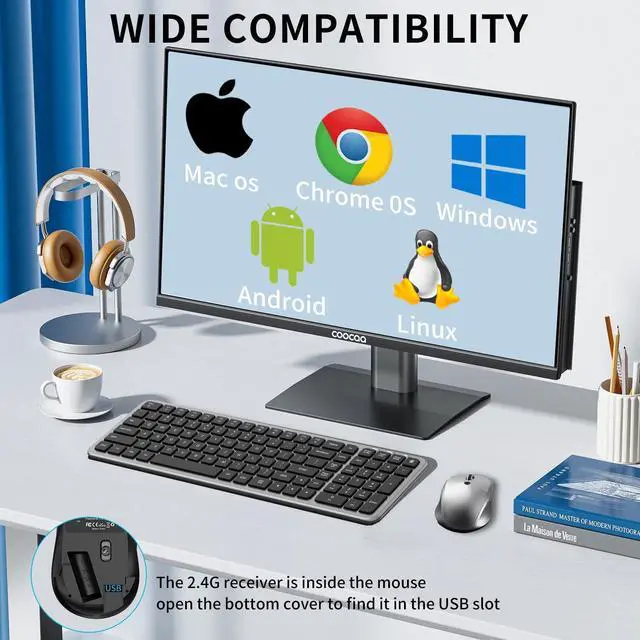
It is compatible with Windows XP/Vista/7/8/10/11 operating systems. It can be used with devices with USB slots, such as PCs, laptops, Macbooks, desktops, Chromebooks, and smart TVs.
What should I do if the keyboard or mouse is not working?
Ensure that the USB receiver is directly connected to the computer, the keyboard and mouse are correctly placed in the battery and turned on. If the problem persists, please try reconnecting (pairing) according to the instructions in the manual.
Does wireless keyboard and mouse only have one USB receiver?
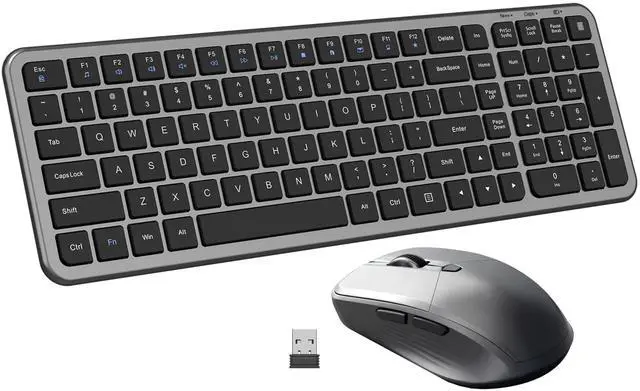
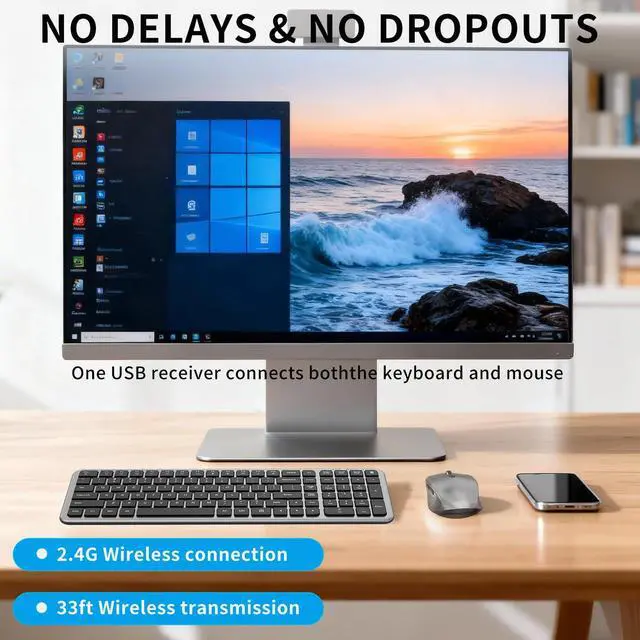
Yes, the KM472 wireless keyboard and mouse share a USB receiver, which is stored in the battery compartment at the bottom of the mouse. Plug and play, easy to use.
Are batteries included?
No, the packaging does not include batteries
How to re pair keyboard and mouse?
Press and hold "Esc" and "+/=" for 3 seconds, the keyboard enters pairing mode.
Press and hold the "left button, middle button and right button" of the mouse for 5 seconds, the mouse enters pairing mode.
Then insert the USB receiver within 20 seconds


What devices or systems are compatible with the keyboard and mouse combo?
It is compatible with Windows XP/Vista/7/8/10/11 operating systems. It can be used with devices with USB slots, such as PCs, laptops, Macbooks, desktops, Chromebooks, and smart TVs.
What should I do if the keyboard or mouse is not working?
Ensure that the USB receiver is directly connected to the computer, the keyboard and mouse are correctly placed in the battery and turned on. If the problem persists, please try reconnecting (pairing) according to the instructions in the manual.
Does wireless keyboard and mouse only have one USB receiver?
Yes, the KM472 wireless keyboard and mouse share a USB receiver, which is stored in the battery compartment at the bottom of the mouse. Plug and play, easy to use.
Are batteries included?
No, the packaging does not include batteries
How to re pair keyboard and mouse?
Press and hold "Esc" and "+/=" for 3 seconds, the keyboard enters pairing mode.
Press and hold the "left button, middle button and right button" of the mouse for 5 seconds, the mouse enters pairing mode.
Then insert the USB receiver within 20 seconds