





Dual mode 2.4G and BT four indicators
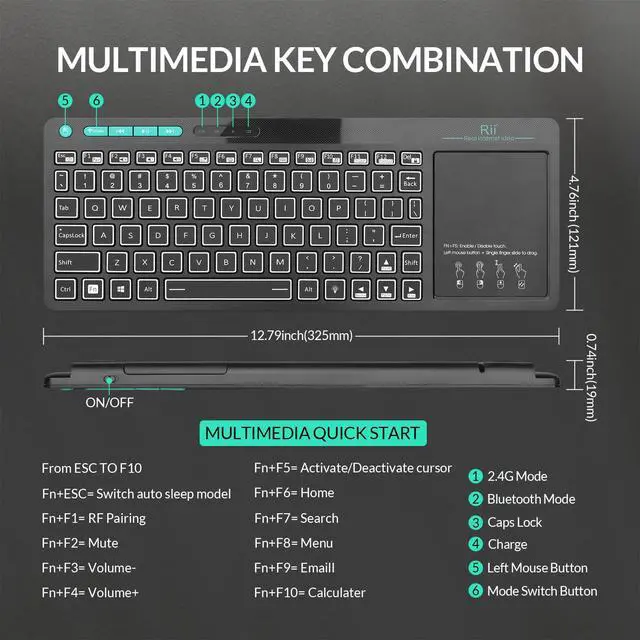
Four indicators (from left to right)
By pressing the "Mode" button, you can easily switch the wireless connection mode of the keyboard between Bluetooth and RF 2.4GHz modes.
1.2.4GHz RF mode
2. Bluetooth mode
3. Caps lock
4. Charge

USB extension cable and USB receiver
Location of USB expansion cable and USB receiver
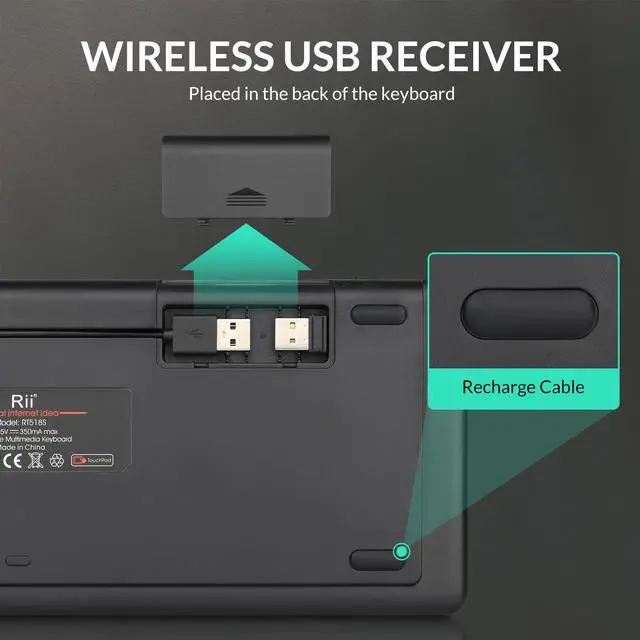
The USB receiver is located at the bottom of the back cover. Open the back cover
and you will find that the USB receiver and charging cable together.

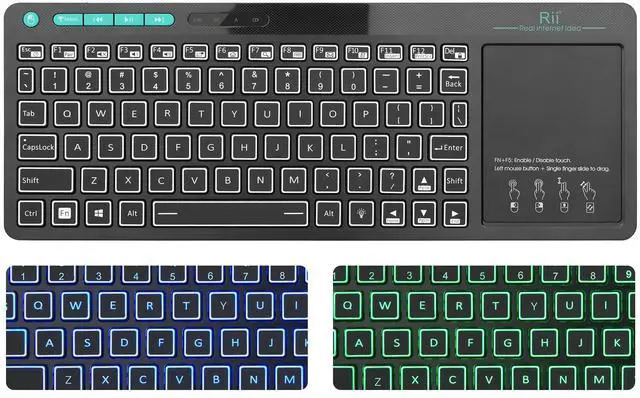
2 in 1 Features 2.4ghz multifunction multimedia 83 keys wireless keyboard with touchpad combo. Rii RT518s bluetooth dual mode and 2.4GHZ keyboard, with two connection methods. Before the connection, you can read the manual and quick guide, turn on the keyboard, press the "mode" button to change the bluetooth or rf 2.4ghz mode.
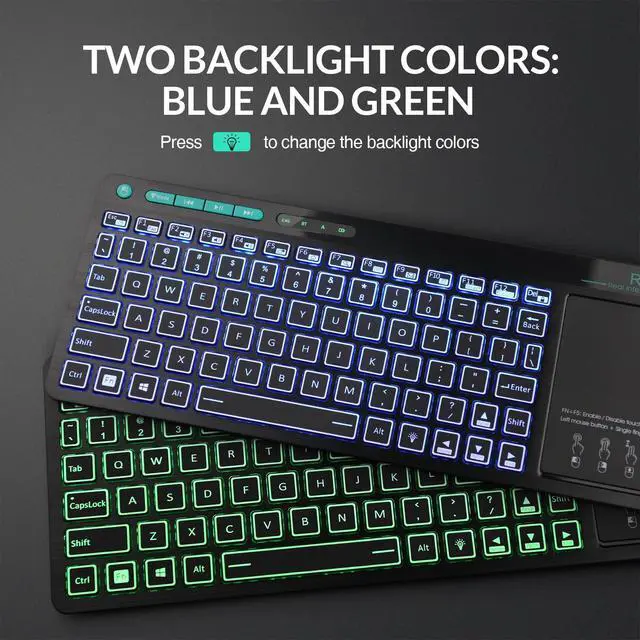
2 color backlight control 1. The bulb button at the bottom of the right as the backlight control button 2. Backlight colors: green, blue.
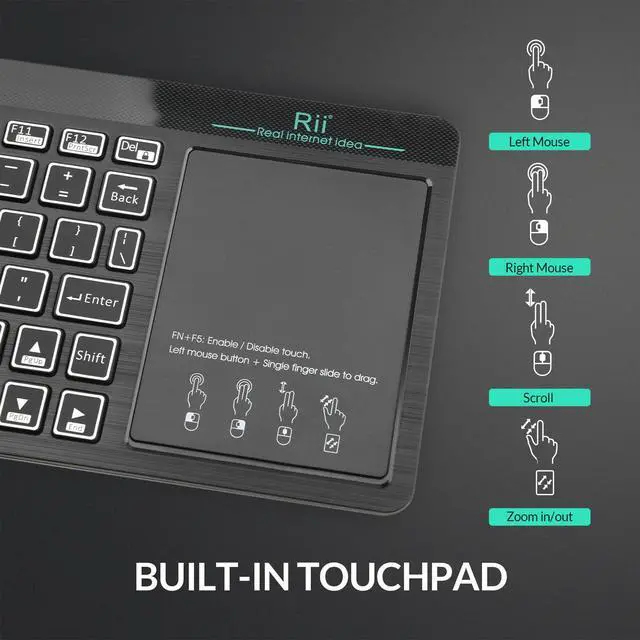
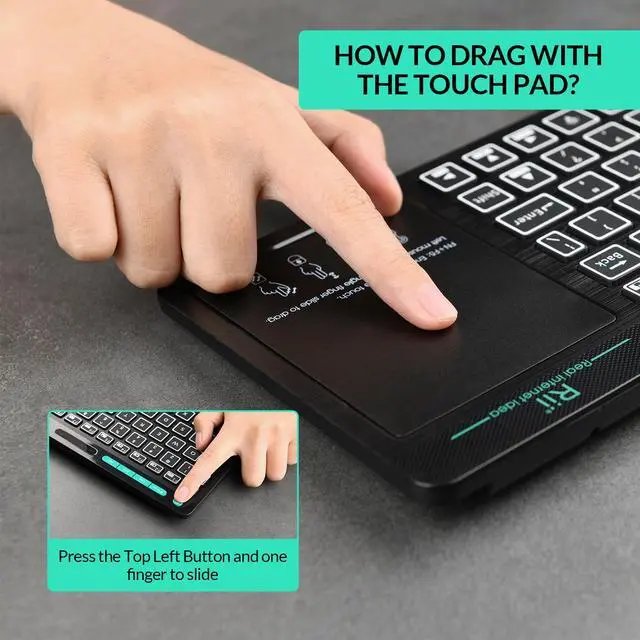
Operation of the trackpad 1. One click with the finger: left mouse 2. Two fingers click: right mouse 3. Two fingers slide up and down: scroll
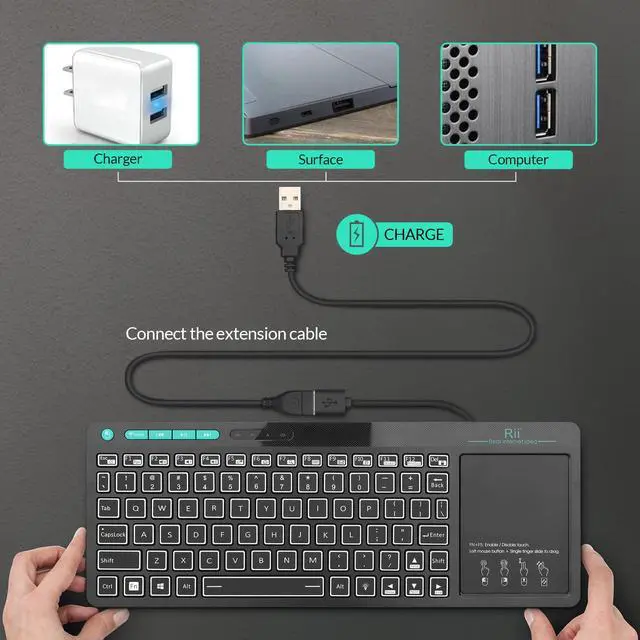
Rechargeable wireless keyboard with integrated touchpad keyboard. Once charged fully,it will last about 2 weeks.
Note:Overcharging the battery will shorten the battery life;

Rii keyboard and mouse

Rii aims at providing elegant, fashion and ease-of-use products for all people who need the wireless mouse and keyboard, especially for the young friends and kids with its youthful design
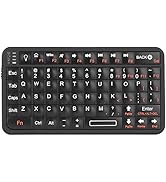
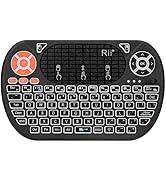
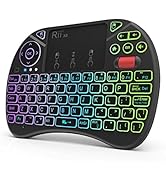
Rii Mini Keyboard
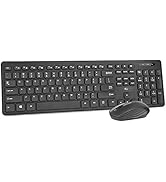
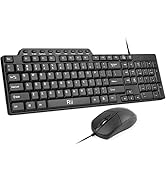
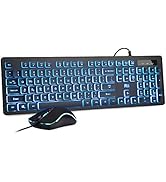
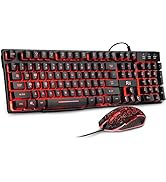
keyboard and mouse combo
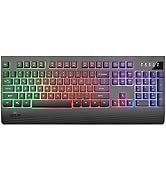
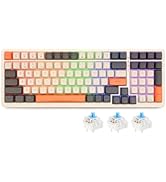
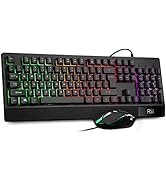
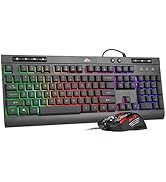
gaming keyboard
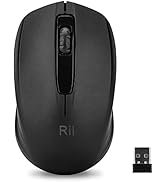
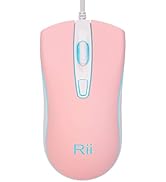
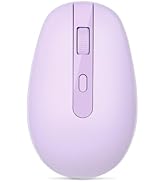
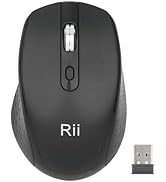
Mouse
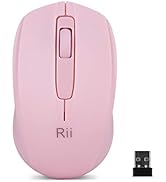
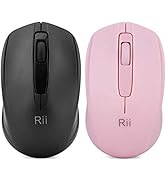

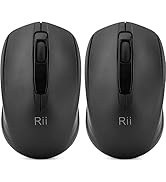
Mouse
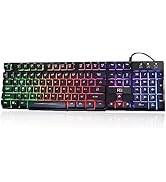
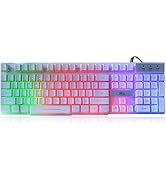
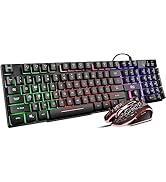
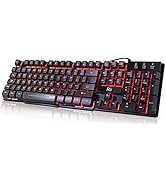
gaming keyboard
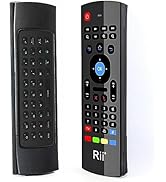
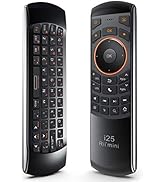
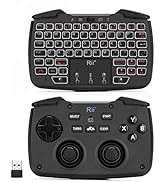
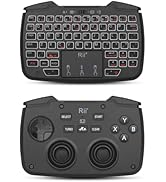
remote ,gaming controller
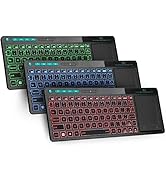
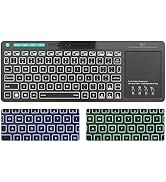
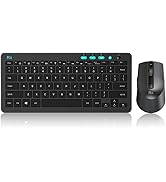
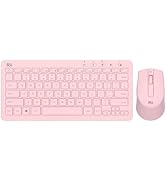
keyboard and mouse

Dual mode 2.4G and BT four indicators
Four indicators (from left to right)
By pressing the "Mode" button, you can easily switch the wireless connection mode of the keyboard between Bluetooth and RF 2.4GHz modes.
1.2.4GHz RF mode
2. Bluetooth mode
3. Caps lock
4. Charge
USB extension cable and USB receiver
Location of USB expansion cable and USB receiver
The USB receiver is located at the bottom of the back cover. Open the back cover
and you will find that the USB receiver and charging cable together.
2 in 1 Features 2.4ghz multifunction multimedia 83 keys wireless keyboard with touchpad combo. Rii RT518s bluetooth dual mode and 2.4GHZ keyboard, with two connection methods. Before the connection, you can read the manual and quick guide, turn on the keyboard, press the "mode" button to change the bluetooth or rf 2.4ghz mode.
2 color backlight control 1. The bulb button at the bottom of the right as the backlight control button 2. Backlight colors: green, blue.
Operation of the trackpad 1. One click with the finger: left mouse 2. Two fingers click: right mouse 3. Two fingers slide up and down: scroll
Rechargeable wireless keyboard with integrated touchpad keyboard. Once charged fully,it will last about 2 weeks.
Note:Overcharging the battery will shorten the battery life;
Rii keyboard and mouse
Rii aims at providing elegant, fashion and ease-of-use products for all people who need the wireless mouse and keyboard, especially for the young friends and kids with its youthful design
Rii Mini Keyboard
keyboard and mouse combo
gaming keyboard
Mouse
Mouse
gaming keyboard
remote ,gaming controller
keyboard and mouse