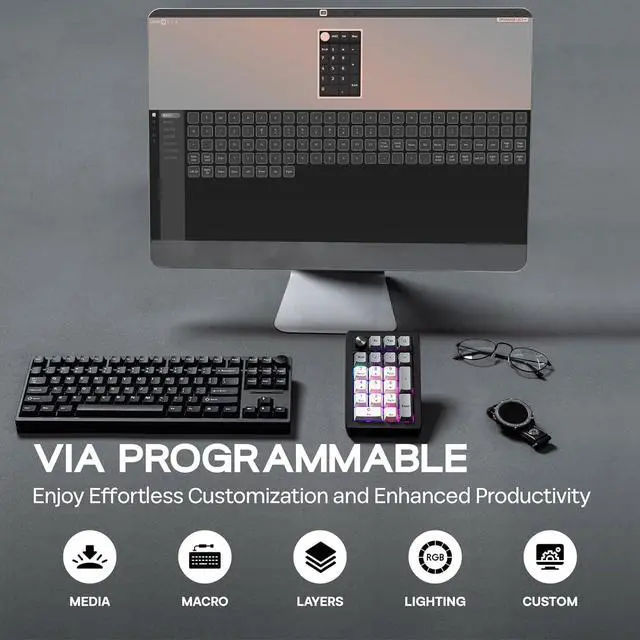
1Tri-Mode2Large Capacity Battery3N-Key Rollover4Gasket Structure 1. Download the latest VIA app for your OS Enable "Use V2 definitions (deprecated)". 2. Import the JSON file toVIA: Download the Epomaker EK21 JSON file and load it into VIA. 3. Onceloaded, the "Configure" Tab will show your layout and programmable keys.
Turn off/on RGB backlight: FN+Back
Switch lighting effects: FN+Enter
1* 2-in-1 Keycap-and-Switch Puller & 1* Extra Back Keycap
1* 1.8m Detachable USB A-to-C Braided Cable & 1* 2.4Ghz Wireless Dongle (Stored in the keyboard)
1* Multilingual Manual & 3* Extra Switches
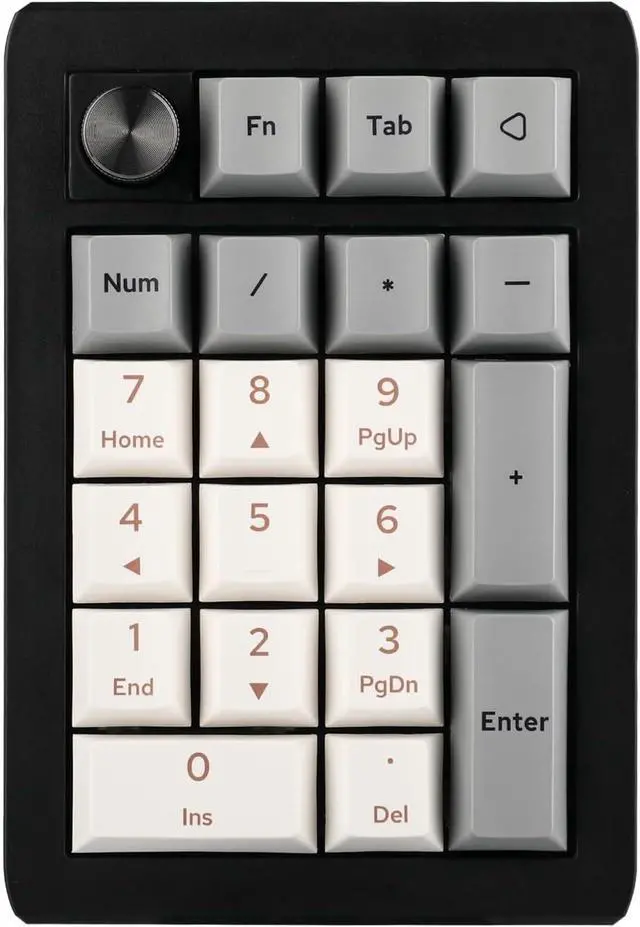
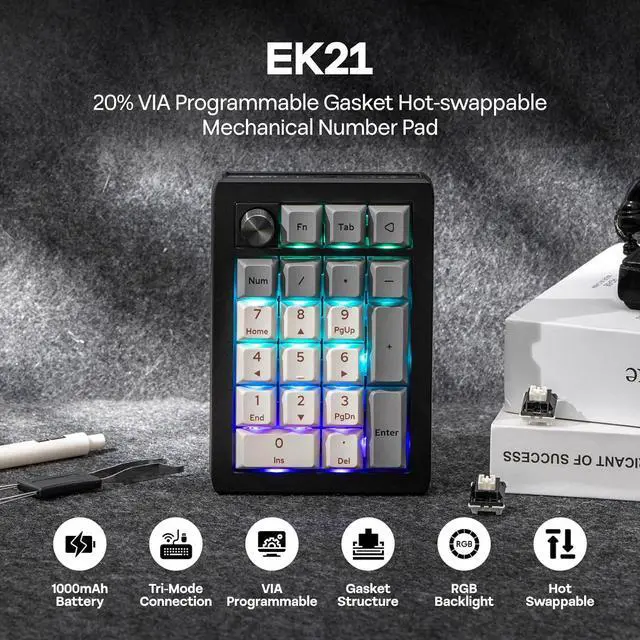
EPOMAKER EK21 Wireless Hot-Swap VIA Number Pad with Aluminum Alloy Knob Effortless Customization via Intuitive VIA SoftwareMulti-Functional KnobConvenient Triple Connectivity16.8 Million RGB Backlight What's in the package?