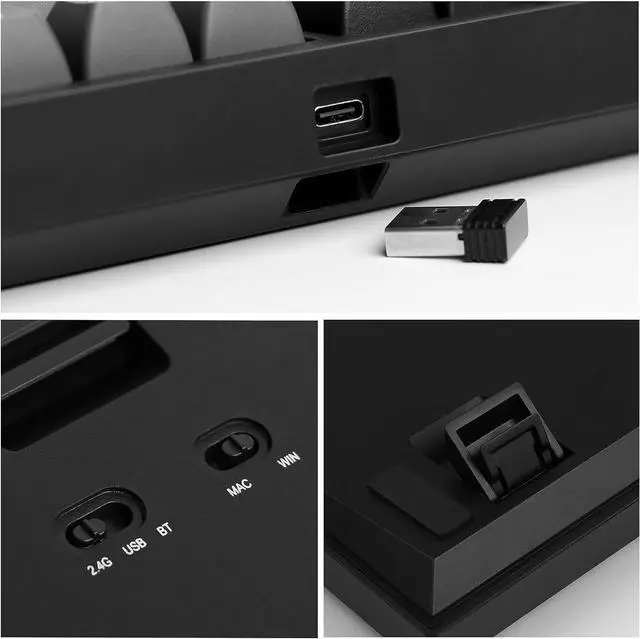
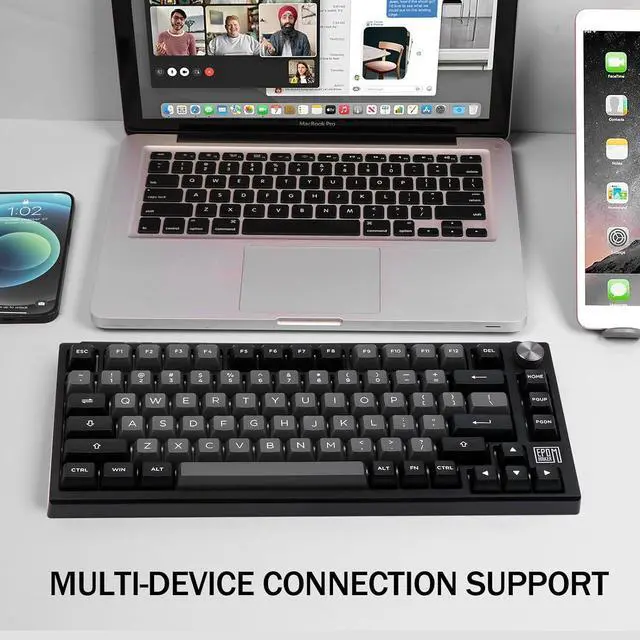
Visible switch for connectivity and OS system.Easy to operate with great compatibility.
Storage space for 2.4ghz receiver dongle. Detachable TypeC USB port.
Rechargeable battery with long-lasting performance. FN+Spacebar to check power percentage.
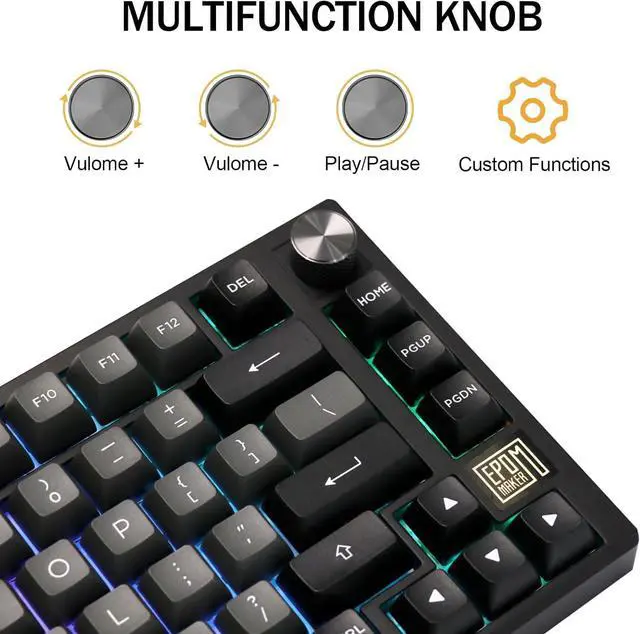
Control volume, adjust brightness, or zoom in using the programmable knob.
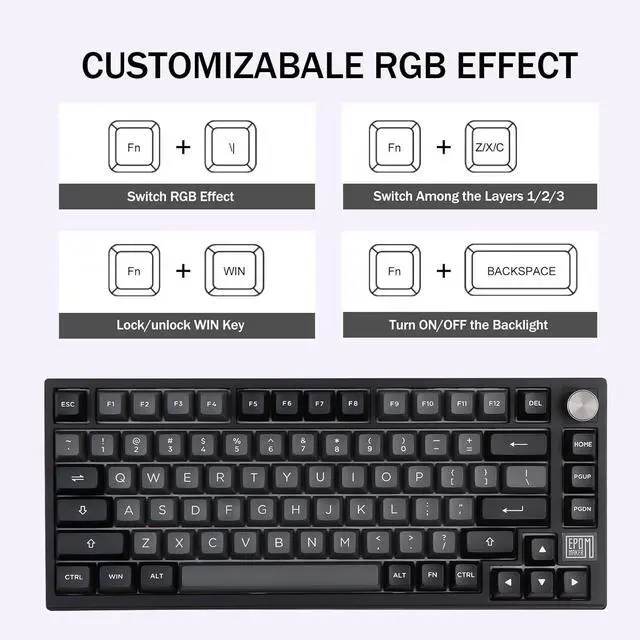
FN+(Brightness), FN+ (Speed).
How to connect the TH80 SE keyboard via Bluetooth?
1) Switch keyboard to BT. 2) Press FN+1/2/3 once, 1/2/3 will start flashing slowly. 3) Long pressing FN+1/2/3 until their flashing quickens to a rapid one (3-5 seconds), then pair keyboard via Bluetooth.
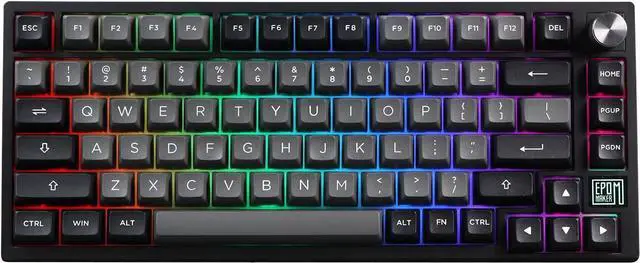
Does TH80 SE has Per-Key RGB Backlight? Is it north-facing or south-facing?
The backlight of TH80 SE can be customised per key, and the LEDs are north-facing so it won't be overly bright towards the typist.
Is it south or north facing led for the epilated TH80 SE keyboard?
It is north-facing leds.
Can I program the pg down key to be the 'end' key on memory?
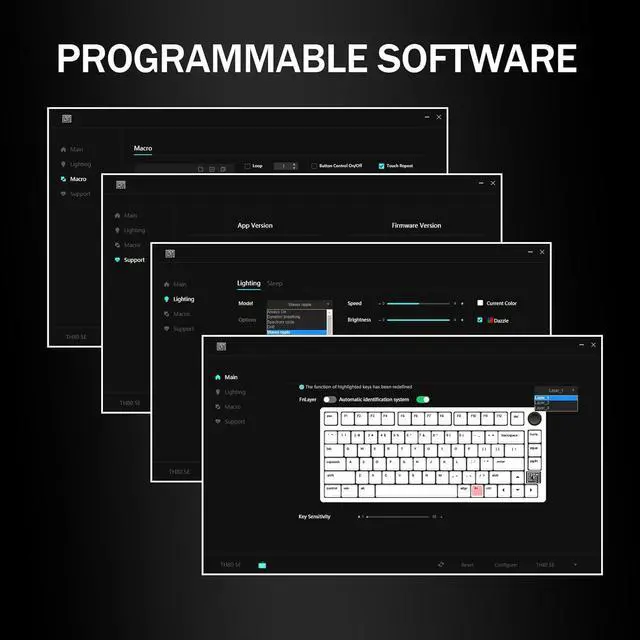
Yes, You can remap pg down or other keys to end with the EPOMAKER driver.
Multi-Functional Wireless KeyboardTriple ConviencesUnpack, Plug and Play4000mAh BatteryProgrammable KnobBacklight, LOGO Light and Indicator LightsRGB Backlight Programming Software Why is one of the keys always White/Blue/Red/Green? Why does one of the keys keeps flashing?
How to connect the TH80 SE keyboard via Bluetooth?
Does TH80 SE has Per-Key RGB Backlight? Is it north-facing or south-facing?
Is it south or north facing led for the epilated TH80 SE keyboard?
Can I program the pg down key to be the 'end' key on memory?
RT100 Gaming Keyboard with Smart Mini TV