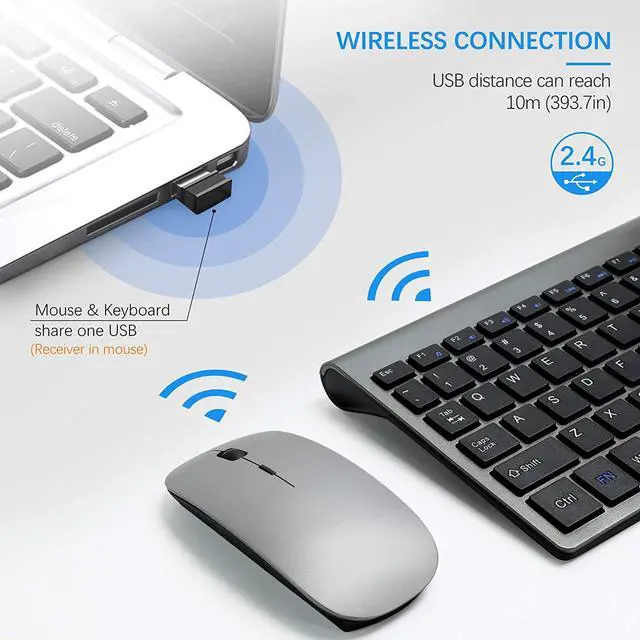
If keyboard and mouse not response,please try following tips:
1.Turn off all 2.4G devices in your room and make sure the product indicator section is as close as possible to the Nano receiver.
2. Repair the keyboard:
(1) Unplug the receiver of computer.
(2) Press “ESC” and “= +” buttons about five seconds until the power indicator display red.
(3) Plug the receiver to the computer quickly before the red light is off at the same time.
3. Repair the mouse:
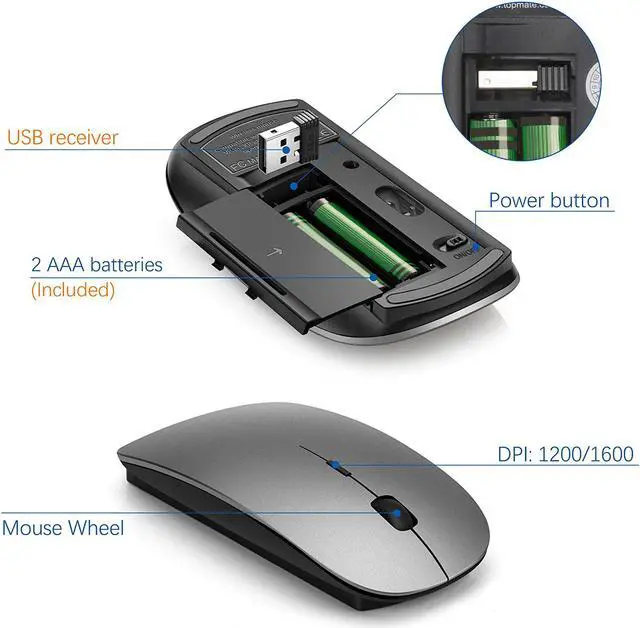
(1) Turn off the power switch at the bottom of the mouse.
(2) Unplug the receiver from the computer port.
(3) Turn on the power switch at the bottom of the mouse.
(4) ?Press the wheel button, the left button and the right button simultaneously. ?Then keep the USB Nano receiver near to the indicator light of the mouse, the red light will flash. ?Plug the receiver to the computer, keep the indicator light of the mouse near to the USB Nano receiver again.
(5) Note: If the code is not successful, please repeat these steps.
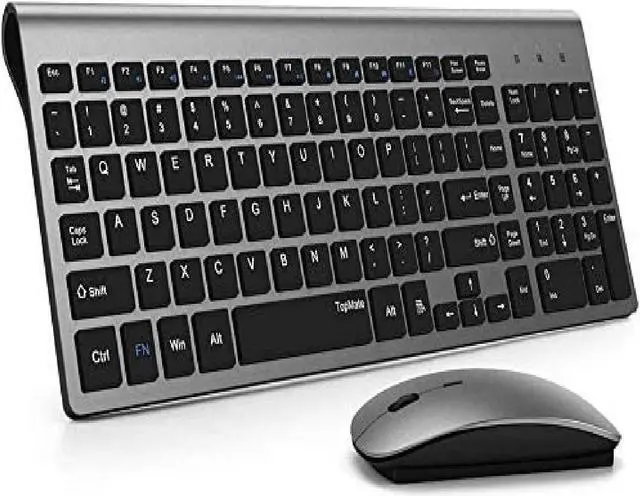
Keyboard Parameters
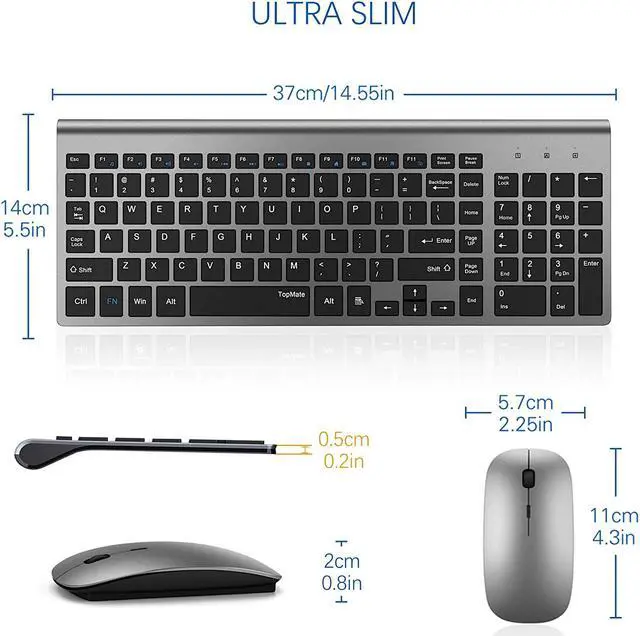
Dimension: (L)37cm/14.55in*(W)14mm/5.5in*(H)2cm/0.8in
Weight: 315±15g(0.69±0.03lb)
Button Resilience: 55±7gf
Button Service Life: 1000 Million Time
Power Requirement: 3V DC(Battery Powered)
Working Current: 5MA
Operating Conditions:
Temperature: -10?—50?
Humidity: Not Higher Than 85%RH
Mouse Parameters
2KEY+Scroll Wheel: 3D MOUSE
Power Requirement: 3V DC
Button Operating Force: 80±20gf
Switch Service Life: 5 Million Times
Dimension: 11cm/4.3in(L)*5.7cm/2.25in(W)*2cm/0.8in(H)
Operating Conditions:
Temperature: -10?—50?; Humidity: Not Higher Than85%RH
Sensor Copy Tracing Speed: 4500 times / sec
Switch Operating Force: 70±10gf
3D Button Operating Force: 100±20gf
Sensor Tracking Speed: 30 IPS
Weight: 65.6±10g(0.14±0.02lb)
If keyboard and mouse not response,please try following tips:
1.Turn off all 2.4G devices in your room and make sure the product indicator section is as close as possible to the Nano receiver.
2. Repair the keyboard:
(1) Unplug the receiver of computer.
(2) Press “ESC” and “= +” buttons about five seconds until the power indicator display red.
(3) Plug the receiver to the computer quickly before the red light is off at the same time.
3. Repair the mouse:
(1) Turn off the power switch at the bottom of the mouse.
(2) Unplug the receiver from the computer port.
(3) Turn on the power switch at the bottom of the mouse.
(4) ?Press the wheel button, the left button and the right button simultaneously. ?Then keep the USB Nano receiver near to the indicator light of the mouse, the red light will flash. ?Plug the receiver to the computer, keep the indicator light of the mouse near to the USB Nano receiver again.
(5) Note: If the code is not successful, please repeat these steps.