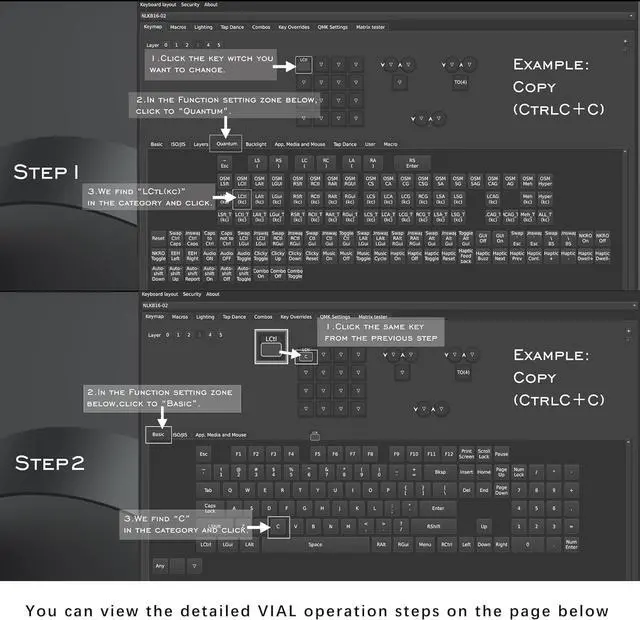
1Vial Interface2Vial Interface3Layer Parsing Diagram4Setting Example Step15Setting Example Step 2 How can i use this keyboard
Just plug then set the layout.
Where can i set the macro?
You can copy the following, please remove the space in the parenthese (ht tps://vial.rocks/).
Where do i switch the layer?
Press the knob on the right to change the level. The monitor will show you which level you are on.
Do i need to reset the keyboard if i want to use it on another device later?
No, any custom modifications you make to your keyboard settings will be saved in the keyboard's hardware storage. When connected to other computers, the custom key values can be used directly without the need for additional configuration.
How do i know what layer I'm on ?
The Screen will show you which layer you are on.
Faster response, thoughtful design
N-key rollover for smoother operation
Comfortable fingertip feel
7.5mm semi-transparent PC material
Excellent optical properties
Larger contact area for fingers
Concave surface design fits finger contours
Detachable C-type cable
Greater versatility
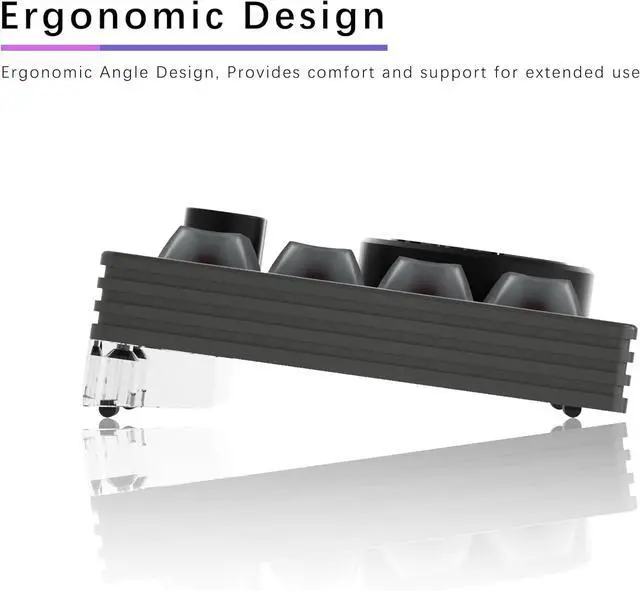
Acrylic feet create an 8° tilt with the desk
Aligning naturally with your hands and reducing wrist strain
High safety, oxidation resistance, and corrosion resistance
Bottom-mounted design for fuller lighting
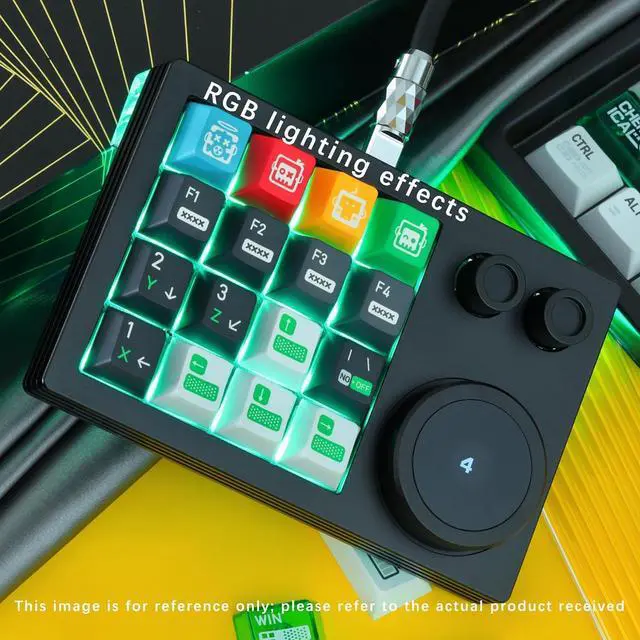
Dynamic RGB lighting with adjustable colors
Excellent optical performance
Save up to six settings for different scenarios
The display knob can be used to adjust the volume
Sleek yet functional
The keyboard has four anti-slip pads on the back to prevent it from moving on the desk
RGB Keyboard with Macro Pad
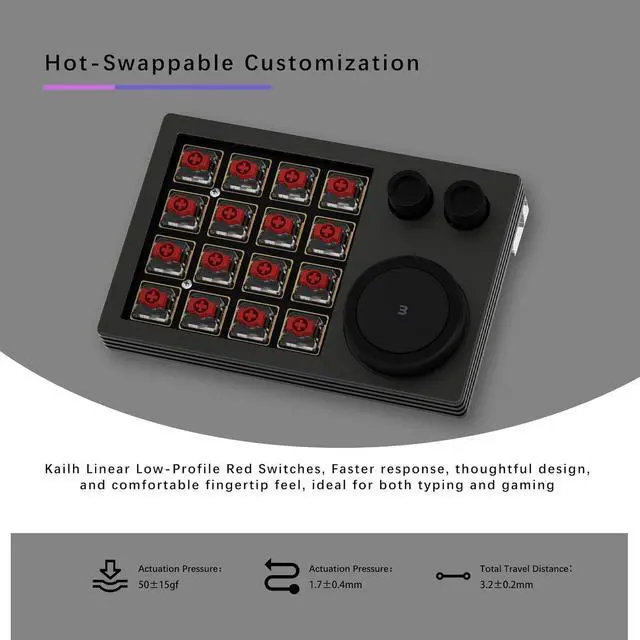
Hot-Swappable Customization Features Gateron linear low-profile red switches
How can i use this keyboard
Where can i set the macro?
Where do i switch the layer?
Do i need to reset the keyboard if i want to use it on another device later?
How do i know what layer I'm on ?
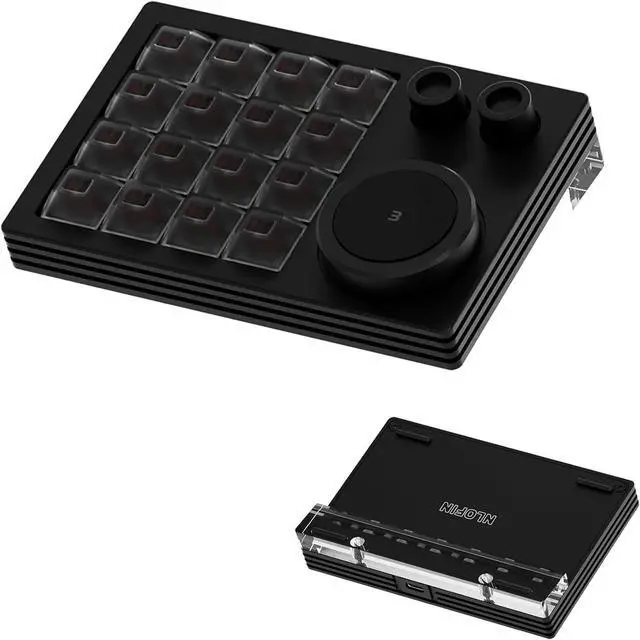
Gateron low-profile switches DSA keycaps TYPE-C port Ergonomic design FR4+ gold-plated PCB RGB lighting effects Six custom layers Aluminum casing and anti-slip



 Holiday Shipping Details & Extended Holiday Returns


