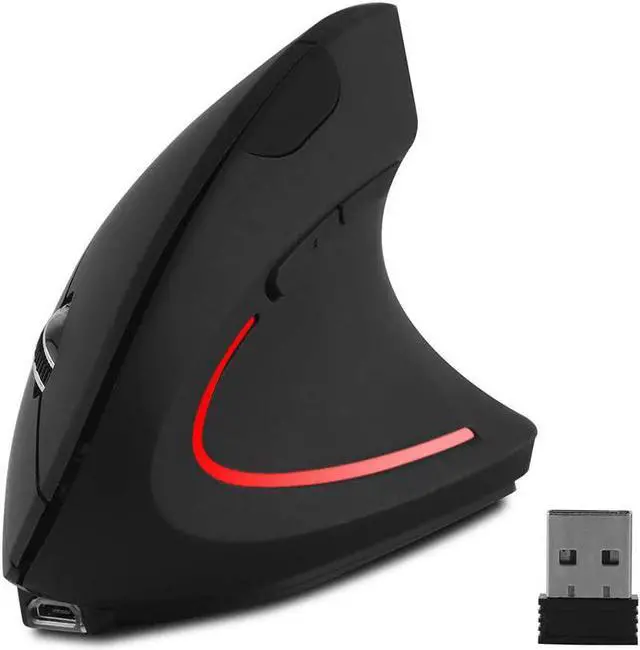
Ergonomic Vertical Mouse Easy-access Use Wireless Vertical Mouse How to use:
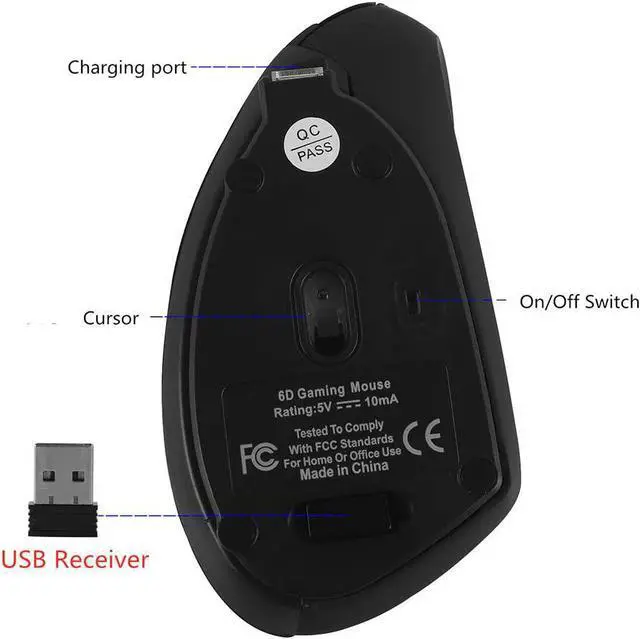
1.Turn on the power switch,the indicator flashes red light,If the flash does not light, please charge it first.
2.Plug the receiver into your device(The receiver is at the bottom of the mouse).
3. Wait a moment, the mouse is connected and ready to use.
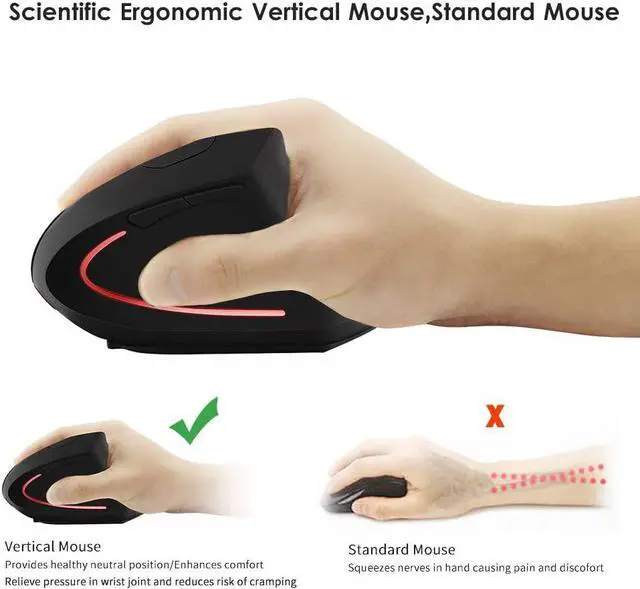
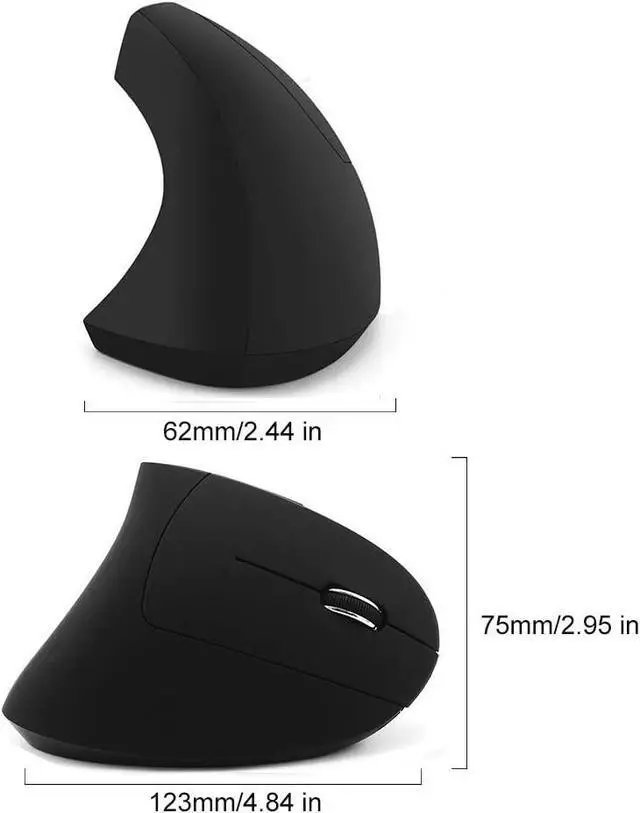
Ergonomic Design Place your palm comfortably on the mouse instead of hovering your wrist in the air like you would with a normal mouse (non-ergonomic).
Lets try this vertical one if you tired of using the traditional grip, the shape of this Bluetooth Mouse keeps your hand in the right ergonomic position, end of wrist & shoulder pain.
The vertical design will keep your wrist at bay by promoting a natural handshake position without forcing your wrist and forearm to twist unnaturally.
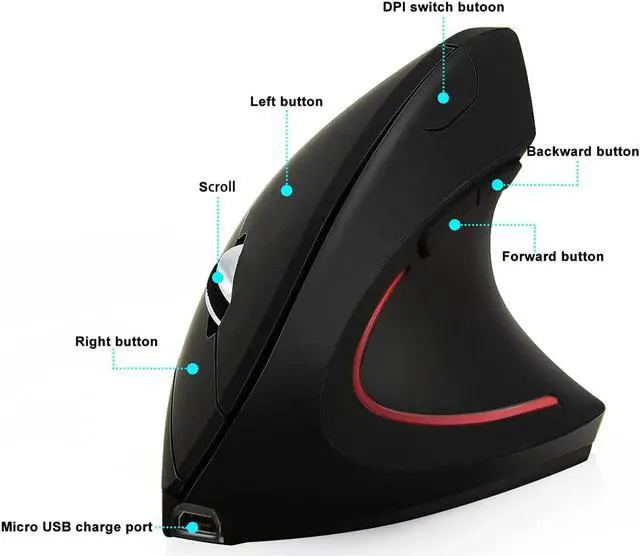
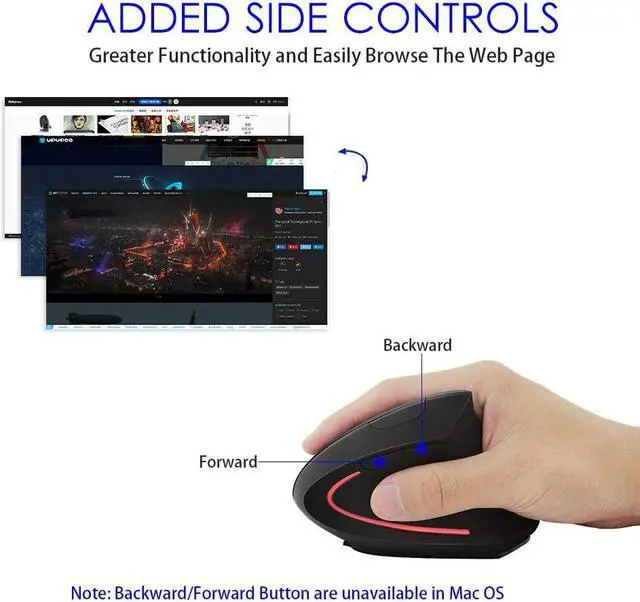
Specifications: Six-button mouse includes back,forward,left,and right buttons, scroll wheel and DPI Button.Dimensions: 4.84 in x 2.95 in x 2.44 inWeight: 0.25 lbConnection: Wireless 2.4 GHzDPI Settings: 800/1200/1600System Requirements: Windows 10, Windows Vista, Linux, Mac OS X, Windows XP devices.