

Your Browsing History

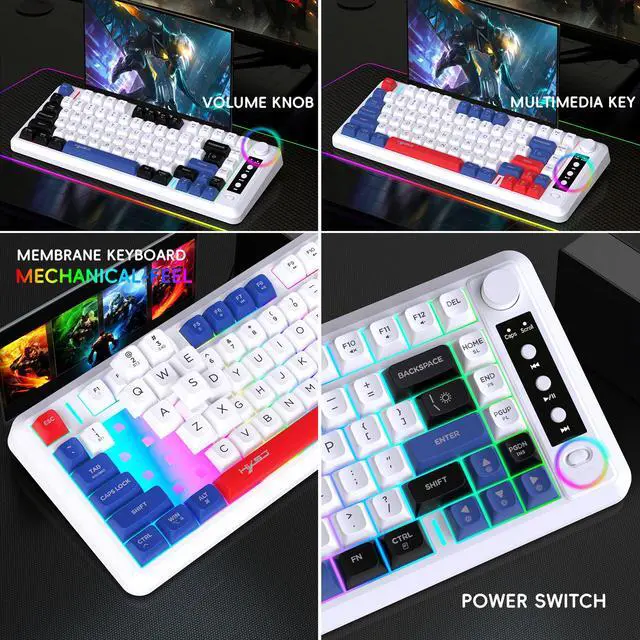
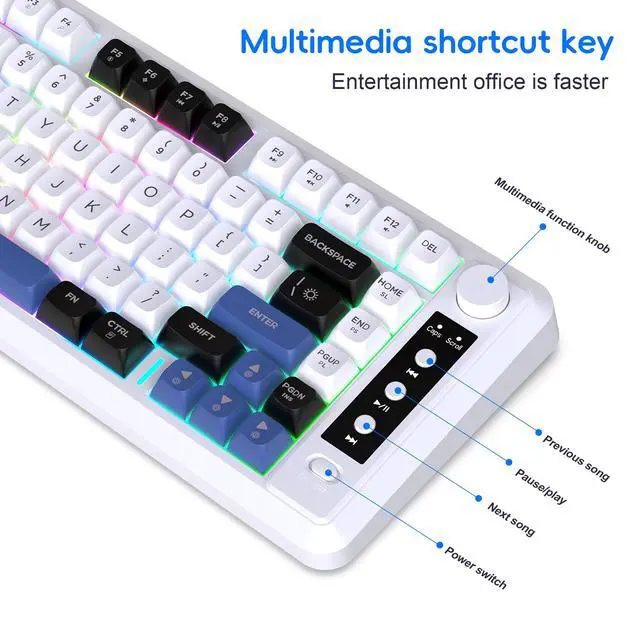
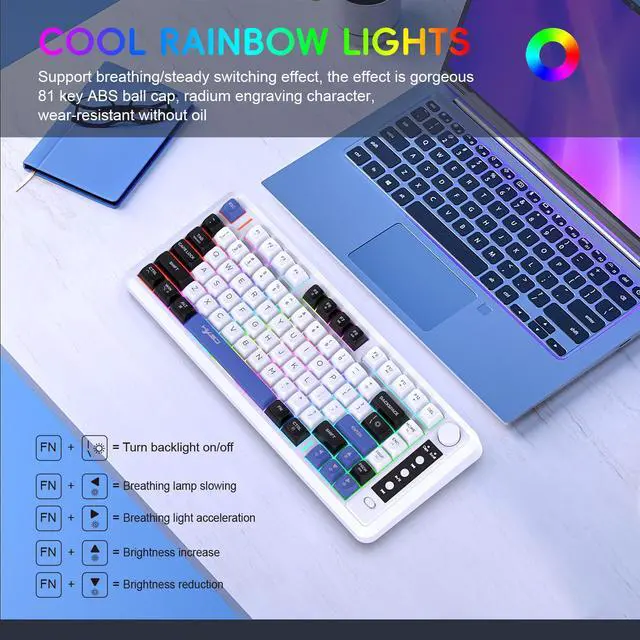



Any questions? Our AI beta will help you find out quickly.
How to use:
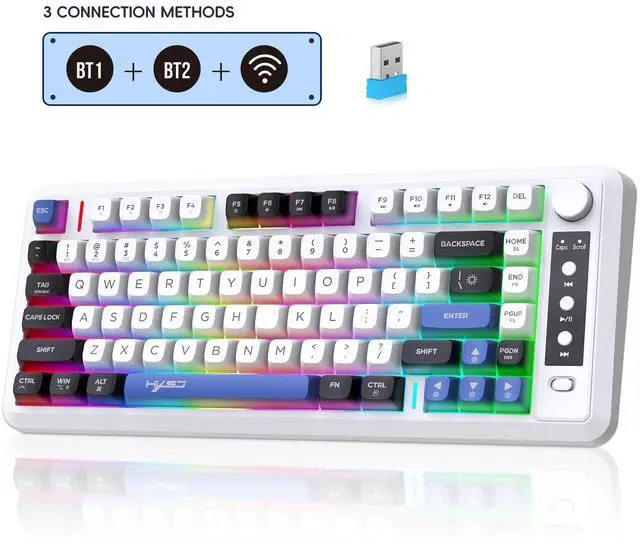
First, turn the power switch to the "ON" position and turn on the power switch
BT1 mode wireless connection:
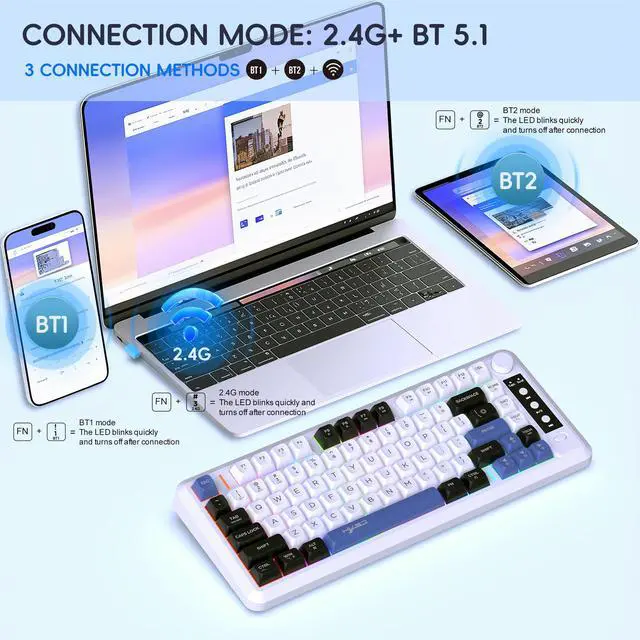
After pressing the FN+1 button, connect to the BT1 wireless connection mode. The red indicator light in the upper right corner will flash rapidly, and you can search for the connection name "BT Keyboard". Click to connect to the "BT Keyboard", the indicator light will turn off after connection, the keyboard light will light up normally, and the keyboard can be used normally.
BT2 mode wireless connection:
After pressing the FN+2 button, connect to the BT2 wireless connection mode. The blue indicator light in the upper right corner flashes rapidly, and the connection name can be searched for as "BT keyboard". Click to connect to the "BT keyboard", the indicator light will turn off, the keyboard light will be on normally, and the keyboard can be used normally.
2.4G mode wireless connection:
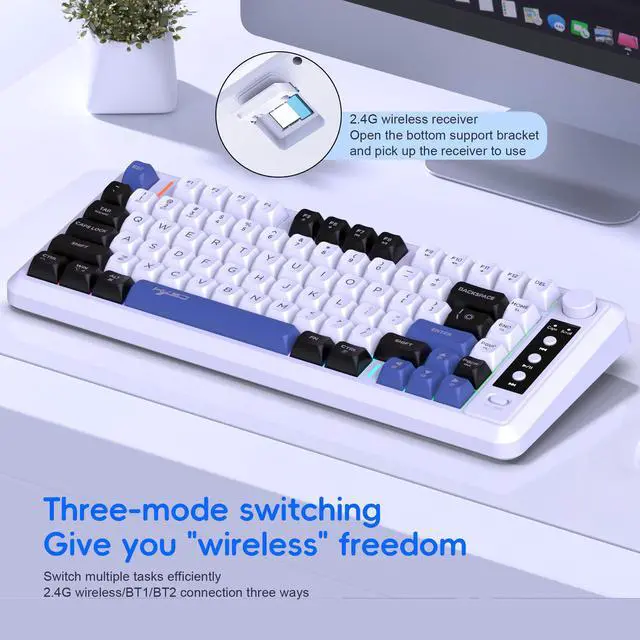
Press FN+3 to switch to 2.4G wireless connection mode, and the green indicator light in the upper right corner will flash quickly. After inserting the blue USB receiver into the computer, the 2.4G indicator light will turn off and the keyboard light will light up normally. The keyboard can be used normally.