





Q&As
1. How many users can view the device at the same time?
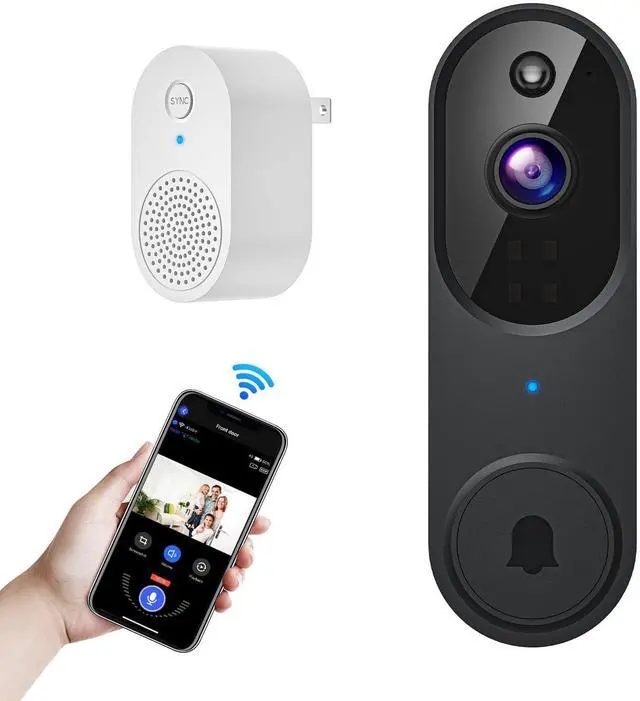
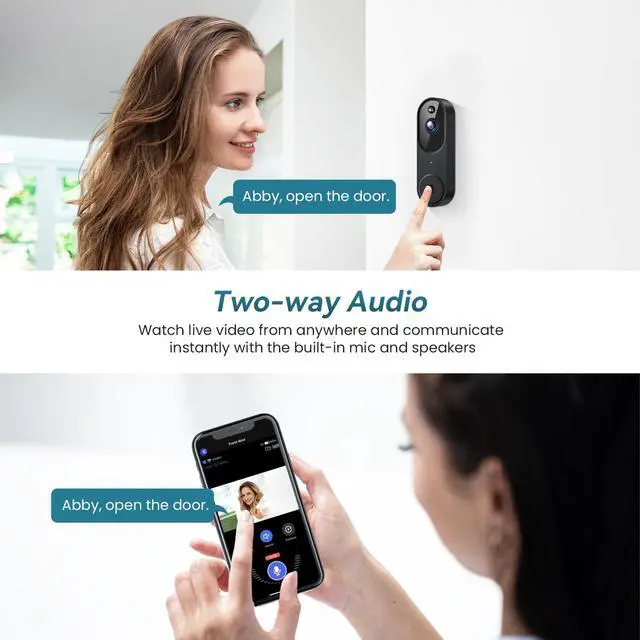
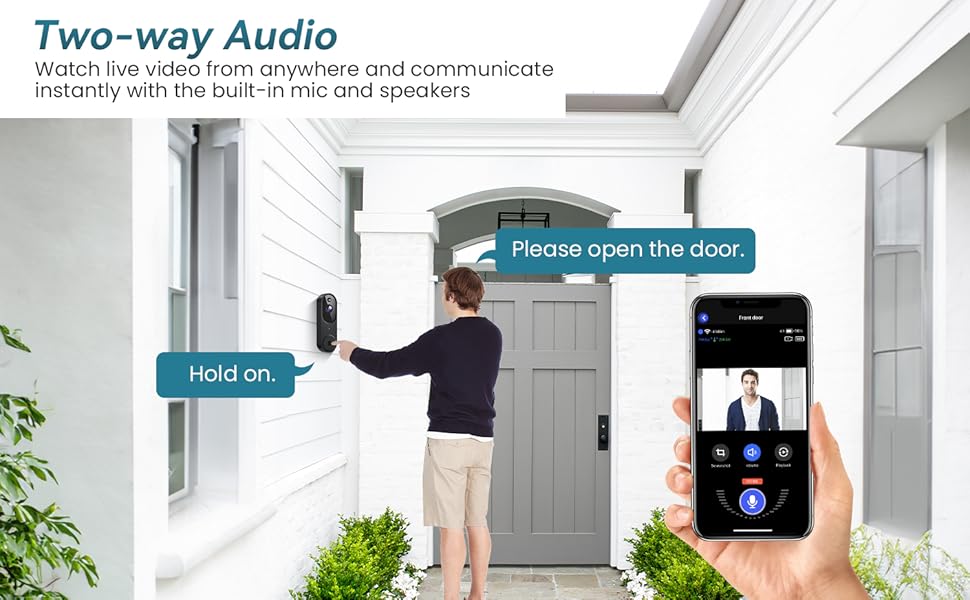
A: The owner account can share the device with up to 8 other accounts. Up to 3 users may view the video feed at once, but only 1 user can use the intercom. You can tap on "Share" to share the devices to your families.
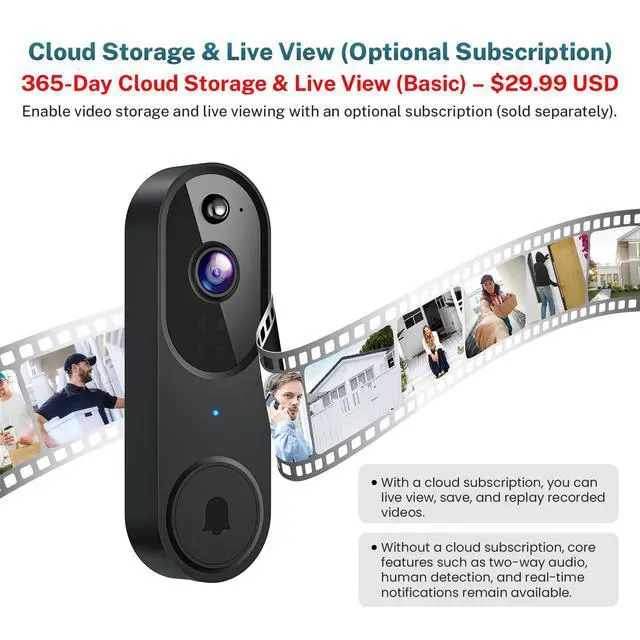
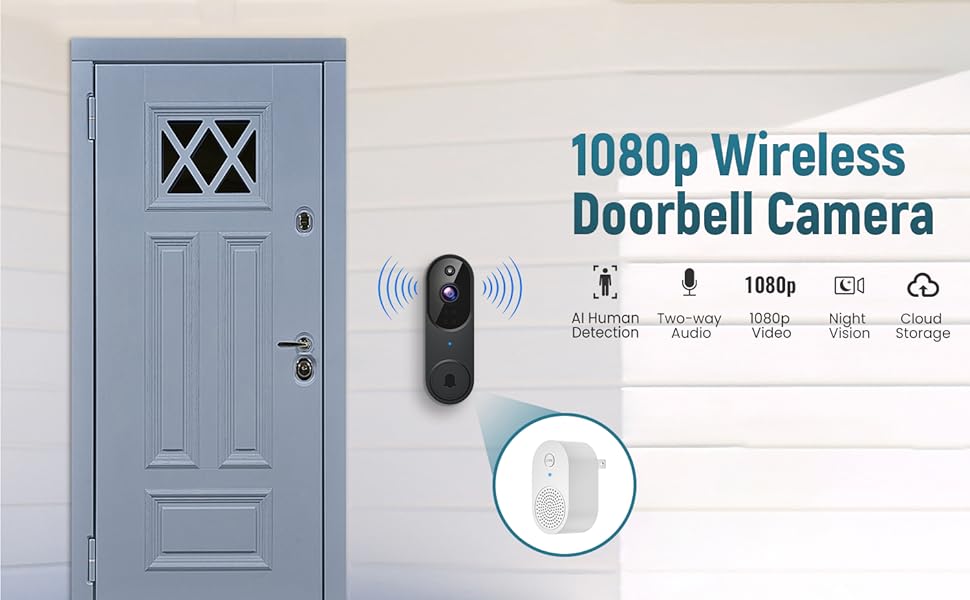
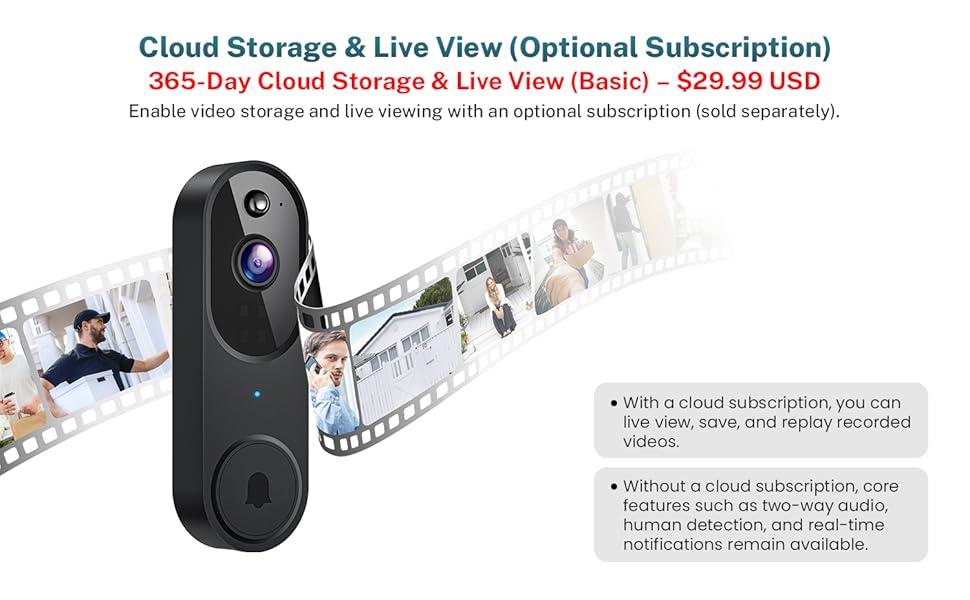
2. Do you have to subscribe to watch in real time? Can this camera be used with a sd card without paying for any subscription for cloud?
A: Yes, this camera supports real-time viewing with subscription. The videos will only be stored if you have a Cloud subscription service.
3. Can the doorbell camera connect to 5GHz Wi-Fi networks?
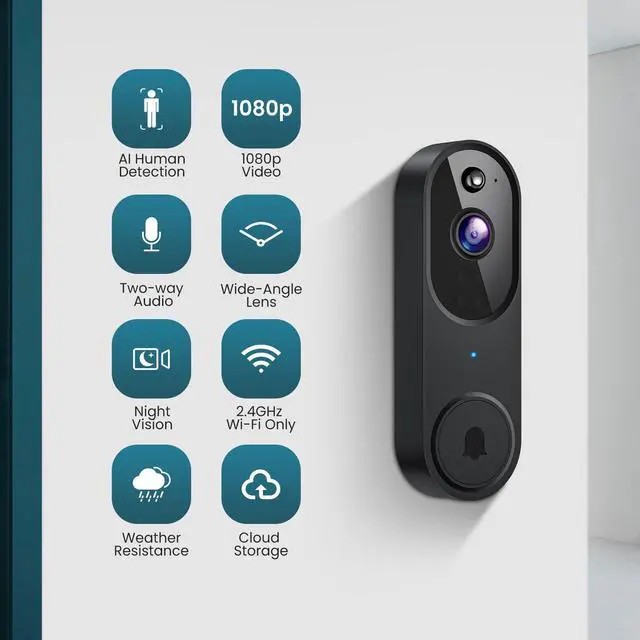
A: No, this doorbell camera only connects to 2.4GHz Wi-Fi. Please ensure when you have both 2.4GHz and 5GHz Wi-Fi network, each with a distinct name for a successful connection.
Troubleshooting network connection issues:
(1) The doorbell camera only works with 2.4GHz Wi-Fi. Please connect it to a 2.4GHz network.
If your network has both 5G or 2.4G please connect it to the 2.4G one.
(2) Double-check that you are entering the correct Wi-Fi name and password.
(3) Verify the distance between the doorbell and the Wi-Fi router; the doorbell should be within 33 feet (10 meters) of the router.
(4) Please enable Bluetooth on your phone, but you don't need to connect Bluetooth with the device, just ensure the Bluetooth is on.
(5) If you changed your Wi-Fi password, or your camera got disconnected, please reset the Wi-Fi connection with the camera:
Press and hold the doorbell button until the camera was reset, and then add the camera again back to the same App account.
Q&As
1. How many users can view the device at the same time?
A: The owner account can share the device with up to 8 other accounts. Up to 3 users may view the video feed at once, but only 1 user can use the intercom. You can tap on "Share" to share the devices to your families.
2. Do you have to subscribe to watch in real time? Can this camera be used with a sd card without paying for any subscription for cloud?
A: Yes, this camera supports real-time viewing with subscription. The videos will only be stored if you have a Cloud subscription service.
3. Can the doorbell camera connect to 5GHz Wi-Fi networks?
A: No, this doorbell camera only connects to 2.4GHz Wi-Fi. Please ensure when you have both 2.4GHz and 5GHz Wi-Fi network, each with a distinct name for a successful connection.
Troubleshooting network connection issues:
(1) The doorbell camera only works with 2.4GHz Wi-Fi. Please connect it to a 2.4GHz network.
If your network has both 5G or 2.4G please connect it to the 2.4G one.
(2) Double-check that you are entering the correct Wi-Fi name and password.
(3) Verify the distance between the doorbell and the Wi-Fi router; the doorbell should be within 33 feet (10 meters) of the router.
(4) Please enable Bluetooth on your phone, but you don't need to connect Bluetooth with the device, just ensure the Bluetooth is on.
(5) If you changed your Wi-Fi password, or your camera got disconnected, please reset the Wi-Fi connection with the camera:
Press and hold the doorbell button until the camera was reset, and then add the camera again back to the same App account.