


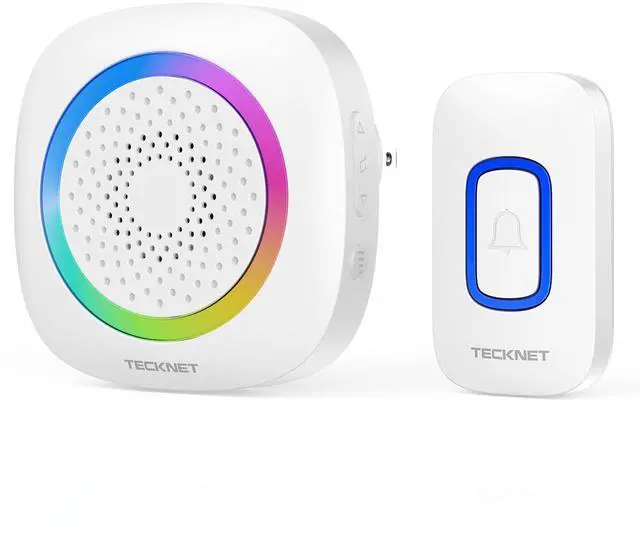





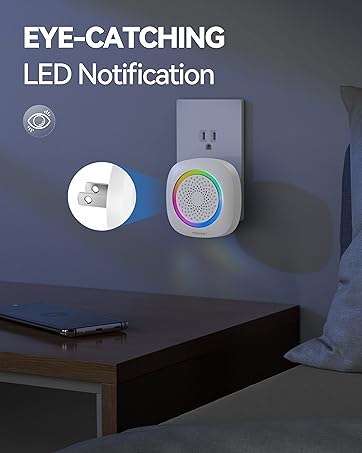




Operations Instructions
- Volume Button: Press once to choose from 5 volume levels.
- Next Chime / Pairing Button: Press once to select the next song. / Press and hold for 3s to enter pairing mode.
- Previous Chime / Mode Button: Press once to select the previous song. / Press and hold for 3s to switch working modes.

Memory Function
The doorbell will remember the last settings and automatically restore after plugging in. You do not have to return to your previous settings. Practical and user-friendly design for an improved user experience.


Does this doorbell receiver need a battery?
No. Plug the doorbell receiver into an AC outlet to use the doorbell.
How to pair the push button with doorbell receiver?
1.Press and hold the "Next Chime" button for over 3s, and you'll hear a "ding dong" prompt, showing that the receiver is in the pairing status.
2.Press the Push Button, and the receiver plays the chime, which means the pairing operation is completed.
How do I adjust the volume?
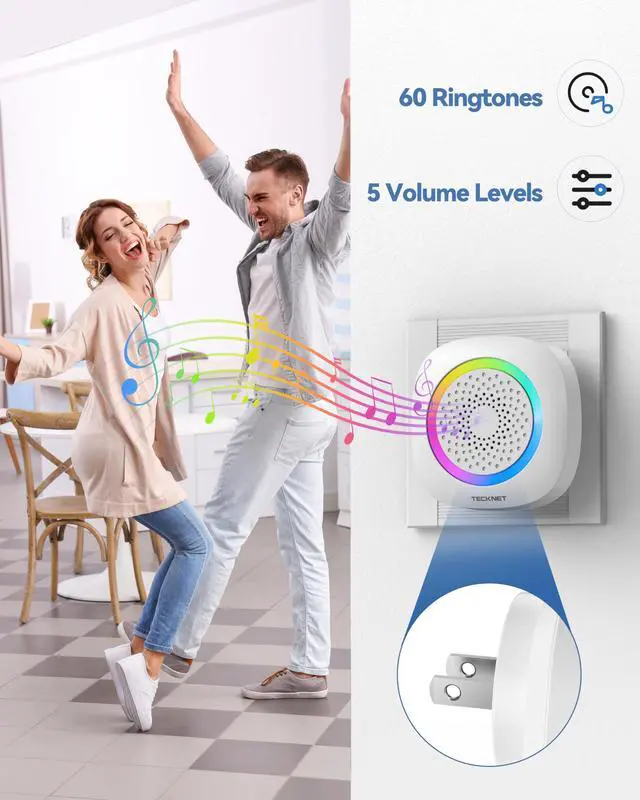
You can press the volume button to choose from 5 volume levels (mute, low, medium, high, and max)
Can I choose my favorite music as the doorbell ring?
Yes. Press the "Previous Chime" or "Next Chime" button once to select a chime. Stop pressing the button when you hear the chime you want.
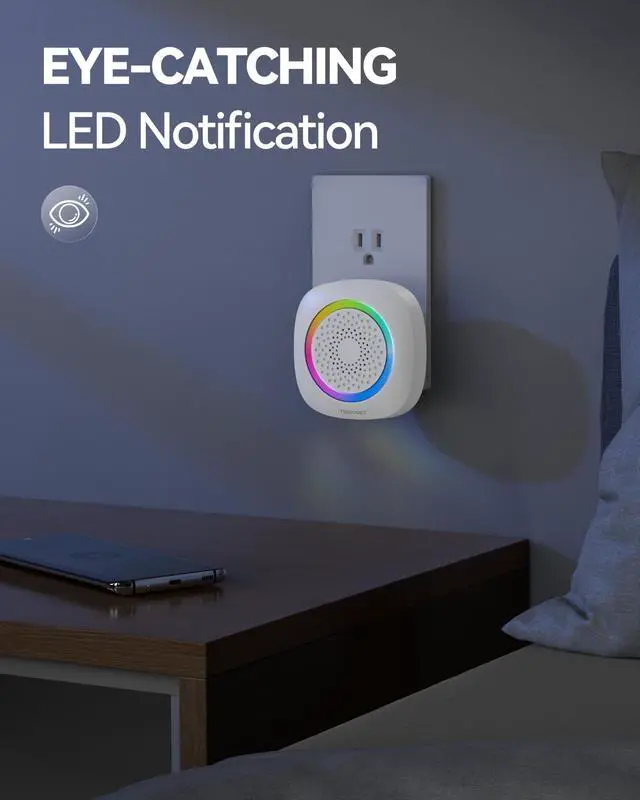
Can I turn off the light of the doorbell receiver?
Yes. Press and hold the "Previous Chime" button for 3s to switch the "ring only" mode and the receiver light will turn off.
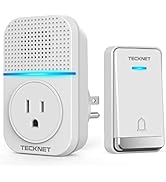
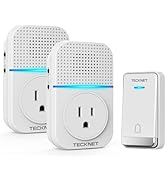
TECKNET Wireless Doorbell
TECKNET Self-Powered Doorbell
Wireless Doorbell in TECKNET
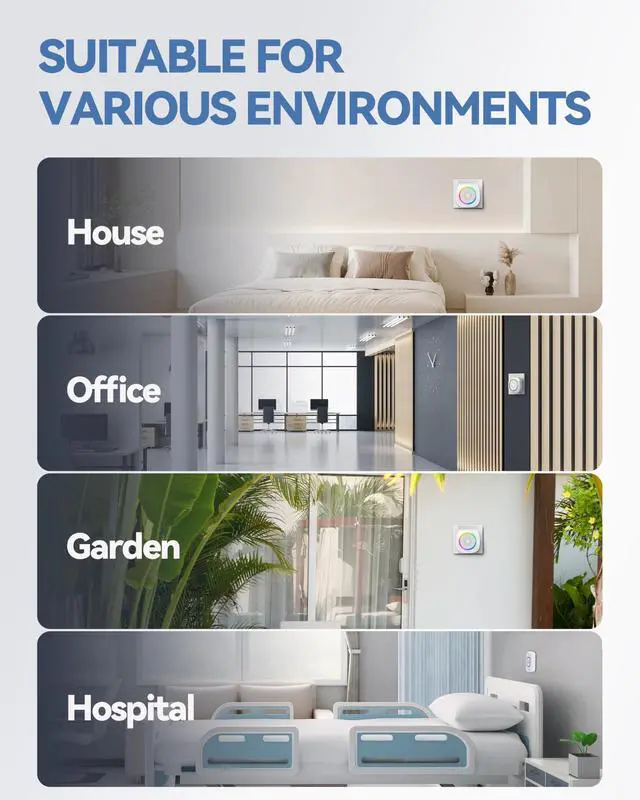
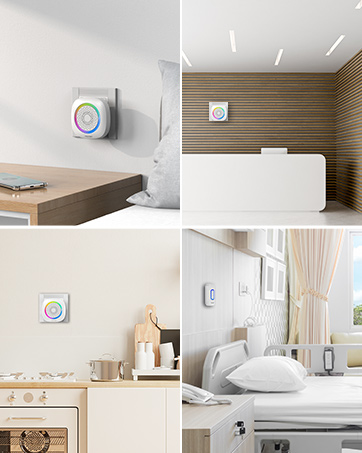
Suitable for Various Scenarios
Wireless Doorbell in TECKNET
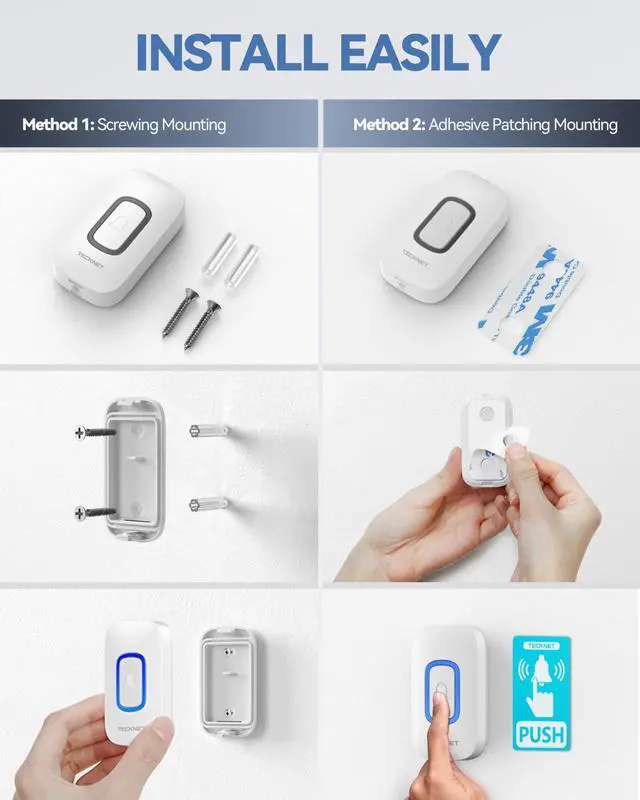
Plug & Play


Operations Instructions
- Volume Button: Press once to choose from 5 volume levels.
- Next Chime / Pairing Button: Press once to select the next song. / Press and hold for 3s to enter pairing mode.
- Previous Chime / Mode Button: Press once to select the previous song. / Press and hold for 3s to switch working modes.
Memory Function
The doorbell will remember the last settings and automatically restore after plugging in. You do not have to return to your previous settings. Practical and user-friendly design for an improved user experience.

Does this doorbell receiver need a battery?
No. Plug the doorbell receiver into an AC outlet to use the doorbell.
How to pair the push button with doorbell receiver?
1.Press and hold the "Next Chime" button for over 3s, and you'll hear a "ding dong" prompt, showing that the receiver is in the pairing status.
2.Press the Push Button, and the receiver plays the chime, which means the pairing operation is completed.
How do I adjust the volume?
You can press the volume button to choose from 5 volume levels (mute, low, medium, high, and max)
Can I choose my favorite music as the doorbell ring?
Yes. Press the "Previous Chime" or "Next Chime" button once to select a chime. Stop pressing the button when you hear the chime you want.
Can I turn off the light of the doorbell receiver?
Yes. Press and hold the "Previous Chime" button for 3s to switch the "ring only" mode and the receiver light will turn off.