


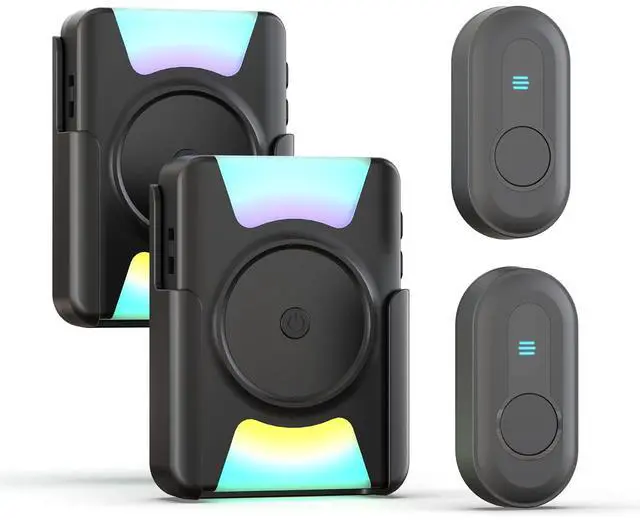






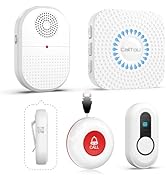
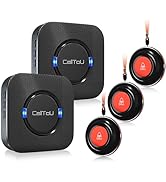








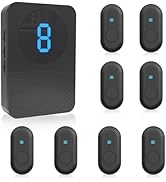

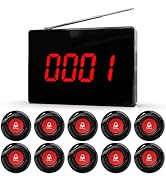
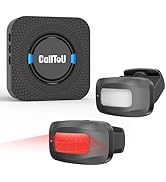
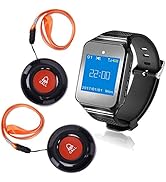

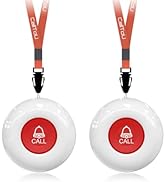
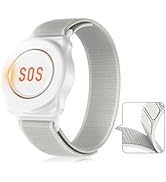




MULTI-FUNCTIONAL WIRELESS DOORBELL KIT
Hearing Impaired Doorbell
Merchant VideoNEVER MISS A VISITOR OR DELIVERY

Mute 0dB Mode to Loud 110dB Reminder
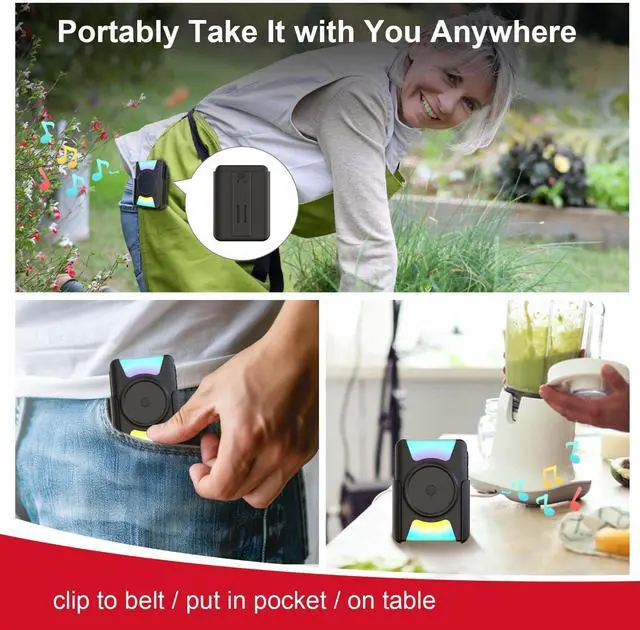
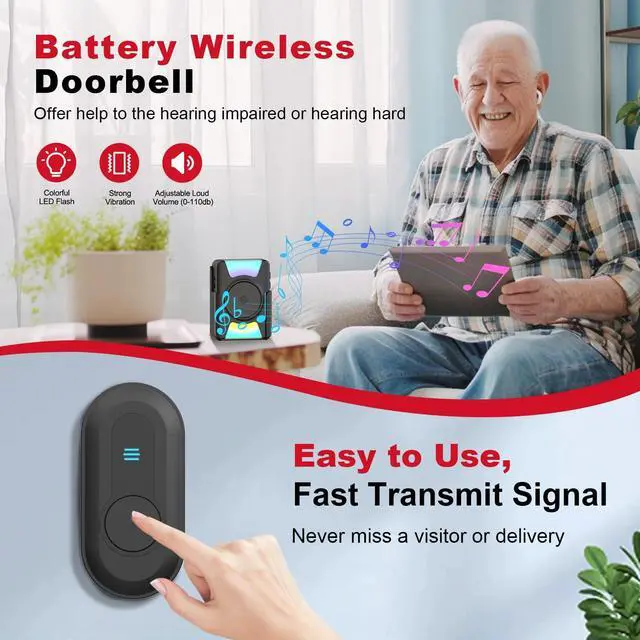
Portable doorbell chime has 5 levels of volume ranging 0dB to 110dB, matching occasions whether it's a quiet rest time or a lively joyful party.
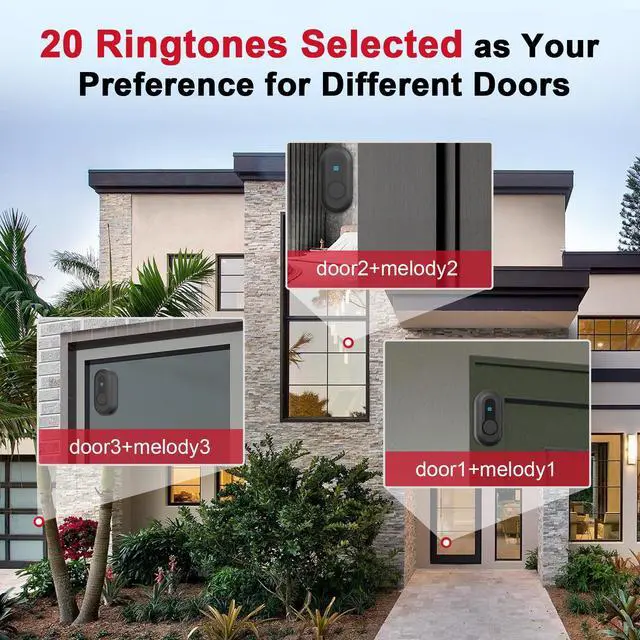
Also equipped with 20 ringtones, you can choose different tones for push buttons installed at various locations to accurately arrive and fast open door.

Vibration Combines Colorful Fashlight
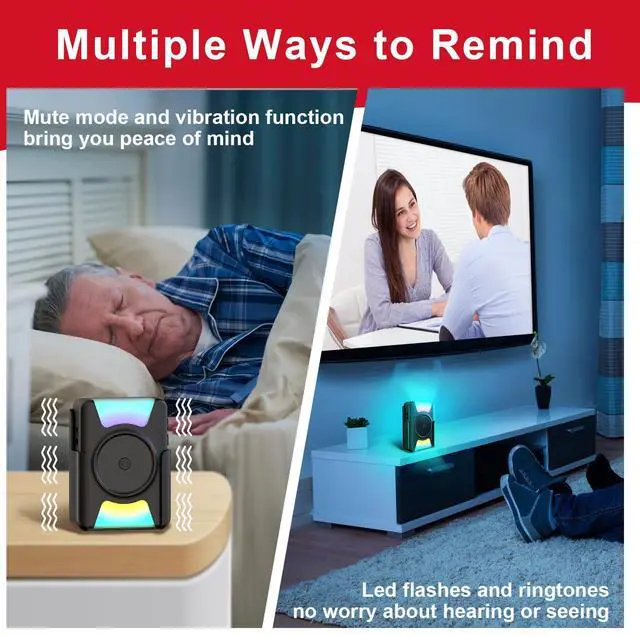
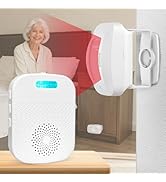
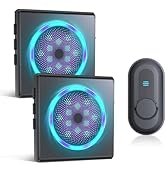
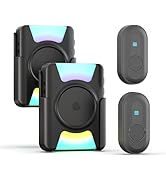
For those who are eyesight or hearing impaired, long range wireless doorbell beeper features colors-changing and express strong sense of vibration.
No worries about not being able to hear or see clearly anymore, giving inner comfort and peace of mind.


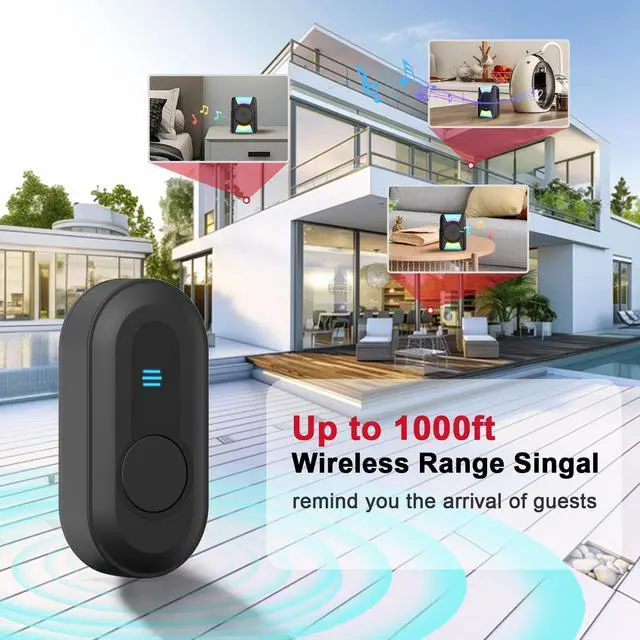
1000ft wireless coverage of door buzzer battery powered for whole house, including living room, bedroom, study room, garden, garage.
The remote bell buttons can be installed easily for quick use, also lasting for a long time.
Learn More CallToU Wireless Doorbell/ Doorchime for Home Security System
 Vibrating Doorbell |  Battery Doorbell |  Flashing light Doorbell |  Plug-in Doorbell |  Motion Sensor Doorbell |  Vibrating Sensor Doorbell |  Vibrating Door Chimes | |
|---|---|---|---|---|---|---|---|
Customer Reviews | — | — | — | — | — | — | — |
Price | — | — | — | — | — | — | — |
Vibration | ? | ? | ? | ? | ? | ? | ? |
Flash Light Mode | Strong Mode/Off | Strong Mode/Off | Dim & Strong Mode/Off | Dim & Strong Mode/Off | None | None | None |
Wireless Range | 300m/1000ft | 300m/1000ft | 300m/1000ft | 300m/1000ft | 150m/500ft | 150m/500ft | 150m/500ft |
Recevier Power | Battery | Battery | AC Outlet | AC Outlet | AC Outlet | Battery | Battery |
Call button/Sensor Power | Battery | Battery | Battery | Battery | Battery & USB TYPR-C | Battery & USB TYPR-C | Battery |
Portable | ? | ? | ? | ? | ? | ? | ? |
Waterproof Call button/Sensor | ? | ? | ? | ? | ? | ? | ? |
Volume Adajustable | 5 Levels(Mute-100dB) | 5 Levels(Mute-100dB) | 5 Levels(Mute-100dB) | 5 Levels(Mute-100dB) | 5 Levels(Mute-100dB) | 5 Levels(Mute-100dB) | 5 Levels(Mute-100dB) |
One Door One Ringtone | ? | ? | ? | ? | ? | ? | ? |
Can this both vibrate and flash lights with no sound? How can I change the alert methods?
Yes, set to Mode C & slient with volume key.
Alert methods: Single (only vibration/flash/ring), Dual (vibration+flash, ring+flash, ring+vibration), Comprehensive (ring+vibration+flash).
Change by sliding mode (A/B/C/D) & adjusting volume.
Do you have to physically turn flashing light off or how long does the flashing last after button is released ?
No, you don't have to turn it off; it will automatically go off.
The flashing light lasts for about 10 seconds (the lasting time varies depending on the ringtone you set).
Q: How do I know when to change the battery for the receiver and the button? And what kinds of batteries do they need?
Change receiver batteries when it says "low battery" & flashes. Use 3 AAA 1.5V alkalines.
Change button battery if LED doesn't light up after press. Use 1 12V 23A alkaline.
Best Sellers

New Arrivals

Highly Rated


Business Essentials 1
Business Essentials 2

Extension Kit 1


Extension Kit 2
MULTI-FUNCTIONAL WIRELESS DOORBELL KIT
Hearing Impaired Doorbell
Merchant VideoNEVER MISS A VISITOR OR DELIVERY
Mute 0dB Mode to Loud 110dB Reminder
Portable doorbell chime has 5 levels of volume ranging 0dB to 110dB, matching occasions whether it's a quiet rest time or a lively joyful party.
Also equipped with 20 ringtones, you can choose different tones for push buttons installed at various locations to accurately arrive and fast open door.
Vibration Combines Colorful Fashlight
For those who are eyesight or hearing impaired, long range wireless doorbell beeper features colors-changing and express strong sense of vibration.
No worries about not being able to hear or see clearly anymore, giving inner comfort and peace of mind.


1000ft wireless coverage of door buzzer battery powered for whole house, including living room, bedroom, study room, garden, garage.
The remote bell buttons can be installed easily for quick use, also lasting for a long time.
How to Pair?
1. Press and hold center on/off key to make a 'ding' sound and led lash once, means receiver working on.
2. Press ringtone key to choose a tone you want.
3. Press and hold volume key to make a 'ding' sound.
4. Press the push button to make receiver sound 'dingding'.
Four Modes & Adjustable Volume
1. SlideA/B/C/D work mode key to choose one as your needs.
A. Ringtone+Flash B. Ringtone+Vibration C. Flash+Vibration D. Only Ringtone
2. Press volume key to adjust volume levels ranging from 0dB to 110dB.
How to Change Ringtone?
1. Press ringtone key to choose one ringtone you like.
2. Press and hold volume key to make a 'ding' sound.
3. Press the transmitter to make receiver sound a 'dingding'.
Warm tips: if cannot make ding sound, please check if its volume is > 0dB
How to Clear Settings?
1. Just press and hold ringtone key to make a 'ding' sound, then wait for 10s to hear another 'ding'.
2. Press two buttons to check if the clear is finished.
How to Replace Batteries?
1. Align the notch on battery cover of recevier with screwdriver and pry open the cover
2. Align the notch on the bottom of button and pry open backshell
3. Detach the inner translucent protective film of button
4. Insert corresponding batteries and install the covers and film back
Learn More CallToU Wireless Doorbell/ Doorchime for Home Security System
Vibrating Doorbell | Battery Doorbell | Flashing light Doorbell | Plug-in Doorbell | Motion Sensor Doorbell | Vibrating Sensor Doorbell | Vibrating Door Chimes |
|---|---|---|---|---|---|---|
| Customer Reviews | ||||||
| — | — | — | — | — | — | — |
| Price | ||||||
| — | — | — | — | — | — | — |
| Vibration | ||||||
| ? | ? | ? | ? | ? | ? | ? |
| Flash Light Mode | ||||||
| Strong Mode/Off | Strong Mode/Off | Dim & Strong Mode/Off | Dim & Strong Mode/Off | None | None | None |
| Wireless Range | ||||||
| 300m/1000ft | 300m/1000ft | 300m/1000ft | 300m/1000ft | 150m/500ft | 150m/500ft | 150m/500ft |
| Recevier Power | ||||||
| Battery | Battery | AC Outlet | AC Outlet | AC Outlet | Battery | Battery |
| Call button/Sensor Power | ||||||
| Battery | Battery | Battery | Battery | Battery & USB TYPR-C | Battery & USB TYPR-C | Battery |
| Portable | ||||||
| ? | ? | ? | ? | ? | ? | ? |
| Waterproof Call button/Sensor | ||||||
| ? | ? | ? | ? | ? | ? | ? |
| Volume Adajustable | ||||||
| 5 Levels(Mute-100dB) | 5 Levels(Mute-100dB) | 5 Levels(Mute-100dB) | 5 Levels(Mute-100dB) | 5 Levels(Mute-100dB) | 5 Levels(Mute-100dB) | 5 Levels(Mute-100dB) |
| One Door One Ringtone | ||||||
| ? | ? | ? | ? | ? | ? | ? |
Can this both vibrate and flash lights with no sound? How can I change the alert methods?
Yes, set to Mode C & slient with volume key.
Alert methods: Single (only vibration/flash/ring), Dual (vibration+flash, ring+flash, ring+vibration), Comprehensive (ring+vibration+flash).
Change by sliding mode (A/B/C/D) & adjusting volume.
Do you have to physically turn flashing light off or how long does the flashing last after button is released ?
No, you don't have to turn it off; it will automatically go off.
The flashing light lasts for about 10 seconds (the lasting time varies depending on the ringtone you set).
Q: How do I know when to change the battery for the receiver and the button? And what kinds of batteries do they need?
Change receiver batteries when it says "low battery" & flashes. Use 3 AAA 1.5V alkalines.
Change button battery if LED doesn't light up after press. Use 1 12V 23A alkaline.