







SanJie, since its establishment in 2015, is determined to build a brand enterprise of security products.
Until now , we've offered a full range of home/business products and helped millions of people from all around the world, gaining the trust of our customers in a professional way.
Technology Enhances Life
We will strive to further development and encouraged innovation to change the lives of our customers and makers the world better.
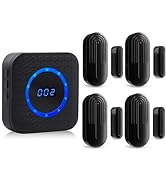
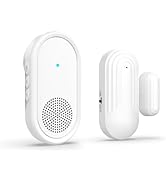
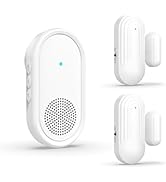
Wireless Door Chime
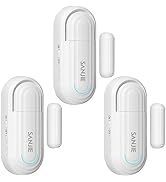
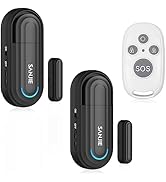
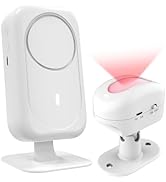
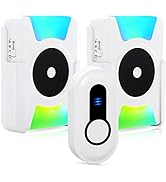
Door Alarms & Doorbell
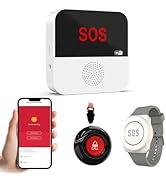
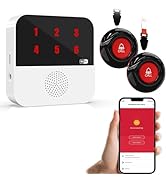
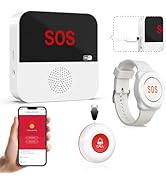
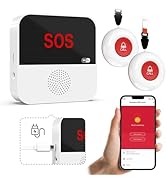
WiFi Wireless Caregiver Pager
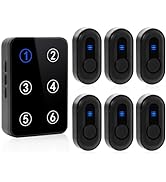
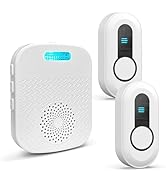
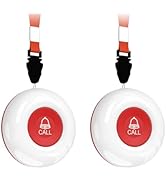
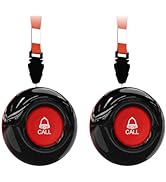
Nursing Home Caregiver
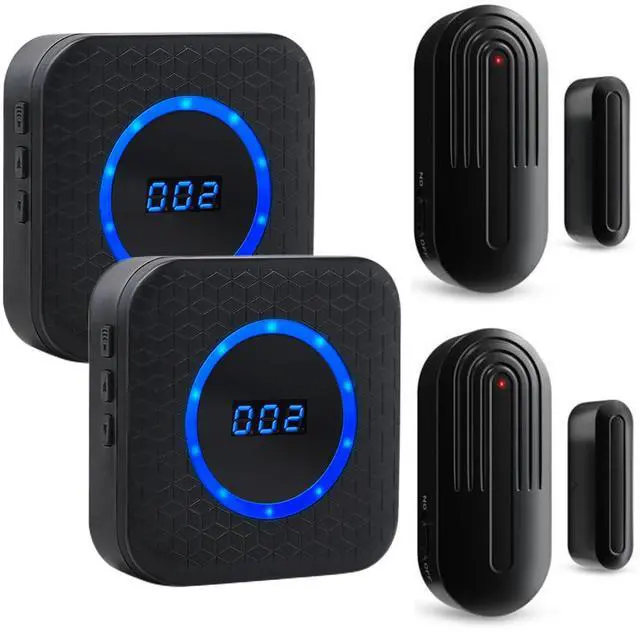
SanJie Wireless Door Chime for Business/Home/Office/Store When Entering

SanJie, since its establishment in 2015, is determined to build a brand enterprise of security products.Until now , we've offered a full range of home/business products and helped millions of people from all around the world, gaining the trust of our customers in a professional way.
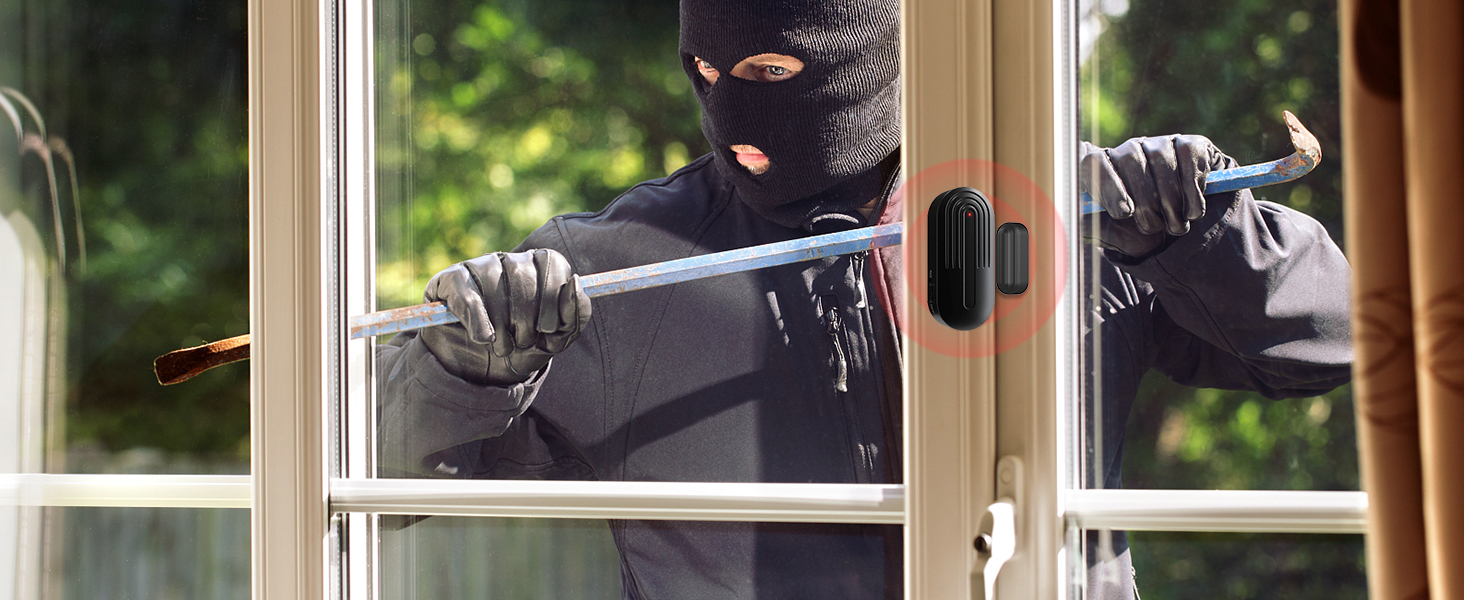
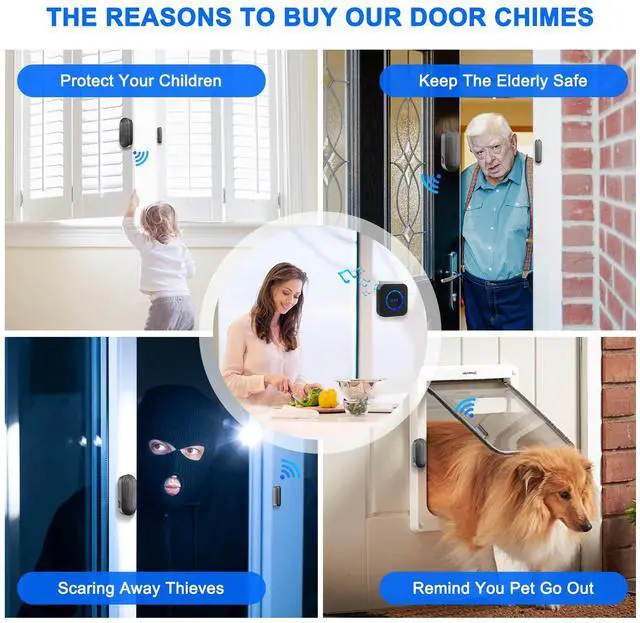
Added Security
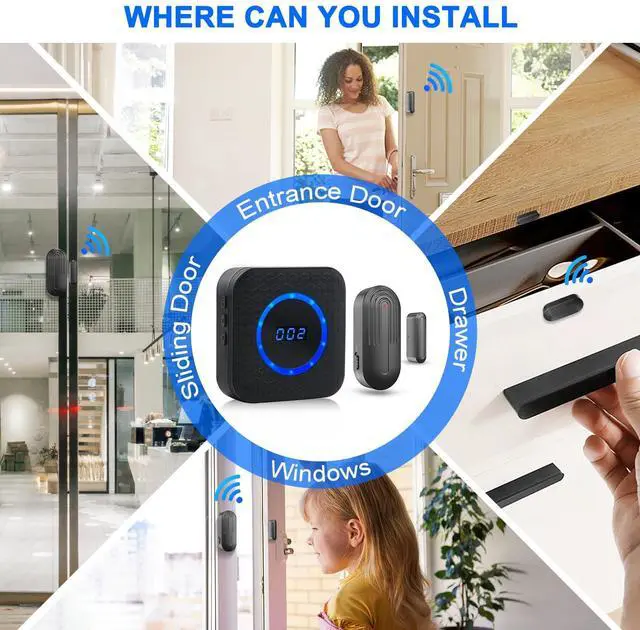
Door Alarms for Home Security
Alerts you when a door or window in your home is opened.
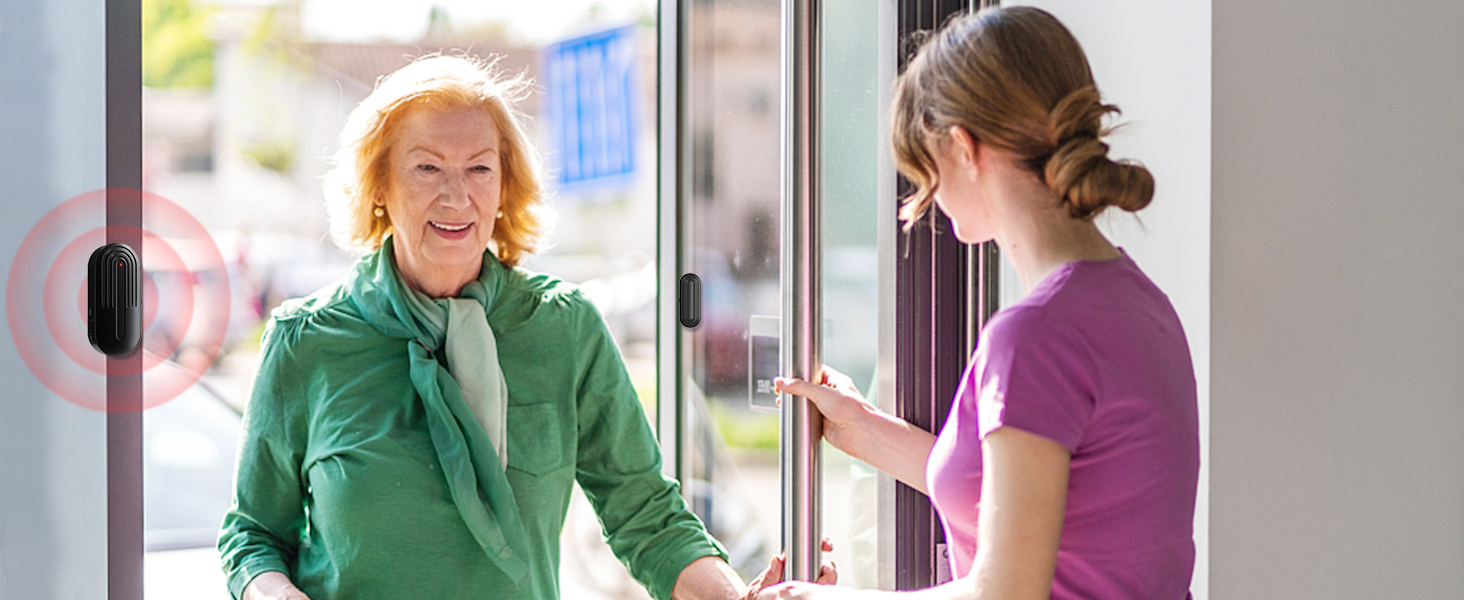
Welcome Customers
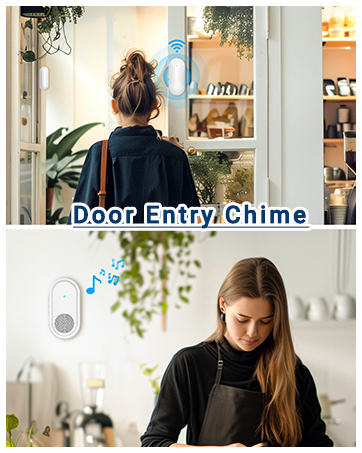
Door Chimes When Door Opens
Alerts you when customers enter the store.
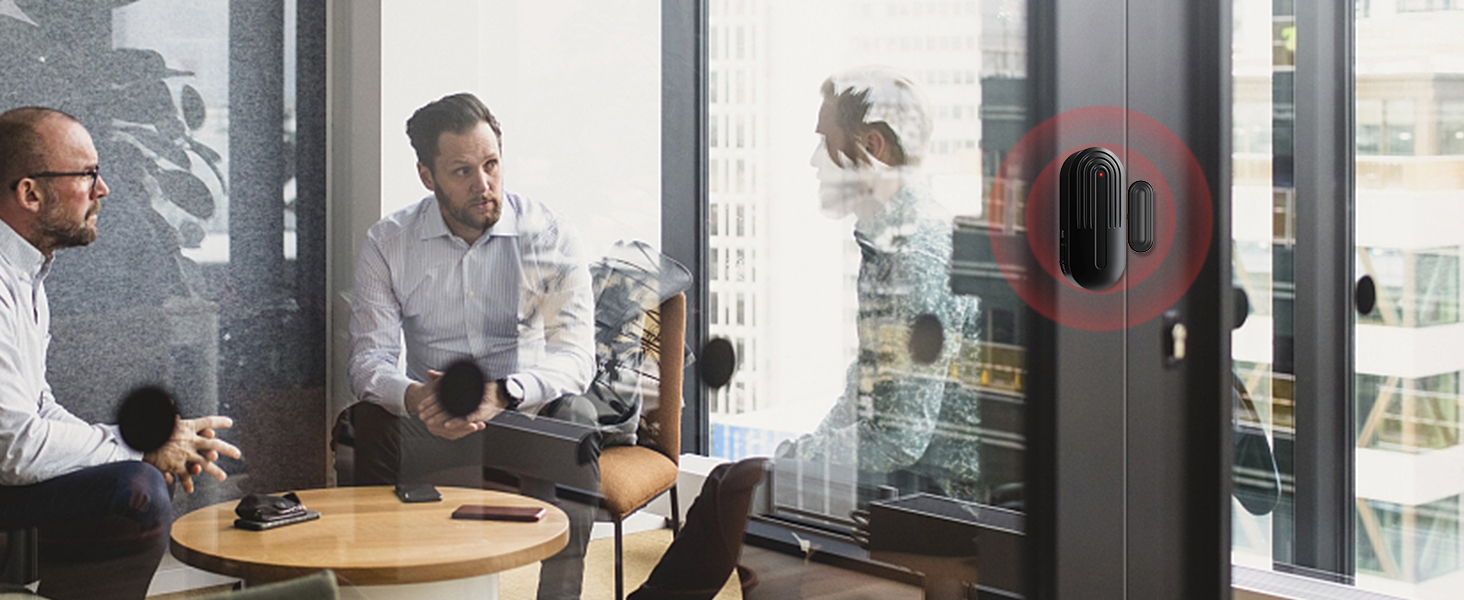
Commercial Door Sensor
Door Chime for Business When Entering
Remind you when a colleague or business partner comes in.
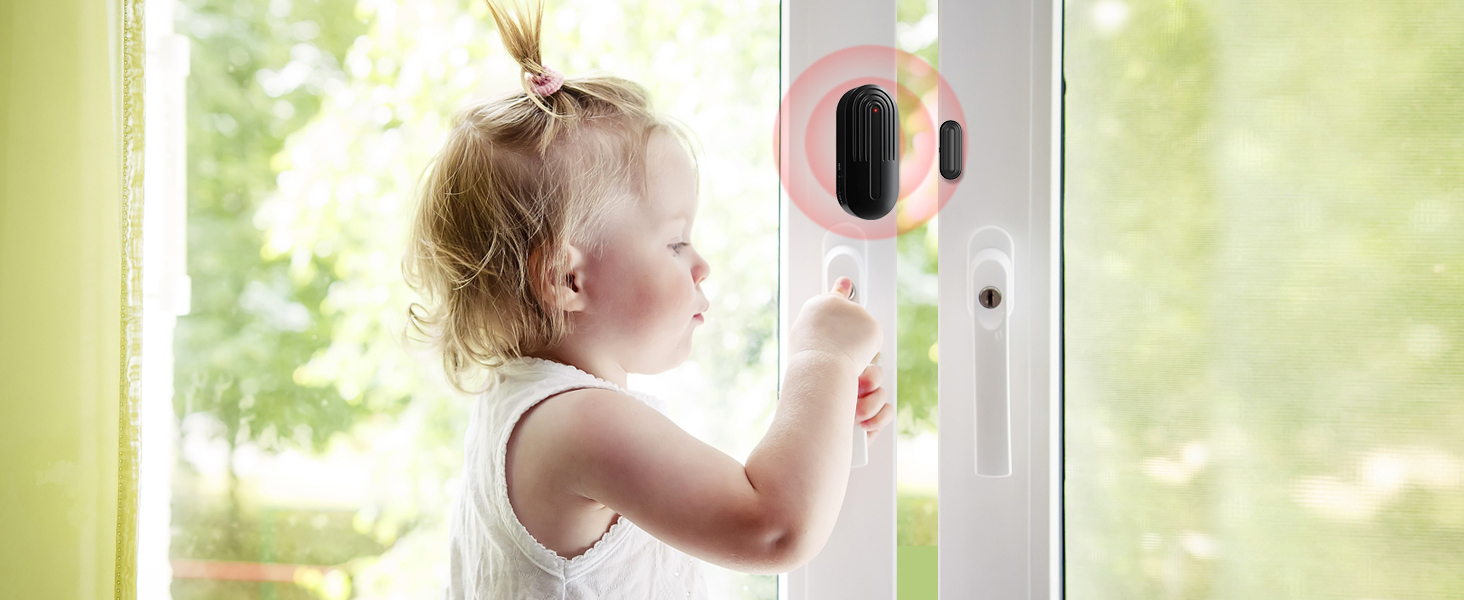
Keep Kids Safe
Door Alarms for Kids Safety
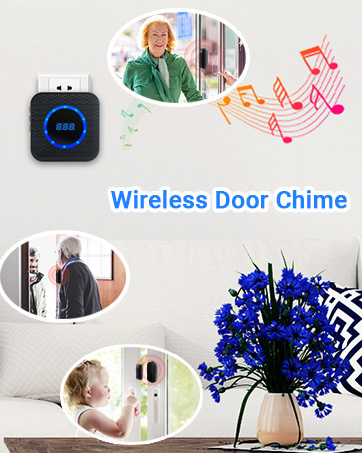
Remind you when your child wants to open the window.
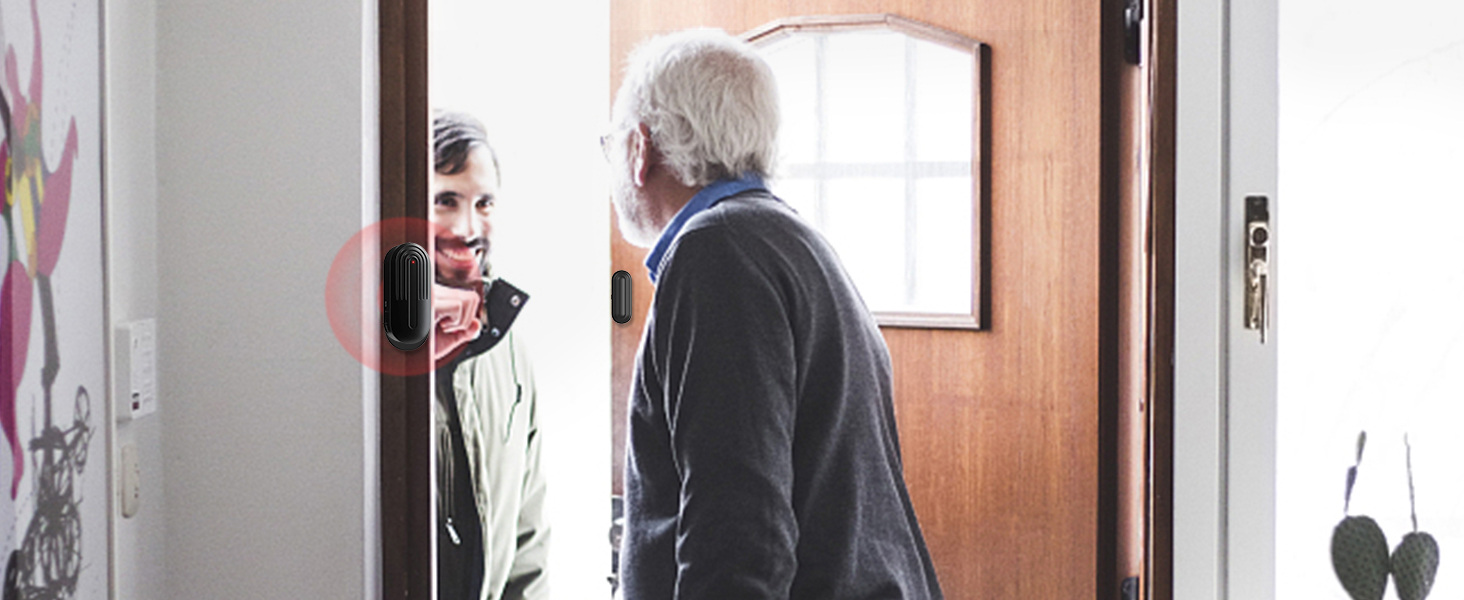
Keep The Elderly Safe
Door Alarms for Dementia Patients
Alerts if dementia patients wander outside unnoticed


How to pair and select music?

Step1
Press the “forward”/”backward” button on the receiver to choose your favorite melody.

Step2
Long press the volume button for 5-7s until the receive "ding" with LED blinking rapidly.

Step3
Quickly separate the two parts of door sensor to activate the transmitter to send a signal to the receiver.

Step4
After successful pairing, when the sensor is moved, the receiver will sound to alert you that the door or window is opened.
How to set different ringtones for 2 door sensors?(How do I change the sound?)
Press “forward”/”backward” buttons to select the ringtone,long press the volume button, separate the sensor, and then separate the sensor again. Set the same operation for the second sensor. (Note: Do not select the same music as the first sensor)
After opening the package, I found that it doesn't work?
It should be that the door sensor has not been paired with the receiver, please do the pairing operation.
Sometimes the door chime works, sometimes it doesn't?
The distance between the door sensor and the receiver may be too far, we suggest to shorten the distance and test it so that they can work normally.
The door chime stops working after a period of normal use?
1.May be the pairing of the door chime has been cleared accidentally, please try to pair it again.
2.It should be that the battery of the door sensor is dead, it is recommended to replace the battery.
Why Choose Us?
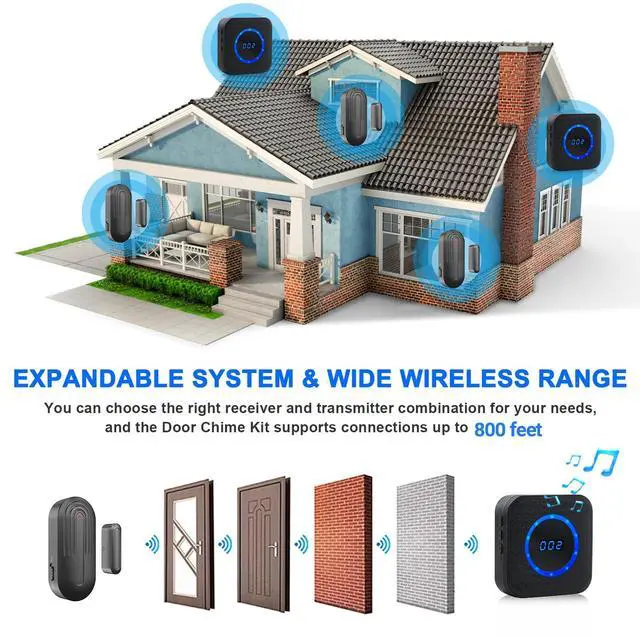
1. Dual Use: Ideal for homes (elderly/kids) and businesses (stores/offices) 2. Expandable: Add more sensors for large properties.
Search Keywords: Wireless Door Chime, Elderly Safety Alarm, Business Entry Alert, Smart Home Security, Door Open Sensor
SanJie Product-Door Alarm & Caregiver Pager
 Wireless Door Chime |  Door Entry Chime |  Door Alarm Sensor |  Door Alarm With Remote |  Motion Sensor Doorbell |  WIFI Rechargable Pager |  WiFi Caregiver Pager | |
|---|---|---|---|---|---|---|---|
Customer Reviews | — | — | — | — | — | — | — |
Price | — | — | — | — | — | — | — |
Color | Black | White | White | Black & White | White | White | Black & White |
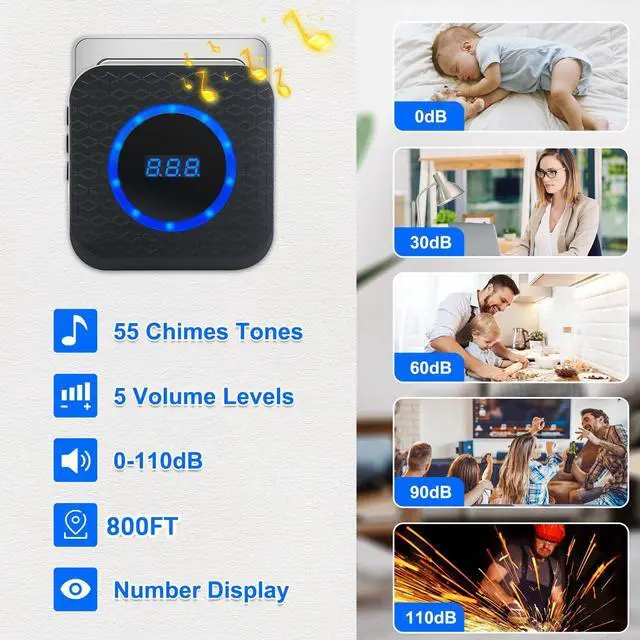
Range | 800Ft/240m | 600Ft/182m | 1000Ft/300m | Remote Range: 65Ft/20m | 1000Ft/300m | Button and Hub:500Ft/150m | Button and Hub:500Ft/150m |
Feature | Number Display | Compact Design | Quick Response | Remote Control | Motion Sensor | WIFI, Battery Charging | WIFI,Number Display |
Ringtone | 55 Ringtone | 26 Ringtone | 4 Working Modes | 4 Working Modes | 30 Ringtone | 12 Ringtone+Phone Alert | 12 Ringtone+Phone Alert |
How to use | Plug to use | Plug to use | Use of batteries | Use of batteries | Use of batteries/Plug to use | After Charged/ Plug to use | Plug to use |
SanJie, since its establishment in 2015, is determined to build a brand enterprise of security products.
Until now , we've offered a full range of home/business products and helped millions of people from all around the world, gaining the trust of our customers in a professional way.
Technology Enhances Life
We will strive to further development and encouraged innovation to change the lives of our customers and makers the world better.
Wireless Door Chime
Door Alarms & Doorbell
WiFi Wireless Caregiver Pager
Nursing Home Caregiver
SanJie Wireless Door Chime for Business/Home/Office/Store When Entering

SanJie, since its establishment in 2015, is determined to build a brand enterprise of security products.Until now , we've offered a full range of home/business products and helped millions of people from all around the world, gaining the trust of our customers in a professional way.
Added Security
Door Alarms for Home Security
Alerts you when a door or window in your home is opened.
Welcome Customers
Door Chimes When Door Opens
Alerts you when customers enter the store.
Commercial Door Sensor
Door Chime for Business When Entering
Remind you when a colleague or business partner comes in.
Keep Kids Safe
Door Alarms for Kids Safety
Remind you when your child wants to open the window.
Keep The Elderly Safe
Door Alarms for Dementia Patients
Alerts if dementia patients wander outside unnoticed


Covers multi-story homes, basements, garages, or shops.
Choose from gentle chimes to loud alerts . Silent mode for nighttime peace.


How to pair and select music?
Step1
Press the “forward”/”backward” button on the receiver to choose your favorite melody.
Step2
Long press the volume button for 5-7s until the receive "ding" with LED blinking rapidly.
Step3
Quickly separate the two parts of door sensor to activate the transmitter to send a signal to the receiver.
Step4
After successful pairing, when the sensor is moved, the receiver will sound to alert you that the door or window is opened.
How to set different ringtones for 2 door sensors?(How do I change the sound?)
Press “forward”/”backward” buttons to select the ringtone,long press the volume button, separate the sensor, and then separate the sensor again. Set the same operation for the second sensor. (Note: Do not select the same music as the first sensor)
After opening the package, I found that it doesn't work?
It should be that the door sensor has not been paired with the receiver, please do the pairing operation.
Sometimes the door chime works, sometimes it doesn't?
The distance between the door sensor and the receiver may be too far, we suggest to shorten the distance and test it so that they can work normally.
The door chime stops working after a period of normal use?
1.May be the pairing of the door chime has been cleared accidentally, please try to pair it again.
2.It should be that the battery of the door sensor is dead, it is recommended to replace the battery.
Why Choose Us?
1. Dual Use: Ideal for homes (elderly/kids) and businesses (stores/offices) 2. Expandable: Add more sensors for large properties.
Search Keywords: Wireless Door Chime, Elderly Safety Alarm, Business Entry Alert, Smart Home Security, Door Open Sensor
SanJie Product-Door Alarm & Caregiver Pager
Wireless Door Chime | Door Entry Chime | Door Alarm Sensor | Door Alarm With Remote | Motion Sensor Doorbell | WIFI Rechargable Pager | WiFi Caregiver Pager |
|---|---|---|---|---|---|---|
| Customer Reviews | ||||||
| — | — | — | — | — | — | — |
| Price | ||||||
| — | — | — | — | — | — | — |
| Color | ||||||
| Black | White | White | Black & White | White | White | Black & White |
| Range | ||||||
| 800Ft/240m | 600Ft/182m | 1000Ft/300m | Remote Range: 65Ft/20m | 1000Ft/300m | Button and Hub:500Ft/150m | Button and Hub:500Ft/150m |
| Feature | ||||||
| Number Display | Compact Design | Quick Response | Remote Control | Motion Sensor | WIFI, Battery Charging | WIFI,Number Display |
| Ringtone | ||||||
| 55 Ringtone | 26 Ringtone | 4 Working Modes | 4 Working Modes | 30 Ringtone | 12 Ringtone+Phone Alert | 12 Ringtone+Phone Alert |
| How to use | ||||||
| Plug to use | Plug to use | Use of batteries | Use of batteries | Use of batteries/Plug to use | After Charged/ Plug to use | Plug to use |