










Build a safe and smart home
HEIMAN Build in 2005, a high-tech enterprise, specializing in R&D, manufacture and distribution of smart home system products, security anti-theft electronic products and fire alarm electronic products, including the most professional R&D engineers and well-educated management team with foresight's and years’ security experience.
HEIMAN Smart Door Window Sensor
Security guard for window and gate
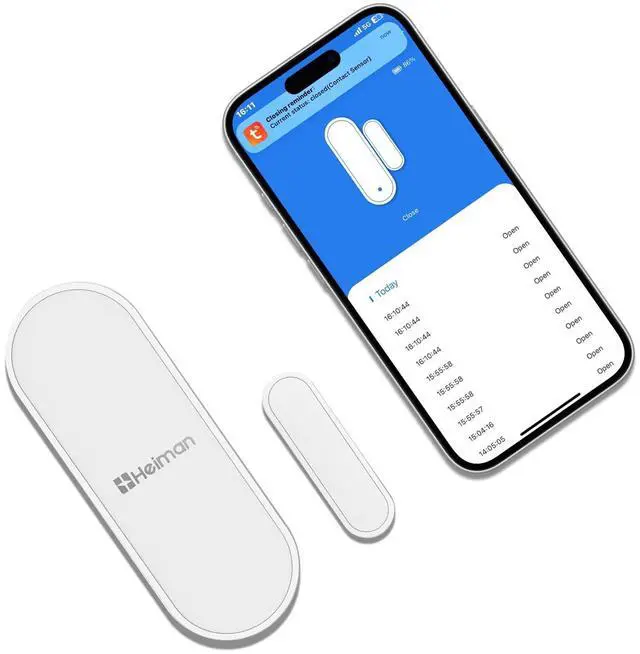
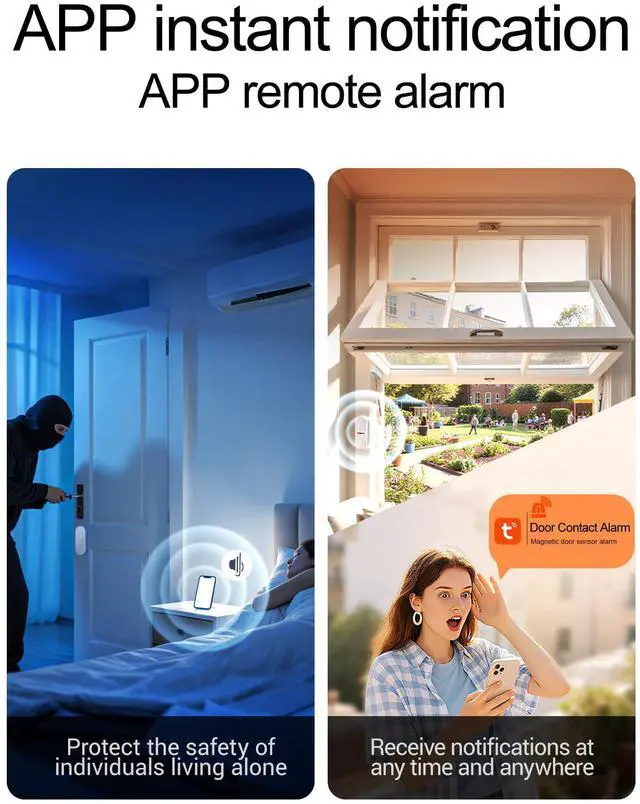
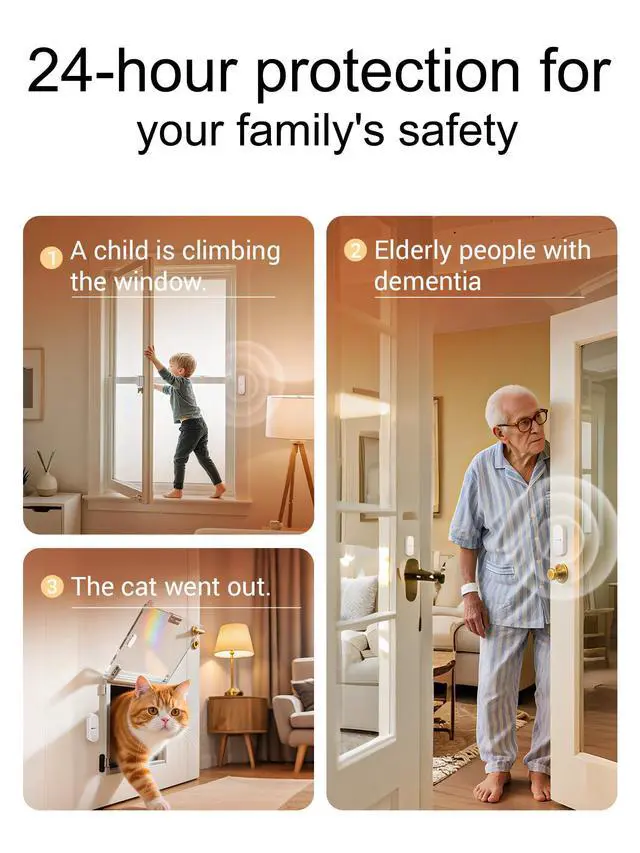
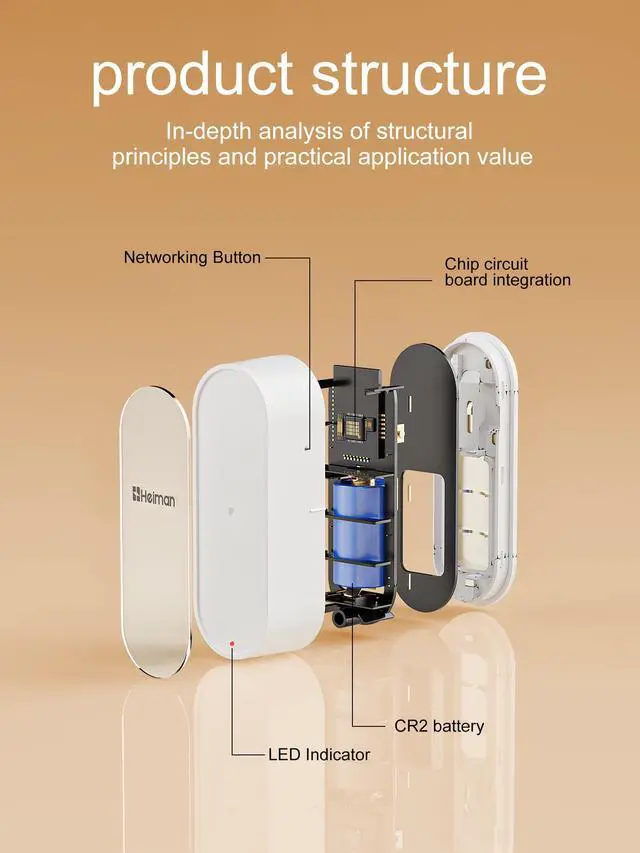
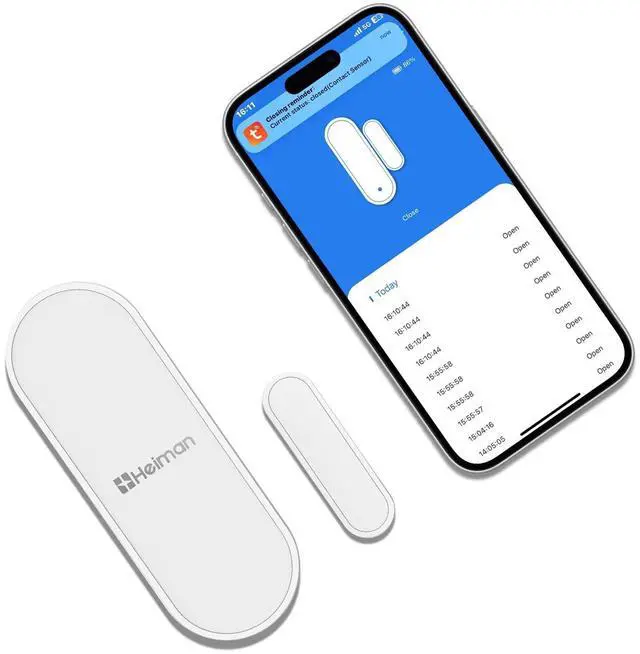
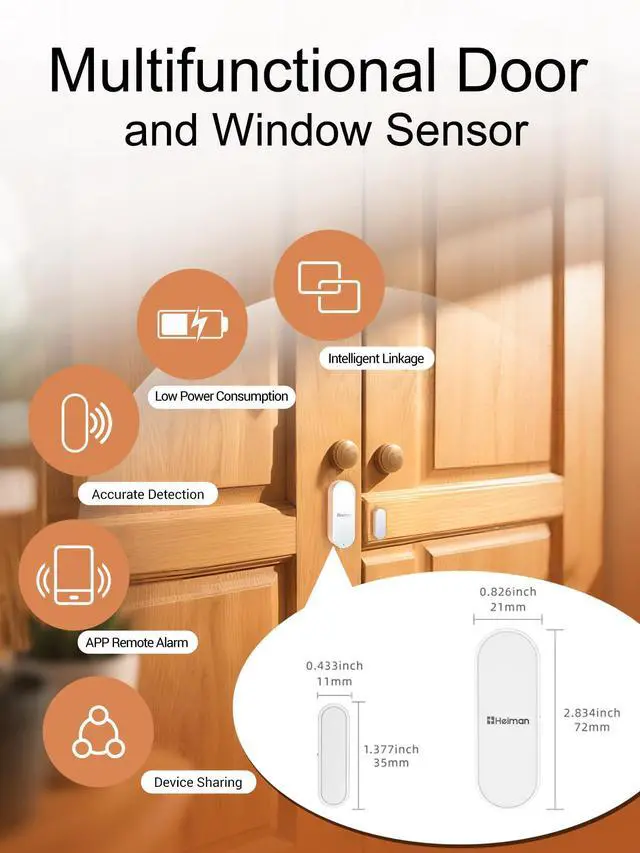
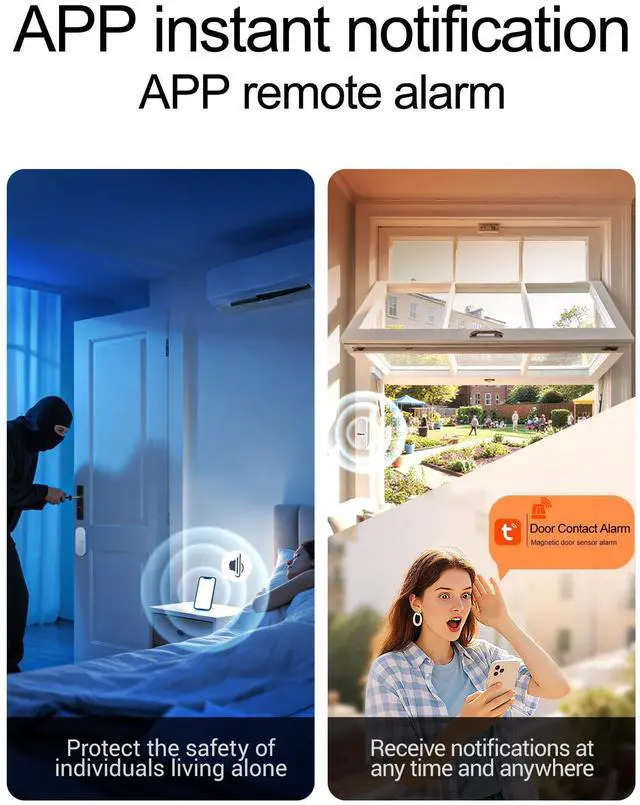
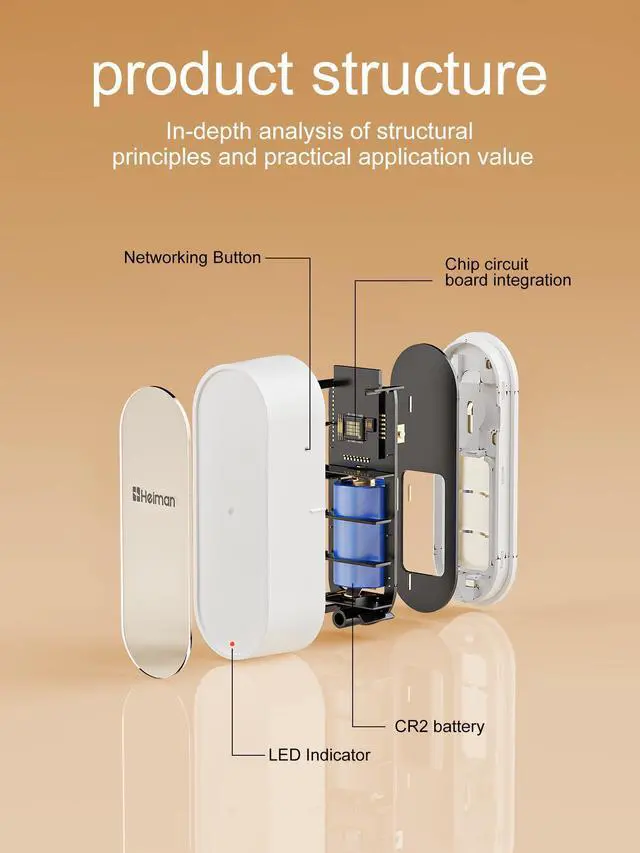
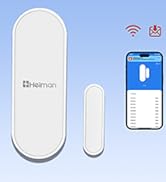
This Smart Door Sensor consists of detector and magnet two parts, It adopts WiFi communication technology, can detect the open or close status between door/window frame and door/window, and report status change to APP in real-time. Double reed Switches design makes installation more flexible, as the magnet part can be installed on either side of the detector part, suitable for different kinds of doors or windows.
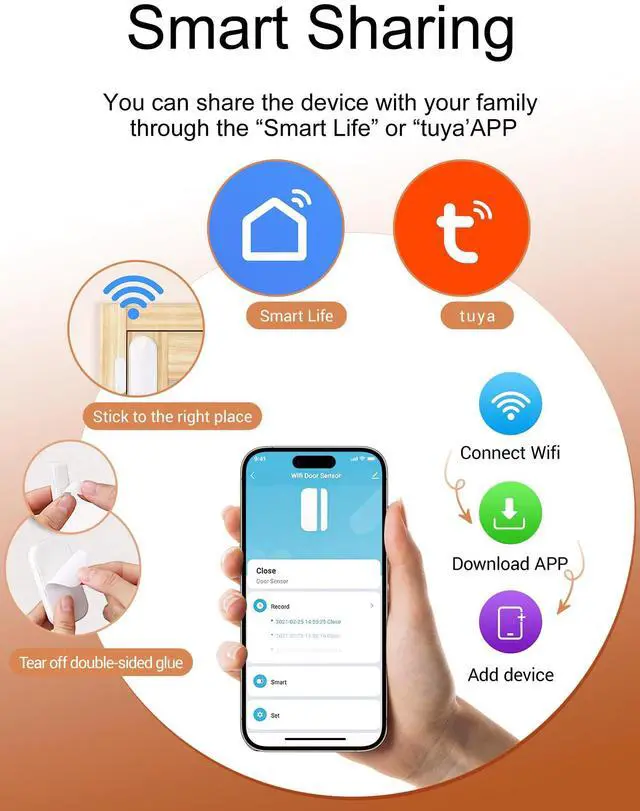
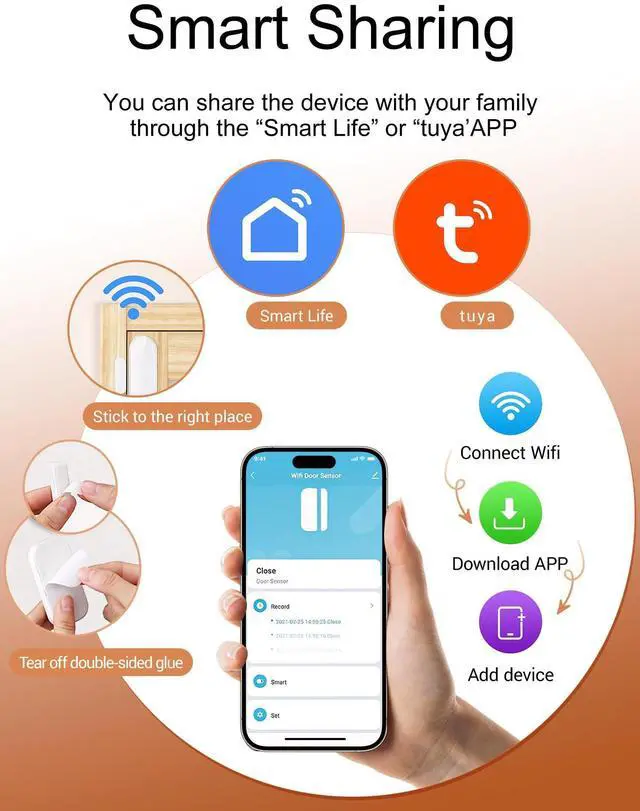
- How to add device?
- Open the "Tuya“ or other ”smart Life“ App
- Click"+"on the APP to add a new device, then select" Sensor -Contact Sensor(WIFI)"
- Press and hold the button on the detector for five seconds, until the blue LED light flashes quickly.
- Then the device automatically search-es for network.
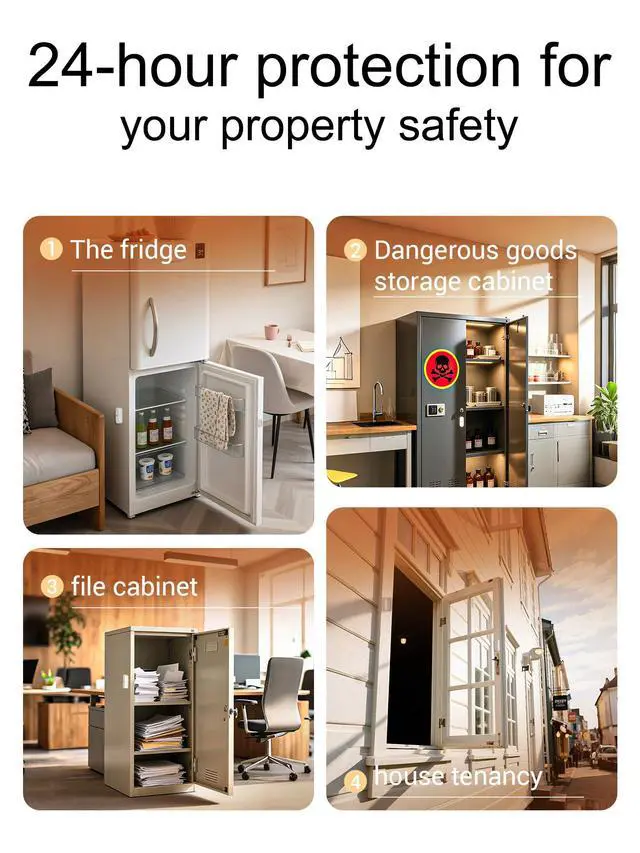
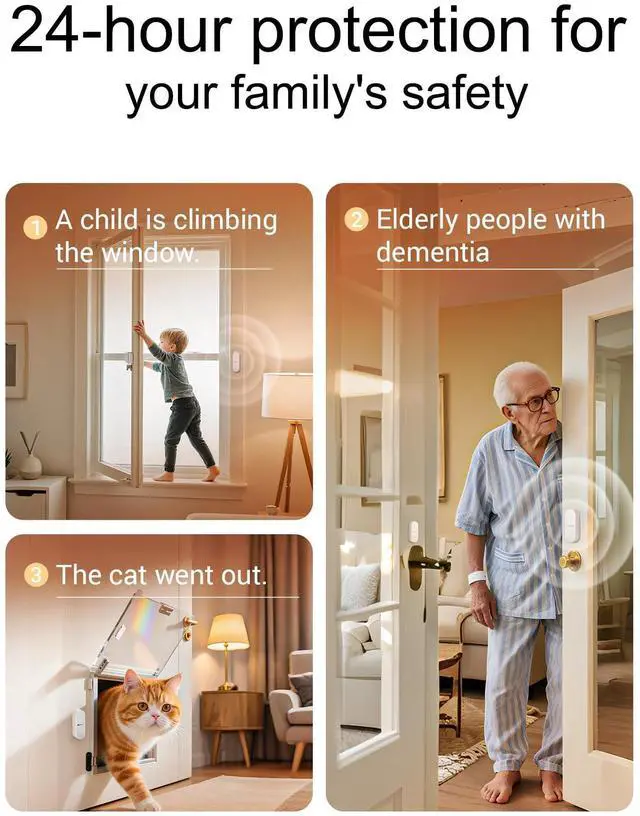
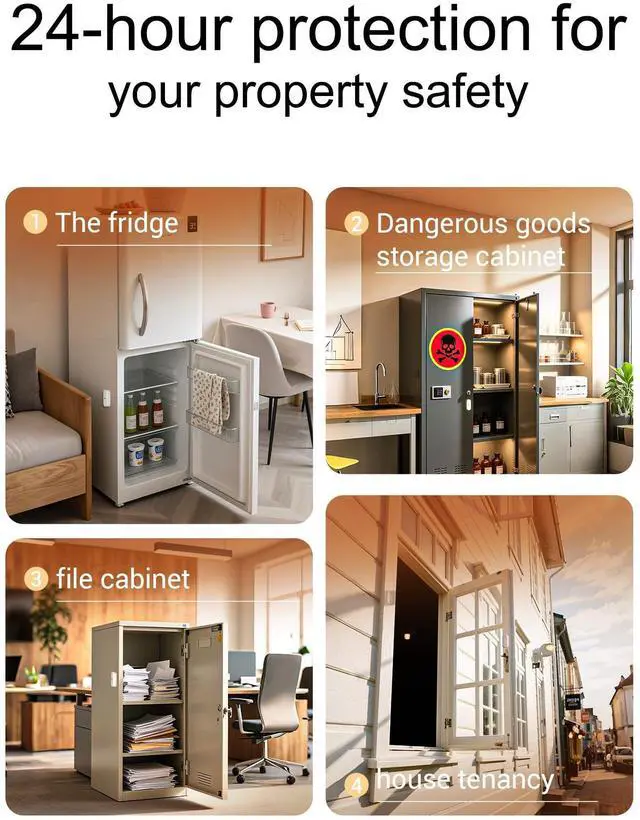
Multiple Applications

Cabinet Doors

Windows

Doors
Technical Parameters

- This sensor is for indoor use only.
- Make sure LED indicator is on lower part of detector.
- Avoid installing on metal doors.(Metal door may infuence detection distance and wireless distance).
- Please make sure the mark in magnet align to the mark in detoctor, and make sure installation distance between detector and the magnet less than 20 mm.(Magnet part can be installed on eitheside of detector)
How to Operate?

Power on
1.Sliding down to open the back cover
2.Remove battery insulation film to power on the detector part.
(Please make sure the mark in magnet align to themark in detector, and make sureinstallation distance between detectorand the magnet less than 20 mm.)

Networking
Long press the networking button for 5 seconds, blue LED will flash quickly(about 2 times per second), laterthe APP will prompt networking issuccessful.
(Please follow the guideline in APP tooperate until networking is successful.)

Add device
1.Open Tuya or smart Life APP Enter the user account and passworo Click "+" to add new device, select Sensor > Contact Detector(Wi-Fi)
2.Enter your Wi-Fi name and password
3.The device was added

Heiman Smart
HEIMAN Smart Door Window Sensor
Build a safe and smart home
HEIMAN Build in 2005, a high-tech enterprise, specializing in R&D, manufacture and distribution of smart home system products, security anti-theft electronic products and fire alarm electronic products, including the most professional R&D engineers and well-educated management team with foresight's and years’ security experience.
Security guard for window and gate
This Smart Door Sensor consists of detector and magnet two parts, It adopts WiFi communication technology, can detect the open or close status between door/window frame and door/window, and report status change to APP in real-time. Double reed Switches design makes installation more flexible, as the magnet part can be installed on either side of the detector part, suitable for different kinds of doors or windows.
- How to add device?
- Open the "Tuya“ or other ”smart Life“ App
- Click"+"on the APP to add a new device, then select" Sensor -Contact Sensor(WIFI)"
- Press and hold the button on the detector for five seconds, until the blue LED light flashes quickly.
- Then the device automatically search-es for network.
Multiple Applications
Cabinet Doors
Windows
Doors
Technical Parameters
| Working voltage: | DC3V(CR2x1) |
| Detection Distance: | 20-30 mm |
| Networking: | WiFi-2.4 GHZ |
| WiFi Protocol: | IEEE 802.11 b/g/n |
| Working temperature: | -10°C~+50 |
| Working humidity: | s95%RH(no condensation) |
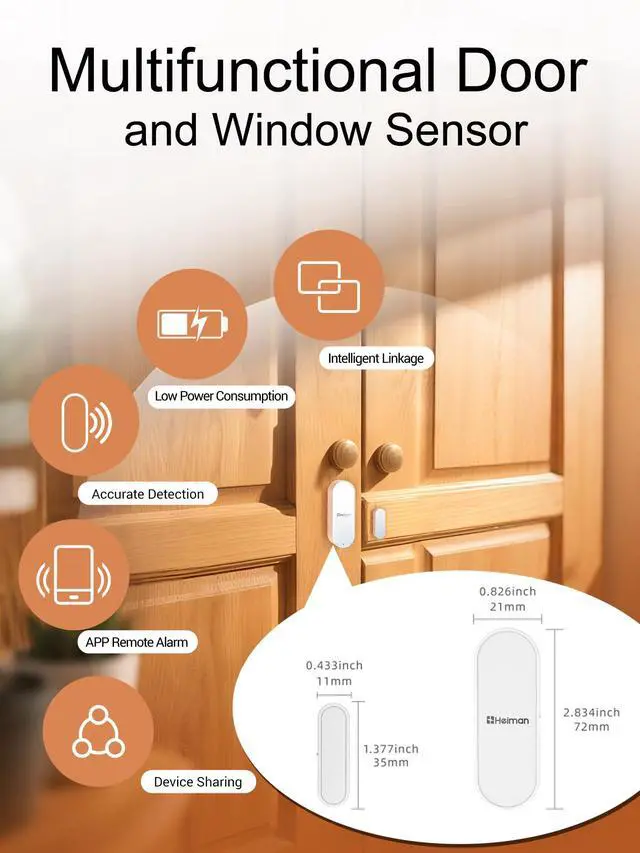
| Detector Dimension: | 72x21x26 mm |
| Magnet Dimension: | 35x11x13 mm |
- This sensor is for indoor use only.
- Make sure LED indicator is on lower part of detector.
- Avoid installing on metal doors.(Metal door may infuence detection distance and wireless distance).
- Please make sure the mark in magnet align to the mark in detoctor, and make sure installation distance between detector and the magnet less than 20 mm.(Magnet part can be installed on eitheside of detector)
How to Operate?
Power on
1.Sliding down to open the back cover
2.Remove battery insulation film to power on the detector part.
(Please make sure the mark in magnet align to themark in detector, and make sureinstallation distance between detectorand the magnet less than 20 mm.)
Networking
Long press the networking button for 5 seconds, blue LED will flash quickly(about 2 times per second), laterthe APP will prompt networking issuccessful.
(Please follow the guideline in APP tooperate until networking is successful.)
Add device
1.Open Tuya or smart Life APP Enter the user account and passworo Click "+" to add new device, select Sensor > Contact Detector(Wi-Fi)
2.Enter your Wi-Fi name and password
3.The device was added