








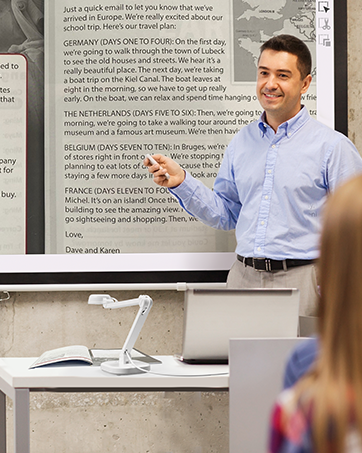
INSWAN INS-1
In-Class Teaching
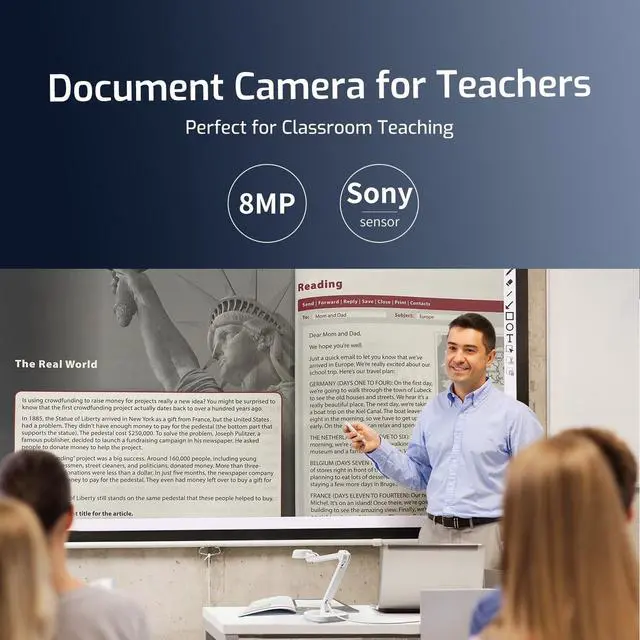
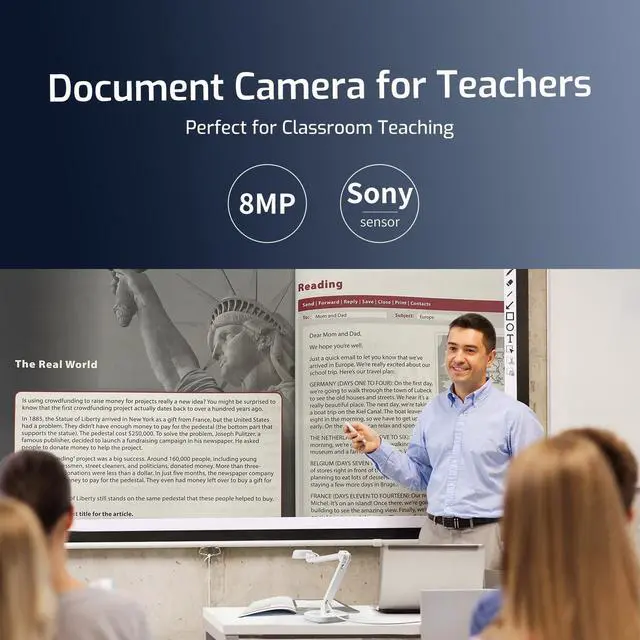
Present textbooks, worksheets, and real objects clearly in 8MP.
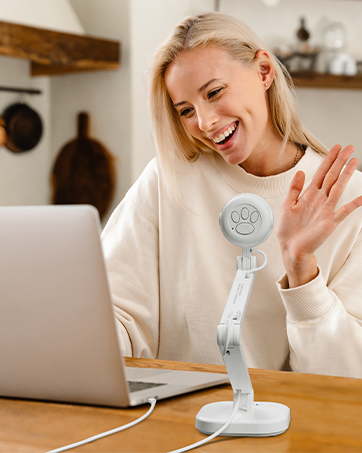
INSWAN INS-1
Web Conferencing
Stay connected with students and colleagues, wherever you are.
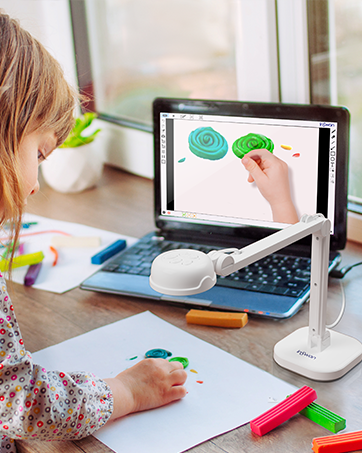
INSWAN INS-1
Smarter Distance Learning
Learning from home has never been this clear and fun.
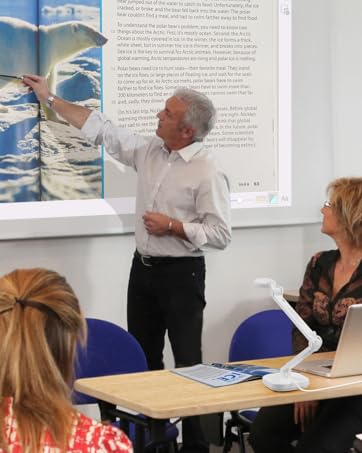
INSWAN INS-2
Perfect for Large Classrooms
Clearly display large documents and two-page spreads for every student.
INSWAN INS-2
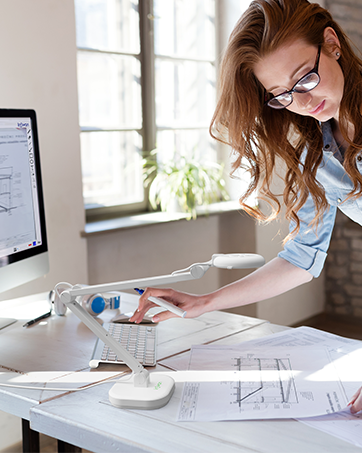
Professional A3 Capture
Easily scan and display documents and artwork up to A3.
INSWAN INS-2
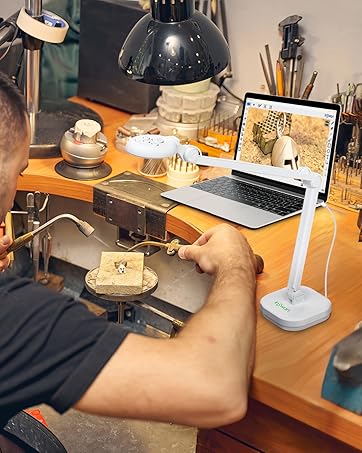
Crystal-Clear 4K
Capture tiny objects and materials with exceptional sharpness.
INSWAN INS-3
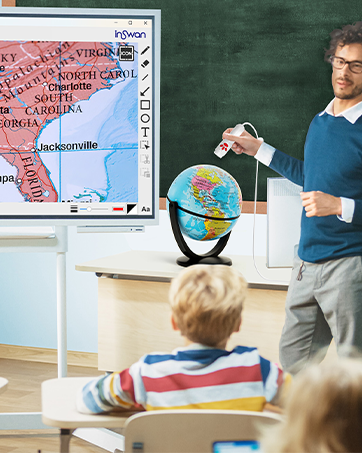
Detachable Design
Share every detail from any angle with the detachable camera.

INSWAN INS-3
Close-Up Precision
See small areas clearly, perfect for detailed work .
INSWAN INS-3
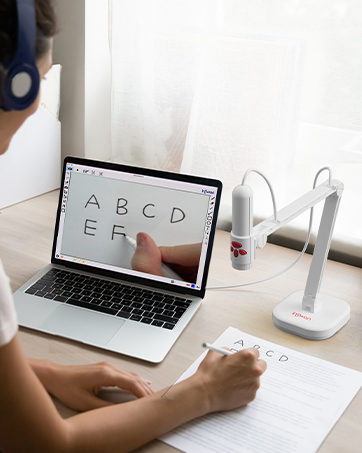
Classic Document Camera Use
Share textbooks and worksheets clearly, perfect for remote learning.
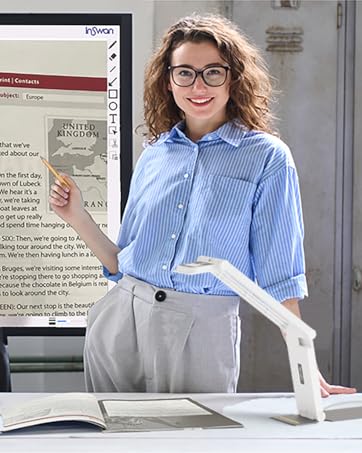
INSWAN INS-Flip 4
Compact Classroom Use
Perfect for tabletop teaching, showing lessons clearly to all students.
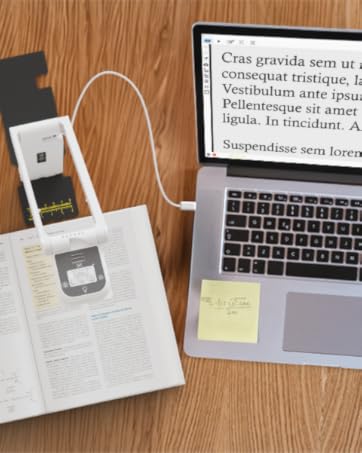
INSWAN INS-Flip 4
Ultimate 4K Clarity
Bring textbooks, worksheets, and real objects to life with stunning detail.
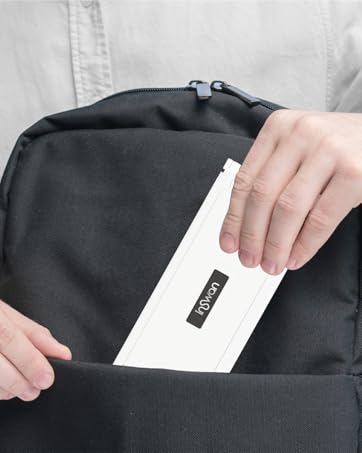
INSWAN INS-Flip 4
Folds Flat to Go
Take it anywhere, ready for teaching on the move.
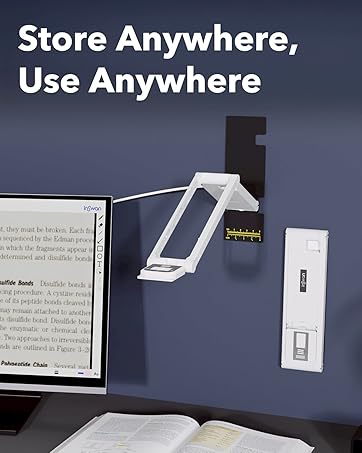
INSWAN INS-Flip 4
Stick Anywhere with Ease
Stable and flexible setup using the metal base and magnets.
Professional-Grade Document Camera for Modern Education and Business
INSWAN INS-1 Document Camera video
Merchant VideoUnleash Your Potential: Embrace the Versatility of INSWAN INS-1 USB 2-in-1 8MP Document Camera and Webcam - Ideal for All!
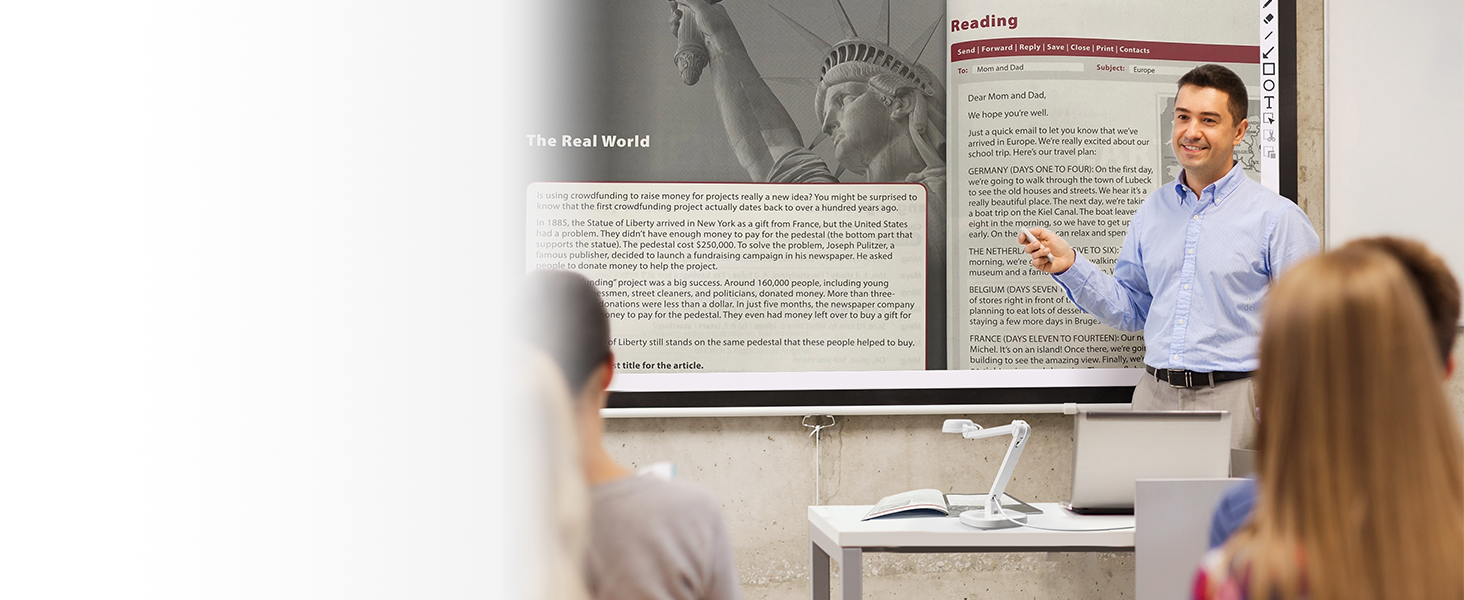
Classroom Quality Enhancement:
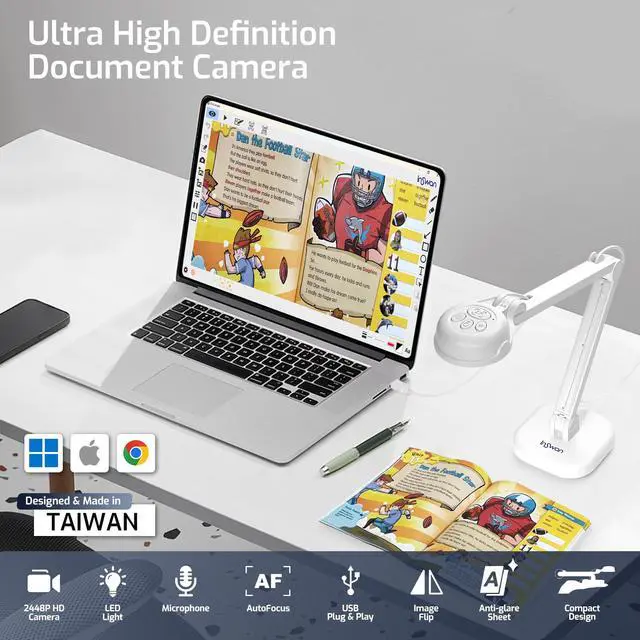
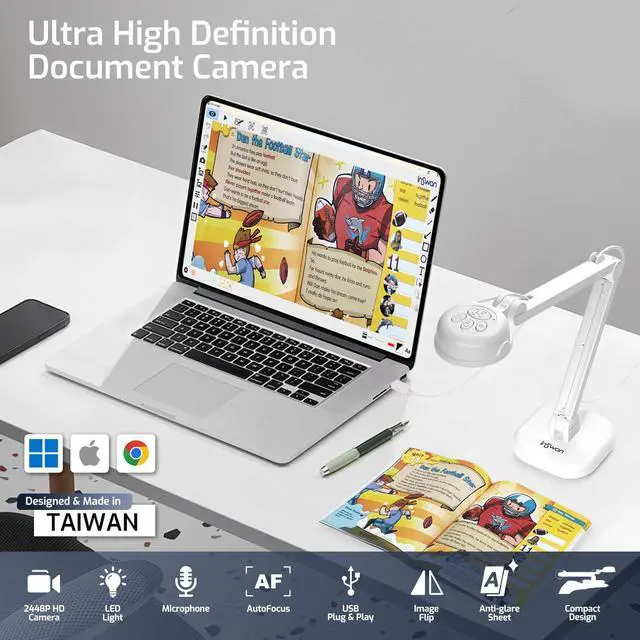
INSWAN INS-1 Document Camera works with PC & whiteboards. Project 8MP HD class images easily!
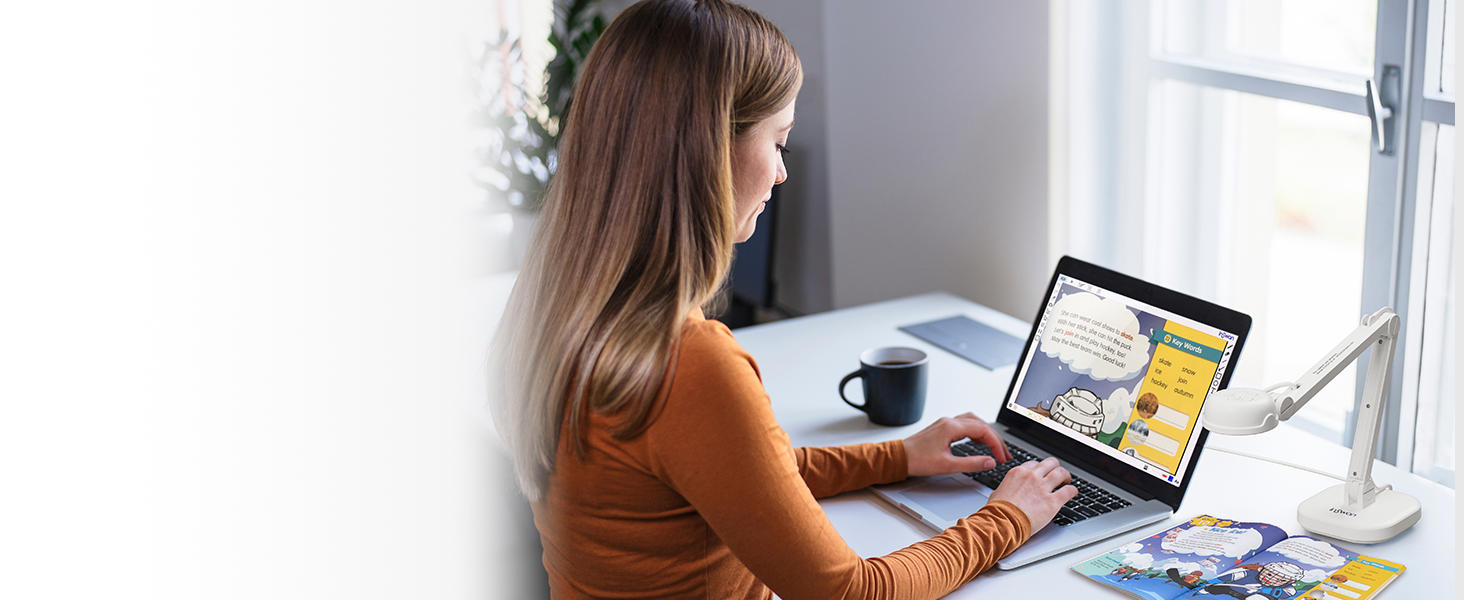
Elevate Remote Teaching Excellence:
Experience real-time, lag-free, HD images (2448p) capture at 30fps to enhance lesson engagement!
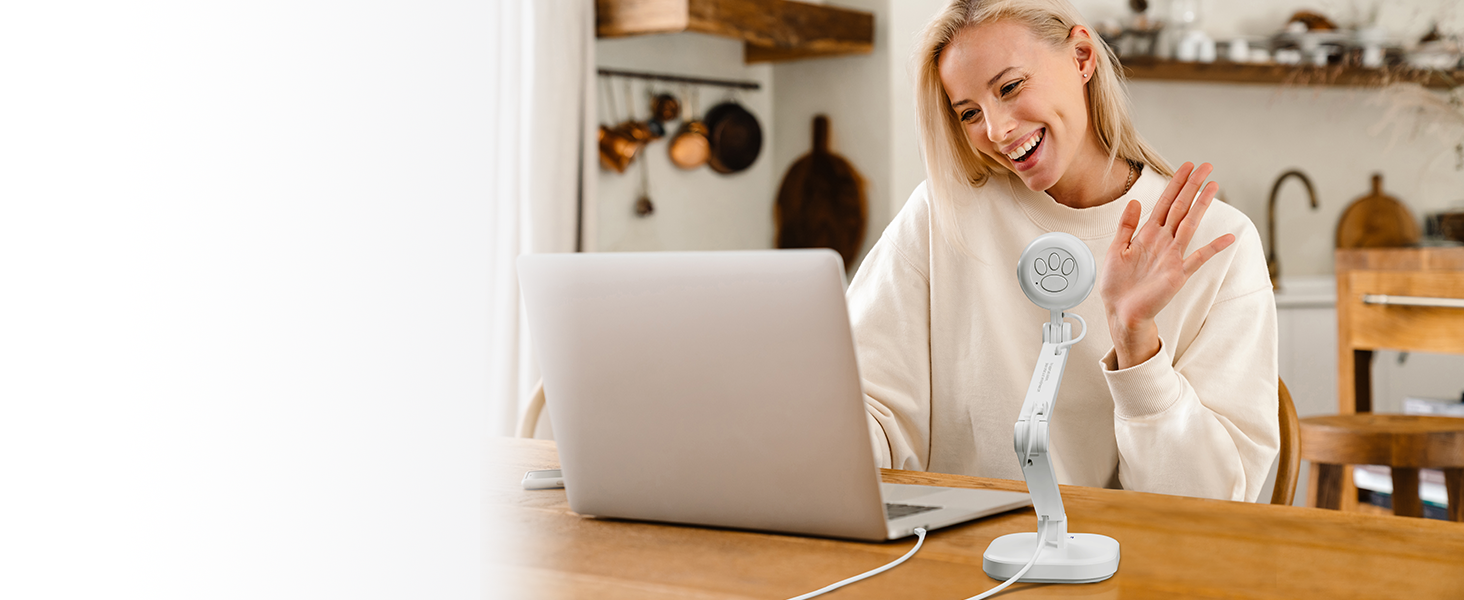
Seamless Work from Home Experience:
Upgrade web conferencing with INSWAN INS-1 Document Camera and built-in stereo microphone.
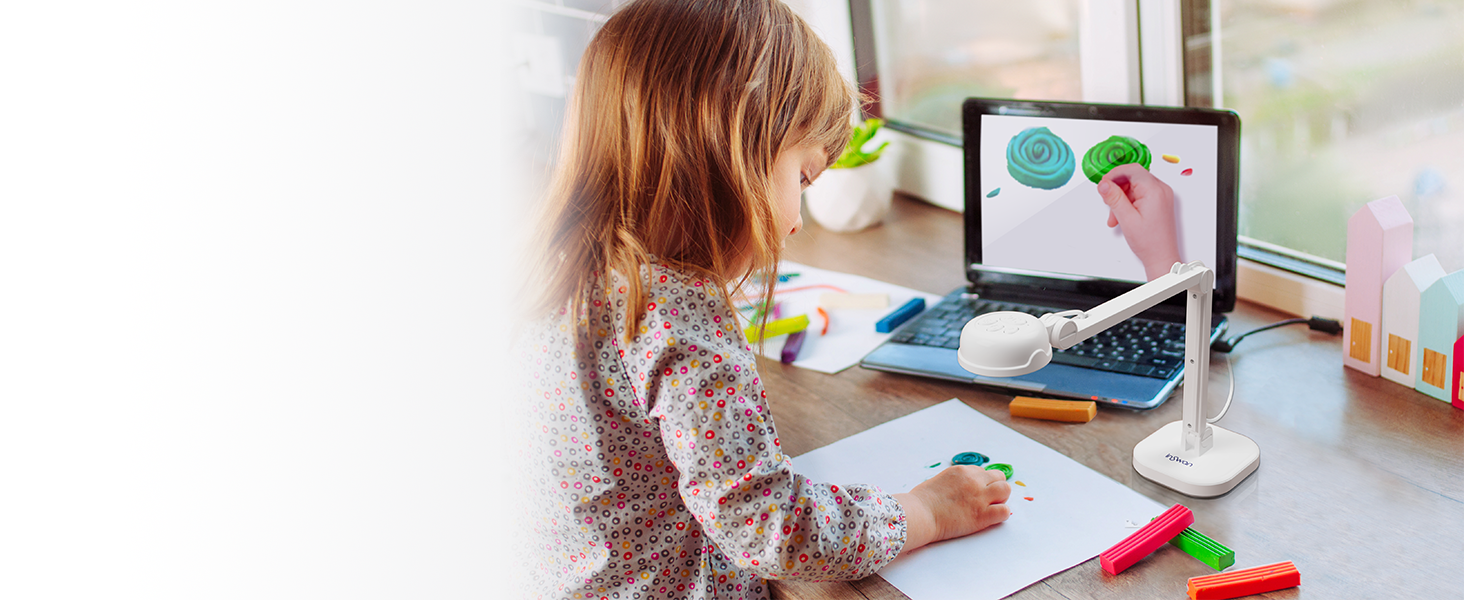
Enhance Distance Learning:
Experience super easy setup for a natural & vivid classroom, Igniting Children's creativity!
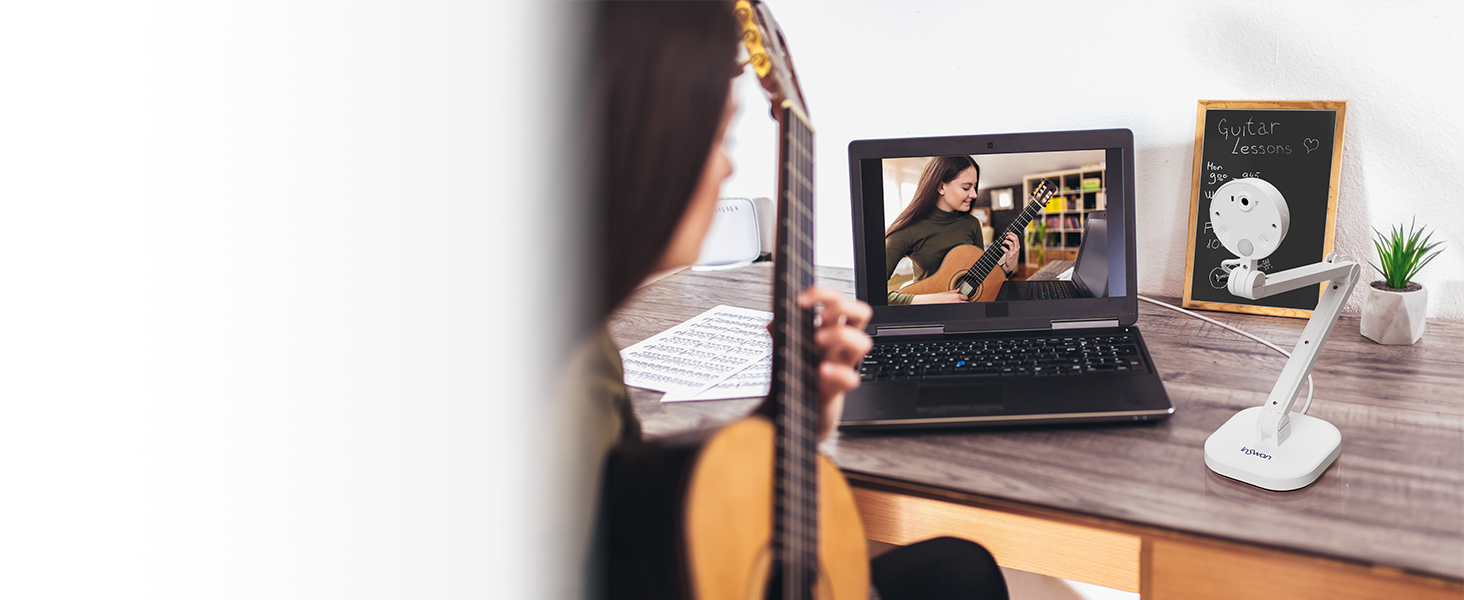
Unleash Your Creative Vision:
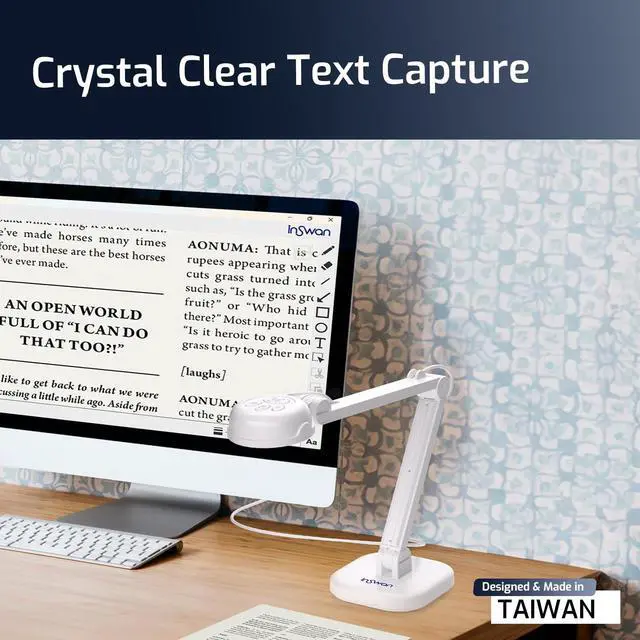
Capture breathtaking 3264x2448 pixel videos at 30fps with Sony CMOS sensor. Share your masterpiece!
INSWAN INS-1 Document Camera - Your All-In-One Solution!
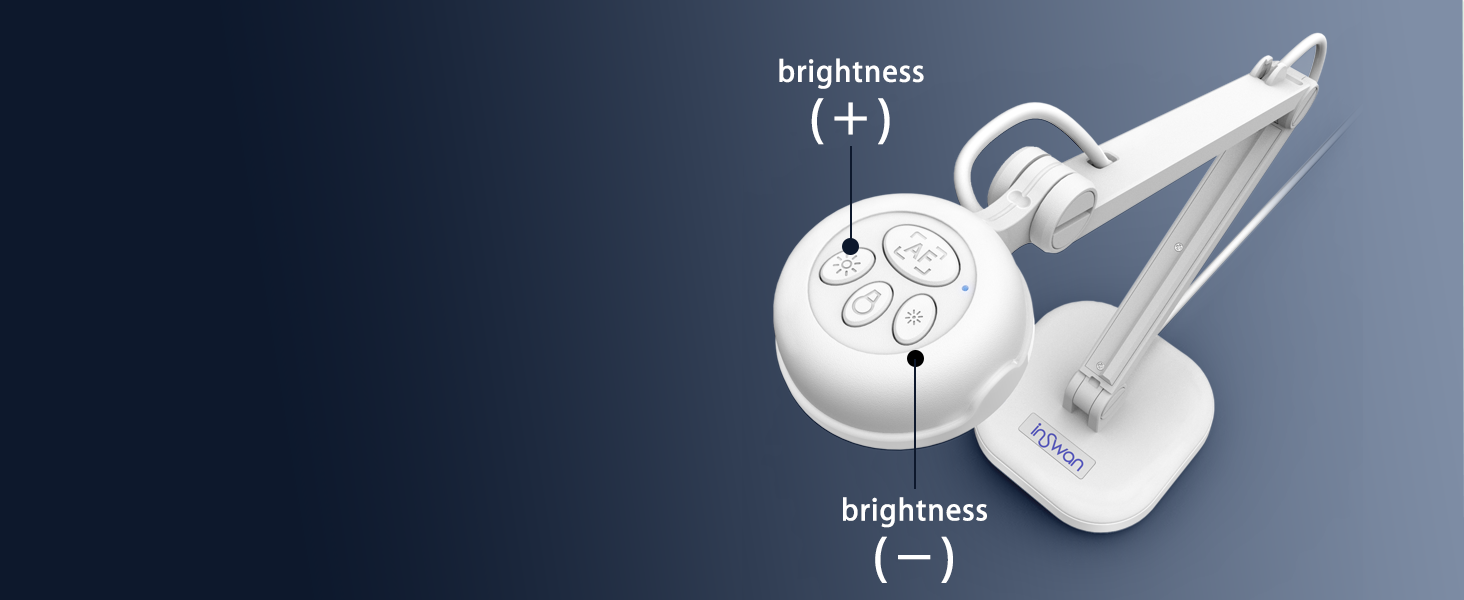
Effortless Operation:
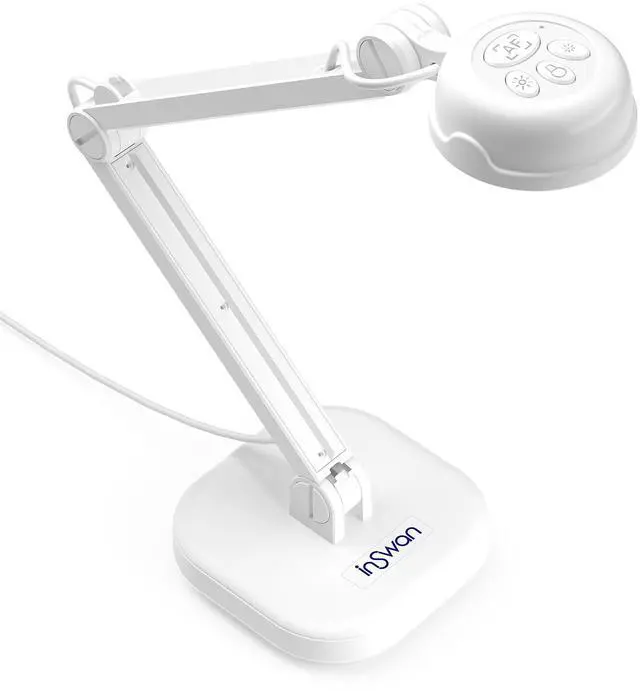
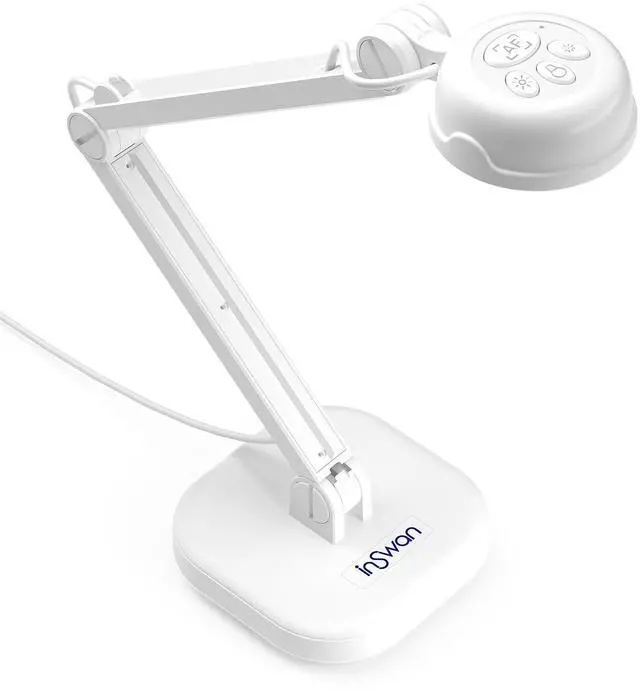
INSWAN INS-1's One-touch operation and easy-access buttons for Autofocus, Brightness, Image Flip and LED Lamp - The ultimate partner for any webinar software!

Perfect lighting made effortless:
The INSWAN INS-1 Document Camera’s built-in LED enhances visibility in low-light conditions.
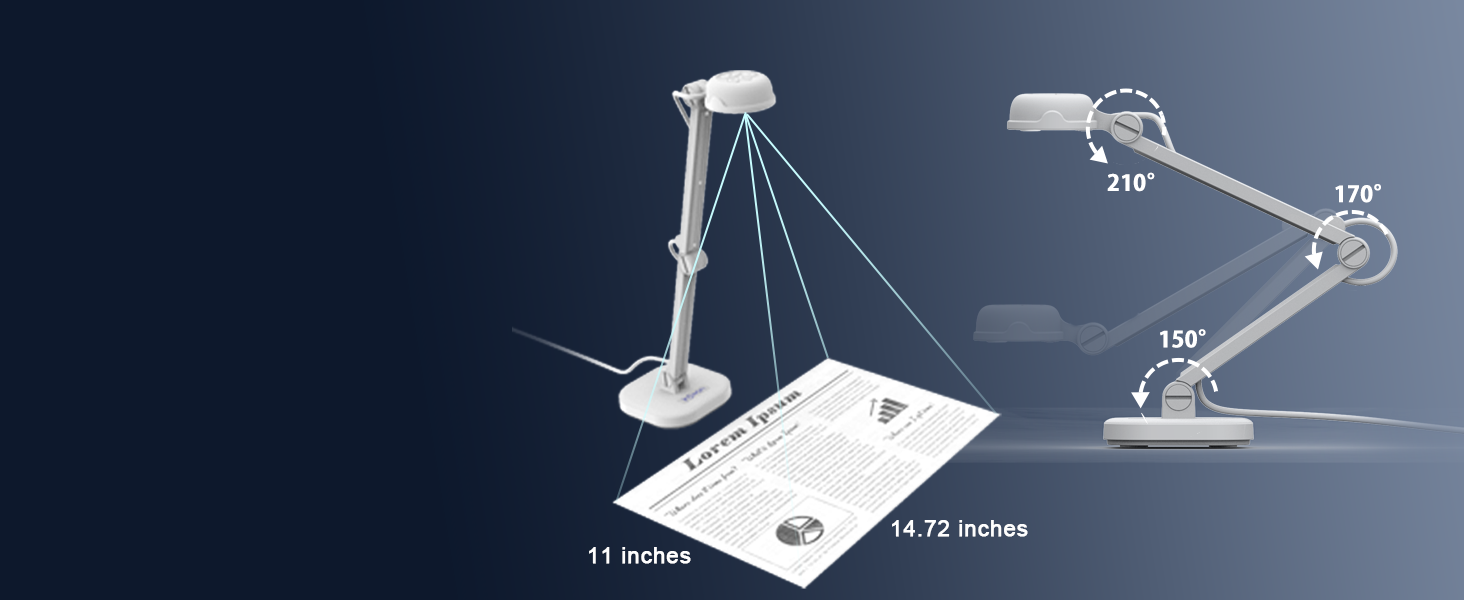
Unleash your visual potential:
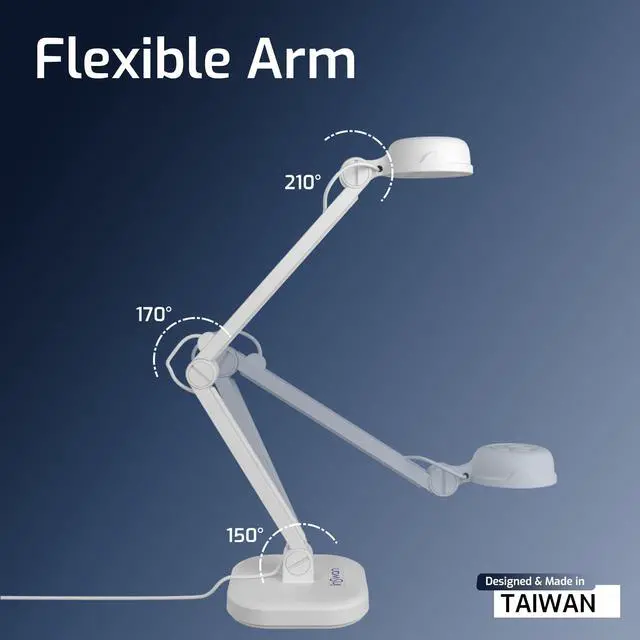
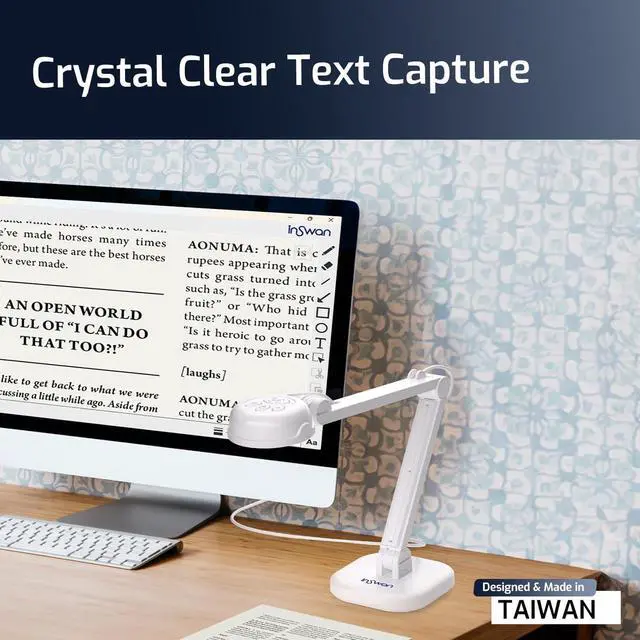
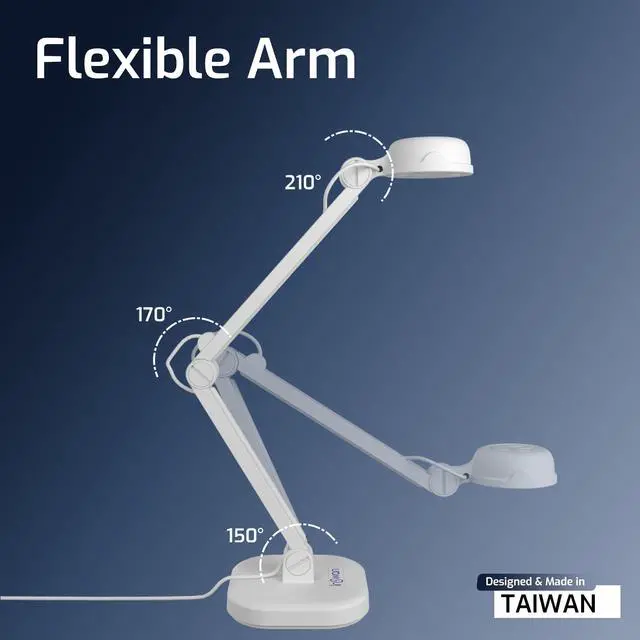
Seamlessly capture 14.72 x 11 inches images and videos with its flexible multi-joint arm!
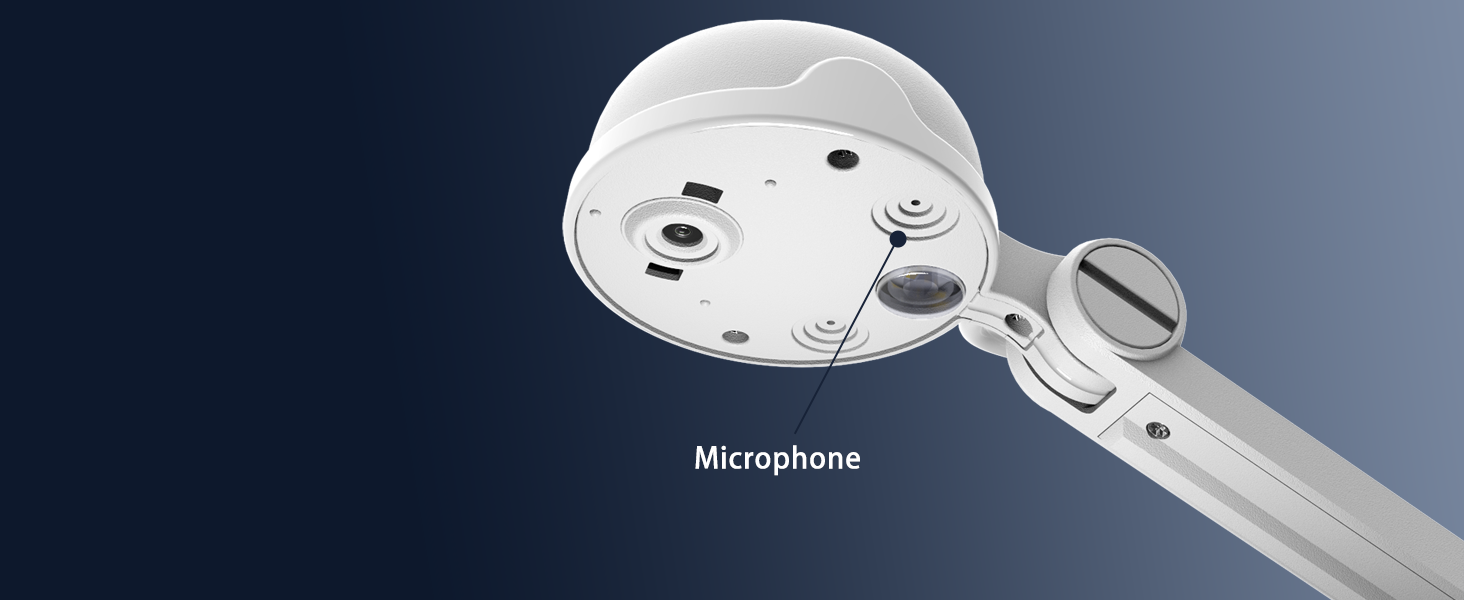
Experience Clear Audio
Built-In Stereo Microphone Perfect for Remote Teaching, Distance Learning, and Web Conferencing.
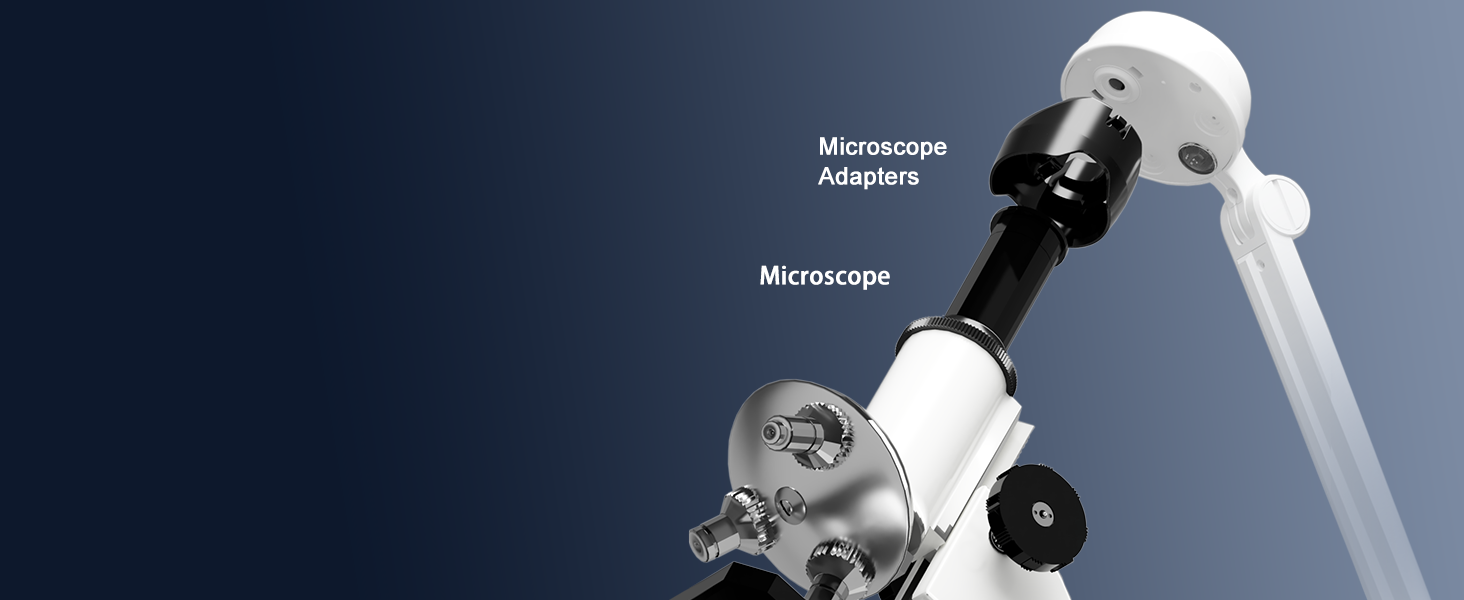
Microscope Adapter
You can even connect your INS-1 to a Ø28mm / Ø31mm / Ø33mm / Ø34mm eyepiece microscope to output microscopic objects to a big screen.
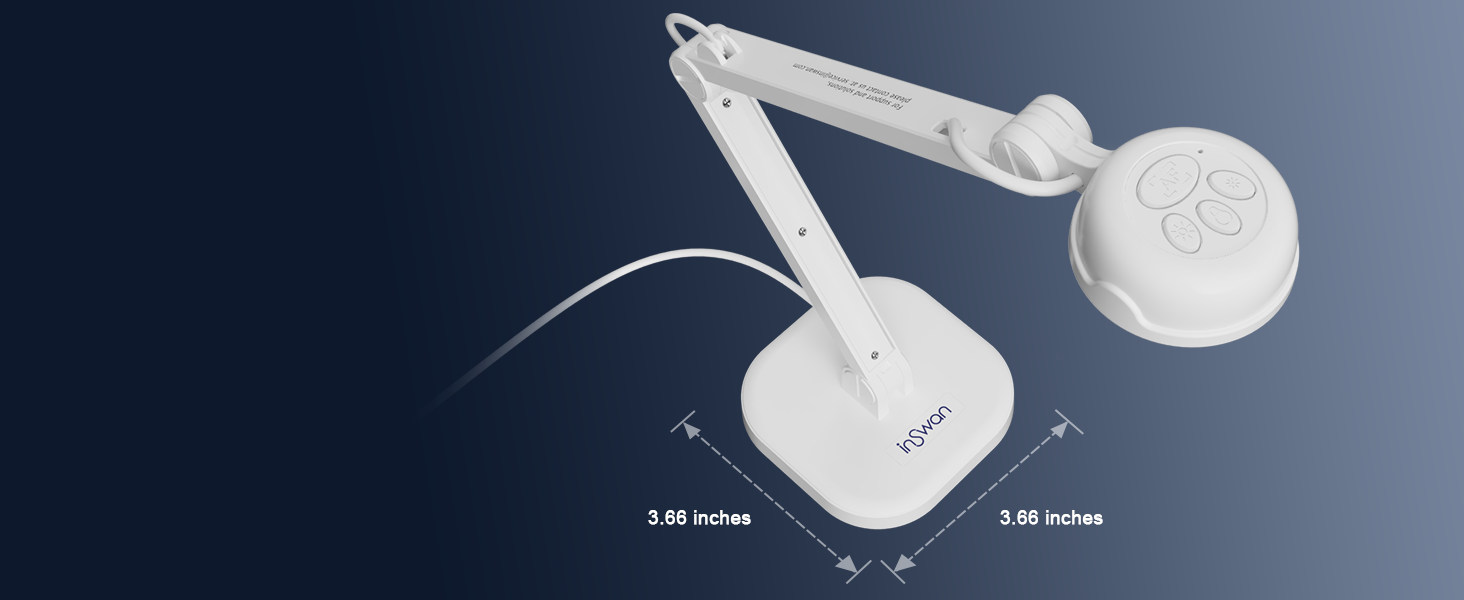
Create a Spacious Workspace:
INSWAN INS-1's compact design optimizes desktop space! Lightweight, foldable, and easy to carry around.
Exclusive Documate Software Brings In-Person/Online Presentation Come to life!

Documate offers zoom, rotation, snapshot, annotation, scanning, video recording, code scan mode, and a shortcut keyboard with 7 shortcuts: Ctrl + Scroll Up (Zoom in), Ctrl + Scroll Down(Zoom in), Ctrl + Z/Y (Undo/Redo), Ctrl + S (Snapshot), Ctrl + R (Record), Ctrl + F (Autofocus).
Plug and Play – Works immediately with built-in camera apps via USB 2.0 (Type-A)

INSWAN INS-1 Document Camera works seamlessly on software, application and systems that support standard UVC devices. For enhanced features and classroom tools, download the exclusive Documate app designed specifically for INSWAN document cameras.
What's special about the INSWAN INS-1 Document Camera?
INSWAN INS-1 Document Camera is plug-and-play and come with USB 2.0 cable, assembly-free, and easy to use. Its compact but stable base design frees up desktop space. INS-1 is an really excellent document camera for teachers, students, and presenters.
Can I use the INSWAN INS-1 Document Camera to project directly to a TV or projector without connecting it to a computer?
As the camera requires a computer or laptop to process and display the image. It's necessary to connect the INSWAN INS-1 to a computer/laptop first via USB. Then, connect the computer or laptop to the screen or projector via a VGA or HDMI cable.
Will INSWAN INS-1 Document Camera work with webinar software?
The INSWAN INS-1 Document Camera works seamlessly with most popular webinar and live streaming applications, such as Zoom, Google Meet, Microsoft Teams, Cisco Webex, GoToMeeting, Insig, Facebook Live, and many others.
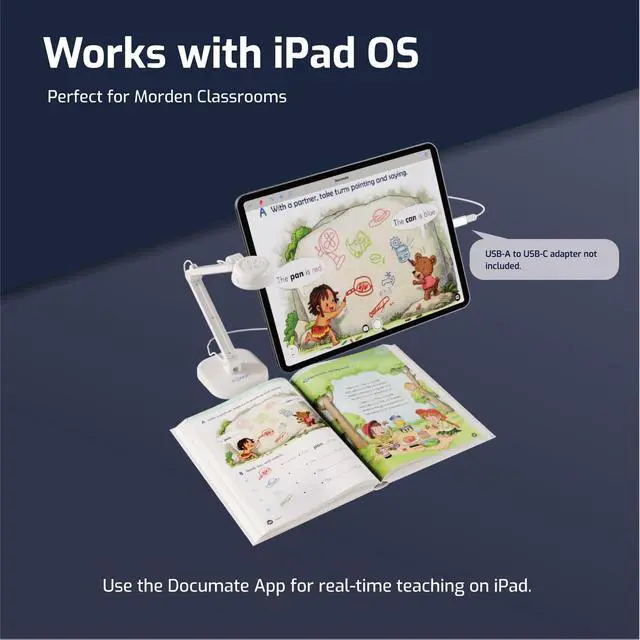
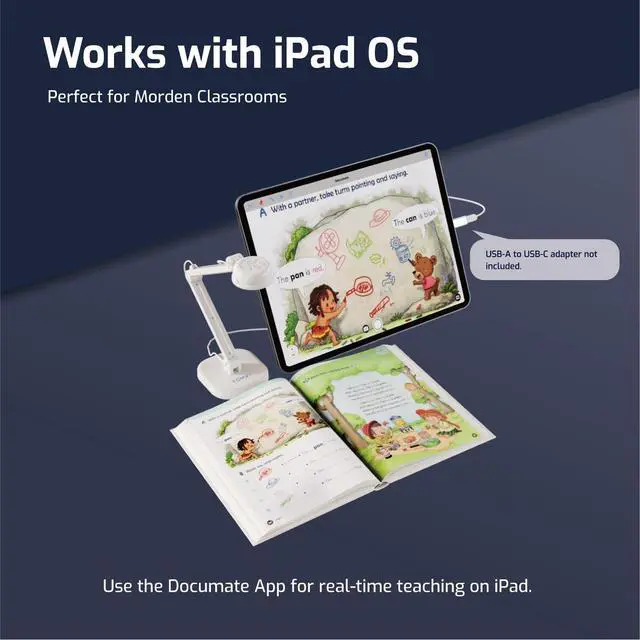
Does the INSWAN Document Camera support iPads?
Yes, as long as:
- USB-C iPad with iPadOS 17+ required (no Lightning models).
- iPadOS 18+ is needed to install and fully use Documate app.
- Camera uses a USB-A connector, a USB-C to A adapter is required.
- Search “Inswan Documate” in App Store.
How can I shoot 1080P / 2448P high-definition live video and fix image mirroring?
Some webinar app mirrors images at host end and drop image resolution by default.
Solve by:
1.Plug in INS-1 document camera
2.Launch any webinar software/Documate to display the live image
3.Simultaneously press brightness +/- buttons to flip image
Tech & Specs
 Classic Great Value |  4K UHD Crystal Clarity |  Detachable Handheld Style |  4K Clarity & Foldable | |
|---|---|---|---|---|
Customer Reviews | — | — | — | — |
Price | — | — | — | — |
Model Name | INS-1 | INS-2 | INS-3 | INS-Flip 4 |
Sensor | 8 Megapixels Sony CMOS | 13 Megapixels Sony CMOS | 5 Megapixels CMOS | 13 Megapixels Sony CMOS |
Shooting area (Max) | Greater than B4 (14.72 x 11”) | A3 size (16.5 “ x 12.4”) | Greater than B4(15” x 11.22”) | Greater than B4(14.56"x11.81") |
Max Resolution | 3264 x 2448P @ 30 fps | 3840 x 2160P @30 fps | 2560 x1920P @ 30 fps | 3840 x 2160P @30 fps |
AutoFocus | Single Mode (AF-S) | Dual Mode: AF-S / AF-C | Dual Mode: AF-S / AF-C | Single Mode (AF-S) |
Product Dimension | 9.6 x 3.66 x 2.98 inches | 12.1 x 3.66 x 3.19 inches | 8.6 x 3.66 x 3.37 inches | 8.58 x 2.46 x 0.68 inches |
Weight | ?1.76 pounds | 2.35 pounds | 1.32 pounds | 0.67 pounds |
LED Supplemental Light | ? | ? | ? | ? |
Microphone | ? | ? | ? | ? |
Carry Bag | ? | ? | ? | ? |
Microscope Adapters | ? | ? | ? | ? |
Professional-Grade Document Camera for Modern Education and Business
INSWAN INS-1 Document Camera video
Merchant VideoUnleash Your Potential: Embrace the Versatility of INSWAN INS-1 USB 2-in-1 8MP Document Camera and Webcam - Ideal for All!
Classroom Quality Enhancement:
INSWAN INS-1 Document Camera works with PC & whiteboards. Project 8MP HD class images easily!
Elevate Remote Teaching Excellence:
Experience real-time, lag-free, HD images (2448p) capture at 30fps to enhance lesson engagement!
Seamless Work from Home Experience:
Upgrade web conferencing with INSWAN INS-1 Document Camera and built-in stereo microphone.
Enhance Distance Learning:
Experience super easy setup for a natural & vivid classroom, Igniting Children's creativity!
Unleash Your Creative Vision:
Capture breathtaking 3264x2448 pixel videos at 30fps with Sony CMOS sensor. Share your masterpiece!


INSWAN INS-1 Document Camera - Your All-In-One Solution!
Effortless Operation:
Perfect lighting made effortless:
Unleash your visual potential:
Experience Clear Audio
Microscope Adapter
Create a Spacious Workspace:


INSWAN INS-1's One-touch operation and easy-access buttons for Autofocus, Brightness, Image Flip and LED Lamp - The ultimate partner for any webinar software!
The INSWAN INS-1 Document Camera’s built-in LED enhances visibility in low-light conditions.
Seamlessly capture 14.72 x 11 inches images and videos with its flexible multi-joint arm!
Built-In Stereo Microphone Perfect for Remote Teaching, Distance Learning, and Web Conferencing.
You can even connect your INS-1 to a Ø28mm / Ø31mm / Ø33mm / Ø34mm eyepiece microscope to output microscopic objects to a big screen.
INSWAN INS-1's compact design optimizes desktop space! Lightweight, foldable, and easy to carry around.
Exclusive Documate Software Brings In-Person/Online Presentation Come to life!

Documate offers zoom, rotation, snapshot, annotation, scanning, video recording, code scan mode, and a shortcut keyboard with 7 shortcuts: Ctrl + Scroll Up (Zoom in), Ctrl + Scroll Down(Zoom in), Ctrl + Z/Y (Undo/Redo), Ctrl + S (Snapshot), Ctrl + R (Record), Ctrl + F (Autofocus).
Plug and Play – Works immediately with built-in camera apps via USB 2.0 (Type-A)

INSWAN INS-1 Document Camera works seamlessly on software, application and systems that support standard UVC devices. For enhanced features and classroom tools, download the exclusive Documate app designed specifically for INSWAN document cameras.
What's special about the INSWAN INS-1 Document Camera?
INSWAN INS-1 Document Camera is plug-and-play and come with USB 2.0 cable, assembly-free, and easy to use. Its compact but stable base design frees up desktop space. INS-1 is an really excellent document camera for teachers, students, and presenters.
Can I use the INSWAN INS-1 Document Camera to project directly to a TV or projector without connecting it to a computer?
As the camera requires a computer or laptop to process and display the image. It's necessary to connect the INSWAN INS-1 to a computer/laptop first via USB. Then, connect the computer or laptop to the screen or projector via a VGA or HDMI cable.
Will INSWAN INS-1 Document Camera work with webinar software?
The INSWAN INS-1 Document Camera works seamlessly with most popular webinar and live streaming applications, such as Zoom, Google Meet, Microsoft Teams, Cisco Webex, GoToMeeting, Insig, Facebook Live, and many others.
Does the INSWAN Document Camera support iPads?
Yes, as long as:
- USB-C iPad with iPadOS 17+ required (no Lightning models).
- iPadOS 18+ is needed to install and fully use Documate app.
- Camera uses a USB-A connector, a USB-C to A adapter is required.
- Search “Inswan Documate” in App Store.
How can I shoot 1080P / 2448P high-definition live video and fix image mirroring?
Some webinar app mirrors images at host end and drop image resolution by default.
Solve by:
1.Plug in INS-1 document camera
2.Launch any webinar software/Documate to display the live image
3.Simultaneously press brightness +/- buttons to flip image
Tech & Specs
Classic Great Value | 4K UHD Crystal Clarity | Detachable Handheld Style | 4K Clarity & Foldable |
|---|---|---|---|
| Customer Reviews | |||
| — | — | — | — |
| Price | |||
| — | — | — | — |
| Model Name | |||
| INS-1 | INS-2 | INS-3 | INS-Flip 4 |
| Sensor | |||
| 8 Megapixels Sony CMOS | 13 Megapixels Sony CMOS | 5 Megapixels CMOS | 13 Megapixels Sony CMOS |
| Shooting area (Max) | |||
| Greater than B4 (14.72 x 11”) | A3 size (16.5 “ x 12.4”) | Greater than B4(15” x 11.22”) | Greater than B4(14.56"x11.81") |
| Max Resolution | |||
| 3264 x 2448P @ 30 fps | 3840 x 2160P @30 fps | 2560 x1920P @ 30 fps | 3840 x 2160P @30 fps |
| AutoFocus | |||
| Single Mode (AF-S) | Dual Mode: AF-S / AF-C | Dual Mode: AF-S / AF-C | Single Mode (AF-S) |
| Product Dimension | |||
| 9.6 x 3.66 x 2.98 inches | 12.1 x 3.66 x 3.19 inches | 8.6 x 3.66 x 3.37 inches | 8.58 x 2.46 x 0.68 inches |
| Weight | |||
| ?1.76 pounds | 2.35 pounds | 1.32 pounds | 0.67 pounds |
| LED Supplemental Light | |||
| ? | ? | ? | ? |
| Microphone | |||
| ? | ? | ? | ? |
| Carry Bag | |||
| ? | ? | ? | ? |
| Microscope Adapters | |||
| ? | ? | ? | ? |
INSWAN INS-1
In-Class Teaching
Present textbooks, worksheets, and real objects clearly in 8MP.
INSWAN INS-1
Web Conferencing
Stay connected with students and colleagues, wherever you are.
INSWAN INS-1
Smarter Distance Learning
Learning from home has never been this clear and fun.
INSWAN INS-2
Perfect for Large Classrooms
Clearly display large documents and two-page spreads for every student.
INSWAN INS-2
Professional A3 Capture
Easily scan and display documents and artwork up to A3.
INSWAN INS-2
Crystal-Clear 4K
Capture tiny objects and materials with exceptional sharpness.
INSWAN INS-3
Detachable Design
Share every detail from any angle with the detachable camera.
INSWAN INS-3
Close-Up Precision
See small areas clearly, perfect for detailed work .
INSWAN INS-3
Classic Document Camera Use
Share textbooks and worksheets clearly, perfect for remote learning.
INSWAN INS-Flip 4
Compact Classroom Use
Perfect for tabletop teaching, showing lessons clearly to all students.
INSWAN INS-Flip 4
Ultimate 4K Clarity
Bring textbooks, worksheets, and real objects to life with stunning detail.
INSWAN INS-Flip 4
Folds Flat to Go
Take it anywhere, ready for teaching on the move.
INSWAN INS-Flip 4
Stick Anywhere with Ease
Stable and flexible setup using the metal base and magnets.