




Easy Communication
Walkie-Talkie Style Two-Way Intercom
Simple "Push-to-Talk" logic—hold the button to speak and release to listen—making it intuitive for children and seniors.


Our 2.4G Wireless Doorbell
- Independent 2.4G (No WiFi needed)
- Local Micro-SD (100% Secure)
- $0 / Forever
- Plug & Play (Seconds)
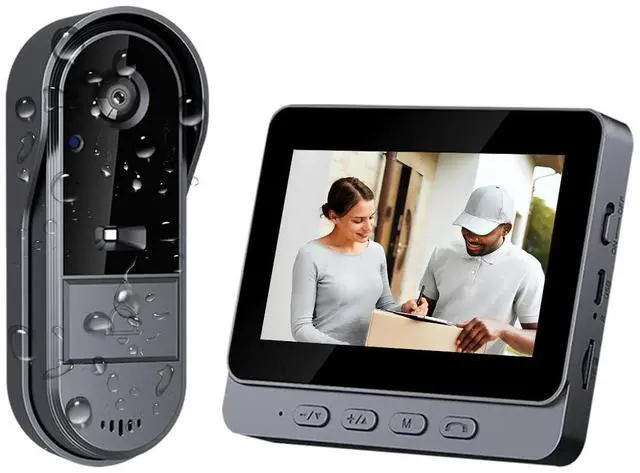
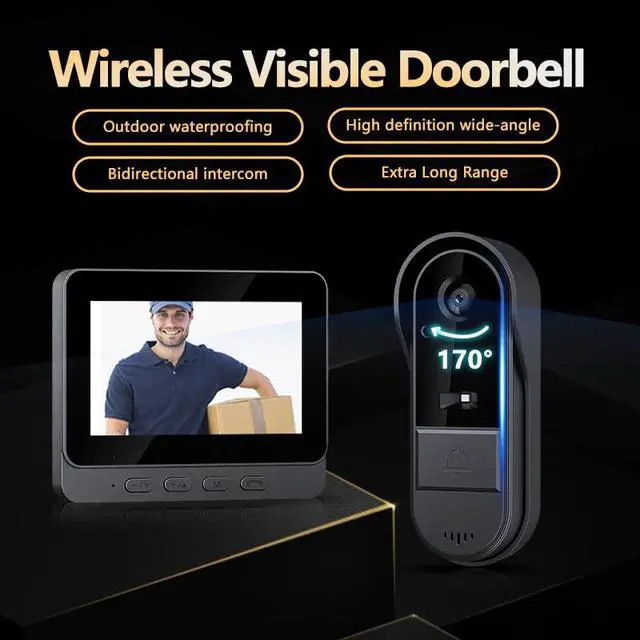
- 4.3" Dedicated Monitor Included

Traditional WiFi Doorbell
- Requires WiFi
- Cloud Storage (Risk of Leaks)
- Monthly Subscription Fees
- Complex App Pairing
- Phone Only (App Dependent)
Important Information
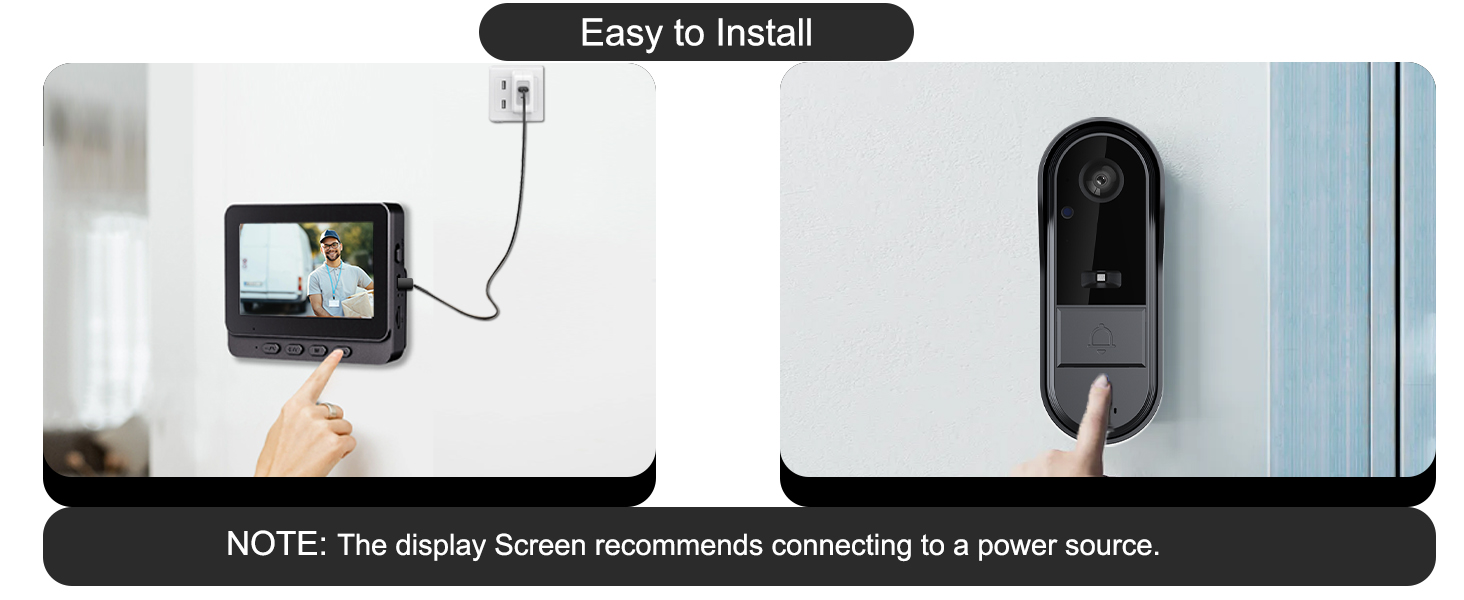
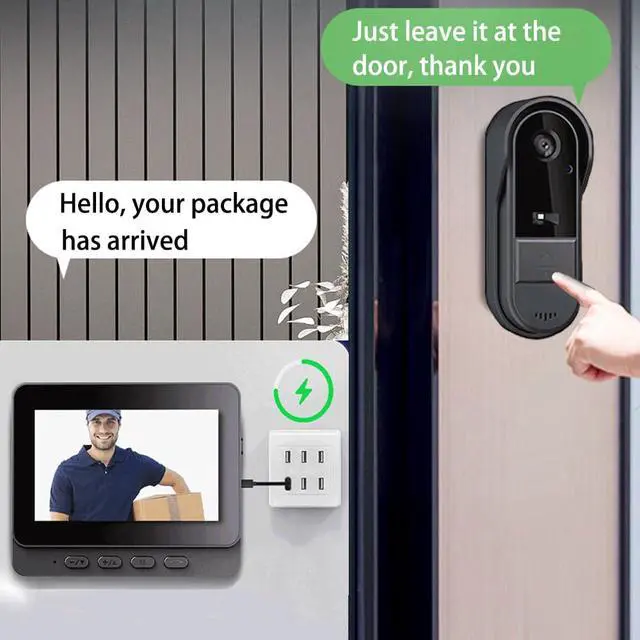
Connect the monitor to a 5V USB power source for continuous use.
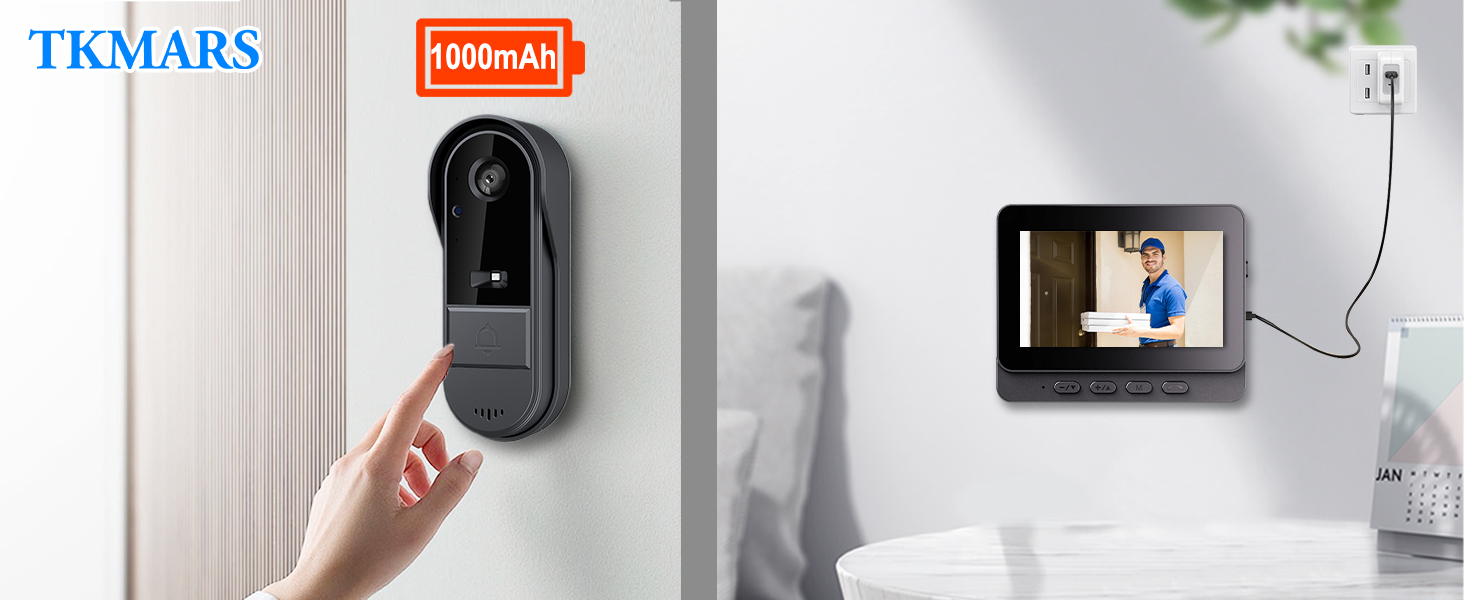
Battery
Doorbell: 1000mAh Rechargeable Lithium.
Indoor Monitor: Built-in 400mAh battery, primarily used for temporary backup and time memory retention.
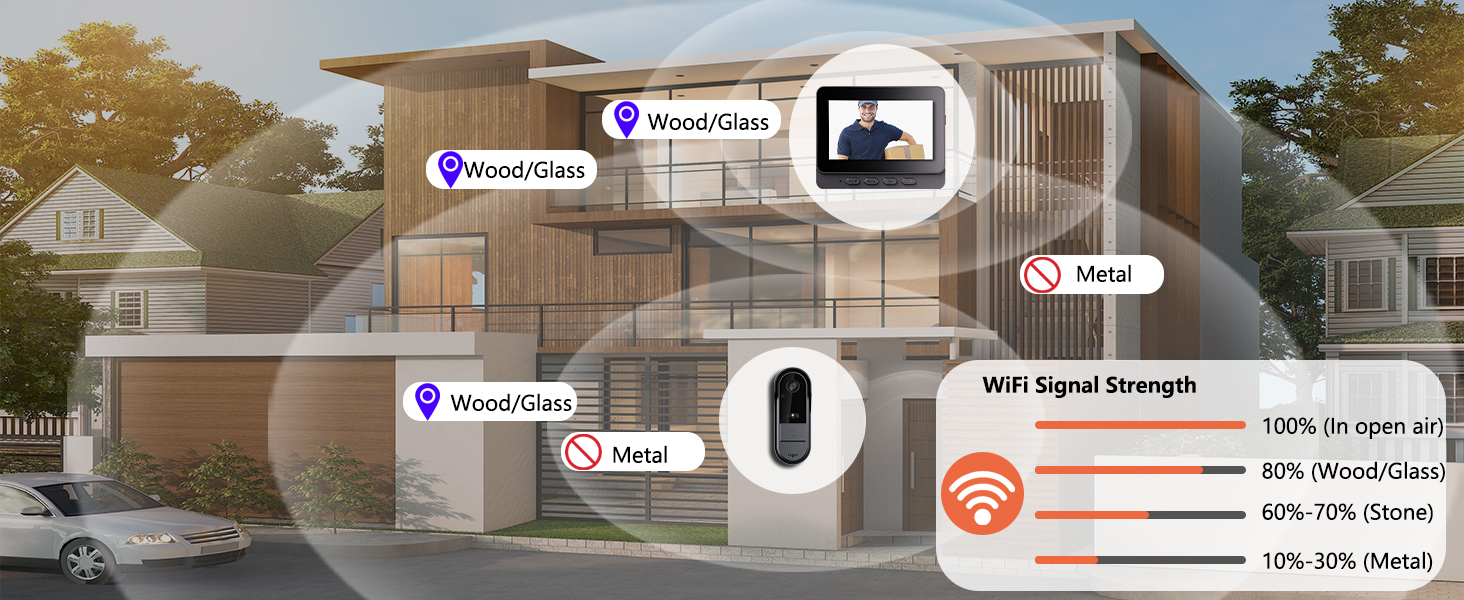
Signal Range
- Up to 160 ft (50-80 m) in open areas
- 10–100 ft (3–30 m) when obstructed by walls or metal doors
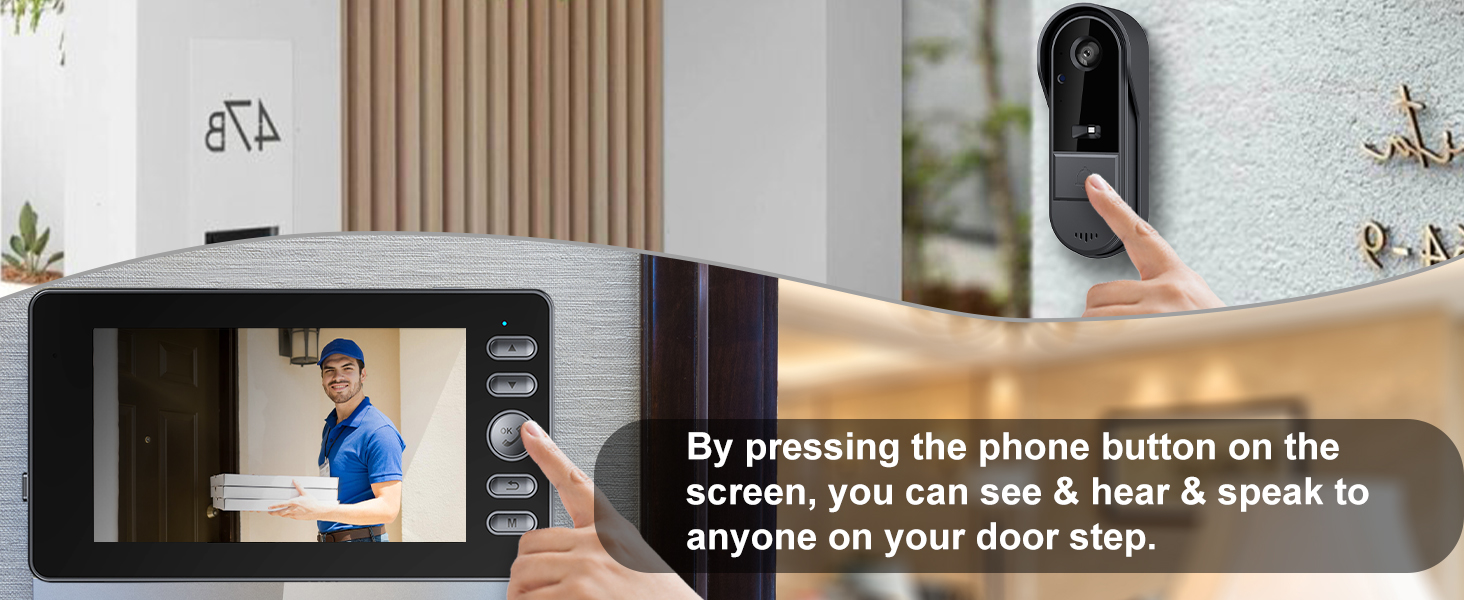
Other model
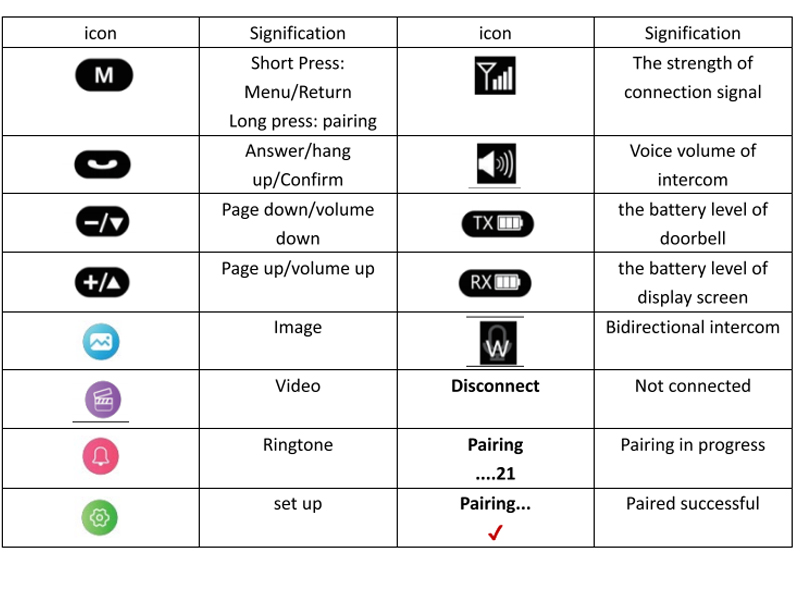
Monitor screen: View real-time battery levels for both the doorbell (TX) and monitor (RX) directly on the screen.
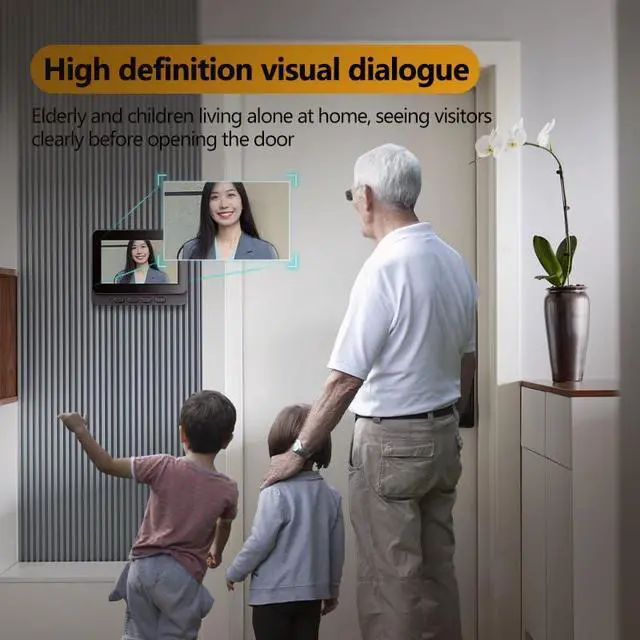
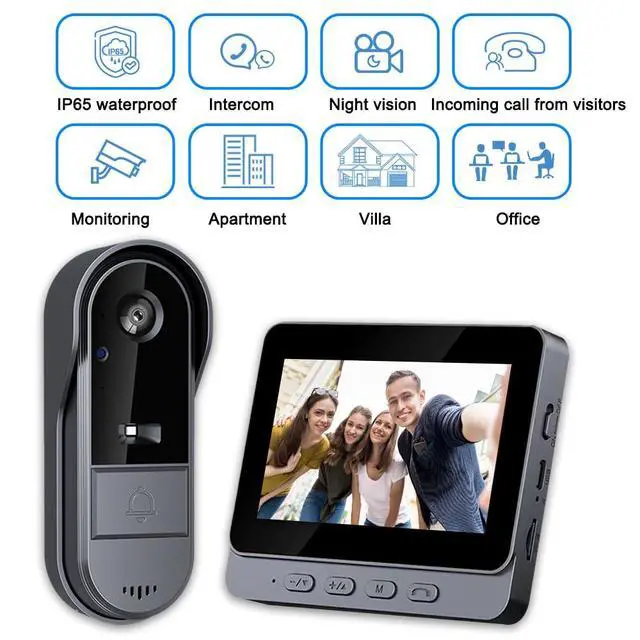
No smartphone required. One-click answering on a 4.3” IPS screen makes it easy for kids and seniors to stay safe. 10-minute tool-free installation is perfect for apartments.
Installation Guide
- Signal Range:10–100 ft (3–30 m) when obstructed by walls or metal doors
- Test the signal at your desired installation location before final mounting
- Place the indoor monitor near a window or on a wall closest to the doorbell for optimal reception
- Do not install the doorbell on or in the center of a heavy metal door
- Avoid placing microwave ovens or high-power Wi-Fi routers between the doorbell and monitor
Doorbell installation video
Merchant VideoFAQ
- Can the Monitor Be Used Wirelessly? No, it is not designed for long-term wireless use. The built-in 400mAh battery is only for time memory and temporary power outages.
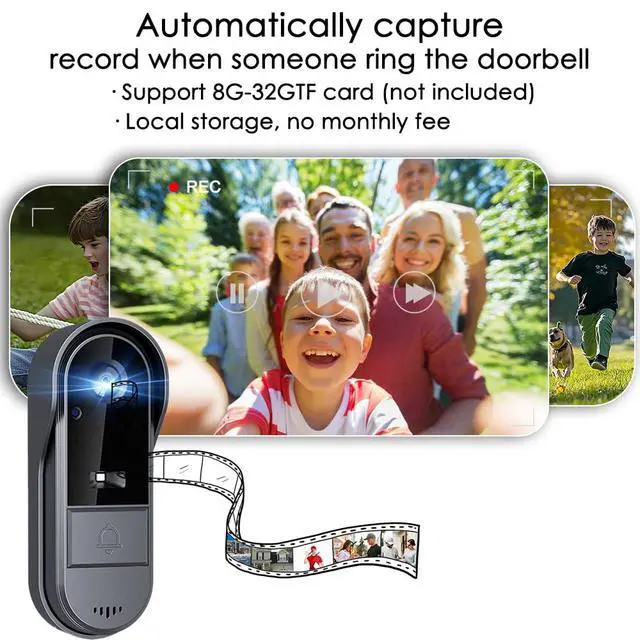
- Can It Record Videos? Yes, only when a TF card is inserted (supports 8GB–32GB, FAT32 format). Videos will be automatically recorded when the doorbell is pressed. Without a card, only photo capture is supported (the built-in memory can store about 40–50 images with loop overwrite).

Menu settings
How to Adjust the Volume? Monitor: When powered on, press the “+” or “–” buttons to adjust the volume. Doorbell: The volume is fixed. If it is too loud, you can cover the speaker with transparent tape.

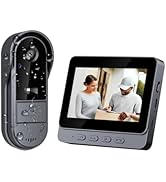
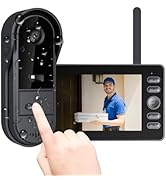
Doorbell Camera Wireless
Does this doorbell system require a monthly subscription fee?
No. Unlike other brands, TKMARS video doorbells do not require any monthly subscription or cloud fees. All videos are stored locally (via SD card), and the intercom function is completely free to use, saving you money in the long run.
How do I talk to a visitor through the indoor monitor?
1.When someone presses the doorbell, the screen will wake up. Press the Phone button to pick up.
2.To speak, press and hold the Phone button; release it to send your voice (just like sending a voice message on WhatsApp).


Walkie-Talkie Style Two-Way Intercom
Simple "Push-to-Talk" logic—hold the button to speak and release to listen—making it intuitive for children and seniors.
Built-in Photo Capture
No SD Card Needed
Automatically captures and stores up to 50 photos with smart loop overwrite for instant security.
Walkie-Talkie Style
Operating Instructions
Speak: Press and HOLD the "Call" button to talk.
Listen: RELEASE the button to hear your visitor.


Our 2.4G Wireless Doorbell
- Independent 2.4G (No WiFi needed)
- Local Micro-SD (100% Secure)
- $0 / Forever
- Plug & Play (Seconds)
- 4.3" Dedicated Monitor Included
Traditional WiFi Doorbell
- Requires WiFi
- Cloud Storage (Risk of Leaks)
- Monthly Subscription Fees
- Complex App Pairing
- Phone Only (App Dependent)
Important Information
Battery
Signal Range
Other model


Connect the monitor to a 5V USB power source for continuous use.
Doorbell: 1000mAh Rechargeable Lithium.
Indoor Monitor: Built-in 400mAh battery, primarily used for temporary backup and time memory retention.
- Up to 160 ft (50-80 m) in open areas
- 10–100 ft (3–30 m) when obstructed by walls or metal doors
Monitor screen: View real-time battery levels for both the doorbell (TX) and monitor (RX) directly on the screen.
No smartphone required. One-click answering on a 4.3” IPS screen makes it easy for kids and seniors to stay safe. 10-minute tool-free installation is perfect for apartments.
Doorbell installation video
Merchant VideoInstallation Guide
- Signal Range:10–100 ft (3–30 m) when obstructed by walls or metal doors
- Test the signal at your desired installation location before final mounting
- Place the indoor monitor near a window or on a wall closest to the doorbell for optimal reception
- Do not install the doorbell on or in the center of a heavy metal door
- Avoid placing microwave ovens or high-power Wi-Fi routers between the doorbell and monitor


Doorbell and Monitor Guide
Please charge before use
- Charge the monitor and doorbell batteries.
- Turn on the monitor using the side power button,pair them by holding the M key on the monitor while long-pressing the doorbell's matching button.
- Enter the menu via the M key to view recorded photos, set the ringtone, change the system language, adjust the monitor volume, and set the display time.
FAQ
- Can the Monitor Be Used Wirelessly? No, it is not designed for long-term wireless use. The built-in 400mAh battery is only for time memory and temporary power outages.
- Can It Record Videos? Yes, only when a TF card is inserted (supports 8GB–32GB, FAT32 format). Videos will be automatically recorded when the doorbell is pressed. Without a card, only photo capture is supported (the built-in memory can store about 40–50 images with loop overwrite).
Menu settings
How to Adjust the Volume? Monitor: When powered on, press the “+” or “–” buttons to adjust the volume. Doorbell: The volume is fixed. If it is too loud, you can cover the speaker with transparent tape.
Two-Way Audio Guide
- Intercom Mode: Functions like a traditional walkie-talkie (Push-to-Talk).
- How to Talk: Press and HOLD the call button to speak; RELEASE it to listen.
- Start/End: Press the button once to connect after a ring, and press again to end the conversation.
- Distance Tip: Keep the monitor at least 3 meters (10ft) away from the doorbell to avoid audio feedback/echo.
Doorbell Camera Wireless
Does this doorbell system require a monthly subscription fee?
No. Unlike other brands, TKMARS video doorbells do not require any monthly subscription or cloud fees. All videos are stored locally (via SD card), and the intercom function is completely free to use, saving you money in the long run.
How do I talk to a visitor through the indoor monitor?
1.When someone presses the doorbell, the screen will wake up. Press the Phone button to pick up.
2.To speak, press and hold the Phone button; release it to send your voice (just like sending a voice message on WhatsApp).