




Which eufy video doorbells are compatible?
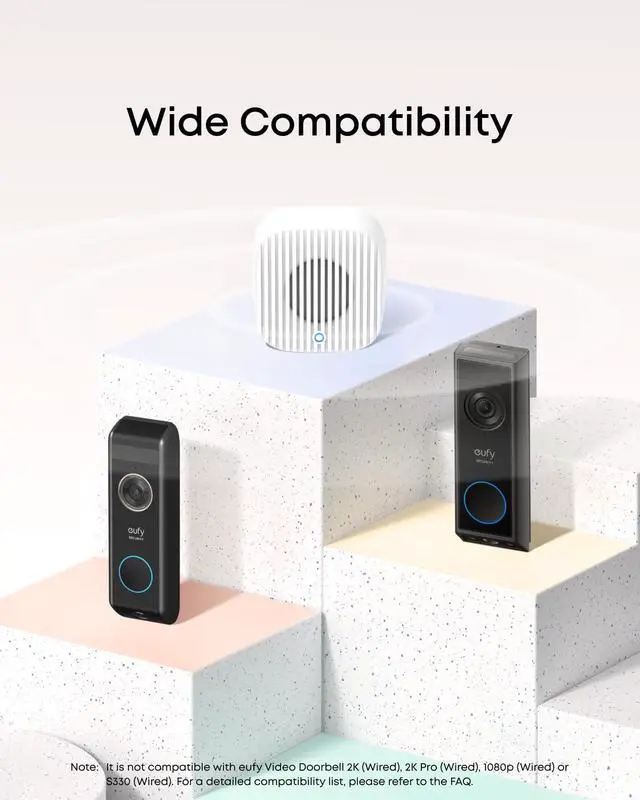
Fully compatible with: Video Doorbell S4, S330, E340, C30, and C31.
When used with HomeBase 2&3: Video Doorbell S220, C210, and Battery Doorbell 1080p.
Incompatible: Video Doorbell 2K (Wired), 2K Pro (Wired),1080p (Wired) and S330(Wired).
What version of the eufy app and HomeBase are required to use Chime 2?
Android: 5.2.10_17014 or above.
iOS: 5.2.10_16477001 or above.
HomeBase S380: 3.7.1.6 or above.
HomeBase 2: 3.3.9.6h or above.
Can I use Chime 2 with devices connected to different networks?
Only eufy Video Doorbell C30, C31, and E340 support connecting with Chime 2 on different networks. For all other models, the doorbell, chime and HomeBase must be on the same local Wi-Fi network to function properly.
When does the Chime ring?
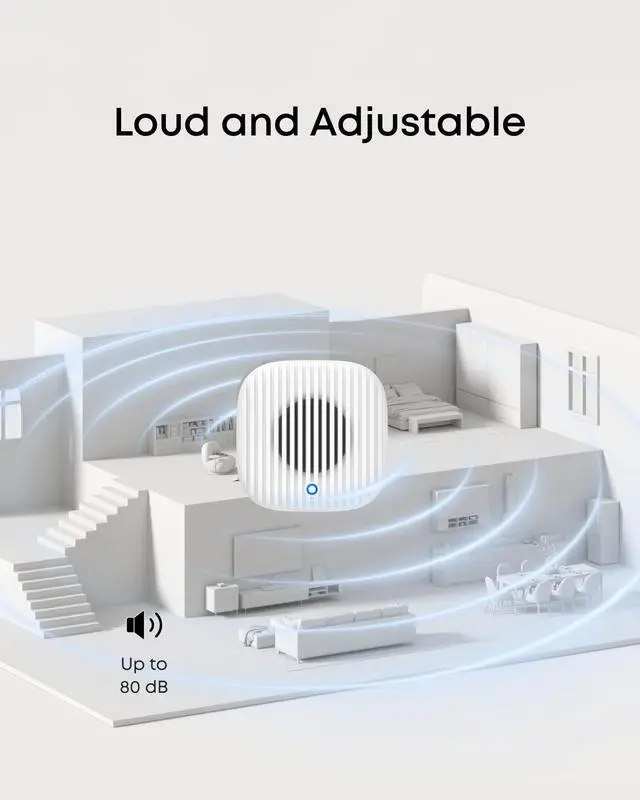
Your Chime rings when the linked doorbell is pressed.
(You can link your doorbell via Settings > Ringtone Settings.)
Note: The Chime does not ring for motion detection events.
How do I pair the device via Bluetooth?
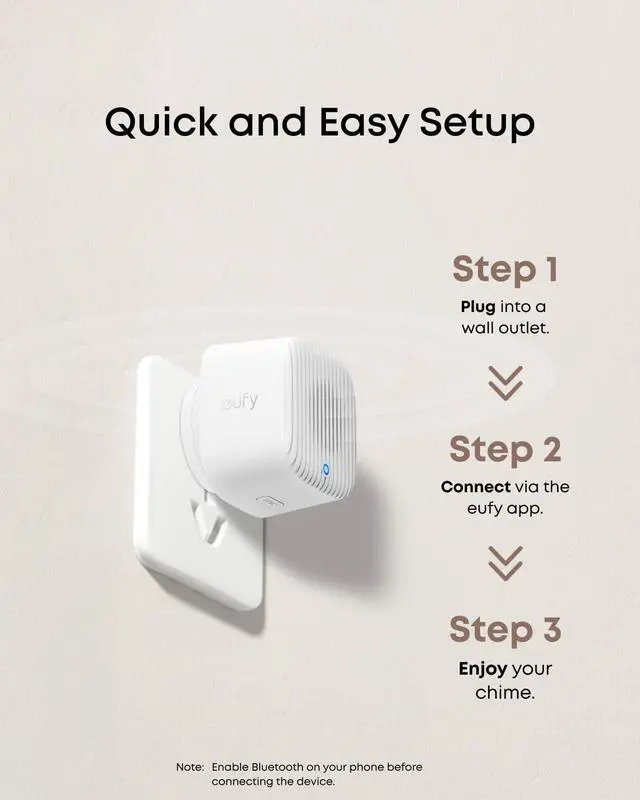
1. Enable Bluetooth on your phone.
2. Plug in the chime.
3. Hold the Sync button until you hear a beep and see a blue flash.
4. Follow the pairing prompt or scan the QR label on the device.
5. Complete pairing in the app.


Which eufy video doorbells are compatible?
Fully compatible with: Video Doorbell S4, S330, E340, C30, and C31.
When used with HomeBase 2&3: Video Doorbell S220, C210, and Battery Doorbell 1080p.
Incompatible: Video Doorbell 2K (Wired), 2K Pro (Wired),1080p (Wired) and S330(Wired).
What version of the eufy app and HomeBase are required to use Chime 2?
Android: 5.2.10_17014 or above.
iOS: 5.2.10_16477001 or above.
HomeBase S380: 3.7.1.6 or above.
HomeBase 2: 3.3.9.6h or above.
Can I use Chime 2 with devices connected to different networks?
Only eufy Video Doorbell C30, C31, and E340 support connecting with Chime 2 on different networks. For all other models, the doorbell, chime and HomeBase must be on the same local Wi-Fi network to function properly.
When does the Chime ring?
Your Chime rings when the linked doorbell is pressed.
(You can link your doorbell via Settings > Ringtone Settings.)
Note: The Chime does not ring for motion detection events.
How do I pair the device via Bluetooth?
1. Enable Bluetooth on your phone.
2. Plug in the chime.
3. Hold the Sync button until you hear a beep and see a blue flash.
4. Follow the pairing prompt or scan the QR label on the device.
5. Complete pairing in the app.