













What type of WIFI does the doorbell camera use ?
The doorbell camera only supports 2.4GHz WIFI, please make sure you are using 2.4GHz WIFI. If adding a doorbell fails, long press the "Reset" button until you hear a "di" sound, then try to reconnect.
Any installation suggestions?
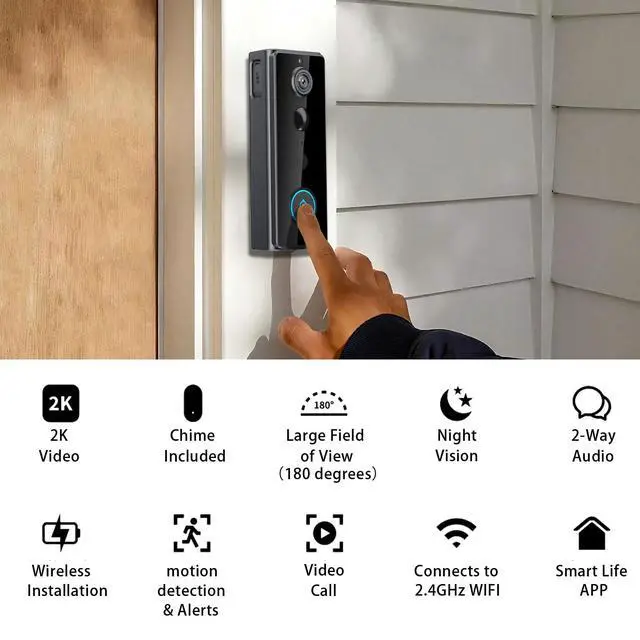
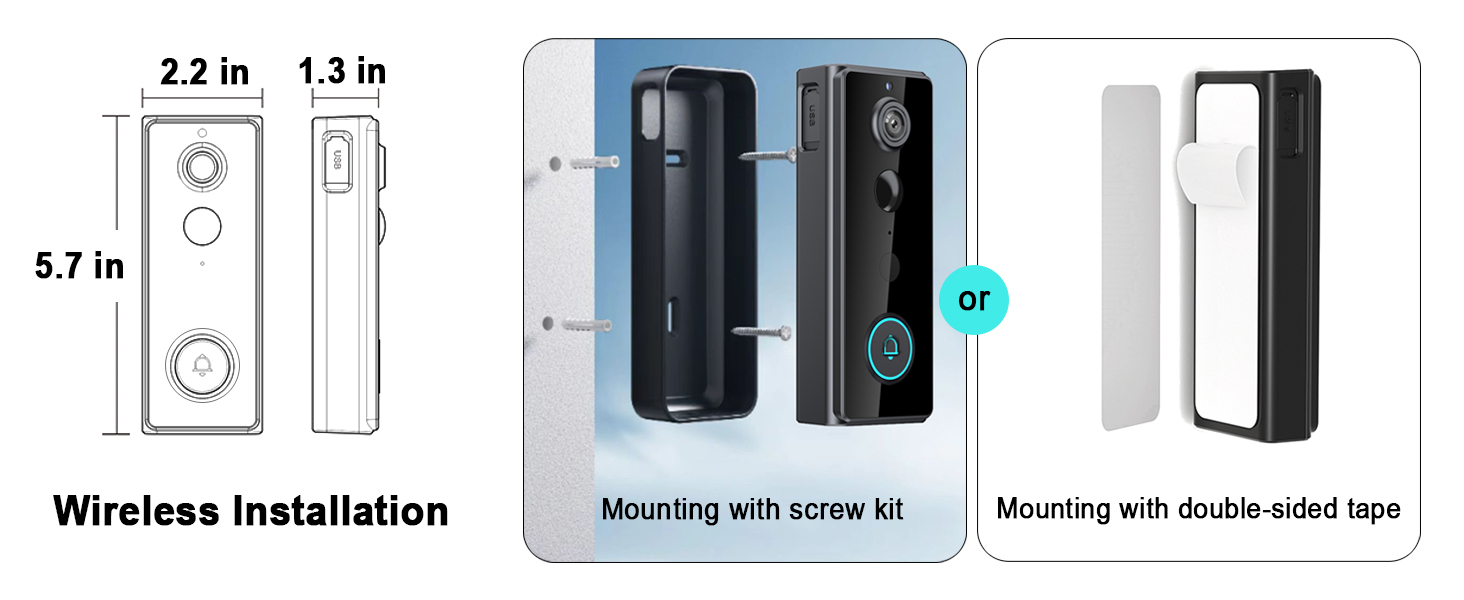
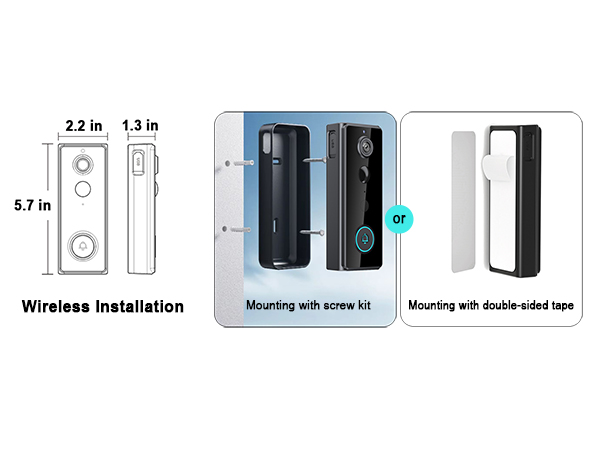
(1) Installed on a non-metallic door frame about 1.6m from the ground, metal may block the WIFI signal (2) The installation location should be as close to the router as possible to ensure a good WIFI signal
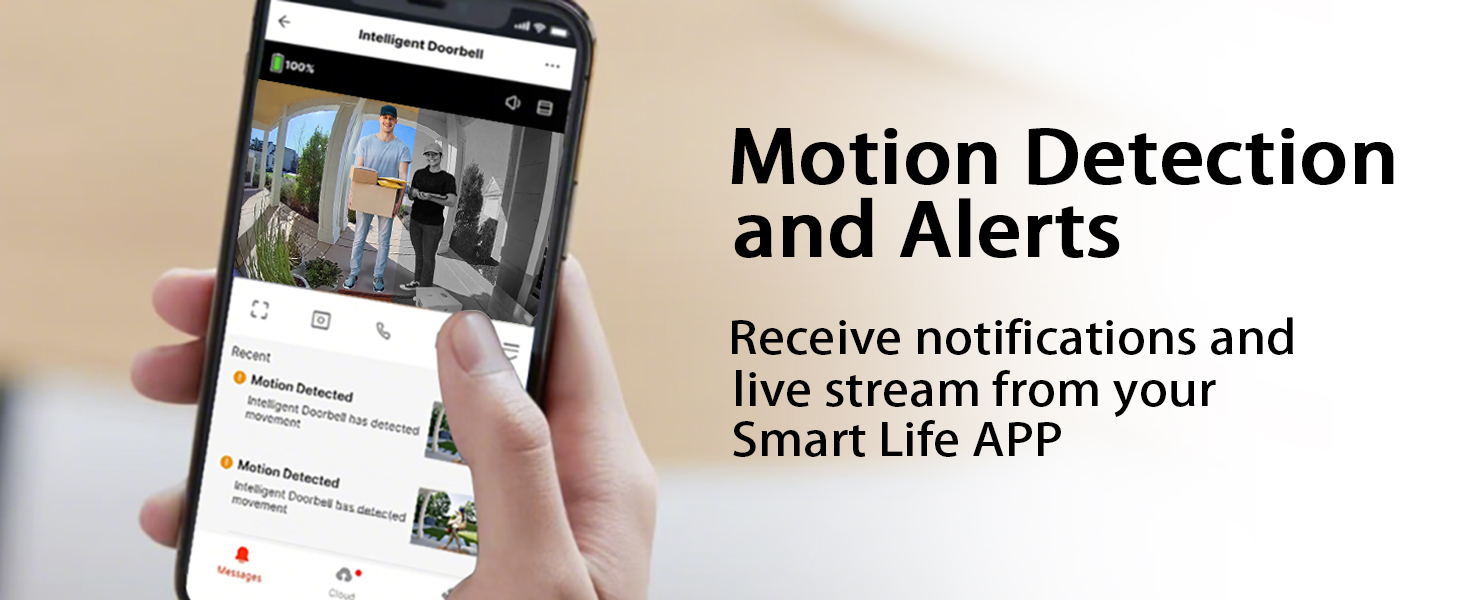
How do I adjust the sensitivity of the motion detection of the video doorbell?
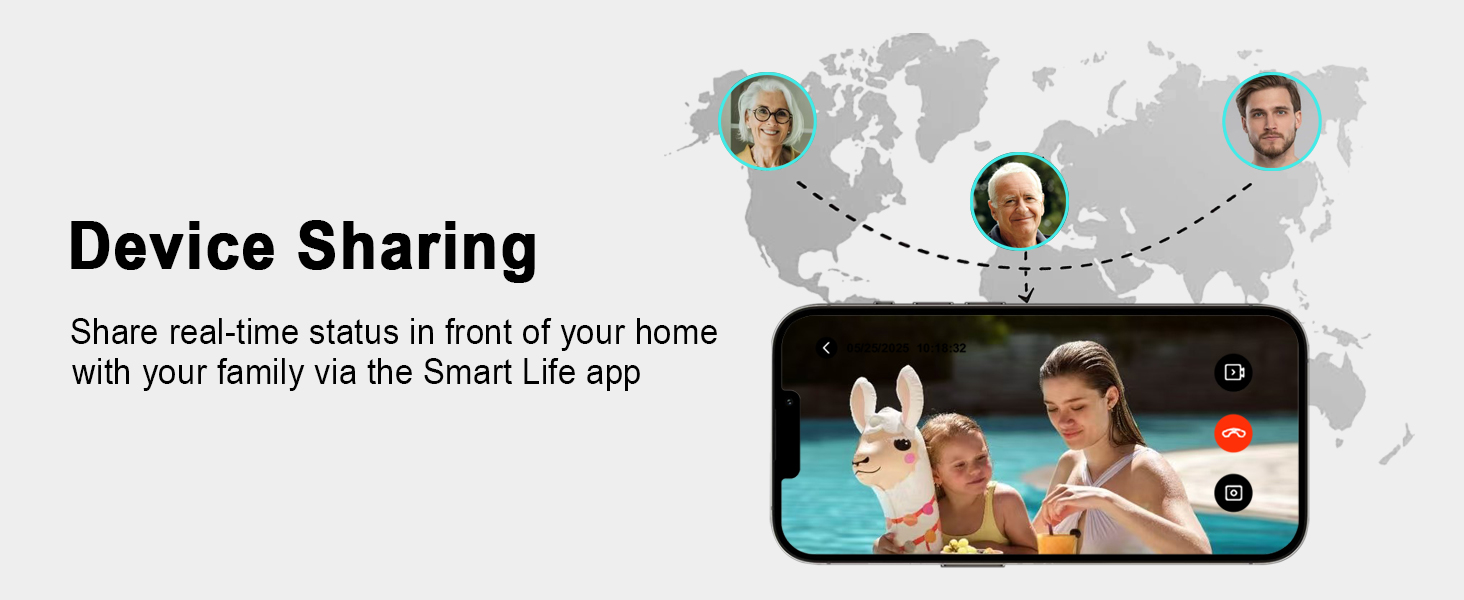
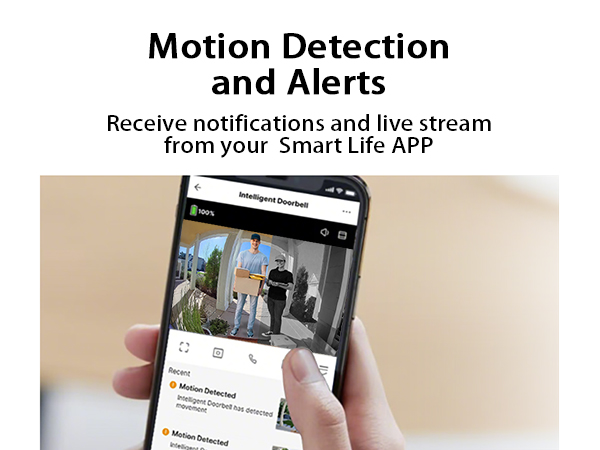
(1) Enter the Smart Life APP(2) Go to the Home interface, click on Intelligent Doorbell, and click on the three dots in the upper right corner "..."(3) Scroll down the page and click "Detection Alarm Settings" > Alarm Sensitivity Level - > set to Low
I don't want to receive non-essential notifications at all, so how do I turn off motion detection?
(1) Enter the Smart Life APP(2) Go to the Home interface, click on Intelligent Doorbell, then click in the lower right corner to expand the function bar, and click Features to disable PIR
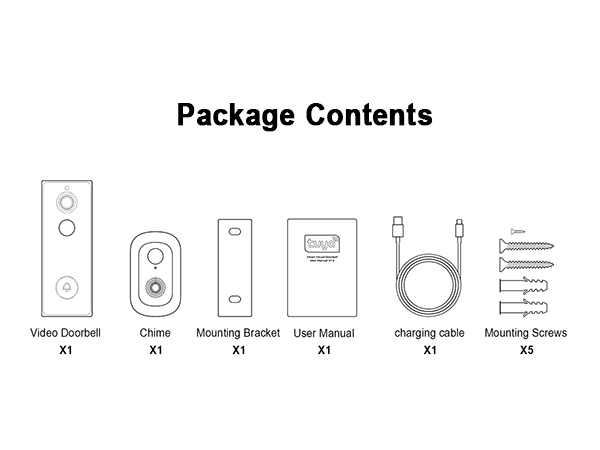
Why can the doorbell be removed directly from the bracket?
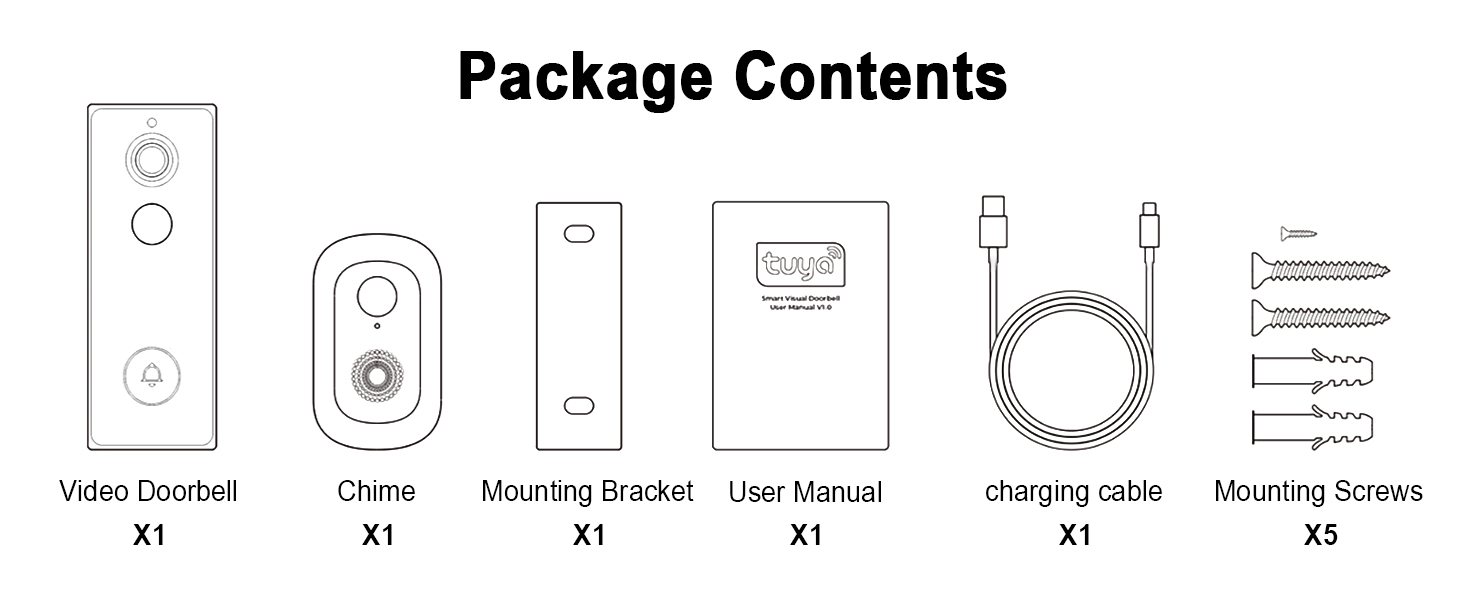
There is a small screw inside the screw bag that needs to be screwed on after putting the doorbell back in the bracket. In this way, the doorbell cannot be taken out at will.
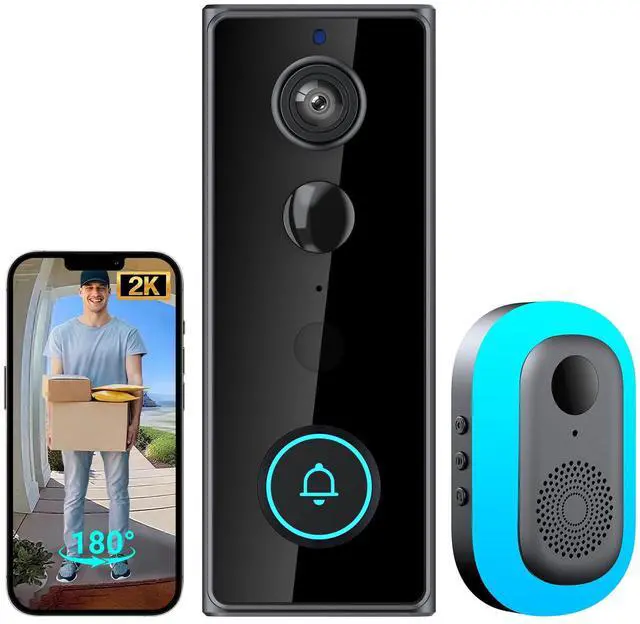
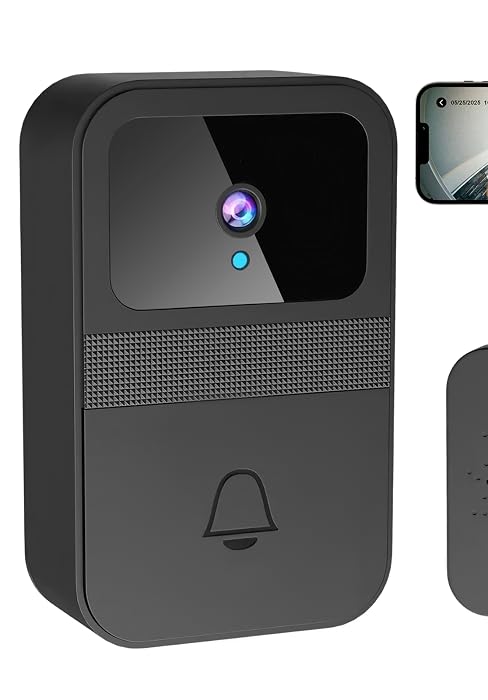
TTJ 2K Video Doorbell
Product Features
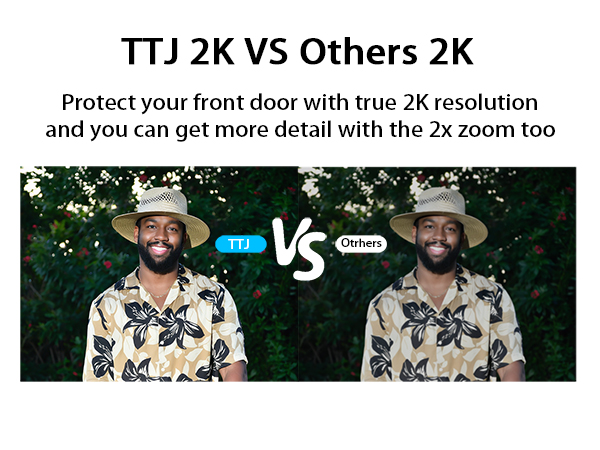
2K | Video Resolution | No Camera |
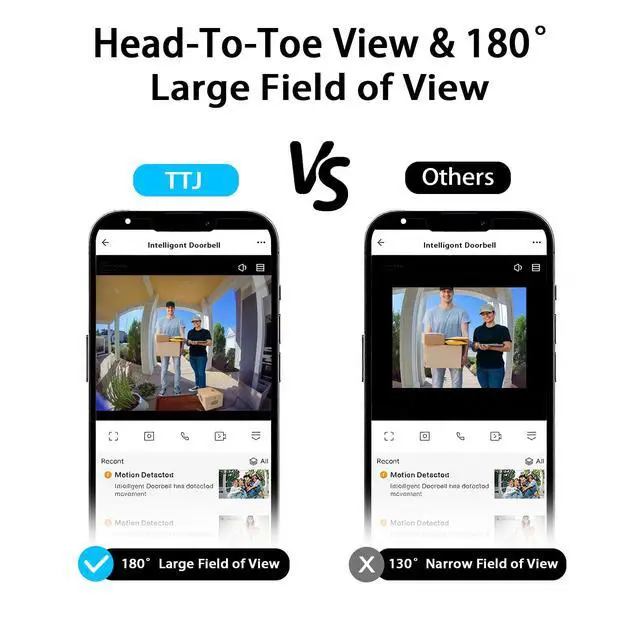
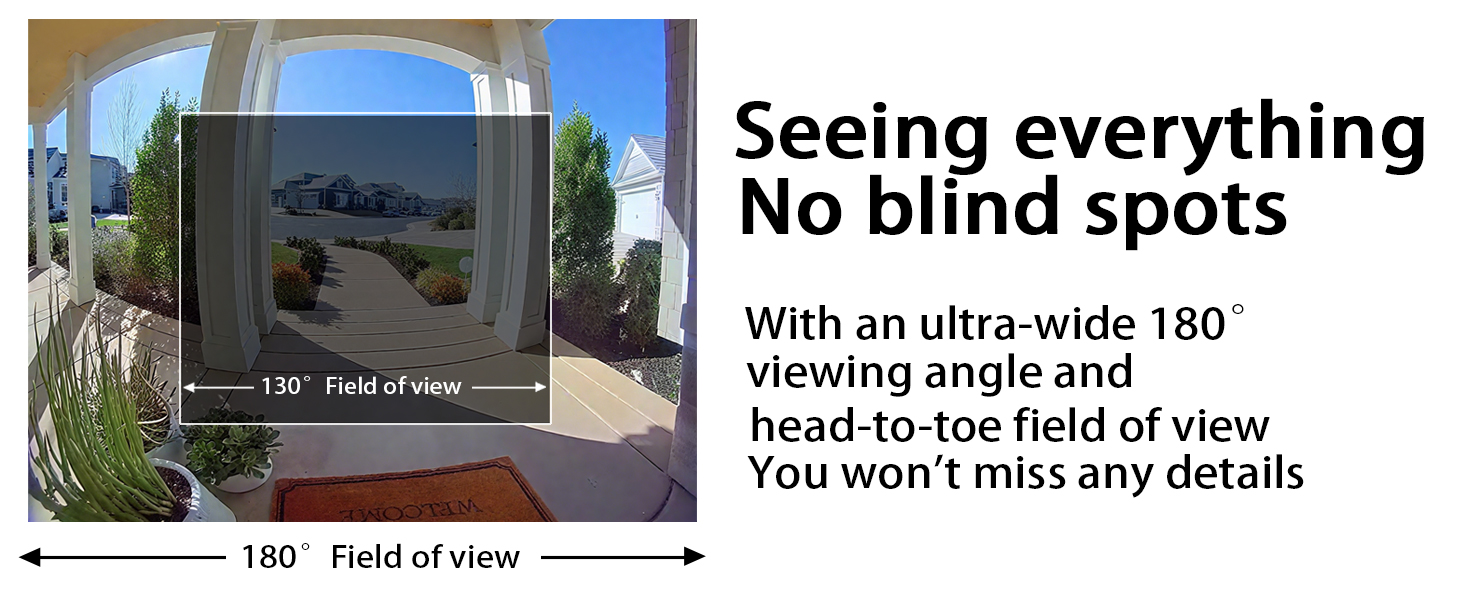
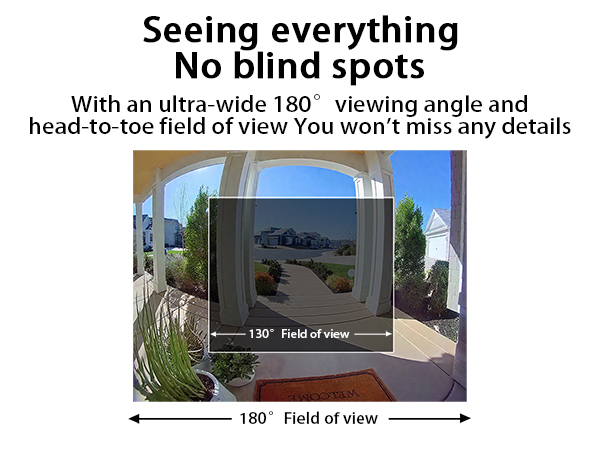
180° | Visual Field | No Camera |
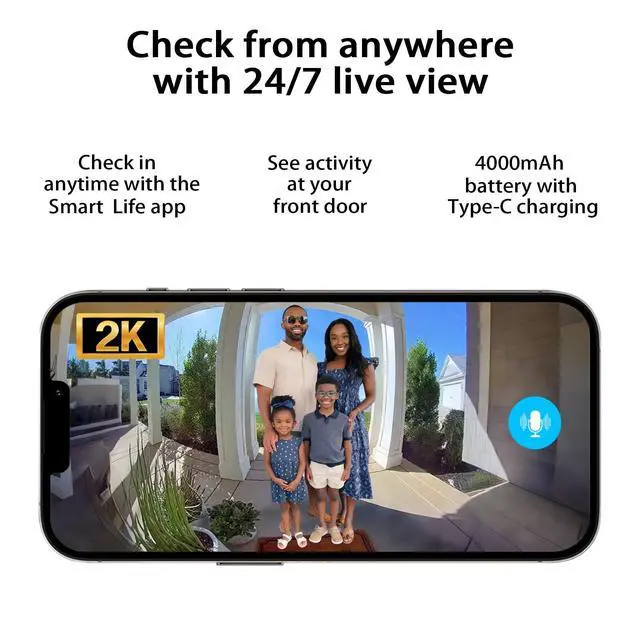
Live View | ||
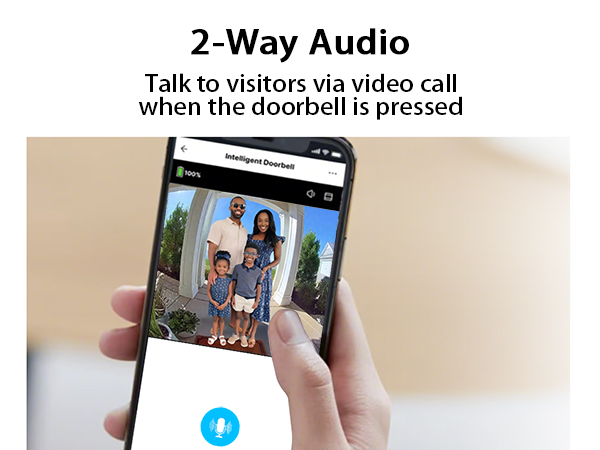
Two-way Talk | ||
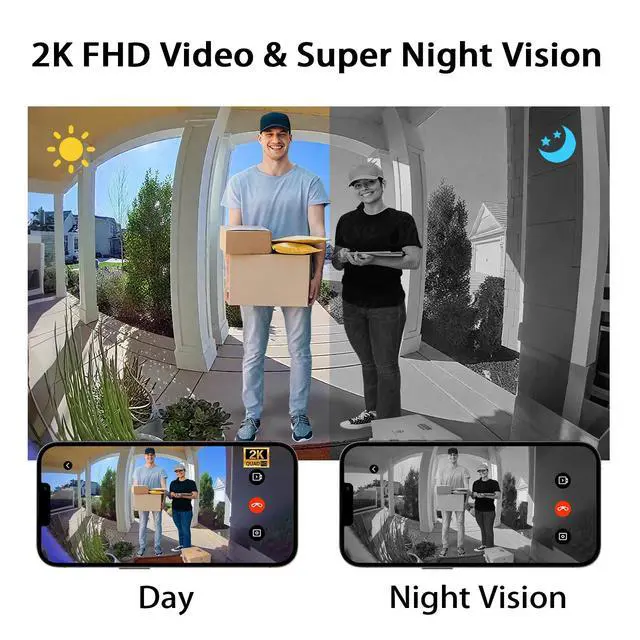
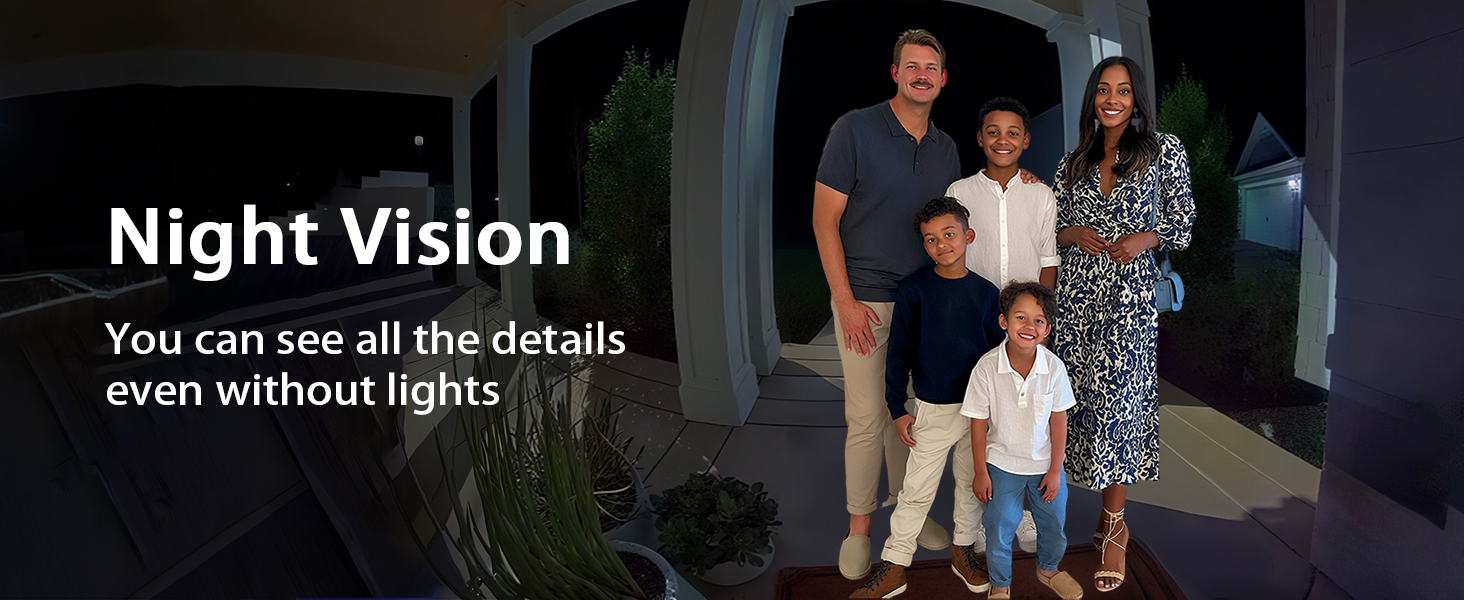
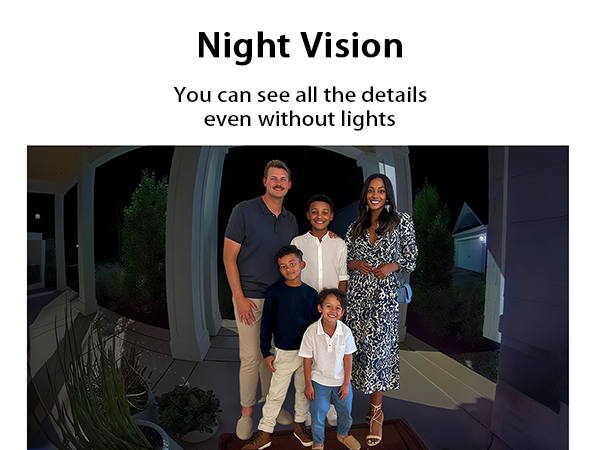
Night Vision | ||
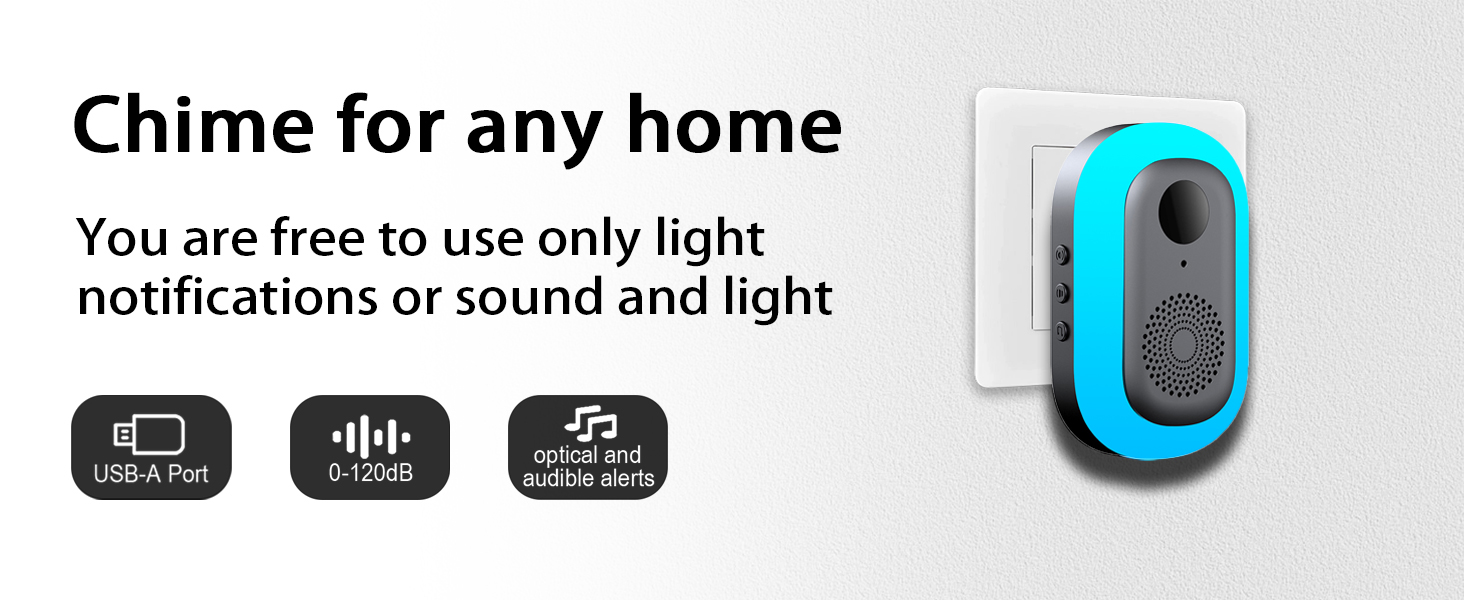
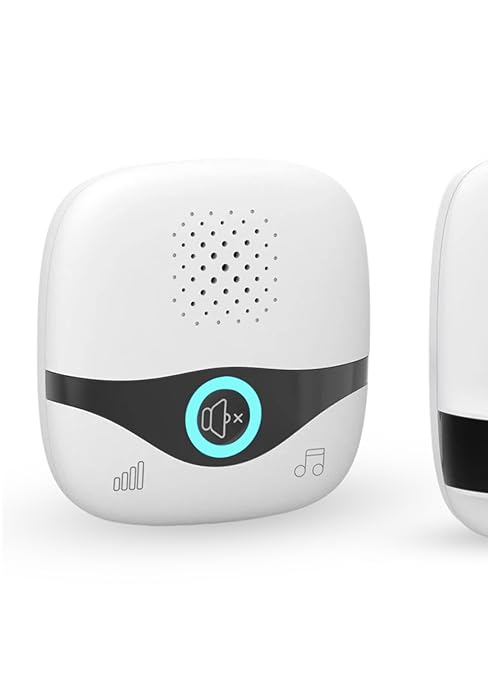
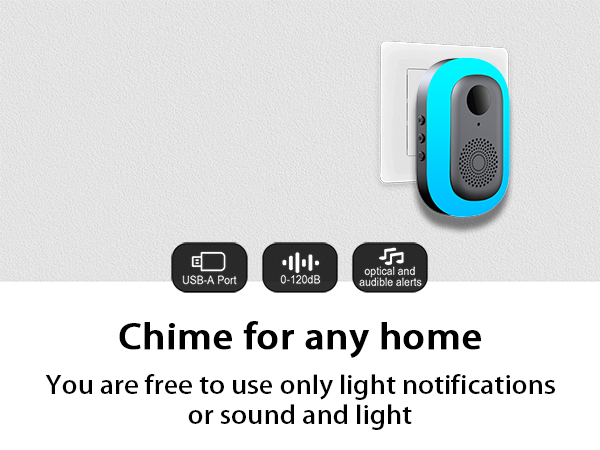
Chime Included | ||
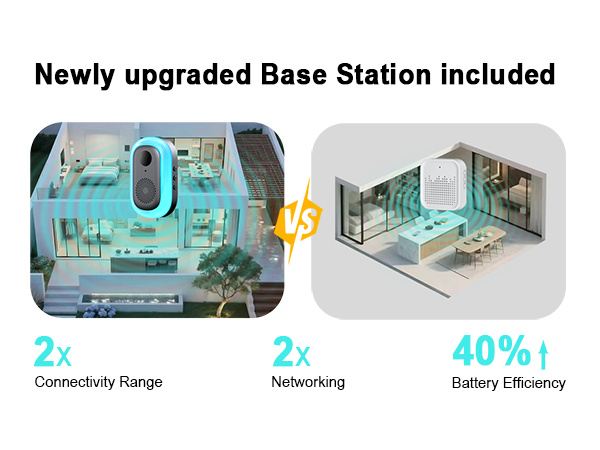
328ft(100 m) | Chime's Connection | 1300 ft(400m) |
2K | Video Resolution | 1080P |
180° | Visual Field | 130° |
Live View | ||
Two-way Talk | ||
Night Vision | ||
Chime Included | ||
328ft(100 m) | Chime's Connection | 165 ft(50 m) |


About TTJ
Driven by the need for home security and convenience, TTJ—“Trustworthy, Timely, Joyful”—enhances doorbell tech. Founder Mark, troubled by missed deliveries and unknown visitors, led a team to innovate. Our wireless doorbells ensure reliable notifications, while video doorbells enable real - time checks. Today, TTJ continues to redefine safer, smarter home experiences.
How did we get our start?
Troubled by missed deliveries and unknown visitors, founder Mark gathered tech enthusiasts. Driven to create secure and convenient doorbells, He established the brand TTJ.
Are our products of high quality?
Definitely. Every production stage is rigorously inspected. With premium materials, cutting - edge tech, and a dedicated QC team, we ensure top - notch wireless and video doorbells.
Why do we love what we do?
We love it because our products protect families, simplify lives and bring peace of mind. Customer recognition fuels our passion for innovation.



What type of WIFI does the doorbell camera use ?
The doorbell camera only supports 2.4GHz WIFI, please make sure you are using 2.4GHz WIFI. If adding a doorbell fails, long press the "Reset" button until you hear a "di" sound, then try to reconnect.
Any installation suggestions?
(1) Installed on a non-metallic door frame about 1.6m from the ground, metal may block the WIFI signal (2) The installation location should be as close to the router as possible to ensure a good WIFI signal
How do I adjust the sensitivity of the motion detection of the video doorbell?
(1) Enter the Smart Life APP(2) Go to the Home interface, click on Intelligent Doorbell, and click on the three dots in the upper right corner "..."(3) Scroll down the page and click "Detection Alarm Settings" > Alarm Sensitivity Level - > set to Low
I don't want to receive non-essential notifications at all, so how do I turn off motion detection?
(1) Enter the Smart Life APP(2) Go to the Home interface, click on Intelligent Doorbell, then click in the lower right corner to expand the function bar, and click Features to disable PIR
Why can the doorbell be removed directly from the bracket?
There is a small screw inside the screw bag that needs to be screwed on after putting the doorbell back in the bracket. In this way, the doorbell cannot be taken out at will.
Product Features
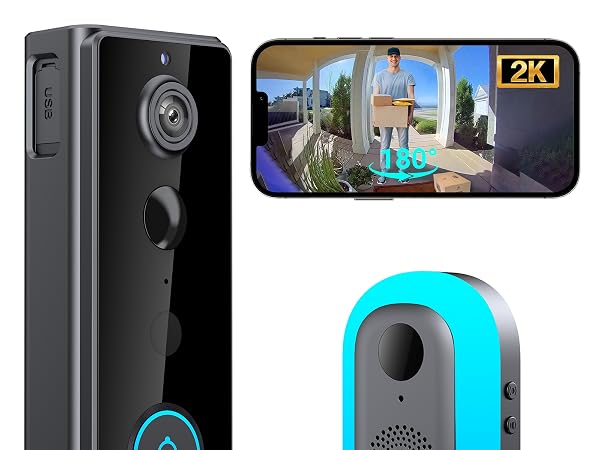
TTJ 2K Video Doorbell
Video Resolution
2K
Visual Field
180°
Live View
Two-way Talk
Night Vision
Chime Included
Chime's Connection
328ft(100 m)
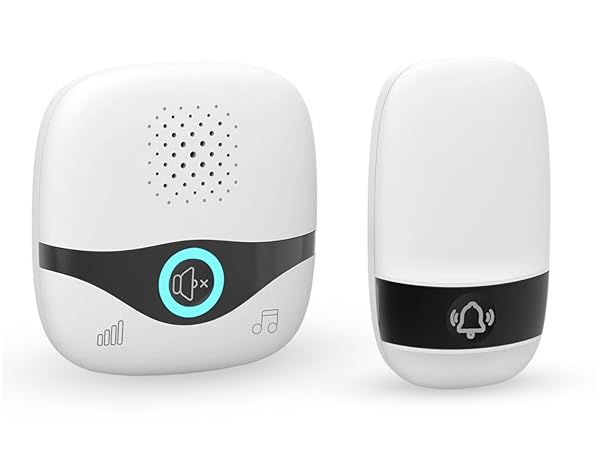
TTJ Wireless Doorbell
Video Resolution
No Camera
Visual Field
No Camera
Live View
Two-way Talk
Night Vision
Chime Included
Chime's Connection
1300 ft(400m)
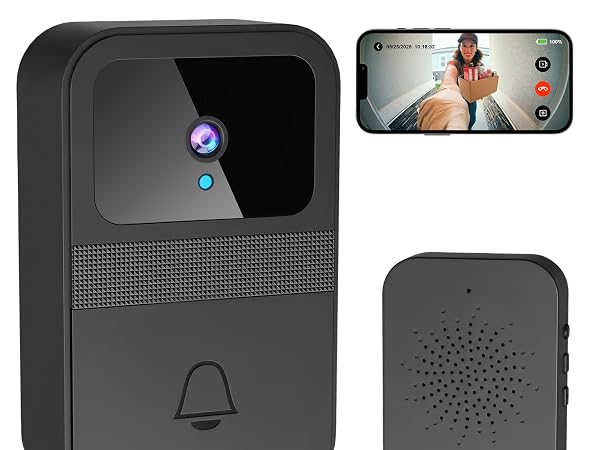
TTJ 1080P Doorbell
Video Resolution
1080P
Visual Field
130°
Live View
Two-way Talk
Night Vision
Chime Included
Chime's Connection
165 ft(50 m)
About TTJ
Driven by the need for home security and convenience, TTJ—“Trustworthy, Timely, Joyful”—enhances doorbell tech. Founder Mark, troubled by missed deliveries and unknown visitors, led a team to innovate. Our wireless doorbells ensure reliable notifications, while video doorbells enable real - time checks. Today, TTJ continues to redefine safer, smarter home experiences.
How did we get our start?
Troubled by missed deliveries and unknown visitors, founder Mark gathered tech enthusiasts. Driven to create secure and convenient doorbells, He established the brand TTJ.
Are our products of high quality?
Definitely. Every production stage is rigorously inspected. With premium materials, cutting - edge tech, and a dedicated QC team, we ensure top - notch wireless and video doorbells.
Why do we love what we do?
We love it because our products protect families, simplify lives and bring peace of mind. Customer recognition fuels our passion for innovation.