




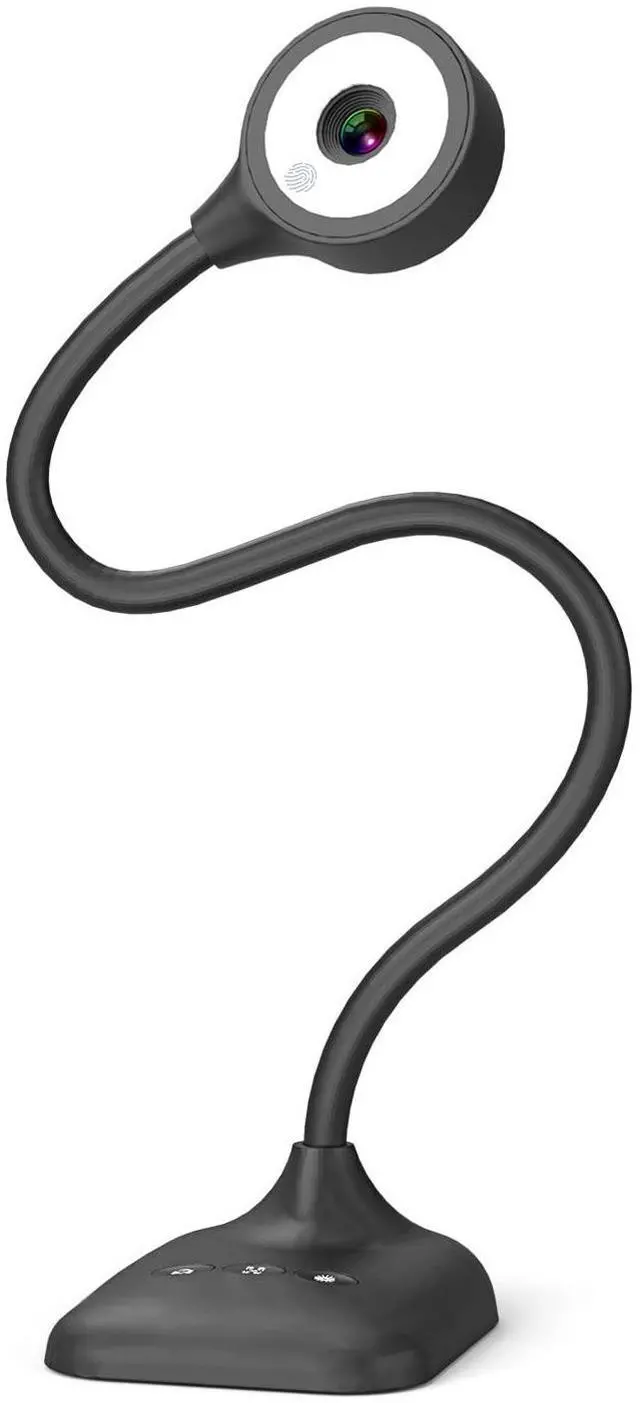




PAKOTOO 5MP Document camera
PAKOTOO is the go-to brand for teachers and professionals presentation tool, work in-class around the world including the US,UK,DE etc
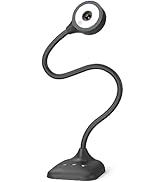
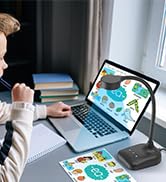
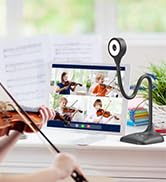

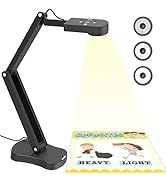

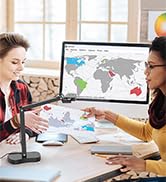
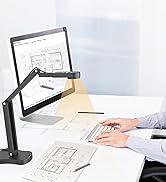
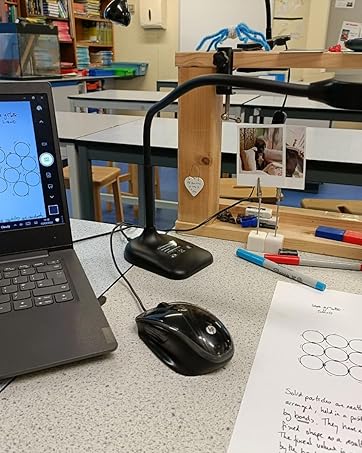
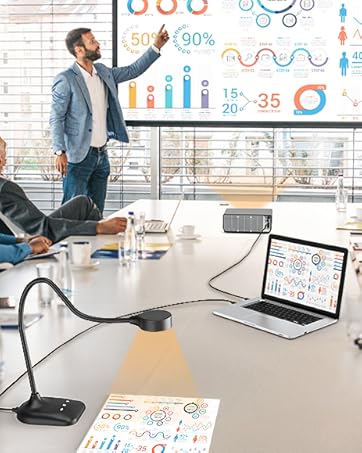
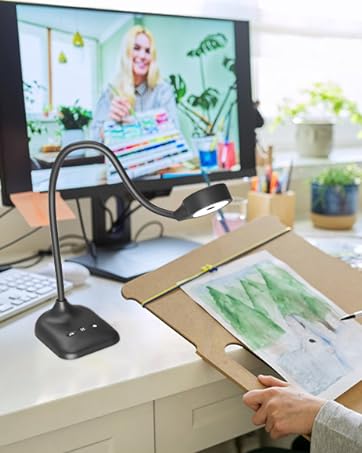
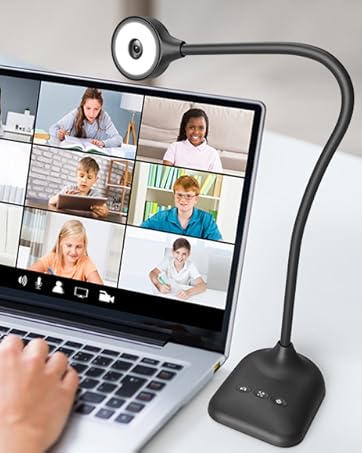
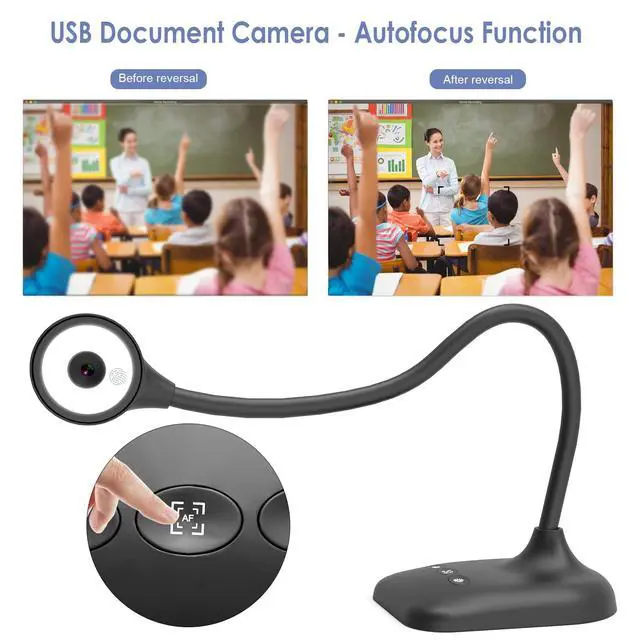
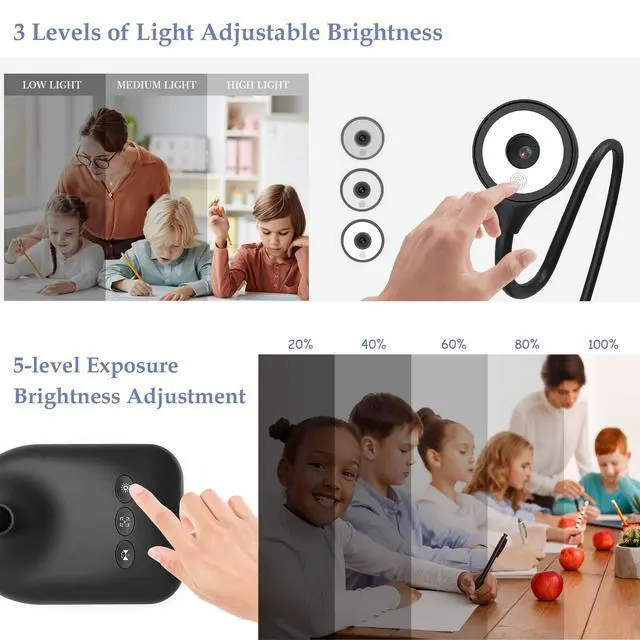
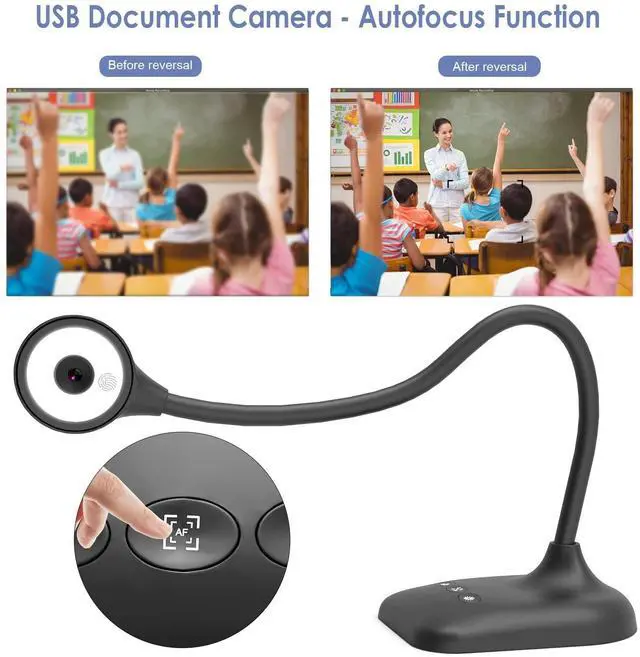
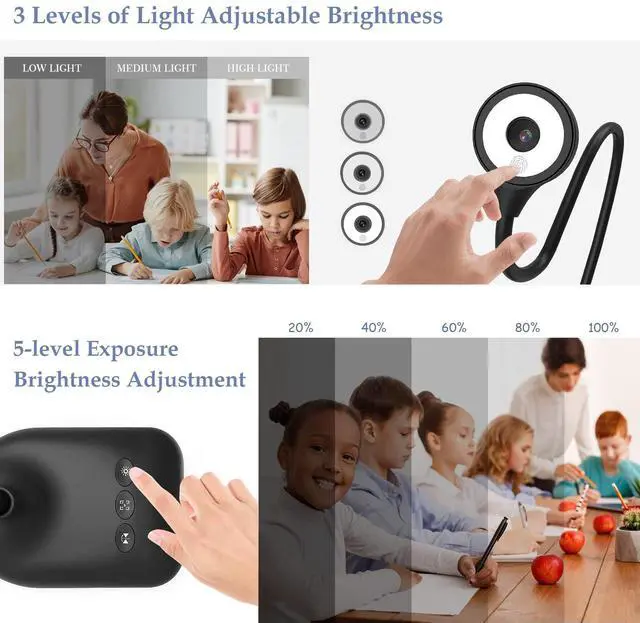
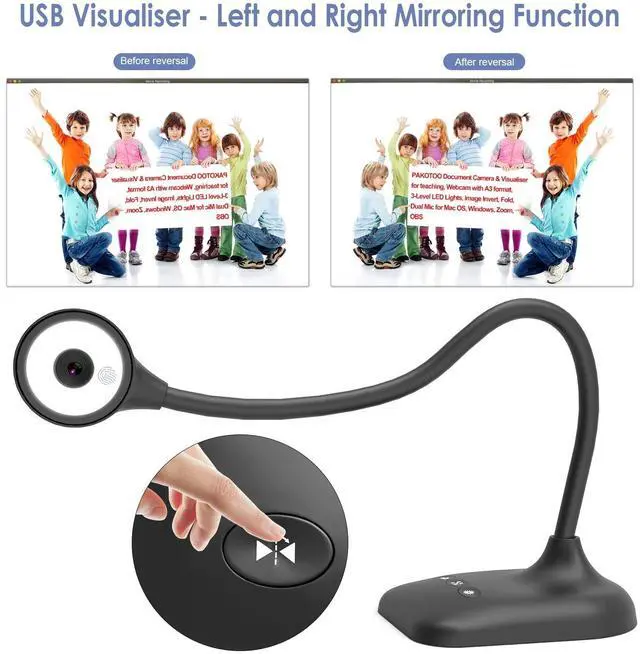
PAKOTOO Document Camera for teachers in-class with Mic, mirror image, AF, light

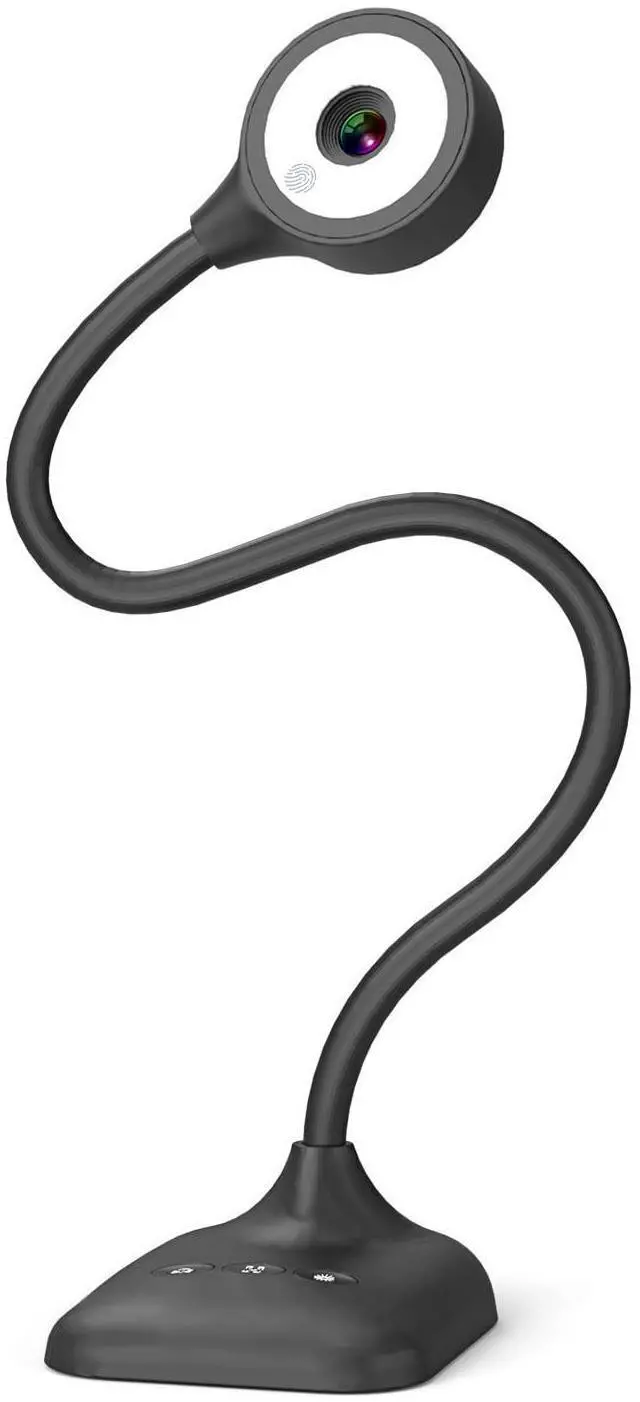
PAKOTOO webcam delivers clear image resolution and high frame rate video streaming. Featuring a unique hose design, it enables effortless angle adjustment. For projector use, first connect the camera to your computer via USB cable, then connect your computer to the projector.
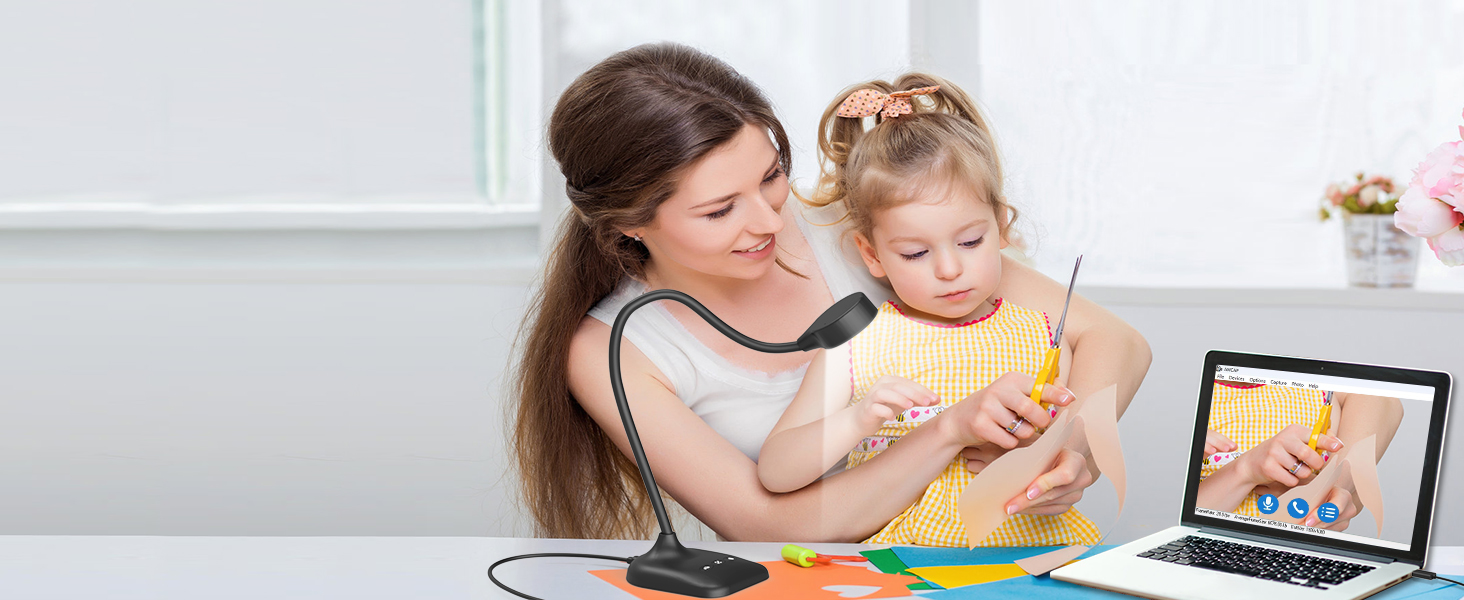
5MP USB Document Camera for art
Using PAKOTOO in-class, teachers to interact better with students, stimulate children's creativity!
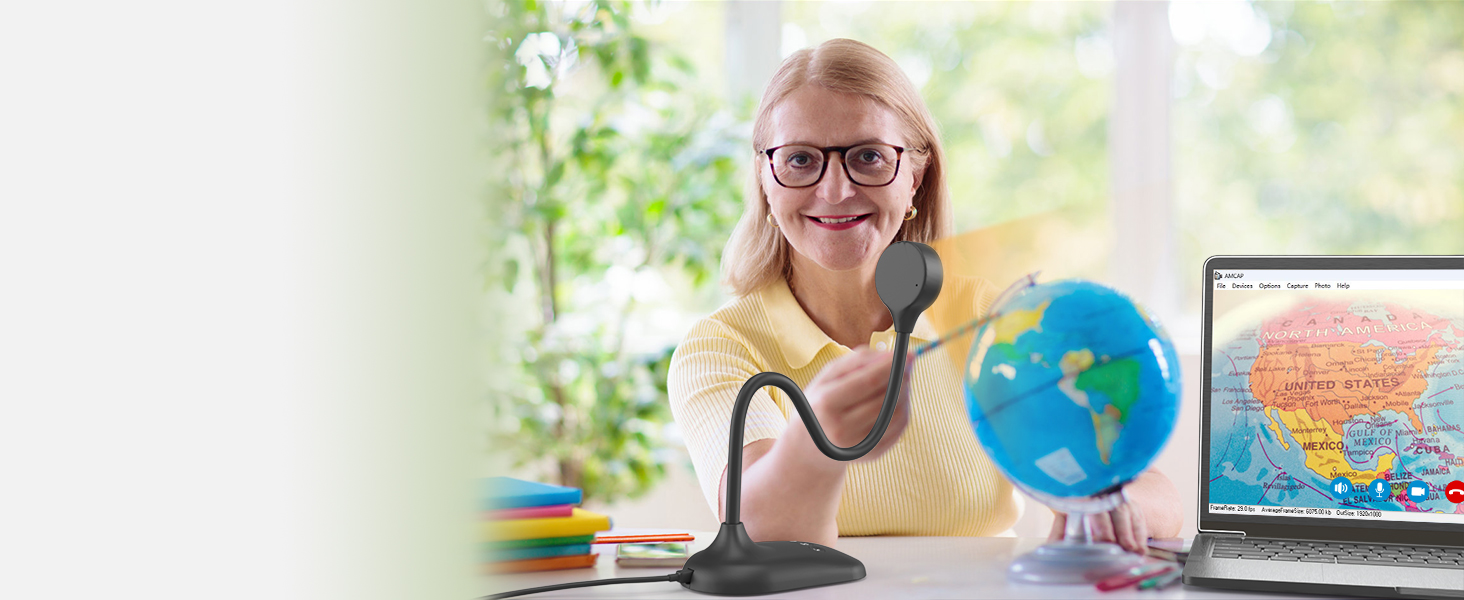
USB Document Camera for Learning, Online Tutoring
When teachers use PAKOTOO, teachers can easily view students’ work, just like in an in-person class
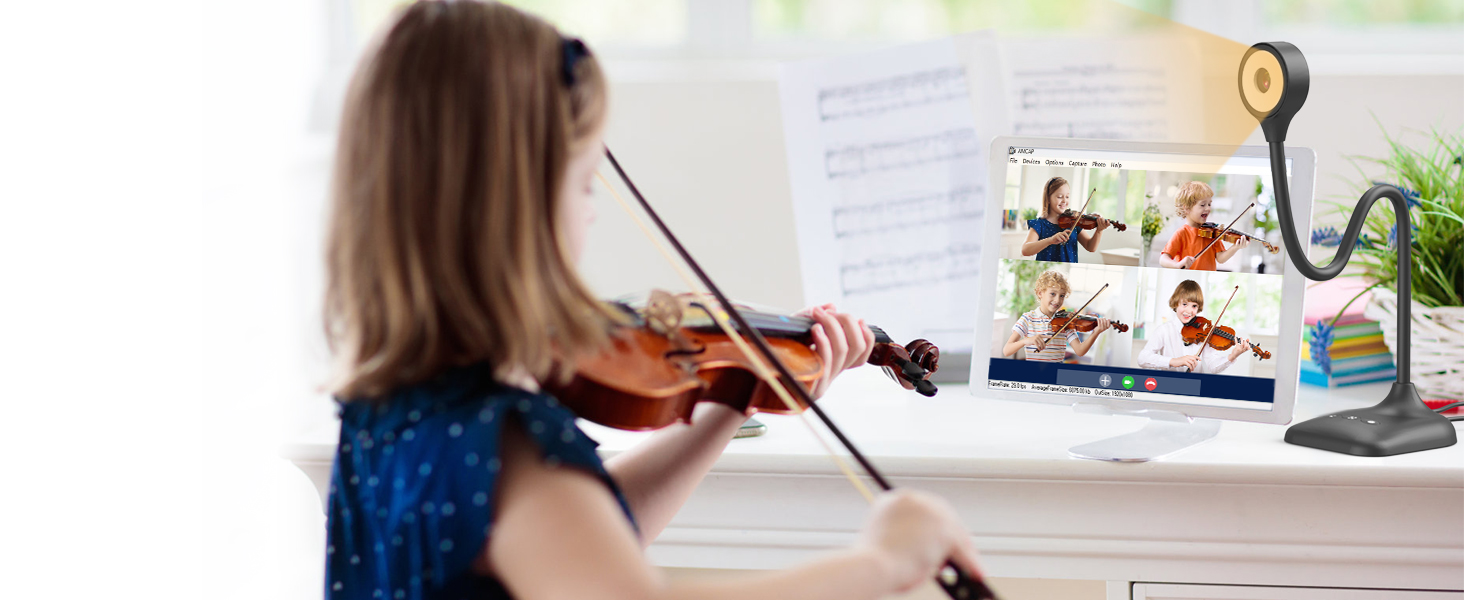
Remote Video & Video Conferencing
The webcam PC is perfect for sharing your creations and video chatting with friends.

Document camera-Experiments
PAKOTOO is a 1944P/30fps HD document camera that perfectly displays 3D objects and experiments.

Webcam PC for home office & web conferencing
The PAKOTOO is used as an HD webcam to enable remote communication and collaboration with colleagues


PAKOTOO compatible with Windows 11/10/7/8/XP, Mac OS, Chromebooks and Linux

The PAKOTOO webcam is designed exclusively for use with computers. It cannot connect directly to projectors and is not compatible with iPads, mobile phones, smart whiteboards. The item does not have zoom, HDMI functionality.
Its universal systems compatibility is as follow:
- System supporting Windows 11/10/XP/7/8, Macs, Chromebooks and Linux.
- Compatible for E-Learning/Online Lesson App: Tiktok, OBS, Google Meet, Skype, Microsoft Teams, Zoom etc.
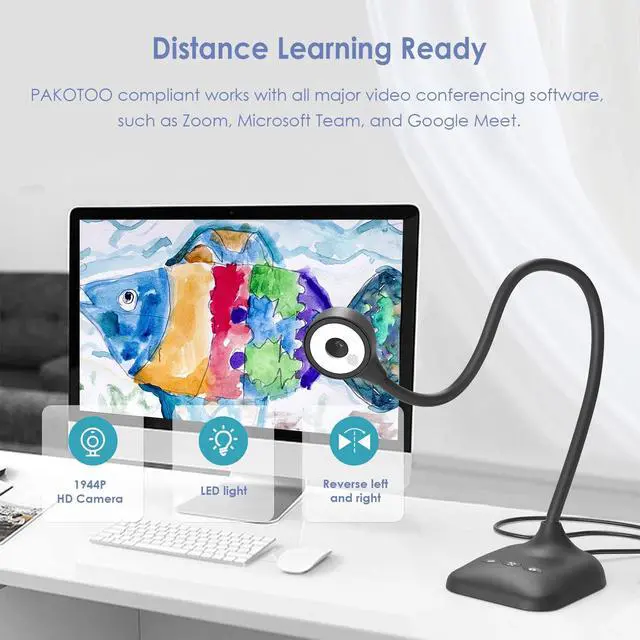
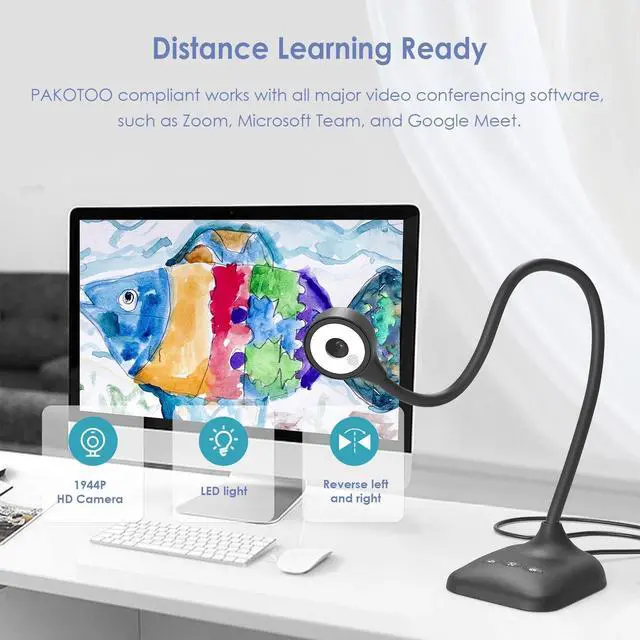
The document camera is compatible with Tiktok, Zoom, Skype, Google Meet, Microsoft Teams, FaceTime, etc. ! You can start a video conference with doc cam in 3 steps:
- Step 1: Plug in the computer. It will be automatically detected. No need to install any drivers or other software
- Step 2: Launch the desired video sharing app
- Step 3: In the settings menu, change the camera source to "Stream Camera" and you can start using it.
- Finally: Image resolution can be adjusted as you need
5MP document camera
Features Comparison
2594*1944P & 30fps | Max Resolution | 3264*2448P & 30fps |
5 Megapixel 1/3"CMOS | Image Pixels | 8 Megapixel 1/3"CMOS |
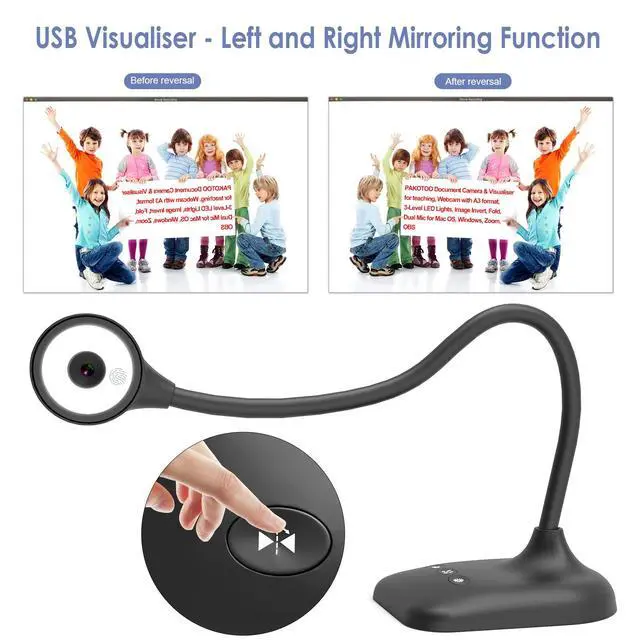
Left and Right | Image Inversion | Left and Right |
Up and Down Mirror | ||
Auto focus "AF" | ||
Built-in Microphone | ||
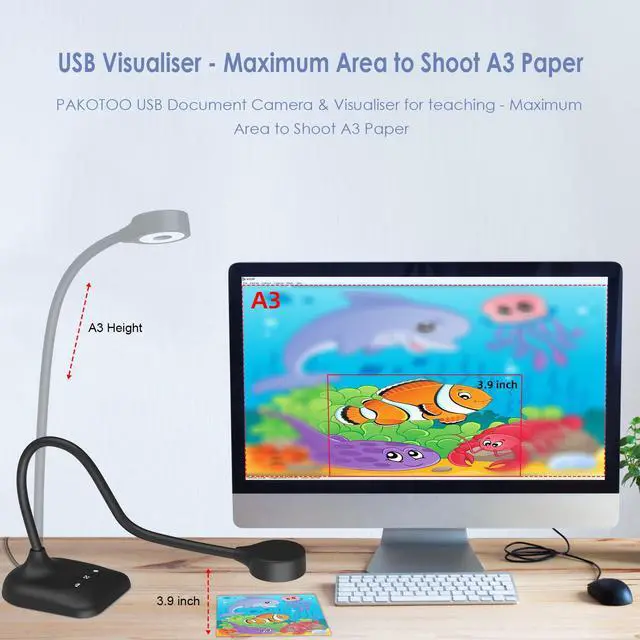
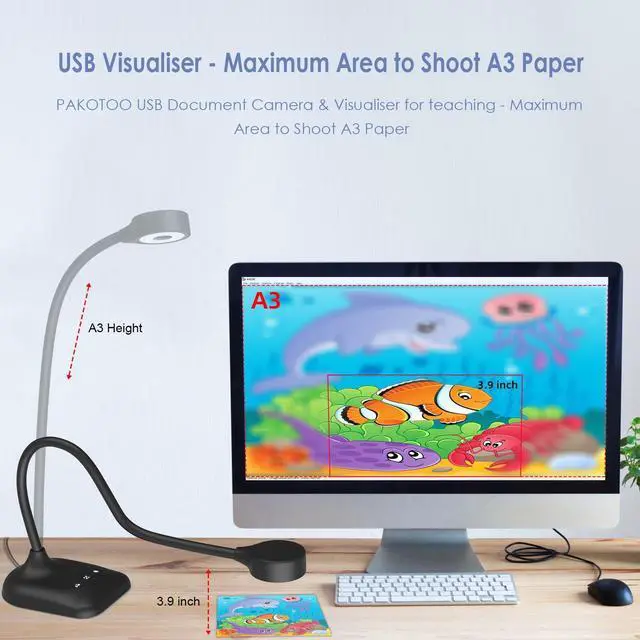
Max Shooting Area A3 |
2594*1944P & 30fps | Max Resolution | 2594*1944P & 30fps |
5 Megapixel 1/3"CMOS | Image Pixels | 5 Megapixel 1/3"CMOS |
Left and Right | Image Inversion | Left and Right |
Up and Down Mirror | ||
Auto focus "AF" | ||
Built-in Microphone | ||
Max Shooting Area A3 |


PAKOTOO Document Camera for teachers in-class with Mic, mirror image, AF, light

PAKOTOO webcam delivers clear image resolution and high frame rate video streaming. Featuring a unique hose design, it enables effortless angle adjustment. For projector use, first connect the camera to your computer via USB cable, then connect your computer to the projector.
5MP USB Document Camera for art
Using PAKOTOO in-class, teachers to interact better with students, stimulate children's creativity!
USB Document Camera for Learning, Online Tutoring
When teachers use PAKOTOO, teachers can easily view students’ work, just like in an in-person class
Remote Video & Video Conferencing
The webcam PC is perfect for sharing your creations and video chatting with friends.
Document camera-Experiments
PAKOTOO is a 1944P/30fps HD document camera that perfectly displays 3D objects and experiments.
Webcam PC for home office & web conferencing
The PAKOTOO is used as an HD webcam to enable remote communication and collaboration with colleagues


PAKOTOO compatible with Windows 11/10/7/8/XP, Mac OS, Chromebooks and Linux

The PAKOTOO webcam is designed exclusively for use with computers. It cannot connect directly to projectors and is not compatible with iPads, mobile phones, smart whiteboards. The item does not have zoom, HDMI functionality.
Its universal systems compatibility is as follow:
- System supporting Windows 11/10/XP/7/8, Macs, Chromebooks and Linux.
- Compatible for E-Learning/Online Lesson App: Tiktok, OBS, Google Meet, Skype, Microsoft Teams, Zoom etc.
The document camera is compatible with Tiktok, Zoom, Skype, Google Meet, Microsoft Teams, FaceTime, etc. ! You can start a video conference with doc cam in 3 steps:
- Step 1: Plug in the computer. It will be automatically detected. No need to install any drivers or other software
- Step 2: Launch the desired video sharing app
- Step 3: In the settings menu, change the camera source to "Stream Camera" and you can start using it.
- Finally: Image resolution can be adjusted as you need
Webcam & Document camera- using video
PAKOTOO Web cam 1944P using video for MAC system
The operating steps of the Mac system are as follows:
- Shooting video: Please search for "Quick Time Player" in the system;
- Take a photo: Please search for "Photo Booth" on your computer;
Document camera for teachers - using video
PAKOTOO USB document camera use video for Windows 11/10 system
The operating steps of Windows 10/11 system are as follows:
- Please search for the "Camera" program in the system to use this document camera. (If you have a laptop, you also need to select "Change Camera" in the upper right corner of the laptop).
Features Comparison
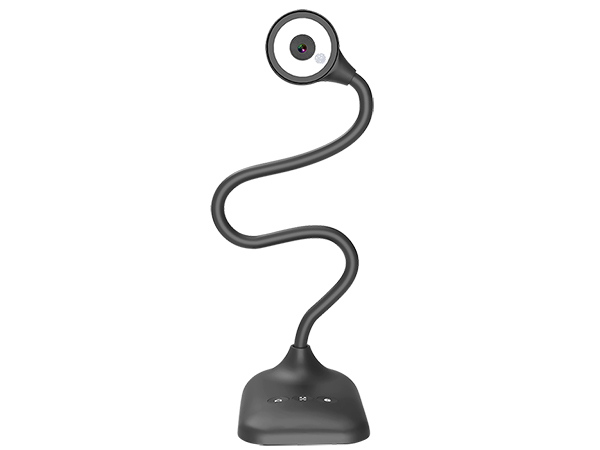
5MP document camera
Max Resolution
2594*1944P & 30fps
Image Pixels
5 Megapixel 1/3"CMOS
Image Inversion
Left and Right
Up and Down Mirror
Auto focus "AF"
Built-in Microphone
Max Shooting Area A3
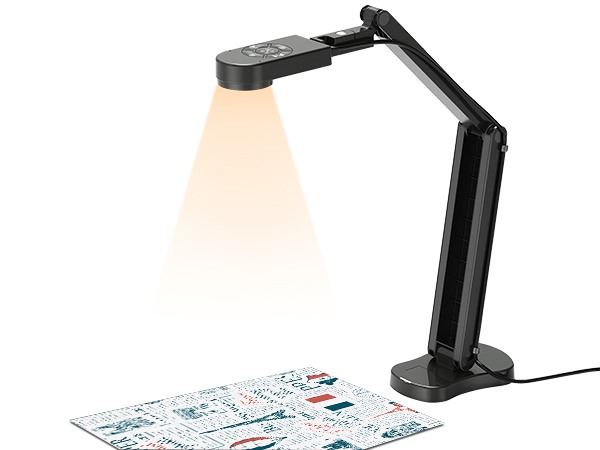
8MP document camera
Max Resolution
3264*2448P & 30fps
Image Pixels
8 Megapixel 1/3"CMOS
Image Inversion
Left and Right
Up and Down Mirror
Auto focus "AF"
Built-in Microphone
Max Shooting Area A3
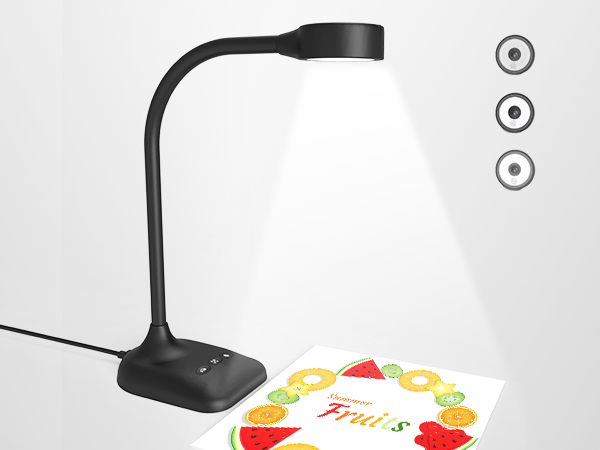
5MP Webcam PC
Max Resolution
2594*1944P & 30fps
Image Pixels
5 Megapixel 1/3"CMOS
Image Inversion
Left and Right
Up and Down Mirror
Auto focus "AF"
Built-in Microphone
Max Shooting Area A3
PAKOTOO 5MP Document camera
PAKOTOO is the go-to brand for teachers and professionals presentation tool, work in-class around the world including the US,UK,DE etc
1944P USB document camera
2448P USB document camera
Document camera for classroom
Document camera for live demo
Document camera for art
Webcame for Web conferencing