




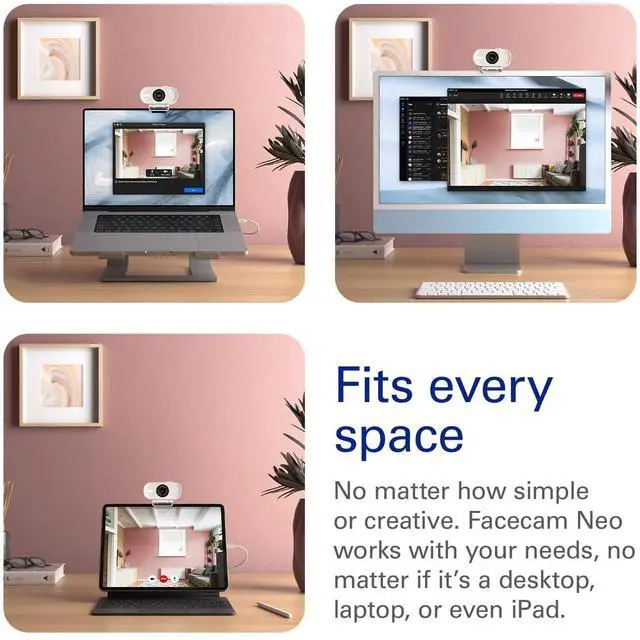


FSDF
Merchant Video


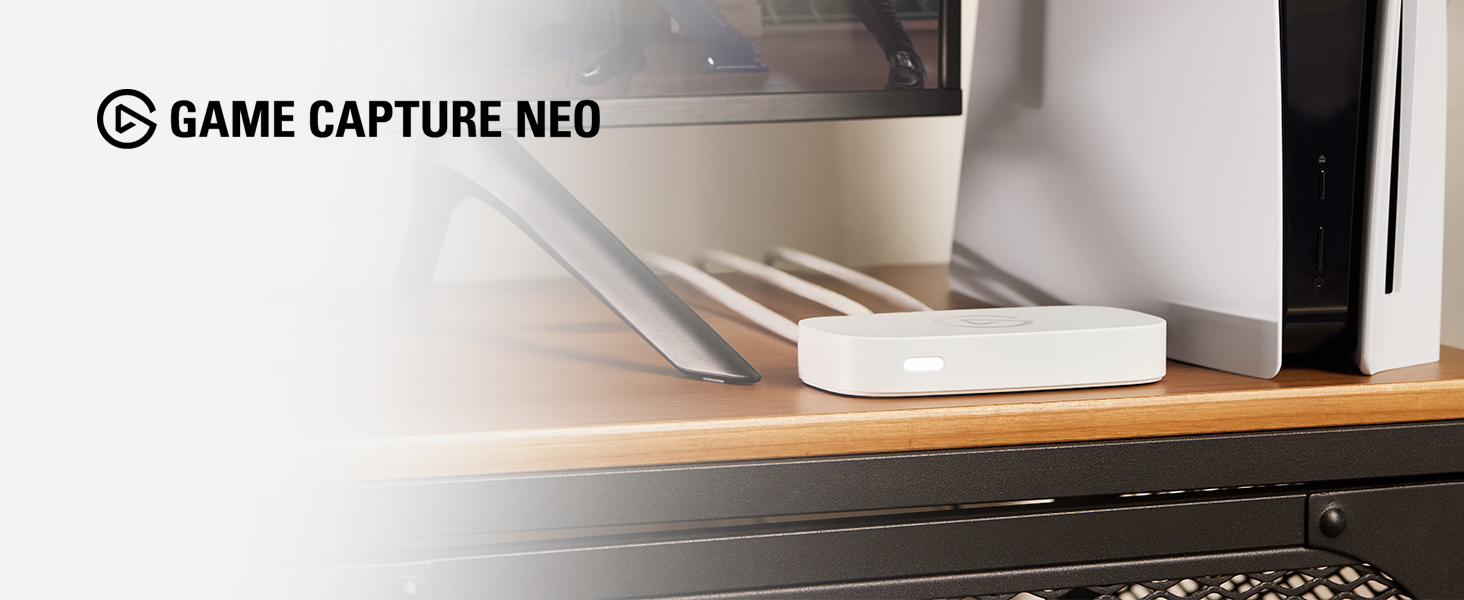
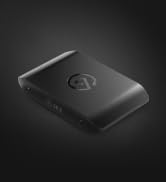
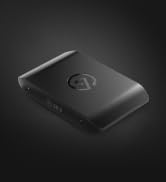
Got an iPad or a laptop? With Game Capture Neo, that’s all you need to stream or record your console adventures in full HD—on Twitch, YouTube, anywhere.
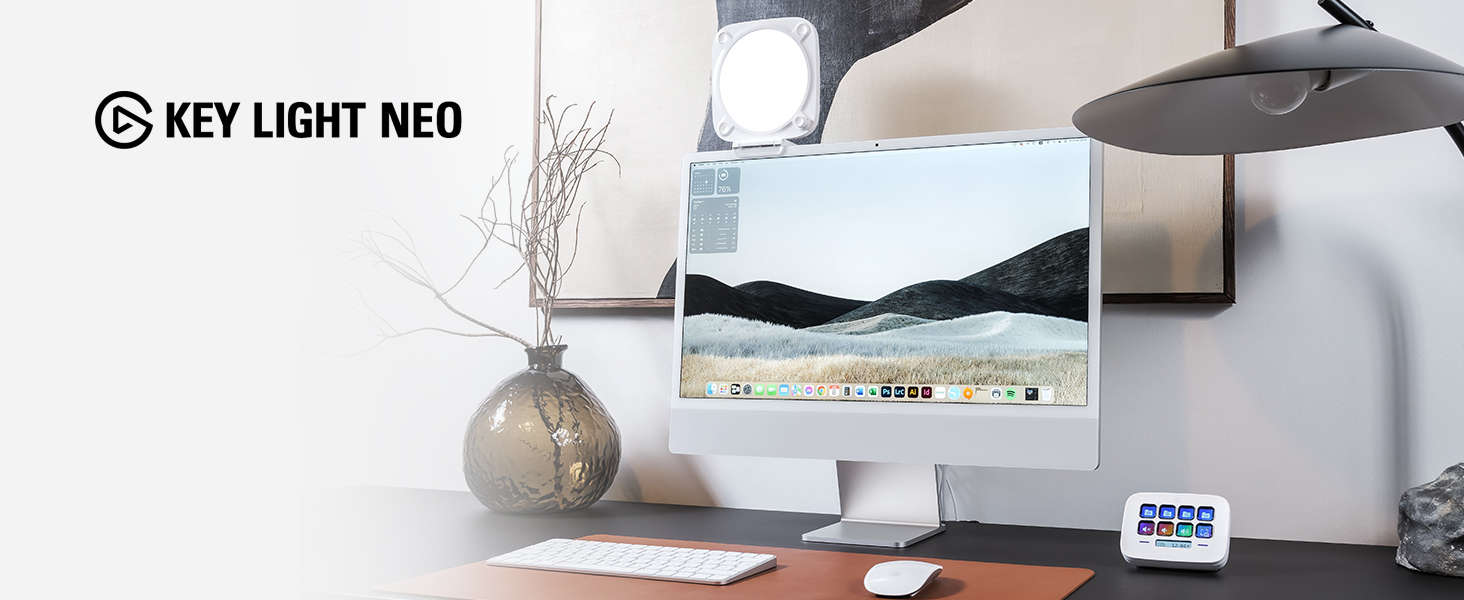
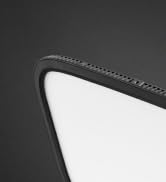
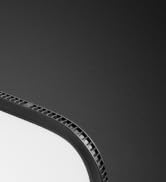
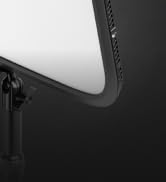
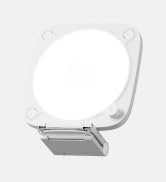
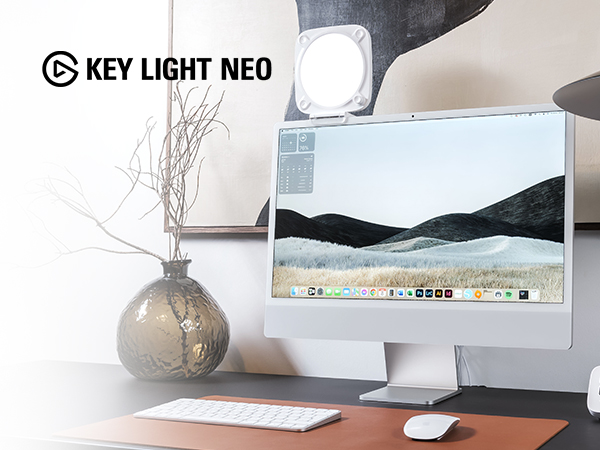
A compact LED panel that mounts to your monitor, Key Light Neo casts a soft, even glow that flatters skin tones without straining the eyes.
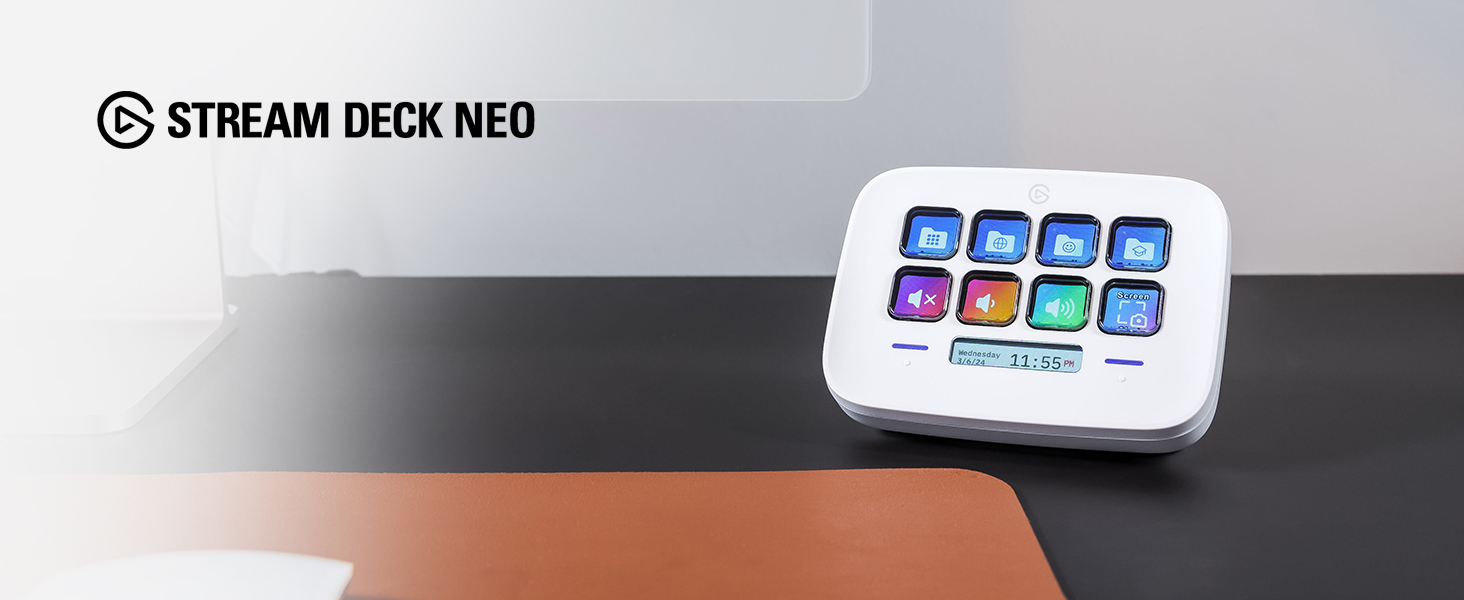
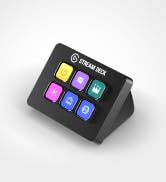
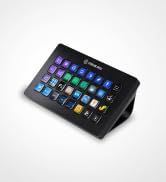
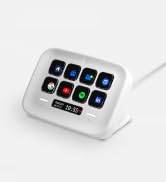
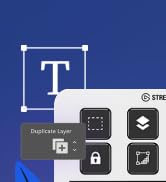
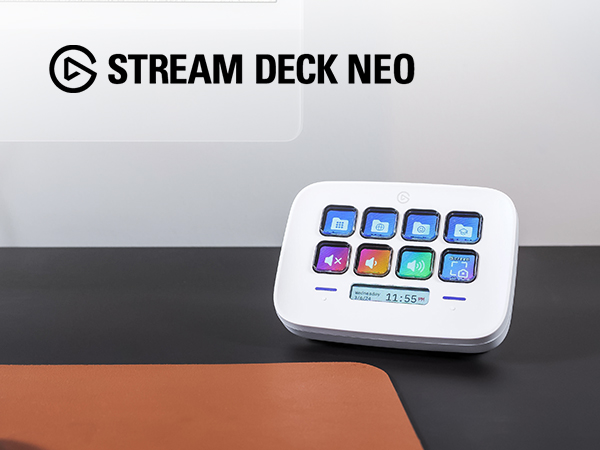
At the heart of your setup, Stream Deck Neo makes everyday tasks fast and fun. Just drag and drop actions onto its eight customizable keys.
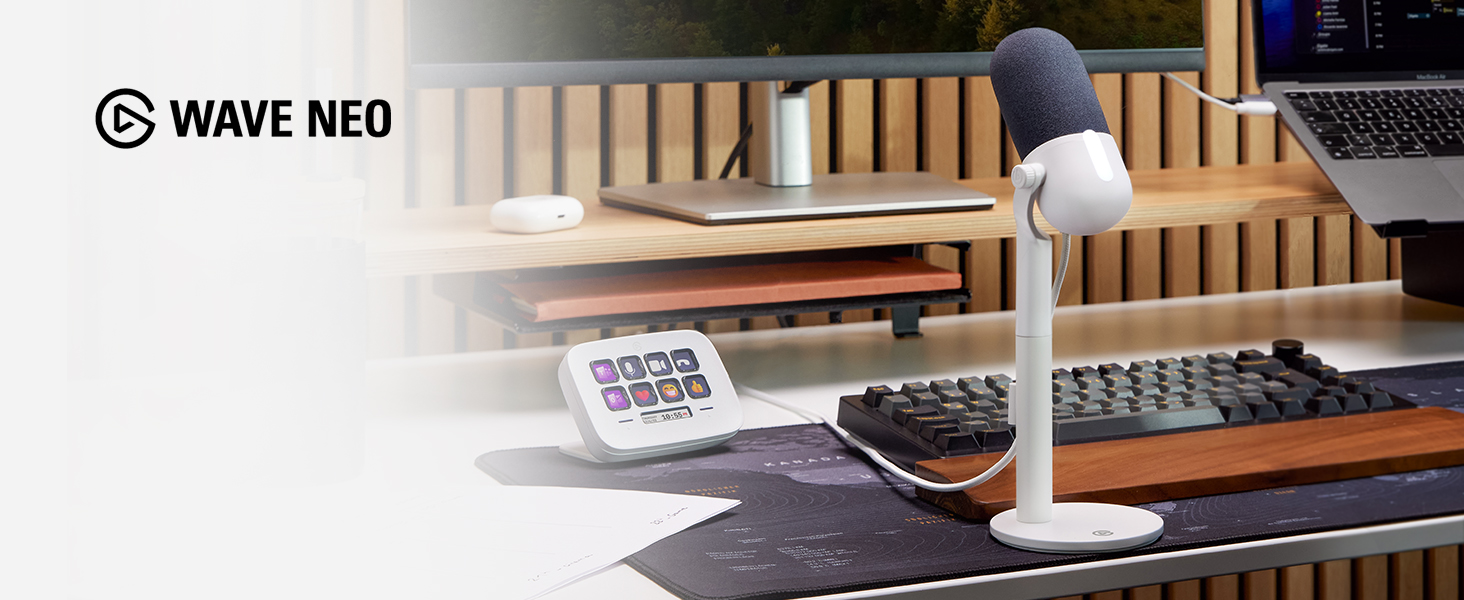
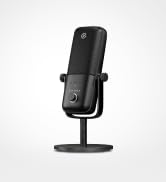
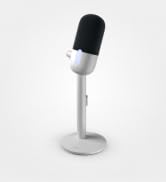
Capture your voice as it really sounds, without the distortion of laptop or earbud mics. So listeners hear you loud and clear, everytime.
Do I need special software?
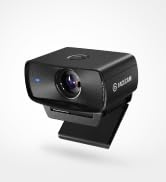
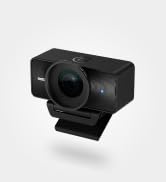
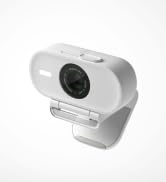
Nope, Facecam Neo is made to use without software. In fact, it’s already tuned to make you look great—so there’s no need to fuss over image settings.
Does it include a built-in microphone?
Nope, and that’s on purpose. Webcam mics generally sound terrible because they’re positioned so far from your mouth. We recommend a dedicated microphone—like Wave Neo—or a headset instead, positioned between 3–8cm from your mouth.
How quickly can I get set up?
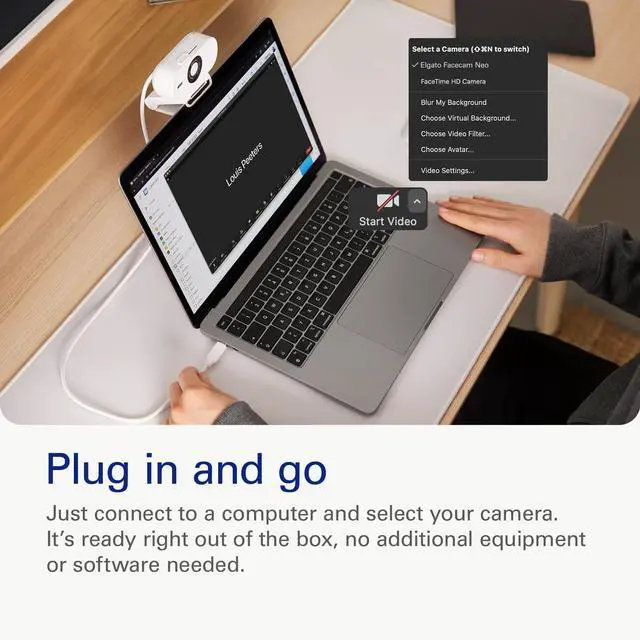
Get started in as little as a few seconds. Just plug in and select Facecam Neo as your camera. It’s as easy as that—there’s no additional setup or equipment needed.
Is my USB setup compatible?
Got an open USB 2.0 (or later) Type C port? That’s all you need to run Facecam Neo. You can even connect to a USB-A port using an adapter (not included).
Is my system compatible?
Uh-huh, Facecam Neo works on almost any PC (Windows 10 or later) or Mac (macOS 12 or later) and even the latest iPads (iPadOS 17 or newer).
Technical Specifications




FSDF
Merchant Video


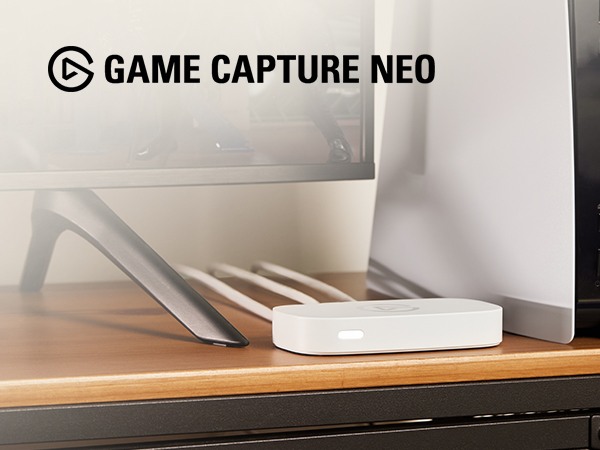

Got an iPad or a laptop? With Game Capture Neo, that’s all you need to stream or record your console adventures in full HD—on Twitch, YouTube, anywhere.
A compact LED panel that mounts to your monitor, Key Light Neo casts a soft, even glow that flatters skin tones without straining the eyes.
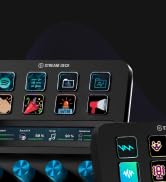
At the heart of your setup, Stream Deck Neo makes everyday tasks fast and fun. Just drag and drop actions onto its eight customizable keys.
Capture your voice as it really sounds, without the distortion of laptop or earbud mics. So listeners hear you loud and clear, everytime.
Do I need special software?
Nope, Facecam Neo is made to use without software. In fact, it’s already tuned to make you look great—so there’s no need to fuss over image settings.
Does it include a built-in microphone?
Nope, and that’s on purpose. Webcam mics generally sound terrible because they’re positioned so far from your mouth. We recommend a dedicated microphone—like Wave Neo—or a headset instead, positioned between 3–8cm from your mouth.
How quickly can I get set up?
Get started in as little as a few seconds. Just plug in and select Facecam Neo as your camera. It’s as easy as that—there’s no additional setup or equipment needed.
Is my USB setup compatible?
Got an open USB 2.0 (or later) Type C port? That’s all you need to run Facecam Neo. You can even connect to a USB-A port using an adapter (not included).
Is my system compatible?
Uh-huh, Facecam Neo works on almost any PC (Windows 10 or later) or Mac (macOS 12 or later) and even the latest iPads (iPadOS 17 or newer).
Technical Specifications
| Supported resolutions | 1080p60, 1080p30, 720p60, 720p30, 540p60, 540p30 (MJPG) |
|---|---|
| Optics | Elgato AF Lens (auto focus) |
| Aperture | f/2.0 |
| Focal length | 26 mm (full-format equivalent) |
| Dimensions | 123 x 65 x 20 mm / 4.8 x 2.6 x 0.8 in |
| Field of view | 77° |
| Sensor | CMOS sensor 1/2.9\" |
| Connection | USB Type C (fixed) |
| Mounting point | 1/4" thread |
| USB video class | UVC standard v1.5 |
| Dimensions (WDH) | 88 x 32 x 40 mm | 3.5 x 1.3 x 1.6 in (without mount) |
| Weight | 80 g | 0.18 lb (without mount), 110 g | 0.24 lb (with mount) |
| System requirements | Windows 10 (64-bit) or newer, Intel or AMD CPU / macOS 12 or newer, Intel or Apple CPU / USB 2.0 (or later) Type C, USB 2.0 (or later) Type A (with adapter, not included) |
Stream Deck
Audio
Mic Arms
Cameras
Capture
Lighting
Meet Neo
Stream Deck x Photoshop
At your fingertips
Audio Controller